Solutions
The “meet your team” page, prepared in advance
The “meet your team” page in a proposal, without scavenging for photos the night before. Matching headshots for everyone named on the bid.
From $39 per person, volume discounts from 5 people.
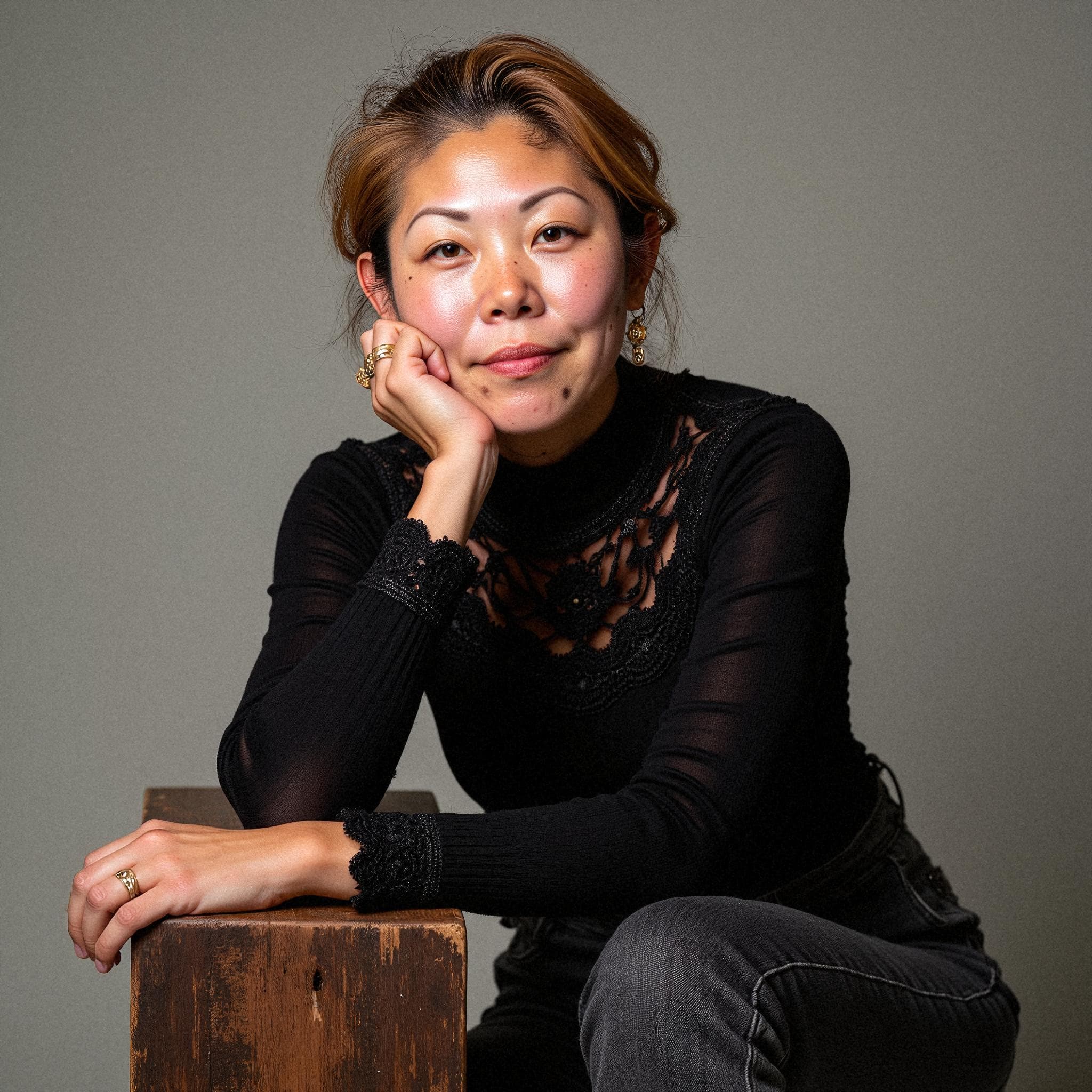
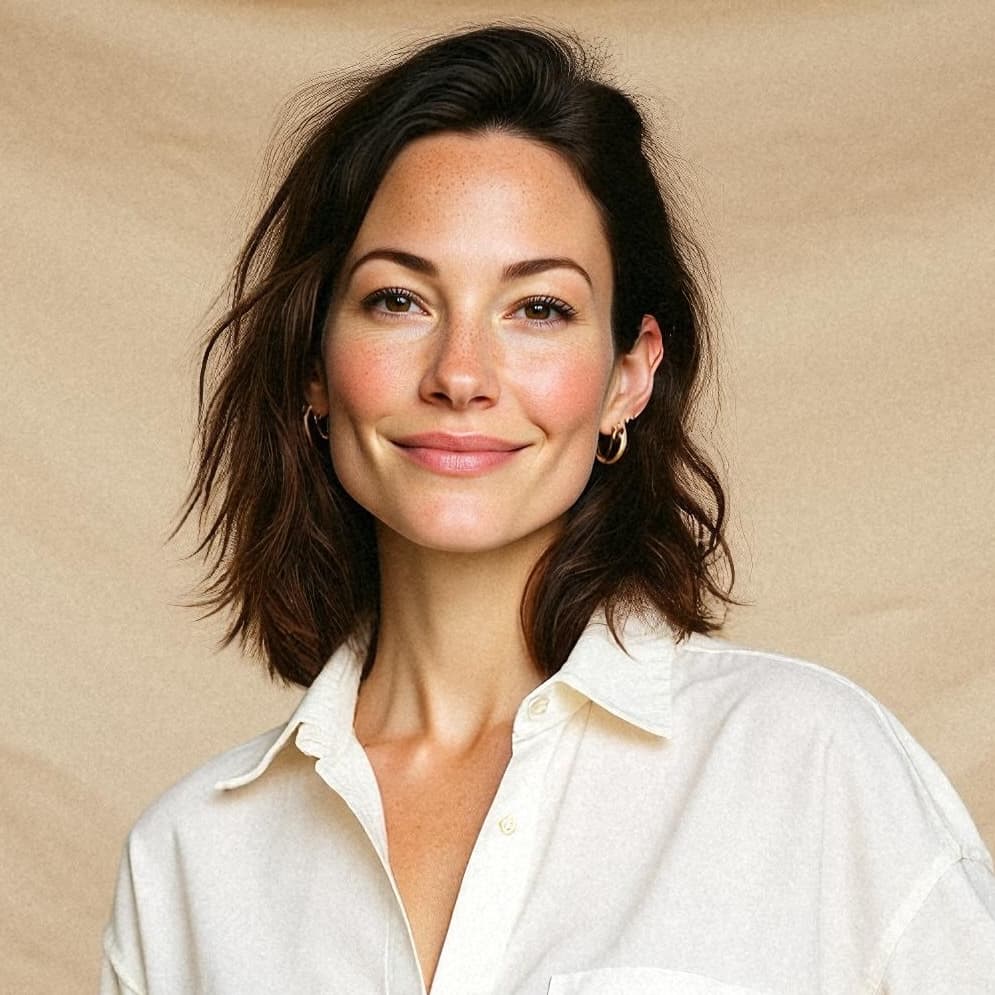
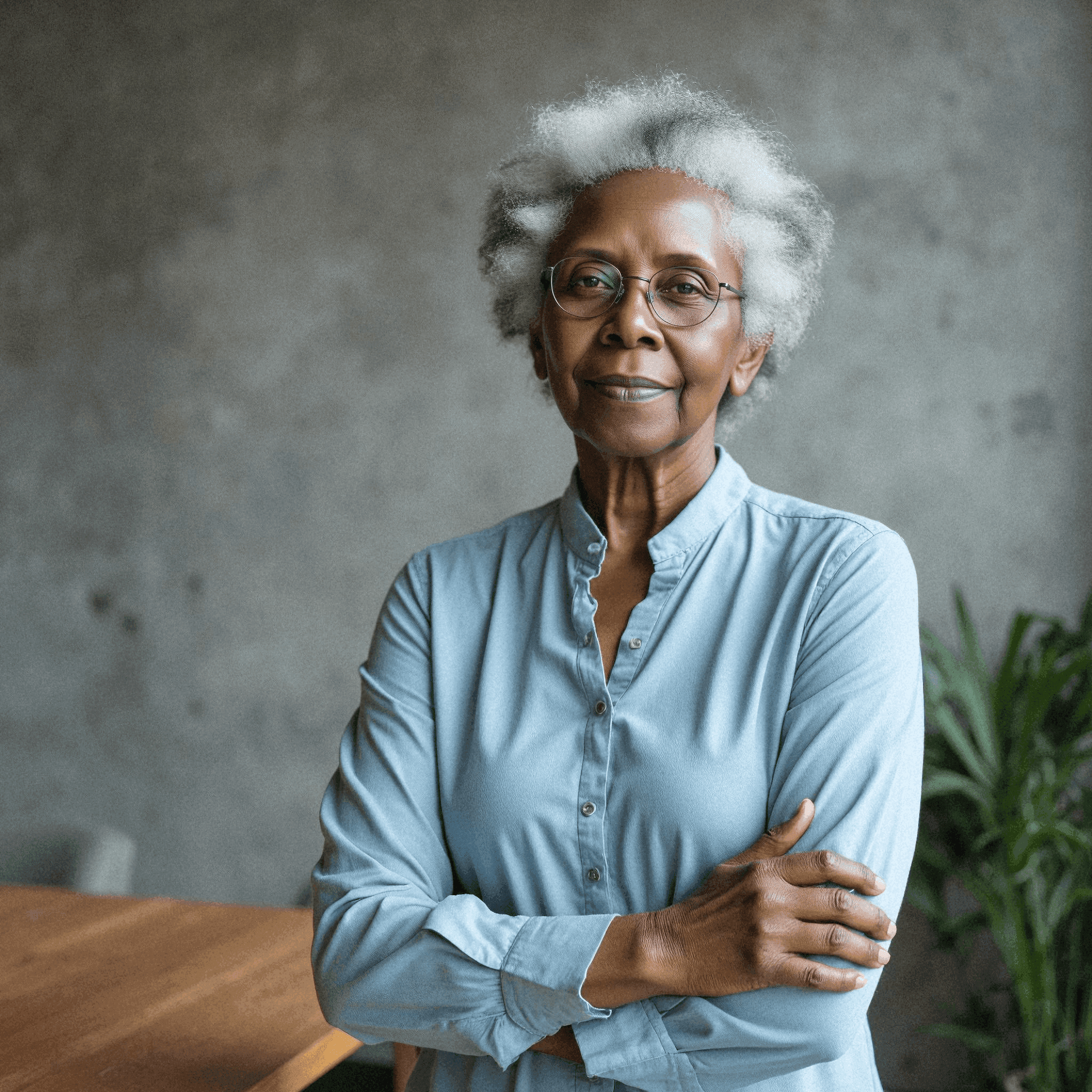
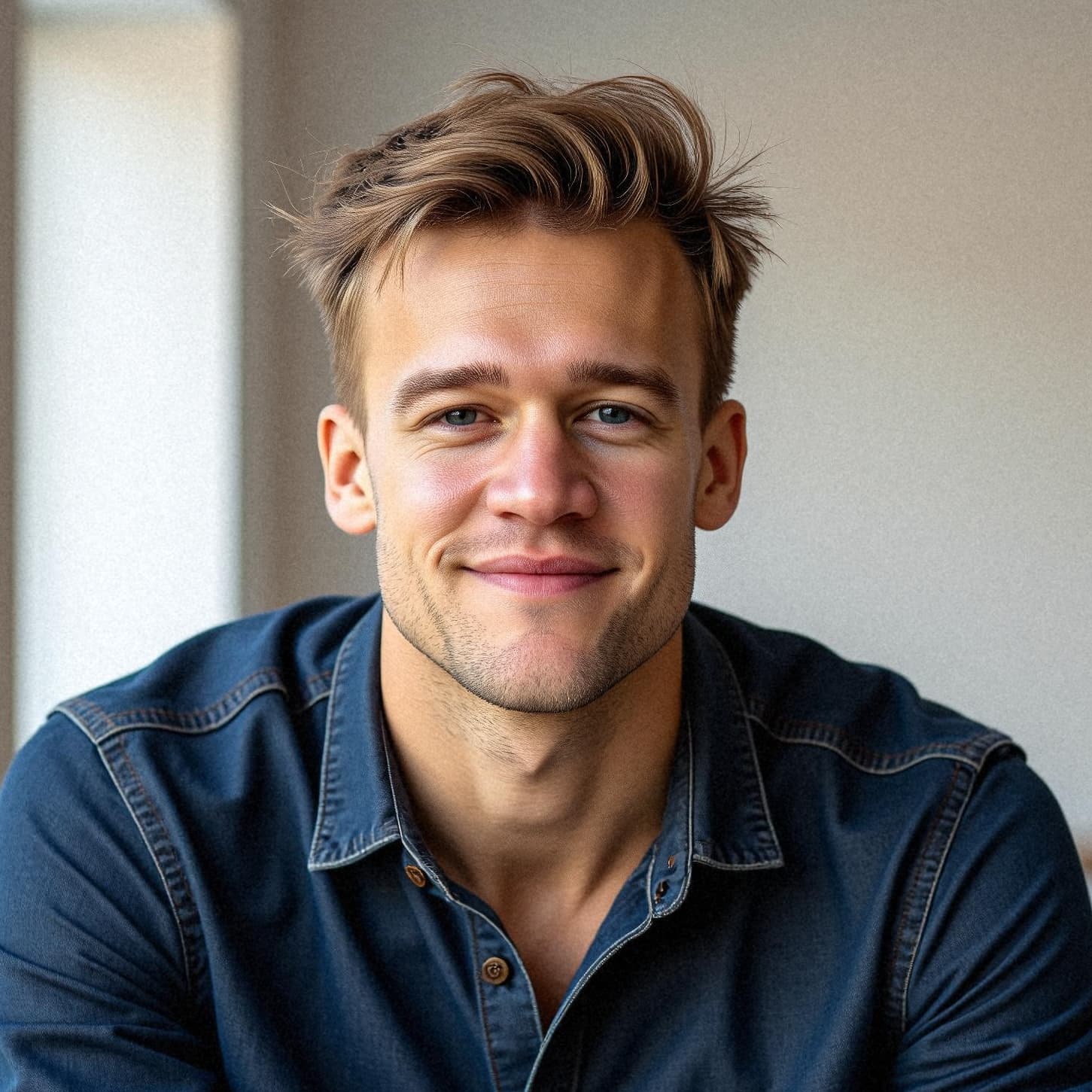
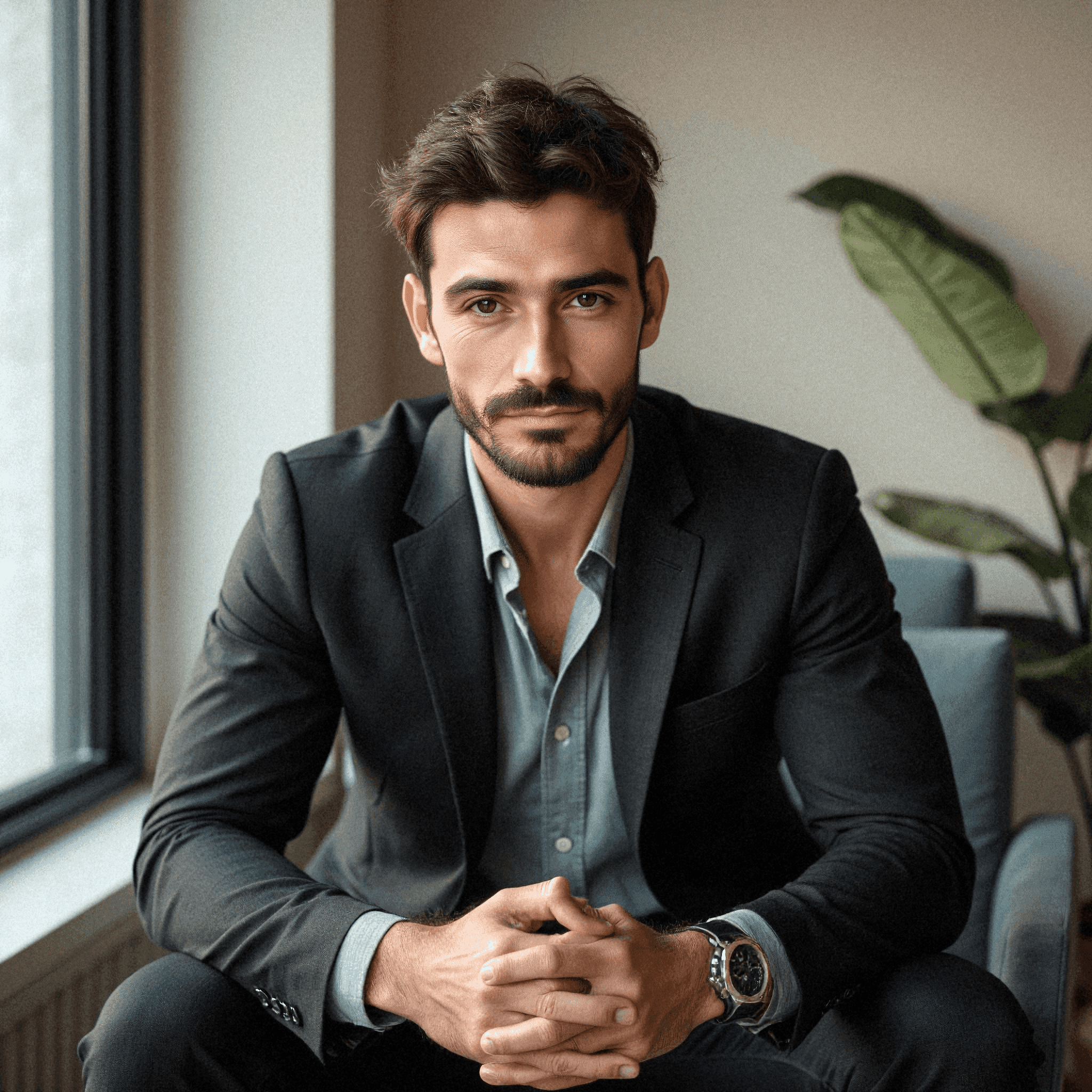
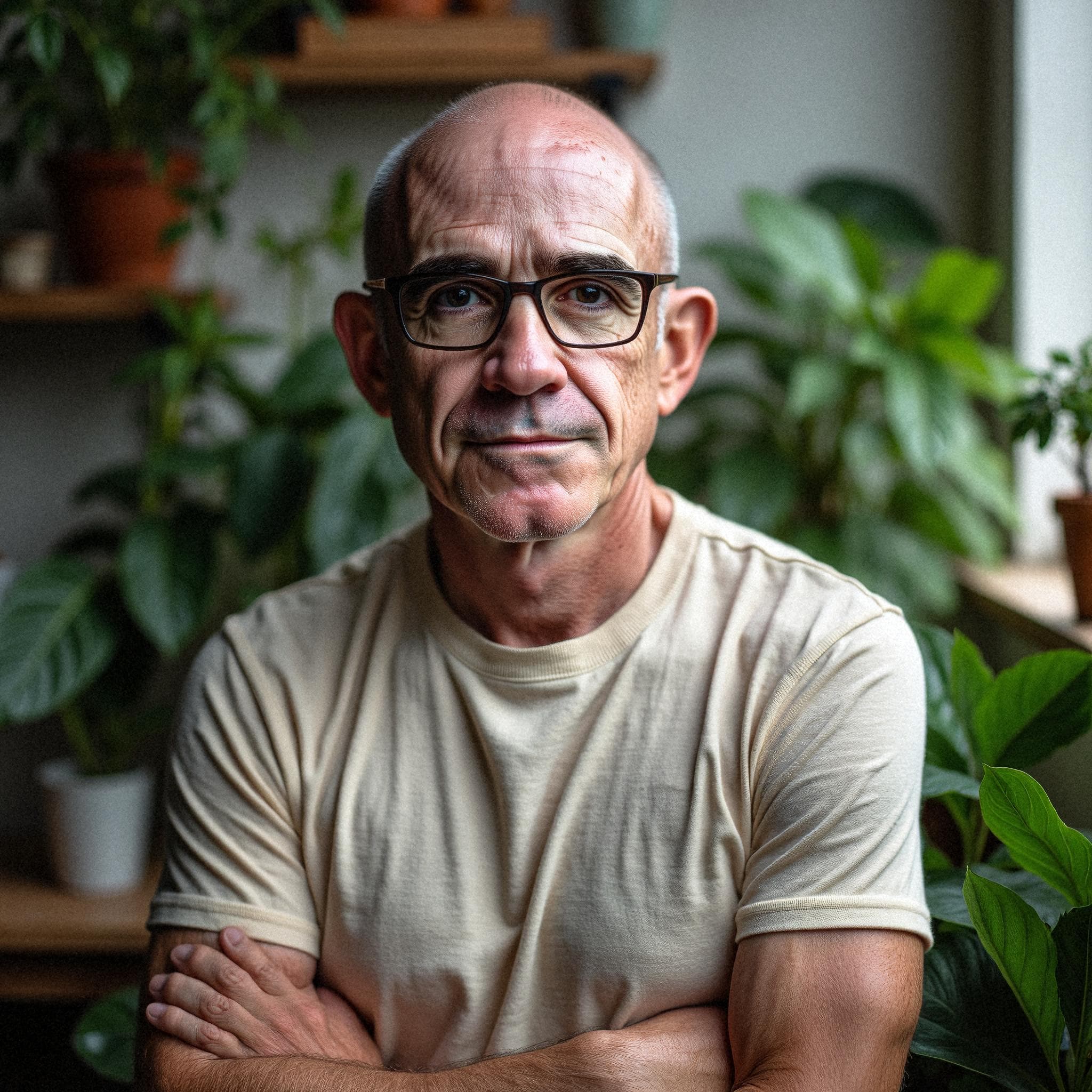
- Ten photos per person: five outfits, two takes of each
- About an hour from selfies to download
- Nobody on the team needs an account
Almost every serious proposal contains a page introducing the people who will do the work. It is one of the few pages a client actually reads closely, and it is nearly always assembled at the last minute from whatever photographs someone can find. A grid of four faces where two are professional portraits and two are cropped from a party is a small signal, but it is the kind of signal a procurement team notices. Starkie Teams makes it something you prepare once rather than scramble for every time.
The result
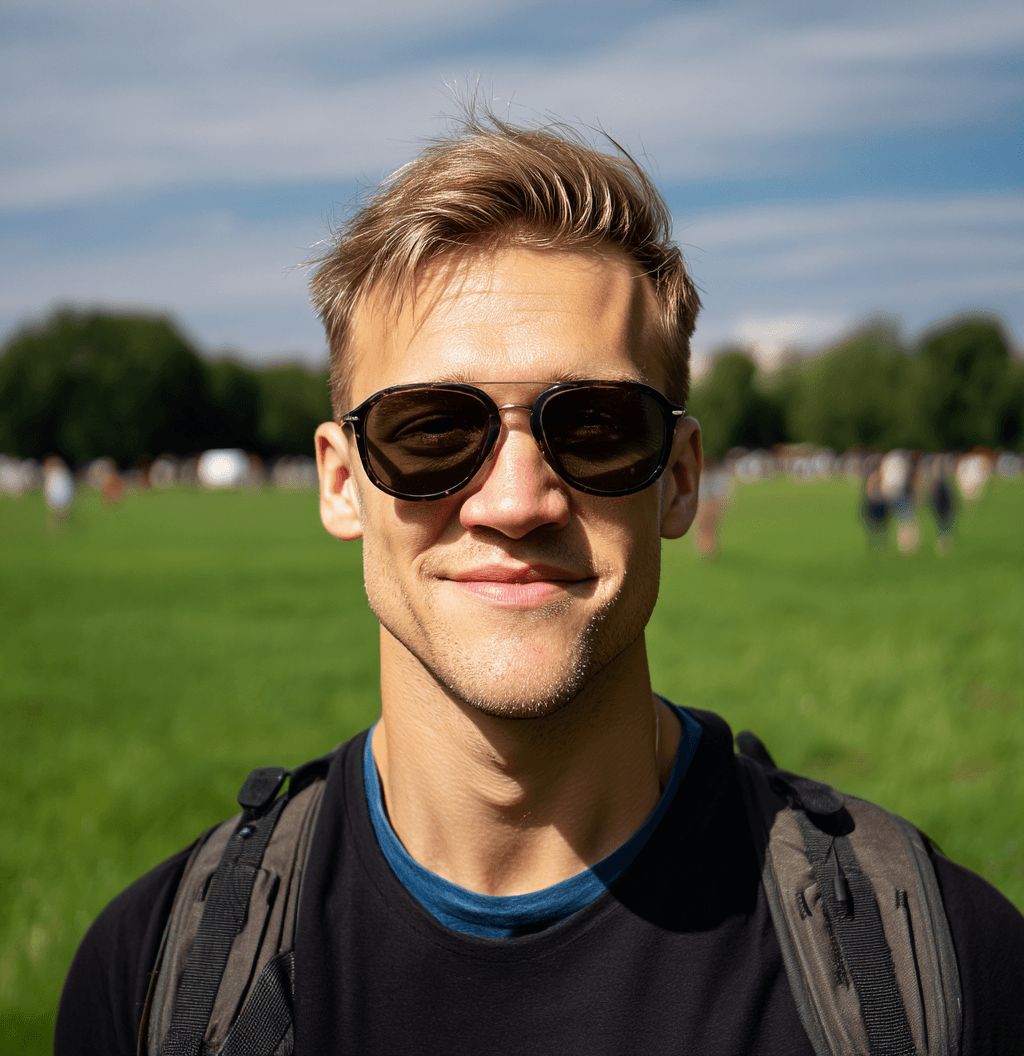
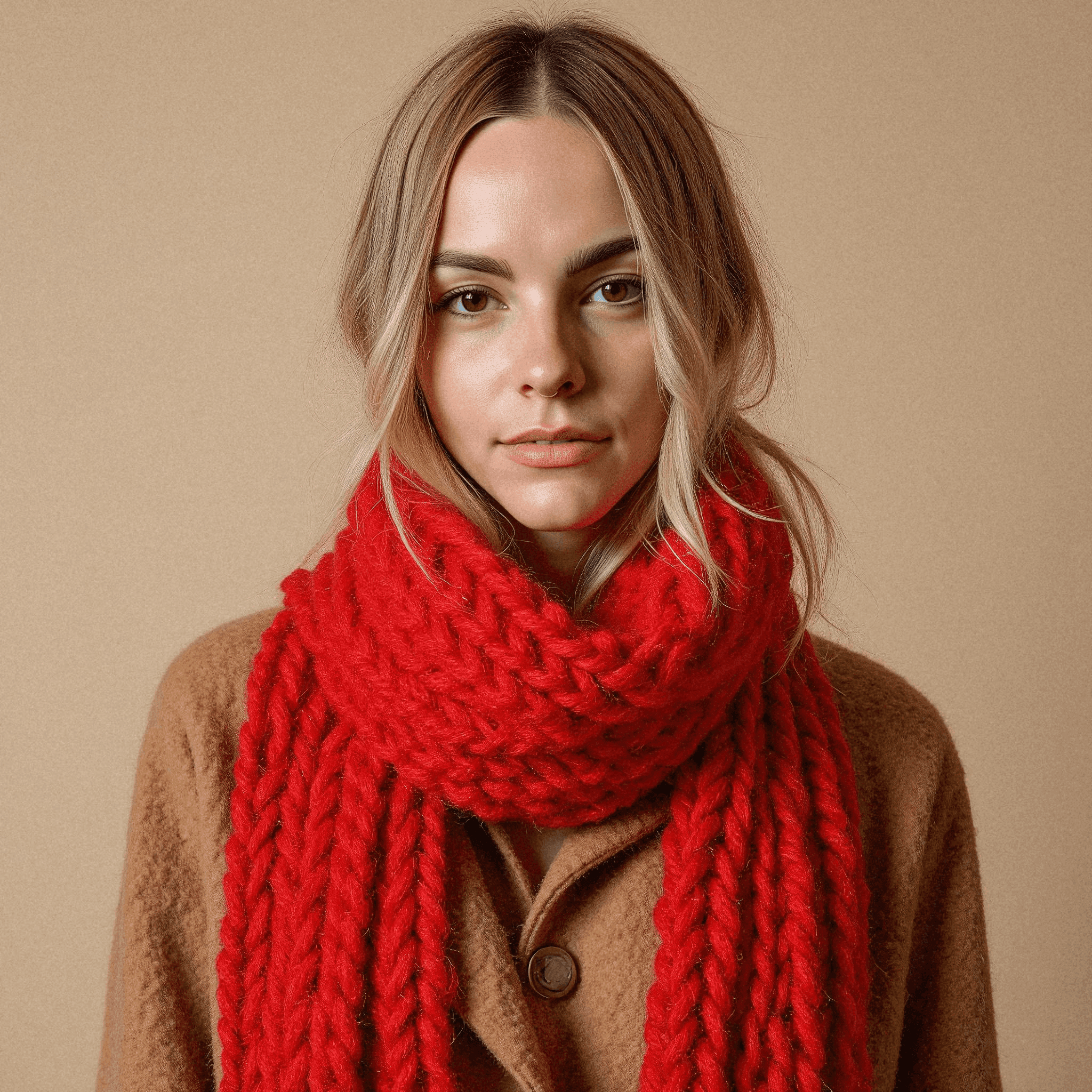
Everyone, in the same light.
Choose a backdrop and an outfit once. Every person who joins is generated inside that style, so the team page finally looks like one team rather than a collage of whoever had a photo.
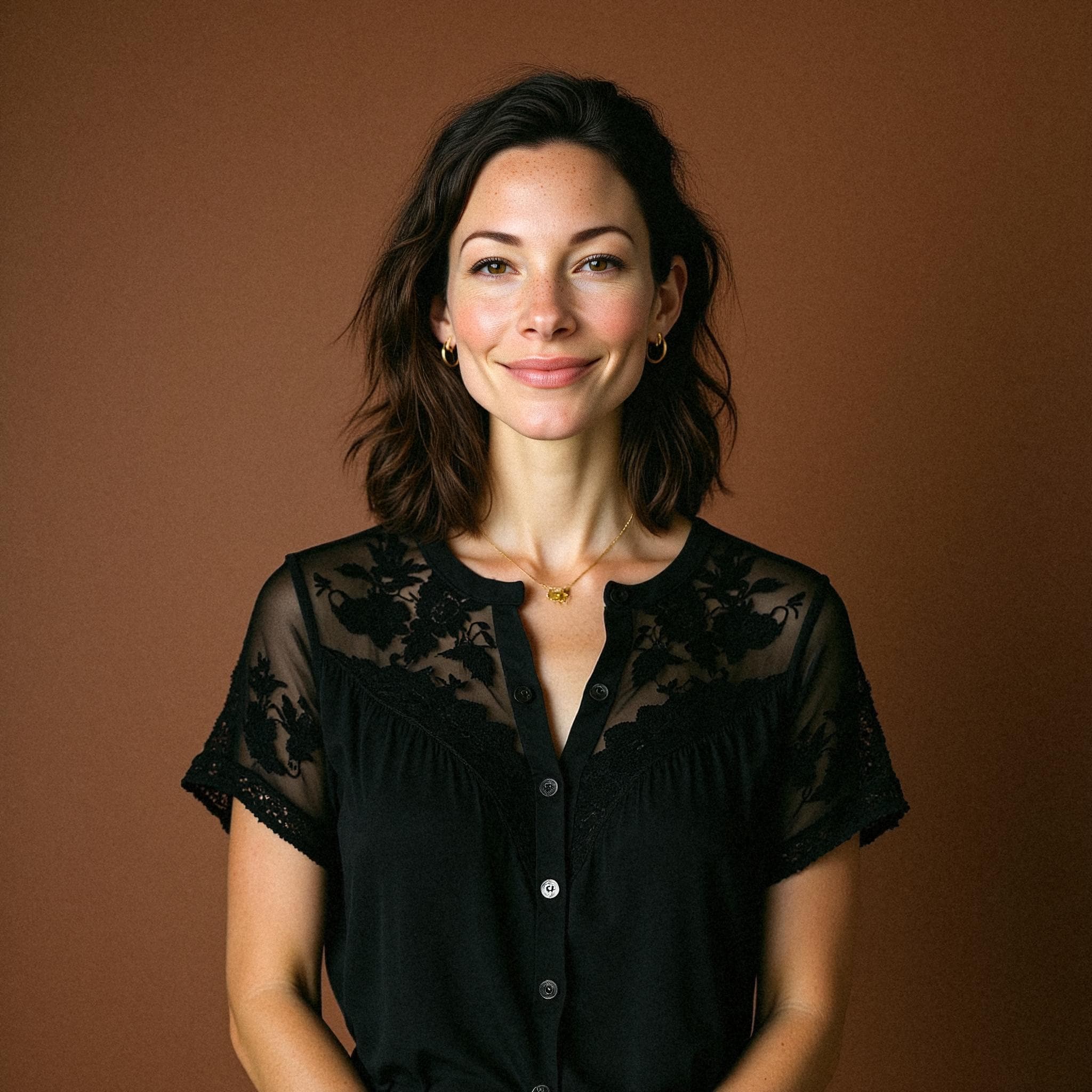
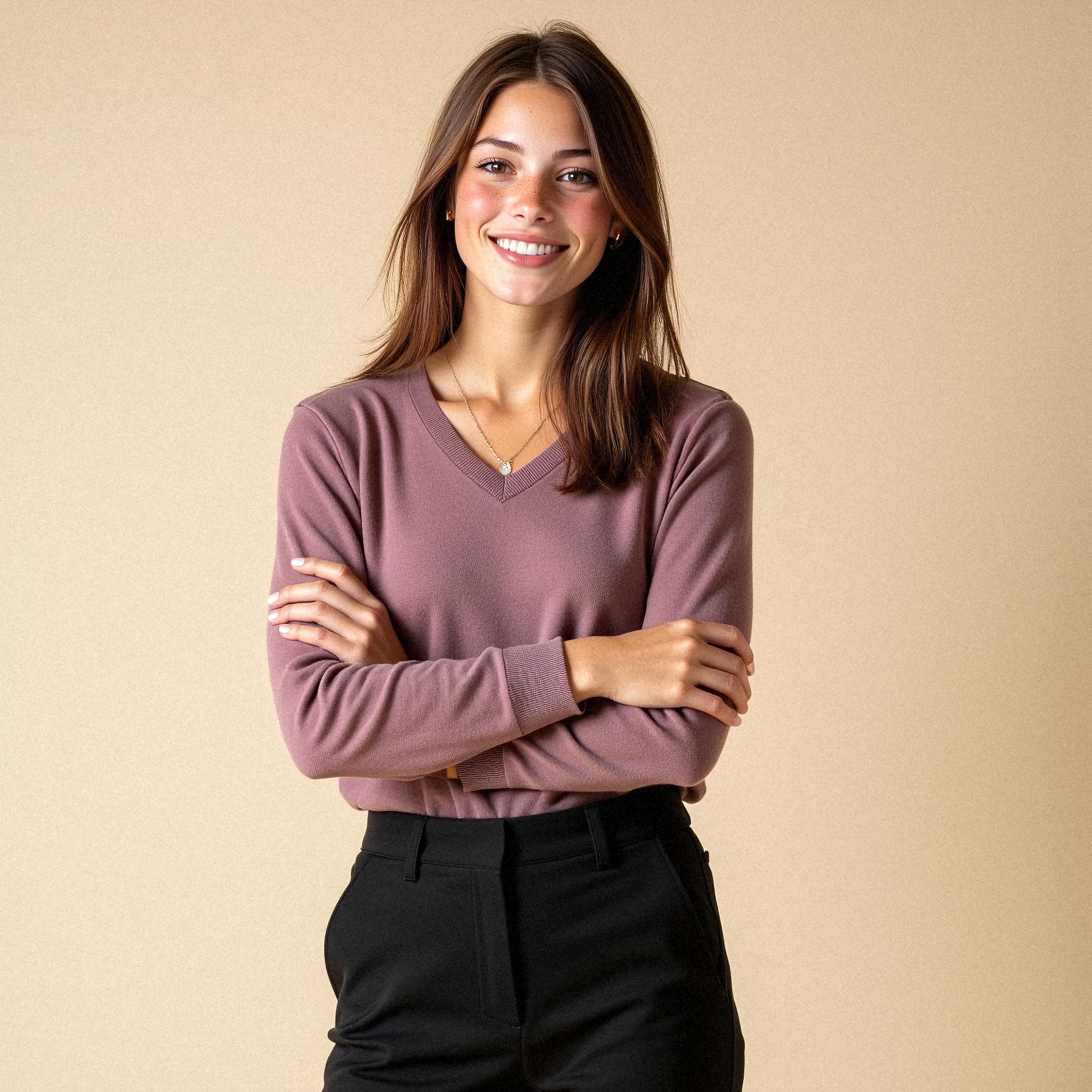
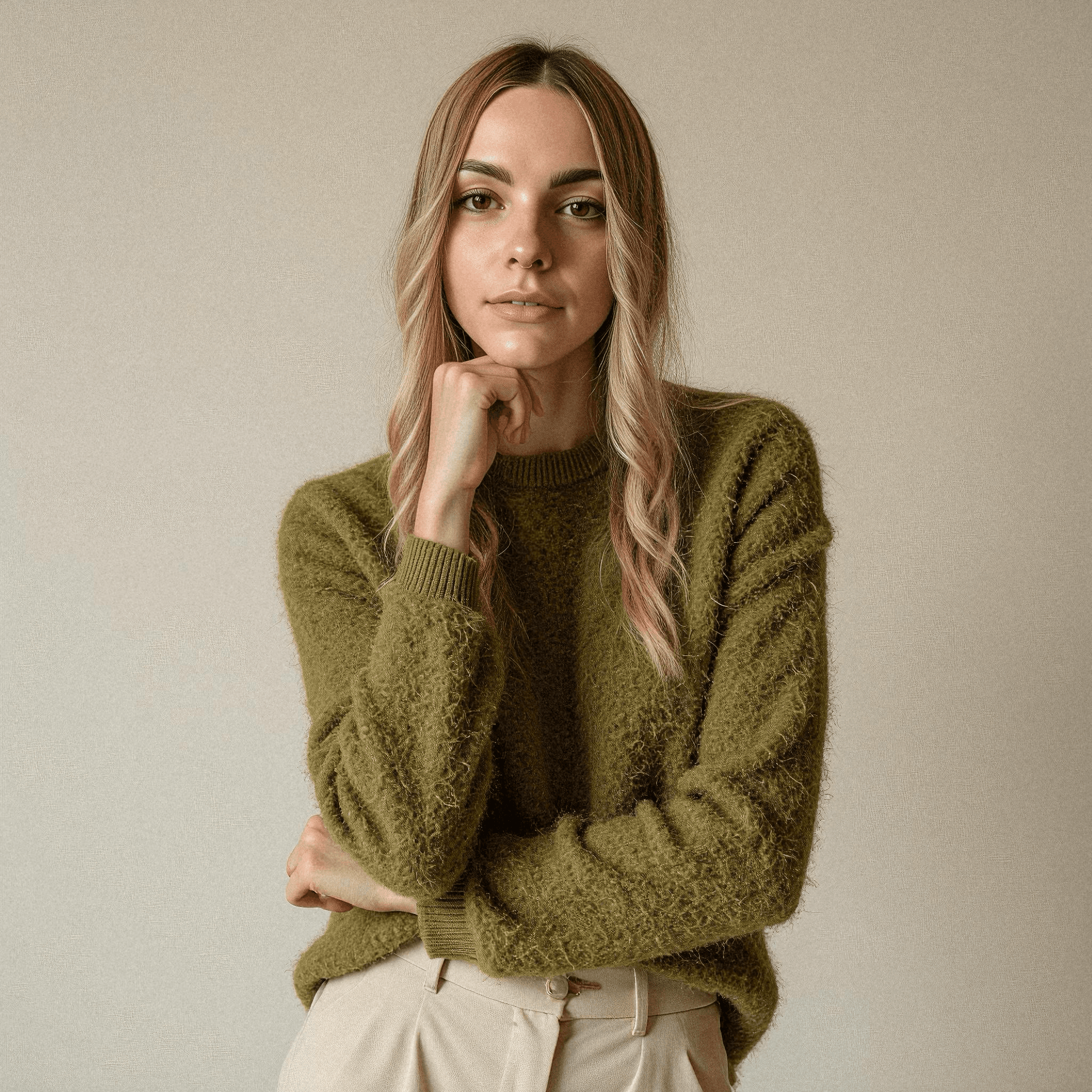
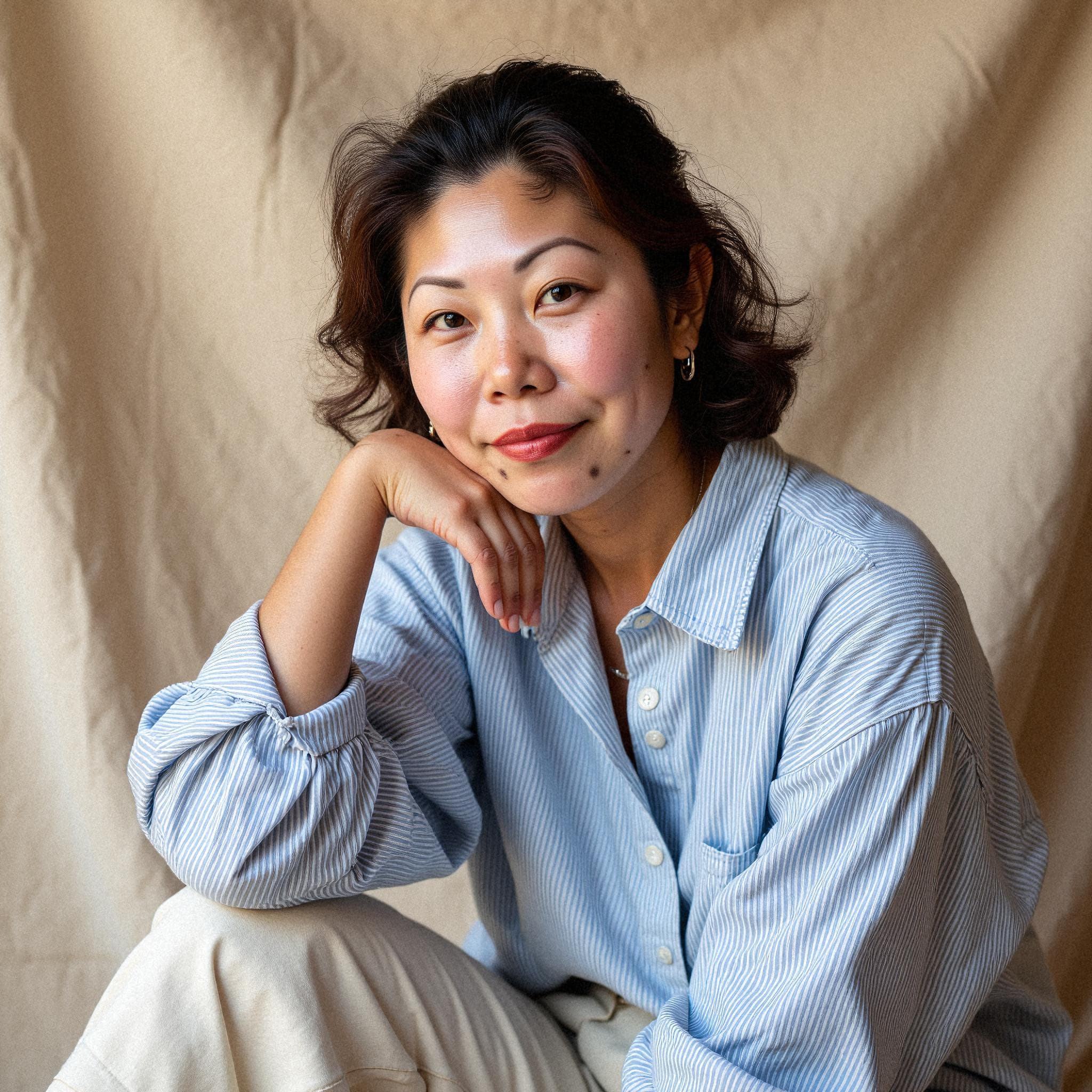
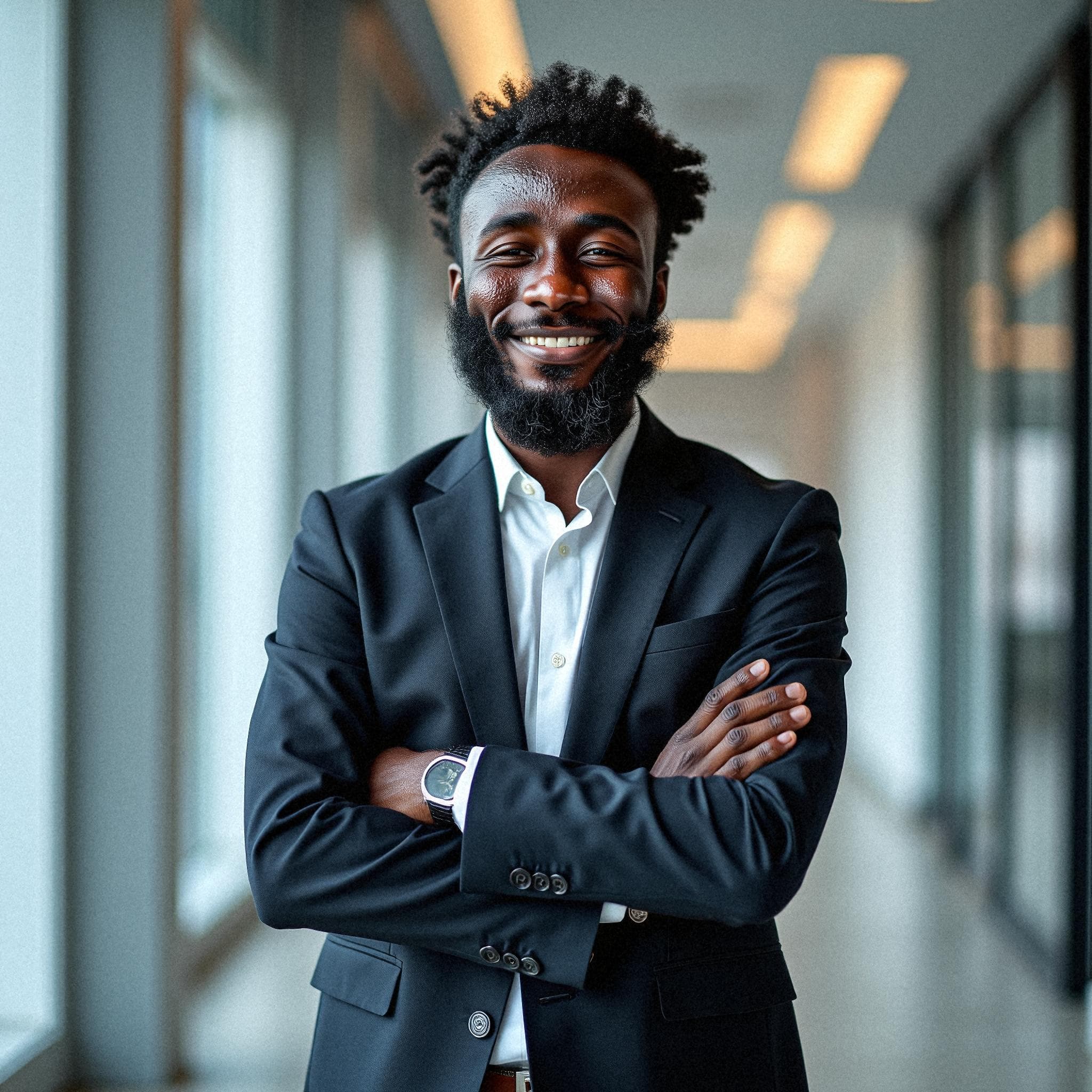
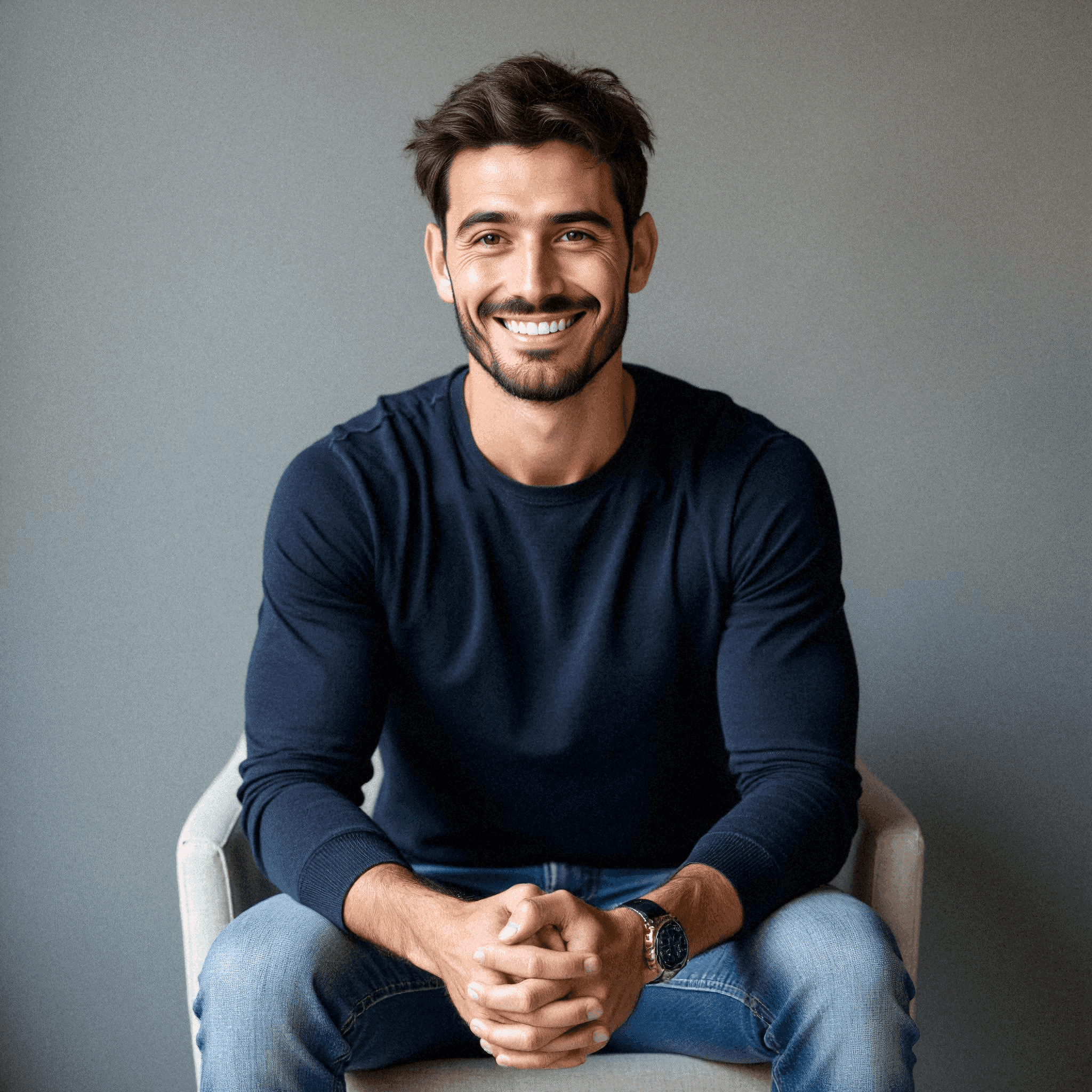
Sample headshots generated by Starkie from phone selfies.
A grid that survives being read closely
Proposal templates put every person in an identical box, which is exactly the layout that exposes mismatched sources. One photograph is tightly cropped, another has a window behind it, a third is a different colour temperature entirely, and the page reads as improvised.
Generating the whole company inside a single style means any four people can be dropped into the grid without adjustment, whichever combination the opportunity calls for. Each person picked their own frame from 40, so nobody objects to the one that ends up in front of a client.
See it work
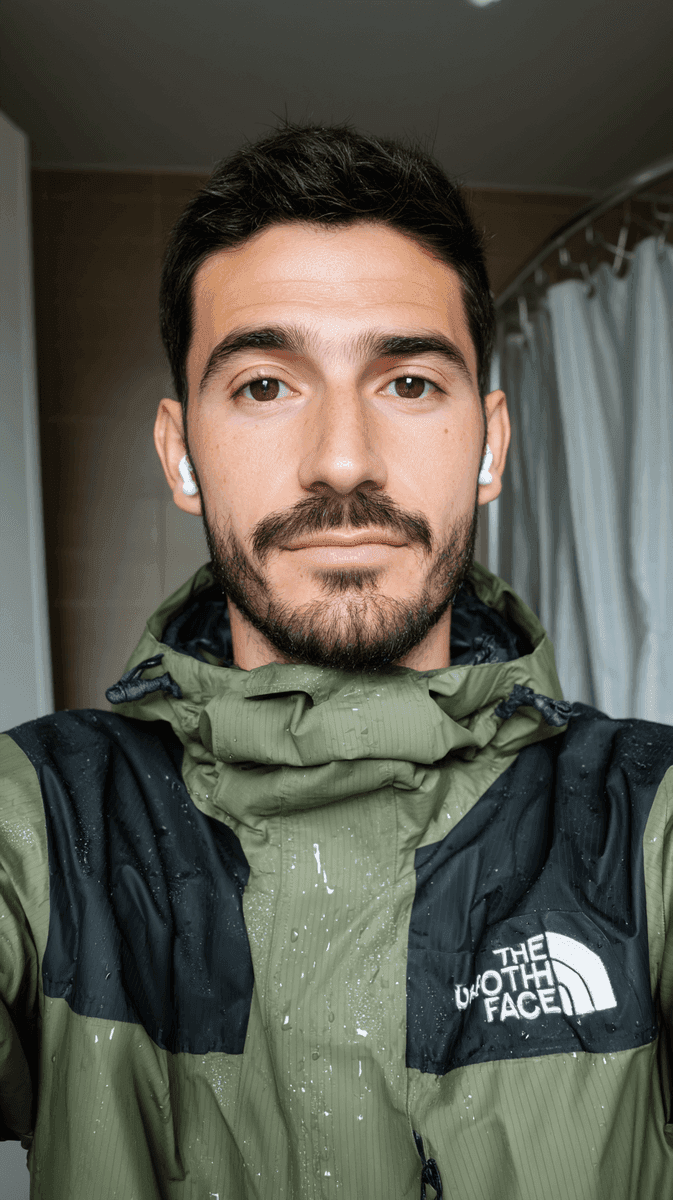
From selfies to a finished set, in four moves.
Nothing here needs a studio, a camera or a calendar. The whole thing runs from a phone and a browser.
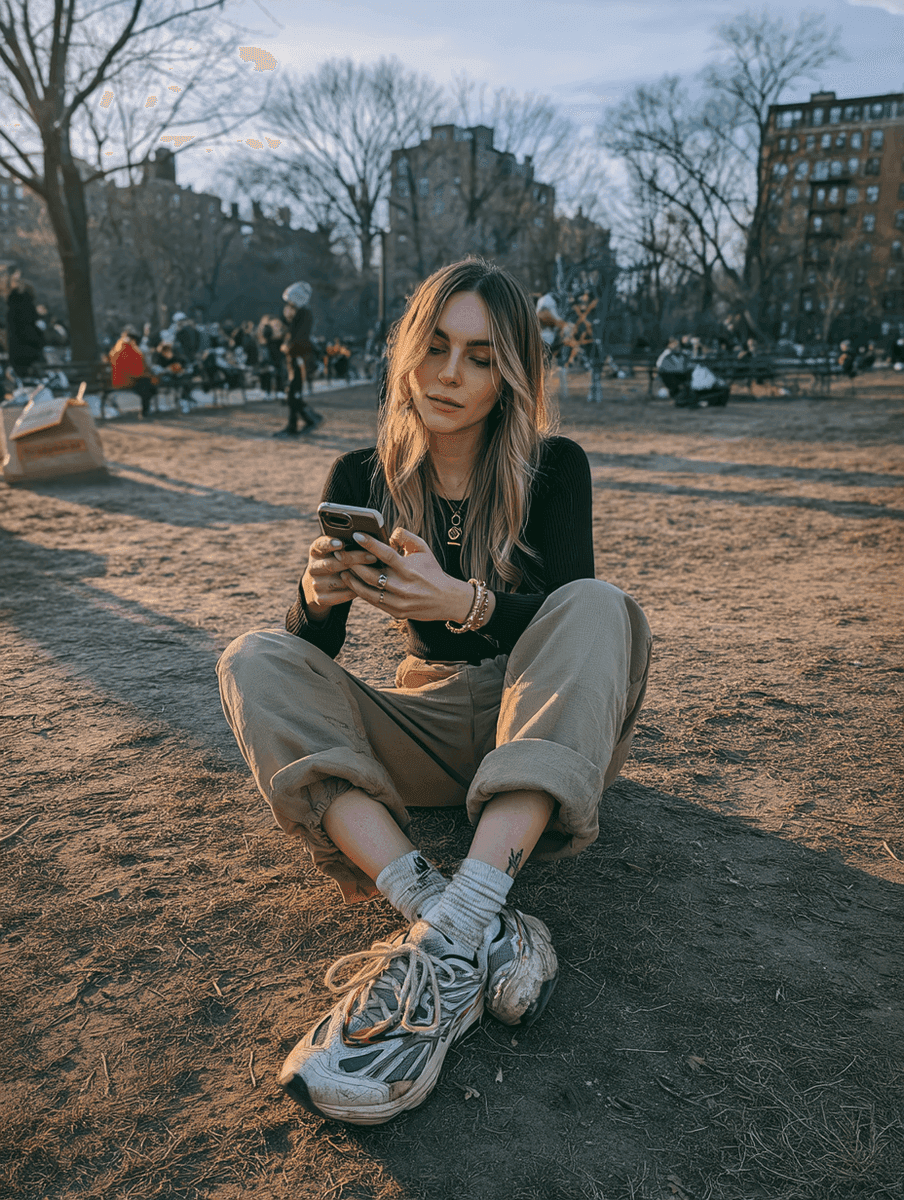
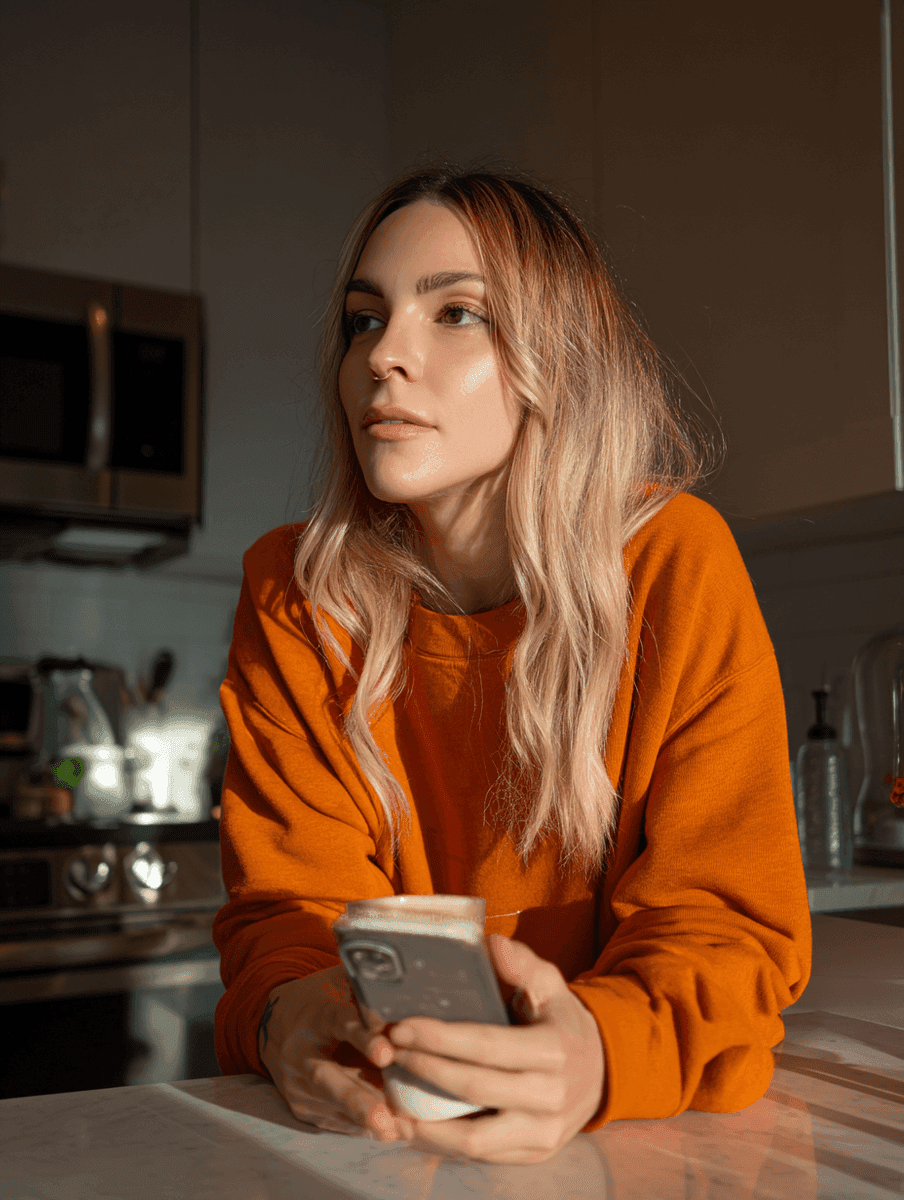 Uploading 8 selfies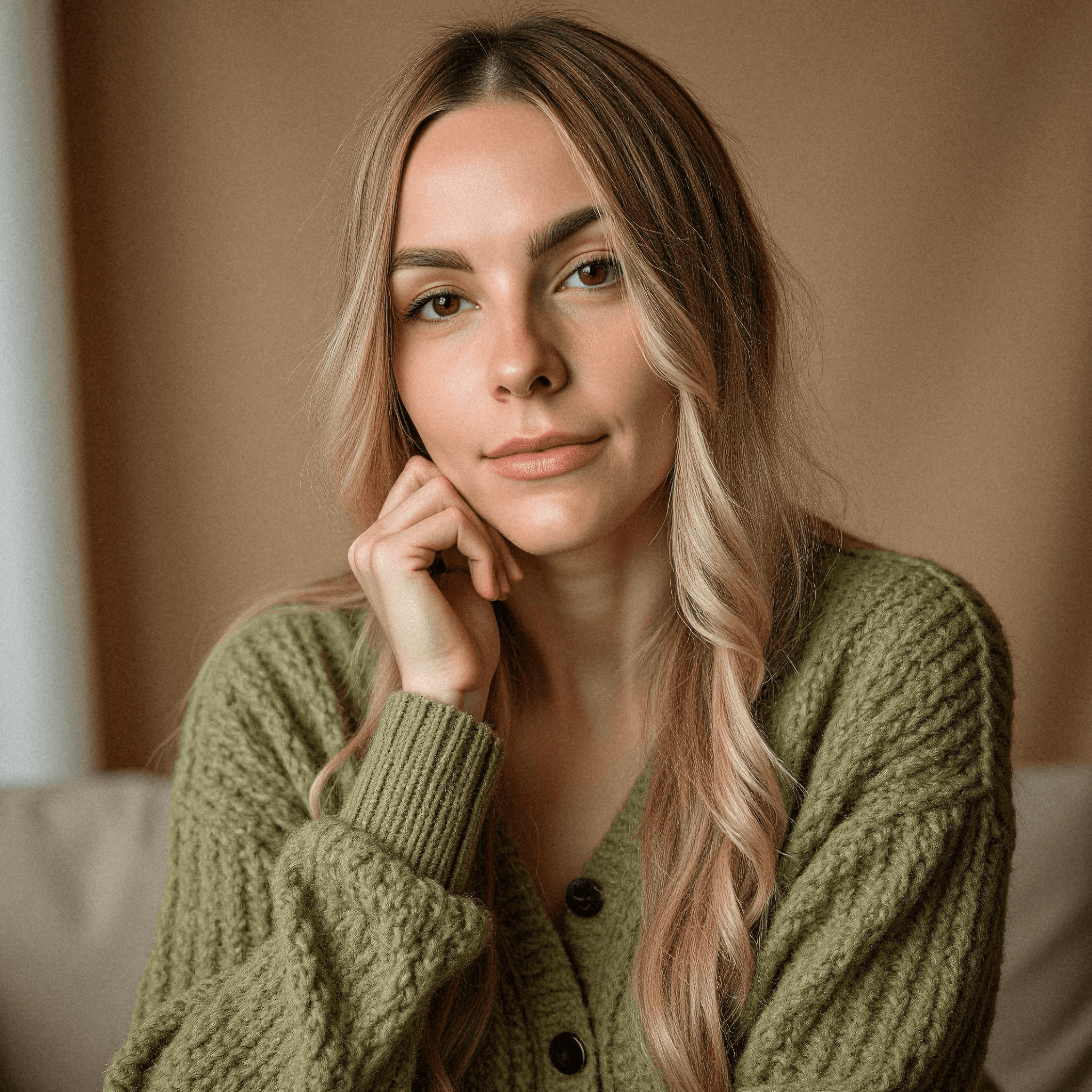
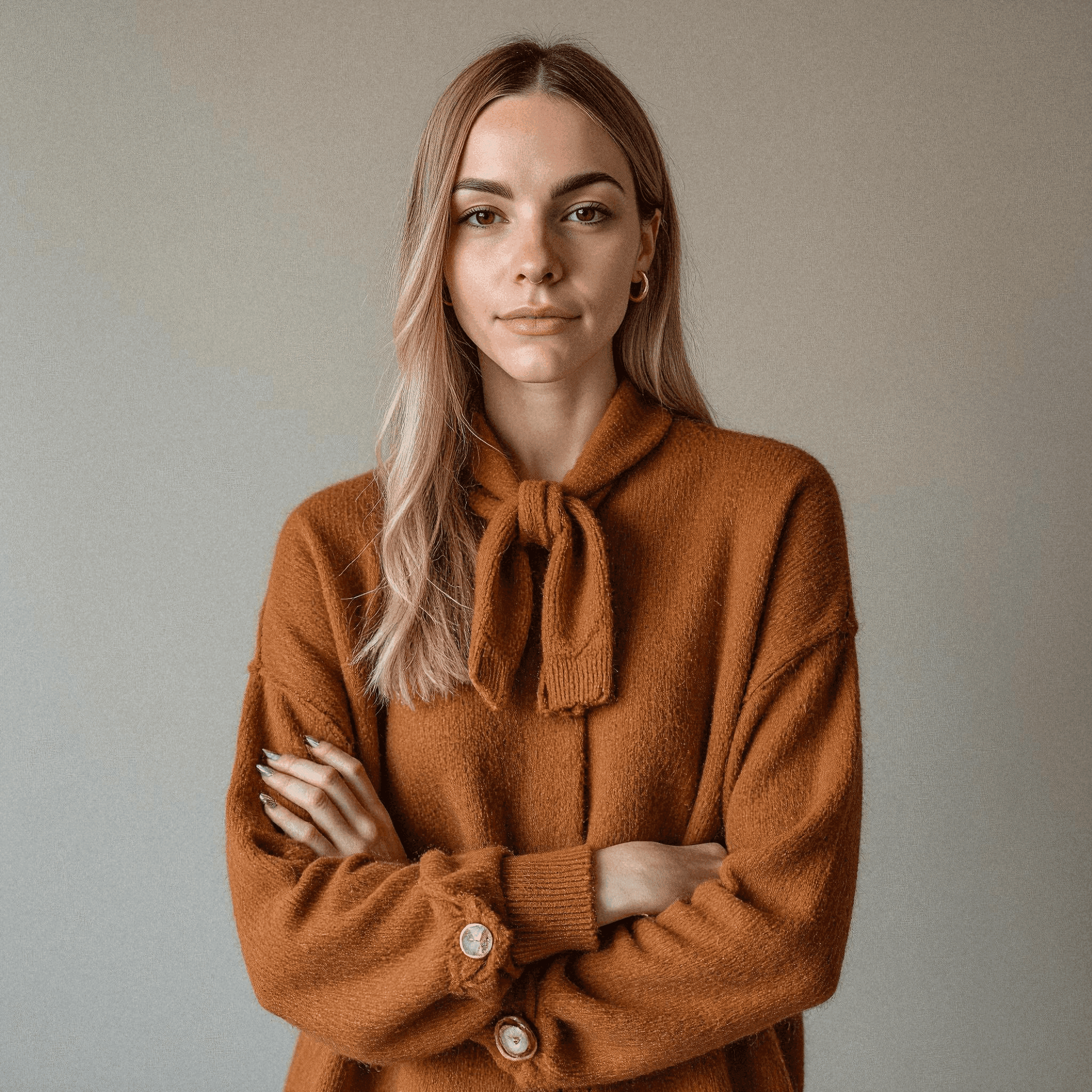
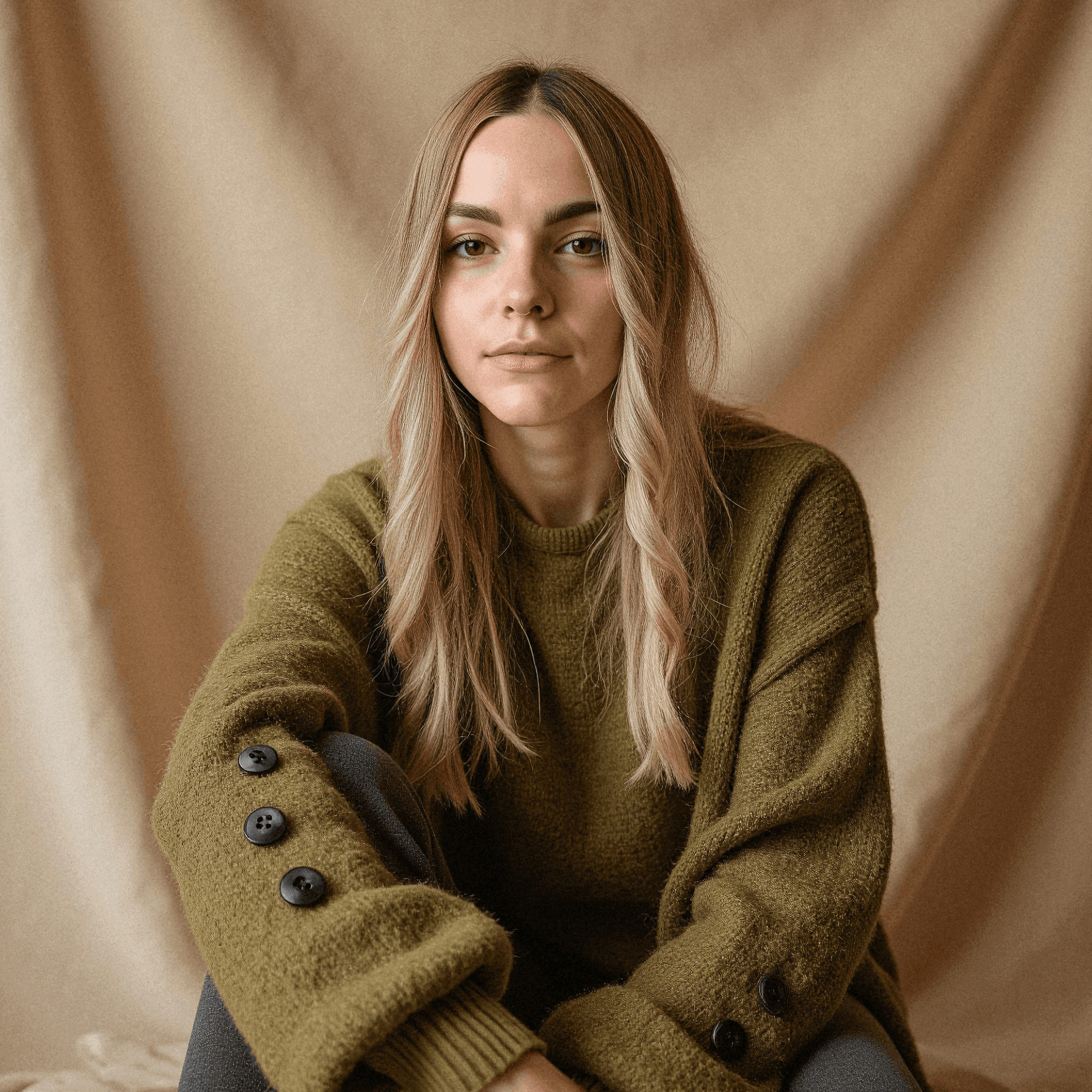
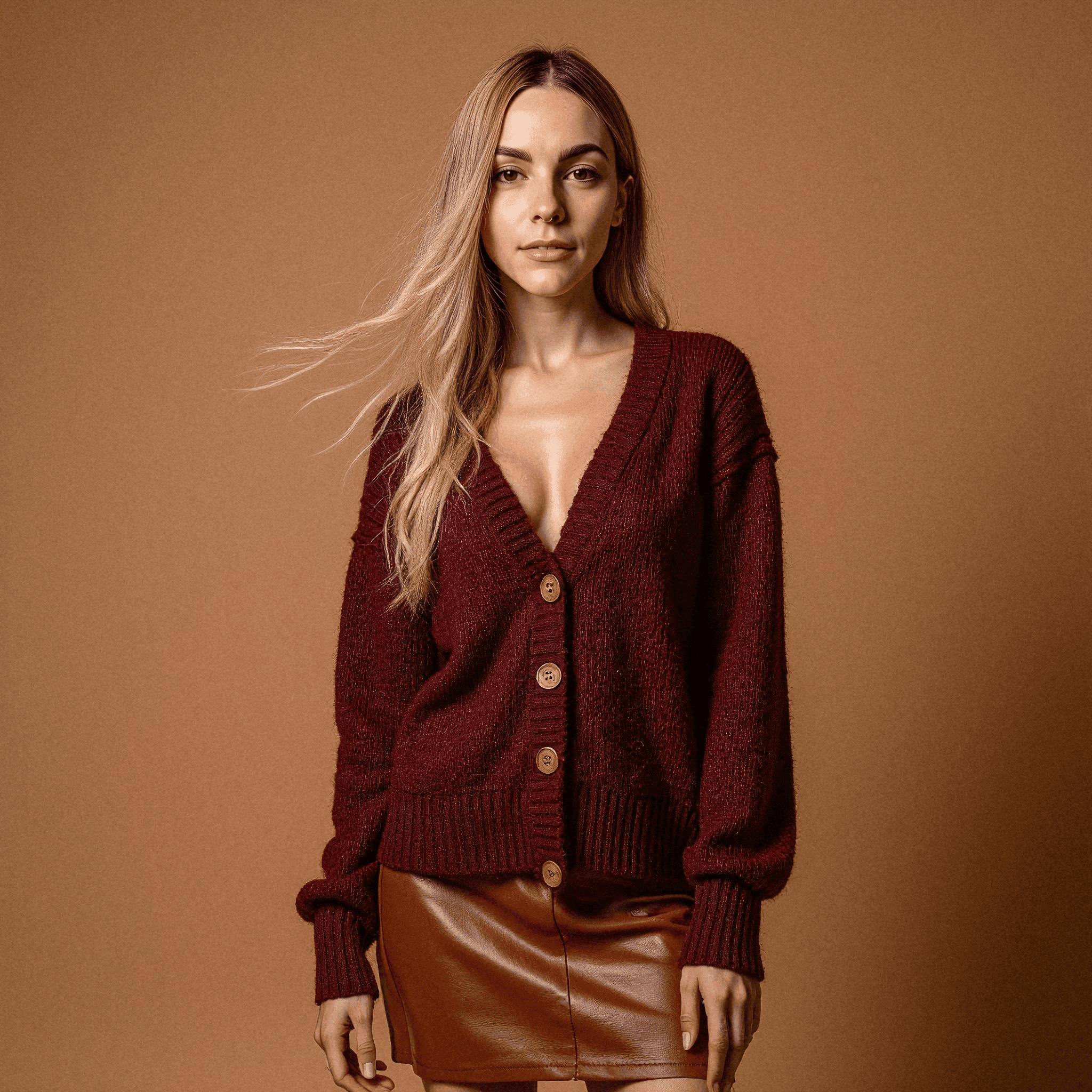
- 1Send a few selfiesSix to twelve photos from a phone, wherever the person is.
- 2We train a model of themA private model per person, built from those selfies.
- 3The style is already chosenThe backdrop and outfit the organisation set apply to everyone.
- 4Every photo, ready to approveIn about an hour. Approve, download, done.
Prepared before the deadline exists
Bids arrive with short notice, so the work has to be done beforehand. An admin creates the organisation, picks the style, and invites the people who tend to appear on proposals: the delivery leads, the subject specialists, the account team.
Each of them consents and uploads from their phone in a few minutes, and about an hour later their photographs are in the organisation gallery. When the next opportunity lands, the material is already there, and a new specialist can be added on the day at the same style.
Backdrops
- Studio white
- Studio greySelected
- Studio black
- Modern office
- Glass office
- City street
- Library
- Navy gradient
Outfits
- Dark suit
- Light suit
- Blazer, no tieSelected
- Fine knit
- Casual shirt
- White coat
The difference
A shoot day, or an afternoon.
Booking a photographer
- Find a date the whole team can make
- Book a room and a photographer
- Chase the people who were travelling
- Wait for retouched files
- Start again for every new hire
With Starkie Teams
- Invite by email, CSV or one link
- Everyone uploads selfies from a phone
- Remote colleagues take part on the same terms
- Ten photos per person in about an hour
- New hires get the same style, whenever they join
One download, one folder per person
Whoever assembles the document wants a predictable file structure, not a shared drive. It comes down as one archive with a folder for each person and a manifest that names its contents, the branded profile picture included wherever a brand template exists.
With approval switched on, only approved people are included, so a set that has not been signed off cannot accidentally end up in a client-facing document. Because the same download is reused for every bid, whoever prepares the next proposal starts from a folder that is already correct rather than from an email thread.
- One folder per person
- Approved people only
As it happens
Every person, at their own pace.
People upload when it suits them. The organiser watches the set fill up and approves sets as they come in; nobody waits for a studio slot.
Headshots ready
9 of 12
- Ready
- Ready
- Ready
- Ready
- Ready
- Ready
- Ready
- Ready
- Ready
- Waiting for selfies
- Waiting for selfies
- Waiting for selfies
What the organiser sees
The whole run, from one screen.
Invites, consent, approval, downloads and the branded profile pictures, each a step in the same place.
- Invite peoplePaste emails or upload a CSVOpen linkCopy linkstarkie.ai/teams/join/x7q…Only @acme.com addresses24 invited
- DownloadsWhole team, one archive24 people · 960 files
- One folder per person
- Approved people only
- ReviewLena8 headshotsAwaiting approval
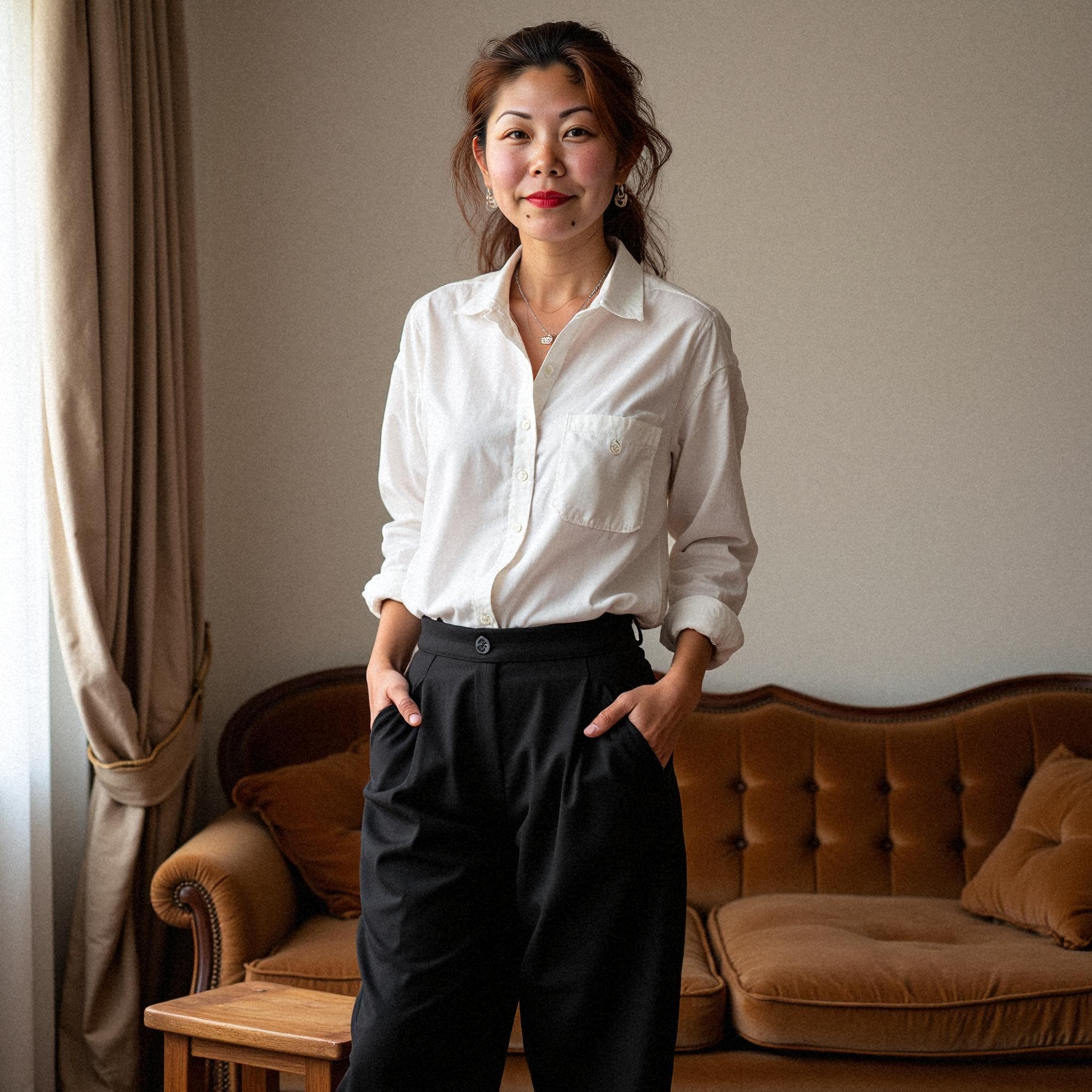
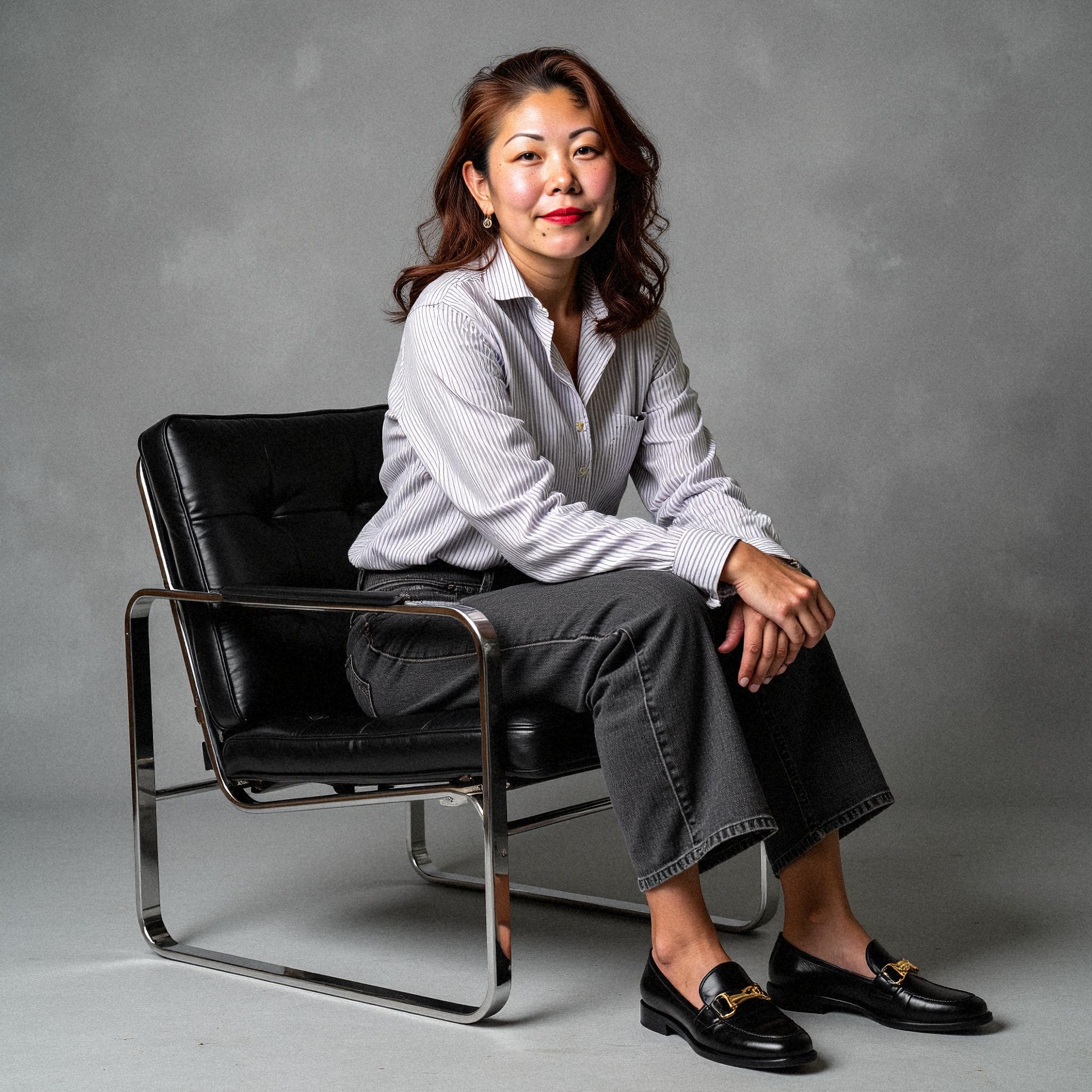 ApproveRequest a retakeReasonThe tie: could we try the open collar?
 - Branded profile pictureACMECompany frame1024 · 512
Re-rendered when the template changes
- Before you uploadConsent text v3
Your selfies are used to generate your headshots and deleted at the end of the retention period.
I agreeAccepted · logged - Webhookmember.photos_readyDelivered
X-Starkie-Signature: t=1700000000,v1=5257a8… · Signed{ "type": "member.photos_ready", "organizationId": "org_…", "data": { "memberId": "cle…" } }
For whoever runs it
Built for the person organising the team as well as the people in it.
- Invite in bulk
- Paste an address book, upload a CSV or circulate one open link limited to your own domain.
- Approve before anything goes live
- Hold every finished set for review. Turn one down with a short reason and that person gets another attempt at no cost.
- Branded profile pictures
- A framed, on-brand square for every person alongside the headshots, ready for Slack, Teams and email signatures.
- Consent and retention, logged
- Each person accepts a versioned consent text. Selfies are erased at the end of the retention period, and photos open only through signed links that expire.
- API and webhooks
- Create members from your HR system and react the moment their photos are ready. Signed deliveries and a public reference; no polling.
- SSO for larger organisations
- Single sign-on for the admins who run it, and a Data Processing Agreement you can read before you sign anything.
Pricing
One credit per person. Discounts stack as you buy.
Ten photos of every person in about an hour: five outfits on their backdrop, two takes of each. Approve them, download one archive, done.
- First 4 creditsList price$39.00 each
- 5+ credits20% off$31.20 each
- 25+ credits30% off$27.30 each
- 100+ credits40% off$23.40 each
- 250+ credits50% off$19.50 each
Estimate your price
- Price per person
- $31.20
- Volume discount
- 20%
- Subtotal
You're in the 20% band. 15 more people reaches 30%.
Prices in US dollars. One credit per teammate.
Frequently asked questions
Can we add one specialist at the last minute?
Yes. Invite that person on their own; the organisation’s saved style applies to them too, and the set is usually finished about an hour after they upload. Only that person spends a credit.
What if someone is uncomfortable appearing in a bid?
Nobody is generated without accepting the consent text on their own device first, so taking part is always their decision. If they change their mind later, the invite link they used also lets them erase their record.
Do the photos work in print as well as on screen?
Everyone gets finished frames for each look at full size, which covers a printed proposal as easily as a slide. If a square avatar is wanted too, a brand template turns one out in two sizes.
How many people should we cover?
Cover everyone who might be named on a bid. A credit is $39, and because the reduction is cumulative, covering the whole bench in one purchase costs less per head than adding people bid by bid.
Give the whole team the same headshot, without the shoot day.
Free to set up: you only pay when you buy credits. There is no subscription, and you don't need a card to start.