In March 2026, the photo software company ON1 showed off a new feature called Restore AI, built to fix up old family photographs. The demo did the opposite. Portraits came back with new hairstyles, new makeup, and new expressions. In one group photo, the tool turned a man in the corner into someone unrecognizable. PetaPixel called it "nightmare fuel." ON1 called it early results.
That failure is a useful window into what AI photo restoration does. It is not X-ray vision for lost detail, no matter how the marketing reads. It is a confident guess, dressed up as recovery.
The ON1 story was not an isolated glitch, either. That same month, a viral experiment using ChatGPT to restore the oldest surviving photograph in the world went wrong in a completely different, equally telling way. Both cases raise the same question worth answering before you upload a family photo: what is the software doing when it says "restore"?
What does AI actually do to an old photo?
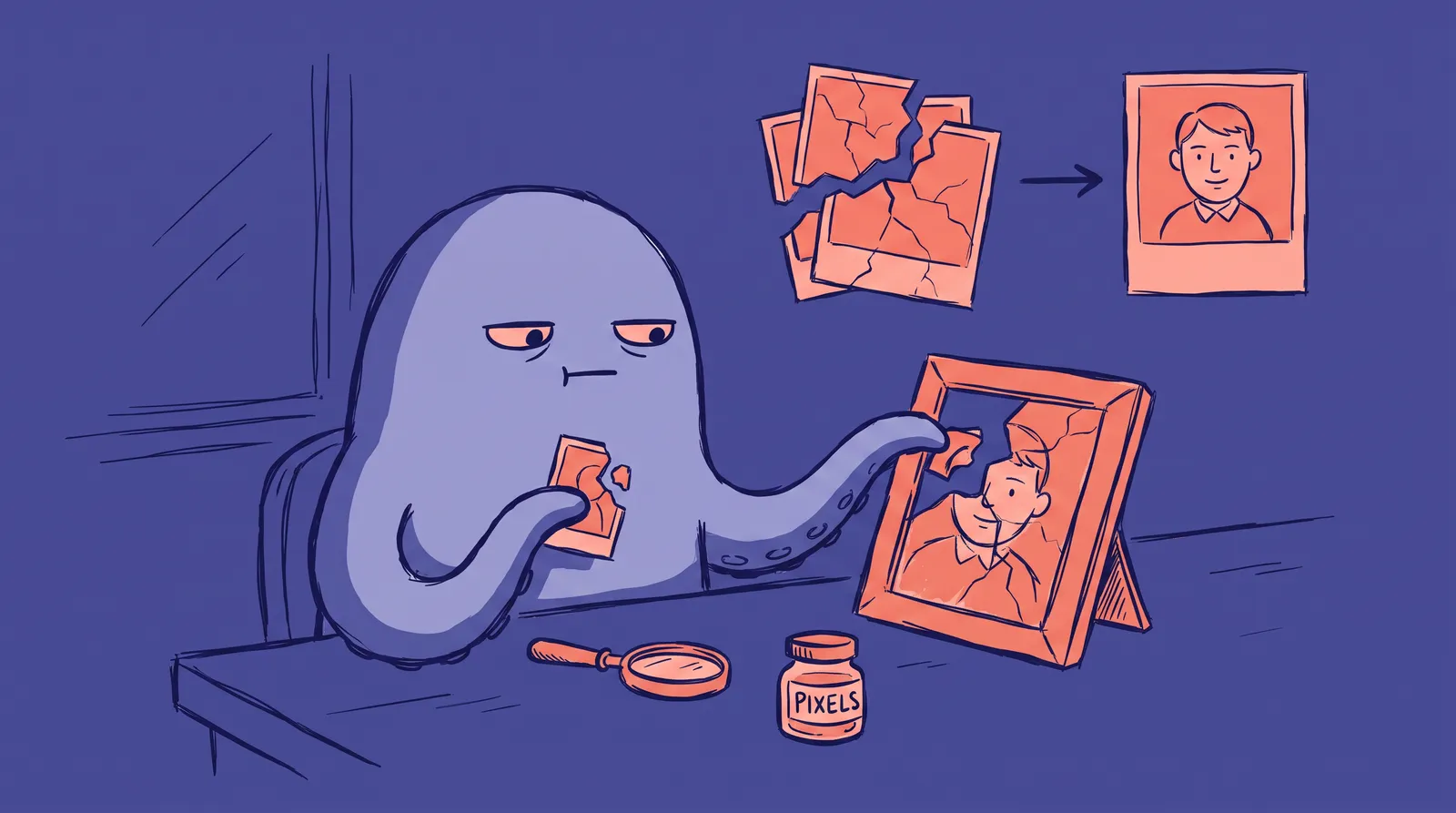
AI photo restoration bundles several separate jobs under one button. A tool might denoise the image, sharpen soft detail, fix uneven color, repaint torn or missing sections, and colorize black-and-white originals, all in a single pass.
Each of those tasks pulls from a different part of the model's training. Denoising and sharpening lean on pattern recognition: the model has seen millions of clean and noisy image pairs and learns what noise typically looks like on top of a real photo, so it can subtract a plausible version of that noise. Upscaling works the same way, predicting the extra pixels a higher-resolution version of this image would probably have.
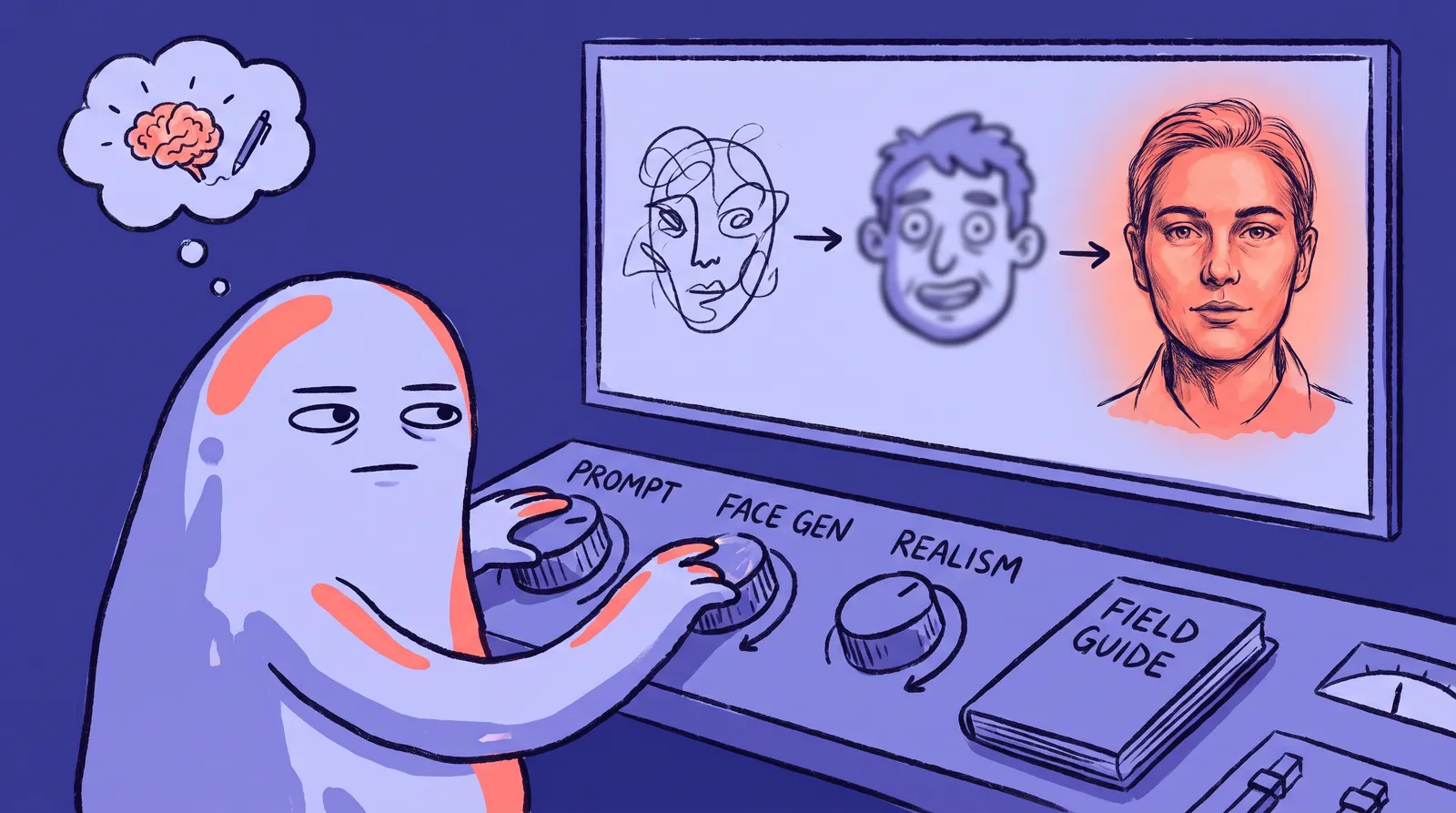
Filling in torn or missing sections is a different problem, closer to what image models call inpainting. There is no data at all in that region of the photo. The model has to invent something that fits the surrounding pixels, using patterns it learned from unrelated photos that happened to have similar textures, shapes, and lighting, the same kind of pattern-matching behind how diffusion models generate faces from nothing but noise.

That distinction, repair versus invention, is where most of the interesting problems in this field come from, especially once a face is involved.
How do AI models fix a blurry or damaged face?
Faces get their own specialized models because general-purpose repair tools tend to make them look waxy or asymmetric. Two of the most widely used are GFPGAN and CodeFormer, both released as open research and now baked into dozens of consumer restoration apps.
GFPGAN, built by Tencent's Applied Research Center, works by borrowing "priors" from StyleGAN2, a generative adversarial network trained specifically to produce realistic human faces, part of the same GAN lineage covered in how GANs lost the portrait war to newer diffusion models. Instead of trying to sharpen a blurry face from scratch, GFPGAN nudges the damaged input toward the nearest plausible face that StyleGAN2 already knows how to generate, then blends the two. Its GitHub repository has drawn more than 37,000 stars, and it turns up bundled alongside CodeFormer and other face-restoration models in public demo tools built for exactly this kind of comparison.
CodeFormer takes a different route. Researchers Shangchen Zhou, Kelvin Chan, Chongyi Li, and Chen Change Loy, who presented the method at NeurIPS 2022, built a "codebook" of high-quality facial features learned from a huge set of real faces, then trained a transformer to pick the codebook entries that best match a degraded input. CodeFormer also exposes a fidelity dial, so a user can choose between a result that leans closer to the original pixels or one that leans toward a cleaner, more idealized face. That is a different approach from LoRA fine-tuning, which personalizes a model to one specific person's face using their own photos rather than a general codebook of facial features.
Both approaches share the same trade-off. The more damaged the input, the more the output depends on the model's learned idea of what a face generally looks like, rather than on what this particular face looked like. Both papers describe this openly: GFPGAN's own documentation frames the process as generating a plausible face guided by the damaged input, not reconstructing the original pixel by pixel, and CodeFormer's fidelity dial exists specifically because the team behind it knew users would want to control how much the output leans on invention versus the source photo.
Why do restored faces sometimes look like a different person?
This is the part that gets photographers and genealogy communities the most upset, and the ON1 episode is a clean example of why.
PetaPixel photographer Jaron Schneider argued that the whole idea of AI "restoration" borrows a word it has not earned. He pointed to the distinction art conservators at Florence's Opificio delle Pietre Dure draw between conservation, protecting what still exists, and restoration, actively adding new material. Once information is genuinely gone from a photo, an AI model cannot recover it. It can only invent something plausible and pass it off as recovery. In the ON1 examples Schneider examined, the changes were significant enough that, as he put it, the visual identity of the person originally pictured had been altered.
The mechanism behind this is not a bug so much as how these models are built. A face restoration model is trained to produce outputs that look like real, high-quality faces, not outputs that are provably identical to a specific missing original. When very little of the real face survives in the damaged pixels, the model fills the gap with its own trained sense of what a face should look like: symmetric features, clear eyes, a plausible expression. That is a great strategy for making an image look sharp. It is a poor strategy if the goal is an exact likeness of someone's grandmother.

For a decorative background element, that trade-off barely matters. For a photo of a specific grandparent, sibling, or ancestor, it is the entire point of keeping the photo in the first place, and it is a close cousin to the uncanny valley problem that shows up whenever an AI-generated face is technically sharp but subtly wrong. Genealogy communities have leaned hard into these tools precisely because family photos are often the only visual record left of a relative, which is exactly the situation where an invented eyebrow or reshaped jaw does the most damage.
How does AI colorize black-and-white photos?
Colorization has its own history, and it predates most of today's diffusion-based tools. DeOldify, released by developer Jason Antic in 2018 with support from fast.ai, became the project that popularized automatic AI colorization. It used a generative adversarial network with a training method Antic called NoGAN, which pretrains the generator and discriminator separately before a short, more stable round of adversarial training. That approach solved a real problem with earlier colorization models, which tended to produce washed-out results, since a gray sky is plausibly blue, orange, or overcast white, and a model playing it safe with an average guess ends up looking dull.
Commercial platforms picked up the same idea. Genealogy site MyHeritage built colorization into a feature called InColor, alongside its Photo Enhancer and the animation feature Deep Nostalgia, all aimed at family photos rather than professional archives. Antic archived the original DeOldify project in October 2024 after six years of active development, so most colorization features you now see in consumer apps are built on newer models trained with similar ideas rather than running his original code.
Colorization carries a lighter version of the same honesty problem as face restoration: the model is guessing a plausible color, not recovering a color that was ever recorded. A blue coat guessed as green is a smaller error than an invented face, but it is still an invention, and it is worth remembering the next time a colorized photo circulates as if it were a rediscovered fact about the past.
Can AI restoration go hilariously, spectacularly wrong?
Sometimes, yes, and one recent example doubles as a reminder of how far AI still has to go with truly difficult source material.
Someone on Reddit fed ChatGPT the "View from the Window at Le Gras," the 1826 heliograph by Joseph Nicéphore Niépce that is widely considered the oldest surviving photograph. It required roughly an eight-hour exposure, and the resulting image is famously murky, with shifting shadows from the long capture. The AI's restoration attempt invented a wonky rooftop and a church spire where a tree actually stood, and other users who tried the same experiment with Google Gemini got similarly inaccurate results. The clip went viral for exactly the reason Schneider raised: when there is barely any signal left in the source, the model is not restoring anything. It is composing a new scene that merely rhymes with the old one.
It is the same underlying challenge AI headshot generators like Starkie AI have to manage, just applied to a different problem. Turning a selfie into a polished portrait, the process behind how one selfie becomes dozens of headshots, means asking a model to render a believable face under new lighting and a new background, and the harder that leap, the more the result depends on the model's judgment rather than the original photo. Restoration pushes that same tension to an extreme, because the "before" image can be almost entirely gone.
How do you get better results from AI photo restoration?
A few habits make a real difference before you trust an AI tool with a photo that matters:
- Scan at the highest resolution you can manage. More real pixels means less territory the model has to invent, especially around a face.
- Run faces that matter through more than one tool. GFPGAN, CodeFormer, and the commercial apps built on them do not always guess the same way, and comparing outputs shows how much a face actually shifted.
- Treat colorization as an estimate, not a record. If the real color of a garment or object matters historically, do not take an AI guess as fact.
- Keep the untouched original. A restored version should be a copy you experiment on, never the only surviving file of the photo.
- For a photo where identity is the whole point, a human retoucher is often worth the cost. They work from what is actually visible in the image instead of filling gaps with a generic idea of a face, which matters most when the person needs to still look like themselves.
The bottom line on AI photo restoration
AI restoration tools are legitimately good at the parts of the job that are closer to cleanup than invention: removing noise, correcting exposure, sharpening real detail that survived but got soft, and stitching a small scratch back together. Where they get shakier is exactly where an old, damaged photo needs the most help, in the sections where the original information is simply not there anymore.
That is not a reason to avoid these tools. It is a reason to treat an AI-restored face the way you would treat a skilled sketch artist's best guess rather than a rediscovered photograph. The technology fills gaps convincingly. Filling a gap and recovering the truth are not the same thing, and the ON1 story, the Niépce experiment, and the ongoing arguments in photography communities all point at the same lesson: look closely at what actually changed before you trust the result.