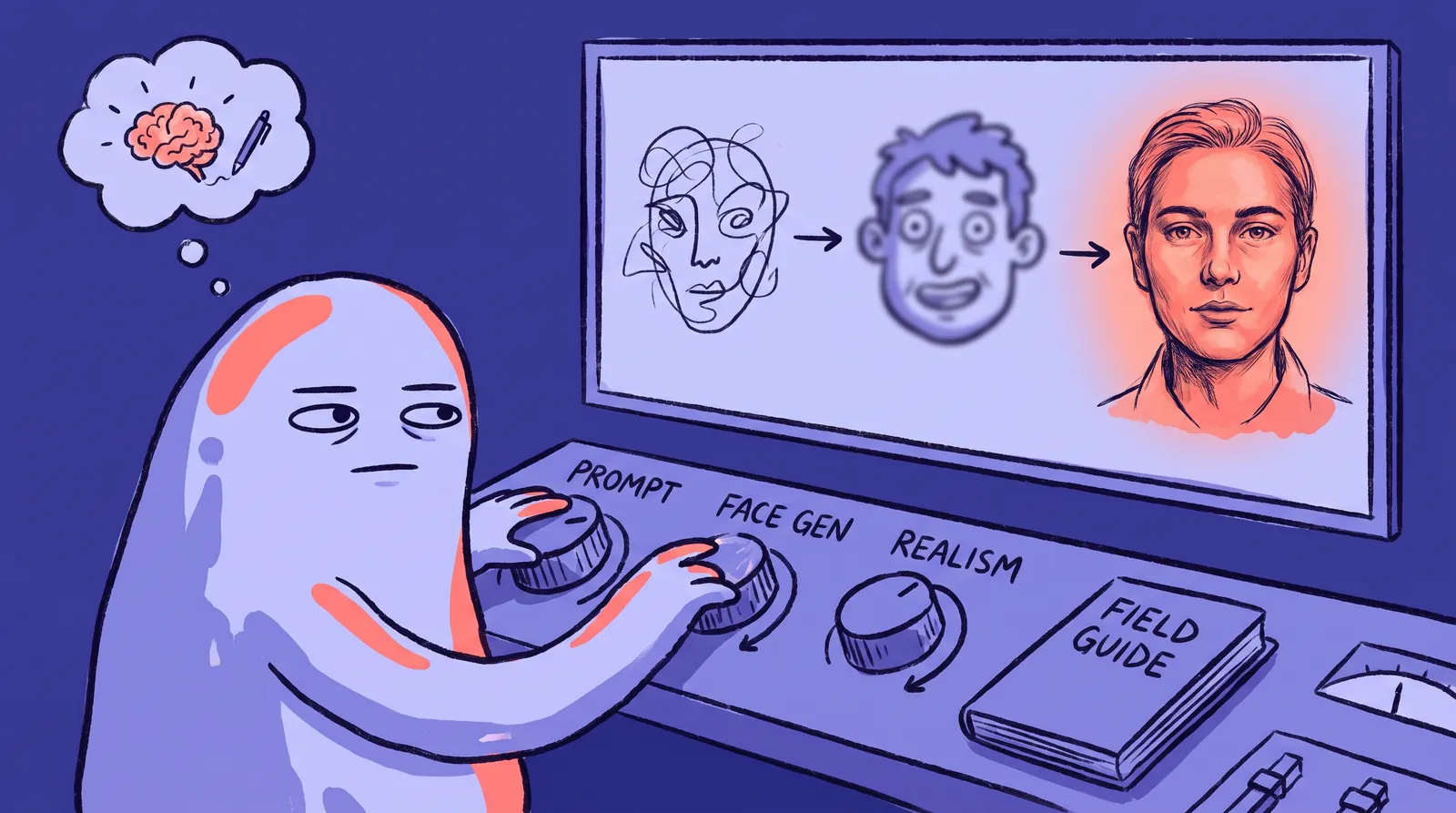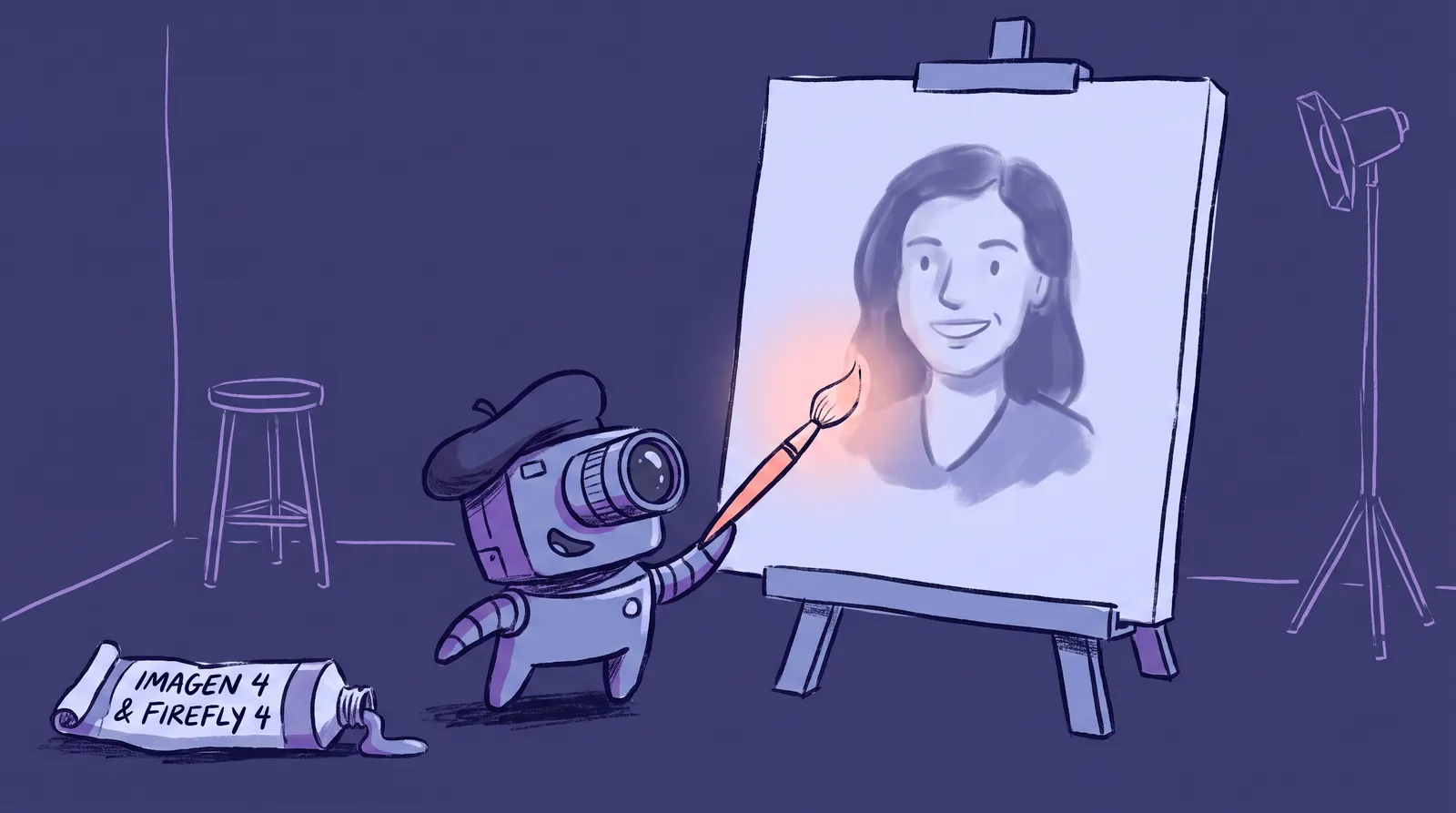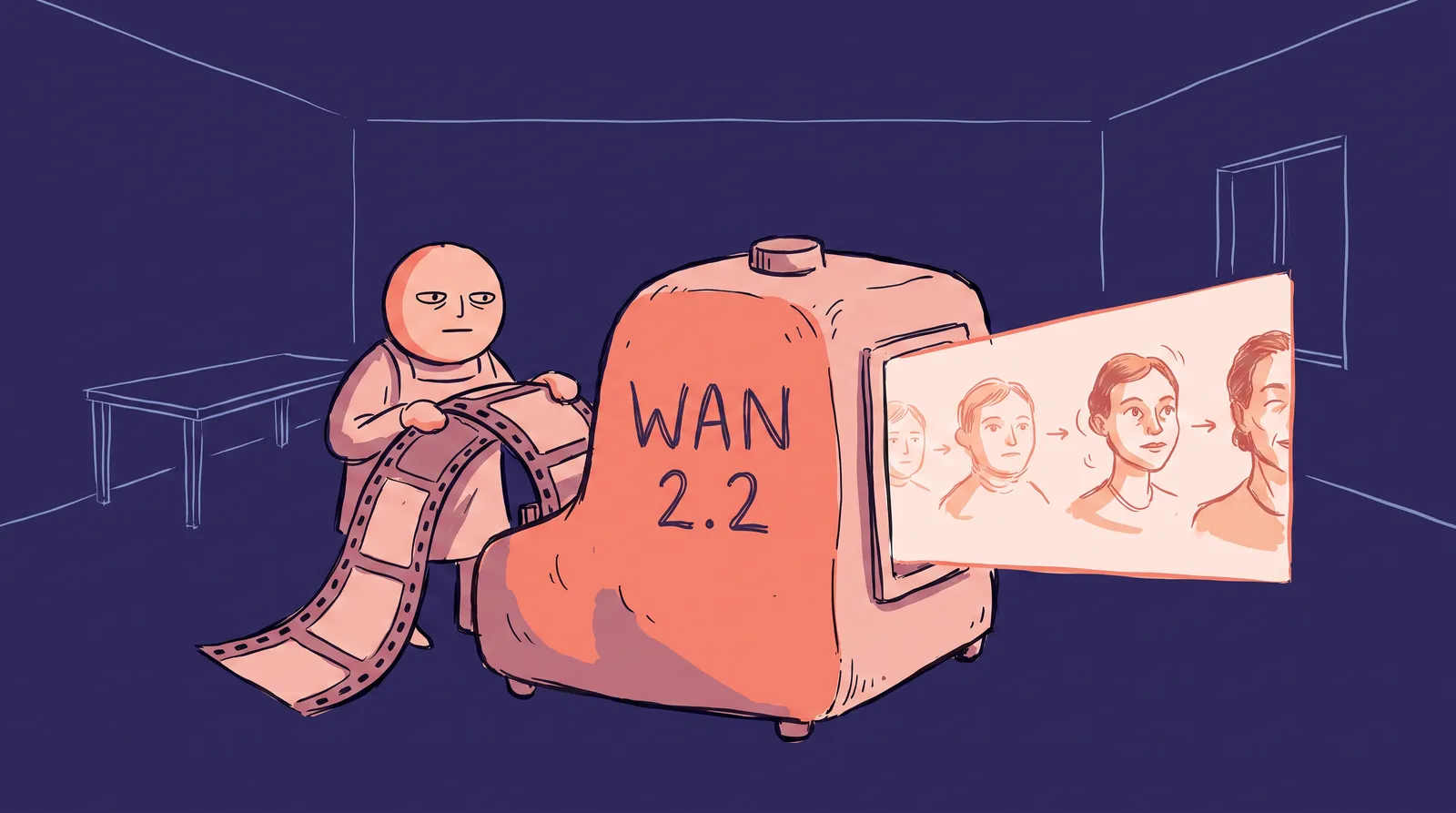
When you upload 10 selfies to an AI headshot generator and get back a studio-quality portrait that looks unmistakably like you, something fascinating has happened behind the scenes. A neural network with billions of parameters has learned your face in under 20 minutes, using less computing power than it takes to stream an HD movie.
So how does a massive AI model learn something as nuanced and unique as a single person's face so quickly and cheaply? The answer is LoRA, or Low-Rank Adaptation, an elegant mathematical trick that makes personalized AI portraits possible at scale.
What follows is a technically honest but accessible explanation of how it works, grounded in a real application: this is the core technology behind how Starkie AI generates personalized professional headshots from a handful of your photos.
First, understand what an AI image model actually "knows"
Modern AI image generators like Stable Diffusion don't store a library of images. Instead, they learn from massive datasets of image-text pairs. Stable Diffusion's early versions trained on LAION-2B-en, a dataset of over 2.3 billion image-text pairs scraped from the web. Later versions like SDXL used even larger, more curated collections.
From all that data, the model extracts patterns. It learns how light falls on a cheekbone. How fabric drapes over a shoulder. How a smile changes the shape of someone's eyes. It builds a compressed, statistical understanding of visual concepts: lighting, anatomy, texture, style, composition.
All of this knowledge lives in the model's weights, billions of numerical values arranged in layers of matrices. Stable Diffusion 1.5 has roughly 860 million parameters in its U-Net (the image-generation backbone). SDXL pushes that to around 6.6 billion for the base model alone.
Think of the model as a master painter who has studied millions of photographs and paintings. This painter has extraordinary general knowledge. But they've never seen your face specifically.
Here's the catch: after training, those weights are frozen. The model is a finished product. To teach it something new, like what you look like, you'd traditionally need to adjust those billions of numbers. That process is called fine-tuning, and it's expensive.
Why full fine-tuning is like retraining a painter from scratch
The brute-force approach to teaching an AI model your face is called full fine-tuning. It updates every weight in the model to incorporate new knowledge.
The problems stack up fast:
- Cost: Full fine-tuning requires expensive GPU hours, often $50 to $200+ per run on cloud infrastructure.
- Storage: Each fine-tune produces a full-size copy of the model. For SD 1.5, that's roughly 2 to 4GB per person. For SDXL, it can exceed 6GB.
- Catastrophic forgetting: When you aggressively fine-tune a model on just 10 photos of one person, it can lose its general capabilities. It might nail your face but forget how to draw hands, render different art styles, or generate anyone else convincingly.
The analogy is straightforward: full fine-tuning is like sending the master painter back to art school for four years just to learn one new face. It works, but it's wildly impractical.
If you're building an AI headshot service for thousands of users, you simply can't run full fine-tuning for each one. The cost, time, and storage would sink the product before it launched.
There had to be a better way. And in 2021, researchers at Microsoft found one.
Enter LoRA: The elegant shortcut that changed everything
The LoRA paper (Hu et al., published at ICLR 2022) introduced a powerful insight: when you fine-tune a large model for a specific task, the actual changes to the weight matrices tend to be "low-rank." In plain language, the meaningful adjustments can be captured in much smaller matrices than the originals.
Here's what that means in practice.
Say you have a weight matrix in the model that's 1024×1024. That's over a million values. Full fine-tuning would modify all of them. LoRA instead decomposes the change to this matrix into two tiny matrices, say 1024×8 and 8×1024 (using a rank of 8). That's only 16,384 new parameters. A reduction of over 98% in trainable values for that layer.
Think of the original model weights as a detailed world map. Full fine-tuning redraws the entire map from scratch. LoRA places a small transparent overlay on top, adding just the new details (your face) without touching the original map underneath.

The mechanics are clean. LoRA "injects" pairs of small trainable matrices (called A and B) alongside specific frozen layers in the model, typically the attention layers in the U-Net. During image generation, the original weight W is effectively replaced by W + BA, where BA is the low-rank update. The base model stays completely intact.
The practical impact is dramatic:
- A LoRA file is typically 2 to 50MB (vs. 4GB+ for a full model copy)
- Training takes minutes instead of hours
- LoRA files can be swapped in and out like plugins, mixing and matching with the same base model
This single insight, originally designed for language models like GPT, was rapidly adopted by the open-source image generation community and became the dominant method for personalization.
How LoRA learns your face: A step-by-step walkthrough
Let's trace through the actual process of teaching an AI model what you look like using LoRA.
Step 1: Start with a frozen base model. All billions of parameters in the pre-trained diffusion model stay locked. Nothing changes in the original weights.
Step 2: Attach LoRA matrices to targeted layers. Small trainable matrix pairs (A and B) get injected into the model's cross-attention layers, the specific layers where text prompts influence the image generation process. This is the sweet spot for teaching the model new visual concepts tied to text descriptions.
Step 3: Feed in your photos with a unique identifier. You provide 10 to 20 photos of the subject, each paired with a unique text token, something like "a photo of sks person." This token becomes the model's internal label for your specific face.
Step 4: Train only the LoRA matrices. Over roughly 500 to 1,500 training steps, the optimizer adjusts just the small LoRA matrices to minimize the difference between what the model generates when prompted with "sks person" and what you actually look like in the training photos.

So what exactly do the LoRA matrices learn? They capture the deltas, the specific differences between a generic "person" and this person. Your jawline shape. Your skin tone. The exact distance between your eyes. The way your eyebrows sit. Characteristic expressions and features that make you recognizable.
The text encoder learns to associate your unique token with these visual features stored in the LoRA weights. So when you later prompt "sks person wearing a navy blazer in a modern office," the model generates you, in that specific setting, with that specific outfit.
A few hyperparameters make a big difference in the results:
- Rank (r): Typically ranges from 4 to 64. Higher rank captures more facial detail but increases the risk of overfitting. Most portrait applications use ranks between 8 and 32.
- Learning rate: Too high and the model overfits to your exact training photos. Too low and it doesn't capture enough of your likeness.
- Training steps: More steps generally improve likeness fidelity, but past a certain point, the model starts memorizing your exact photos instead of learning your general appearance.
Getting these right is the difference between "that kind of looks like me" and "that's unmistakably me in a completely new setting." It's where production services like Starkie AI invest heavily in tuning and testing.
ControlNet: The invisible skeleton that keeps you looking like you
Where LoRA teaches the model who you are, ControlNet controls how you're posed, lit, and structured in the output image. It's the difference between identity and composition.
Think of ControlNet as a puppeteer working alongside the portrait artist. The artist (the diffusion model plus your LoRA adapter) knows what you look like. The puppeteer holds a wire-frame skeleton that dictates exact pose, head angle, facial landmark positions, and depth. Without it, the model might place your face on a head turned at an impossible angle, because a text prompt like "professional pose" is simply too vague.
The best generators in 2026 don't use just one ControlNet. They layer multiple conditioning signals simultaneously:
Facial mesh and keypoints, using tools like MediaPipe FaceMesh, lock in the exact spatial relationship between your eyes, nose, and mouth. This is the most crucial layer for structural accuracy. OpenPose controls body pose, shoulder angle and hand position, important for compositions like "arms crossed" or "adjusting tie." Depth maps tell the model what's foreground and what's background, ensuring realistic depth of field and bokeh.
Here's a concrete example of the full pipeline in action. A user uploads their selfies and selects a "corporate headshot" style. Behind the scenes: LoRA encodes their identity from the training photos. A reference pose template is selected from the chosen style. ControlNet extracts facial landmarks and pose data from that template. Then the diffusion process runs, guided by both the LoRA weights AND the ControlNet conditioning simultaneously. The result is a face that looks like the user, in a pose they've never held, under lighting that never existed.

ControlNet is what separates "uncanny valley" generators from impressive ones. Without it, models can produce faces that are vaguely "inspired by" the user but structurally wrong: asymmetric features, wandering eye placement, morphed jawlines. ControlNet acts as an anatomical anchor, keeping everything spatially honest.
Identity preservation: The hardest problem nobody talks about
Even with LoRA and ControlNet working in concert, preserving a specific person's identity across different styles, lighting conditions, and expressions remains one of the hardest open problems in generative AI as of 2026.
The phenomenon is called identity drift. As you push the model toward more creative or stylized outputs (dramatic lighting, unusual angles, artistic rendering), the LoRA representation starts to "drift." The output begins to look like a plausible version of you rather than definitively you. This is the root cause of the "looks like a sibling" problem many users report.
The core conflict is a tradeoff between fidelity and flexibility. A LoRA trained too intensely will lock your identity perfectly but can only reproduce the lighting and background of your original selfies. A LoRA trained too lightly will produce beautiful studio compositions, but the face will slide toward the model's generic understanding of "a person."
Several techniques fight this drift:
Higher LoRA ranks allow more expressive identity encoding, capturing subtler facial features. Face-specific loss functions penalize the model more heavily for errors in facial features than for background errors during training, forcing it to prioritize getting your face right. Multi-reference training uses your photos from multiple angles to build a more stable three-dimensional representation of your face, rather than a flat two-dimensional average.
An emerging complement to LoRA in 2025 and 2026 is the face encoder (sometimes called IP-Adapter). Instead of, or alongside, fine-tuning, some tools use a face encoder that extracts a latent "face embedding" directly from your reference image at inference time. This provides a second identity anchor without any additional training, and it's a rapidly evolving area of research.
The practical stakes are high. A headshot that's "close but not quite" is actually worse than a fully generic one. It creates an uncanny valley effect that undermines professional credibility. The best tools obsess over identity preservation above every other metric.

The Goldilocks problem: Overfitting vs. underfitting your face
Here's where things get technically nuanced, and where most AI headshot tools either succeed or fail.
Think of it this way. Underfitting is like a caricature artist who draws every client with the same generic oval face and two dots for eyes. Overfitting is like a photocopier: it can only reproduce the exact photos it was trained on, losing all flexibility to render you in new poses, lighting, or styles.
Underfitting, in practice, gives you a plausible professional headshot of someone, but the facial features don't quite match yours. The nose is different. The eyes aren't the right color. The overall "vibe" is off. This is the number-one complaint about low-quality AI headshot tools, which users often describe as producing "overly polished video game avatars" or results with "dead eyes."
Overfitting reproduces your training photos almost exactly: same lighting, same angle, same expression, but can't generalize to a new studio backdrop or a different head tilt. The output feels "stuck." In severe cases, overfitting can even lead to altering skin tone or perceived identity, as the model latches onto surface-level patterns rather than genuine facial geometry.
Technically, the "rank" setting in LoRA controls this balance. Too low a rank and the adapter lacks the capacity to encode your unique features. Too high, and it memorizes your training photos instead of learning your face.

The sweet spot that Starkie AI targets: enough training steps and data diversity to firmly encode your facial identity, the unique geometry of your cheekbones, the spacing of your eyes, the specific curve of your jawline, without losing the model's ability to reinterpret that identity across different styles and settings.
LoRA vs. DreamBooth vs. textual inversion: How they compare
LoRA isn't the only technique for teaching AI models new faces. Two other methods deserve mention: DreamBooth and Textual Inversion.
DreamBooth (Google, 2022) also fine-tunes the model on a few images with a unique identifier. But it updates all weights (or large portions of them). The result is often the highest likeness fidelity, but it comes with significant compute cost, multi-gigabyte output files, and a real risk of catastrophic forgetting. A popular hybrid approach, "DreamBooth + LoRA," applies DreamBooth's training methodology while only updating LoRA matrices. This captures much of DreamBooth's quality at a fraction of the cost.
Textual Inversion (Gal et al., 2022) takes the lightest possible approach. It doesn't modify the model weights at all. Instead, it learns a single new text embedding, a vector that represents the subject. The output file is tiny (often just a few KB), but the technique struggles with complex likenesses. It works better for learning a style or simple object than a specific human face.
According to widely documented community comparisons and practitioner experience, here's how the three methods stack up:
| Factor | DreamBooth | LoRA | Textual Inversion |
|---|---|---|---|
| Likeness Fidelity | Highest | High (very close) | Limited |
| Training Speed | Slow (hours) | Fast (minutes) | Fastest |
| File Size | 2-6GB+ | 2-50MB | <1MB |
| Flexibility | High | High | Low |
| Risk of Forgetting | Significant | Low | None |
LoRA hits the sweet spot for production AI portrait services. It delivers near-DreamBooth quality with dramatically lower cost, faster turnaround, and manageable file sizes. That's exactly the balance needed to serve thousands of users. It's why most modern AI portrait services, including Starkie AI, rely on LoRA-based approaches or LoRA-enhanced variants.

Why this matters: What LoRA means for the future of personalized AI
Zoom out for a moment. Before LoRA, customizing a large AI model was something only well-funded research labs could afford. Now? LoRA fine-tuning runs comfortably on a single consumer GPU with as little as 12 to 16GB of VRAM. An NVIDIA RTX 3060 can handle it. That's a seismic shift in accessibility.
For AI headshots specifically, LoRA is the enabling technology. It's what makes it possible for services like Starkie AI to generate dozens of personalized, studio-quality professional headshots in minutes at a fraction of the cost of a traditional photoshoot. Without LoRA's efficiency, the math simply wouldn't work.
The technology keeps improving. A few innovations worth watching:
- LoRA merging: Combining multiple LoRA adapters to blend different styles or concepts in a single generation.
- LyCORIS: Extended LoRA variants that use different decomposition strategies for even better results in certain scenarios.
- Quantized LoRA training: Techniques that push memory efficiency further, enabling fine-tuning on even more modest hardware.
One common concern is quality and identity preservation. Can a tiny set of matrices really capture what makes someone look like themselves? Modern LoRA implementations have gotten impressively good at this. They capture subtle identity features, the specific curve of a smile, the way light reflects off someone's skin, while maintaining the flexibility to place that person in different poses, outfits, lighting conditions, and backgrounds. That combination of likeness and versatility is exactly what you want for professional headshots. You can see the range of results this produces across different style packs and themes.
The open-source ecosystem has accelerated all of this. Tools like Hugging Face's PEFT library, Kohya trainer, and platforms like Civitai have created a feedback loop where thousands of practitioners experiment, share findings, and push the technology forward every month.
What LoRA actually solved
That 20-minute transformation from selfies to studio portraits isn't magic. It's the result of an elegant mathematical insight: most of the meaningful changes to a billion-parameter model can be captured in a tiny set of matrices.
LoRA solved the personalization problem by making fine-tuning fast, cheap, and lightweight without sacrificing quality. Instead of retraining the master painter from scratch, LoRA hands them a small, precise sketch of your face. And that's all they need.
As LoRA and related techniques continue to improve, personalized AI experiences will become faster, more accurate, and more accessible. The gap between a casual selfie and a polished professional portrait will keep shrinking. If you're curious about the deeper details of this transformation process, check out our breakdown of how one selfie becomes 50 AI headshots.
Try Starkie AI if you want to watch a handful of your photos become professional headshots using exactly this technology.