Common problems with low-quality AI headshots
- Inconsistent photo quality from DIY selfies
- Long waits and expensive studio sessions
- No variety for LinkedIn, CVs, portfolios, and team pages
- Awkward or over-edited results from low-quality AI tools
realistic AI headshot generator
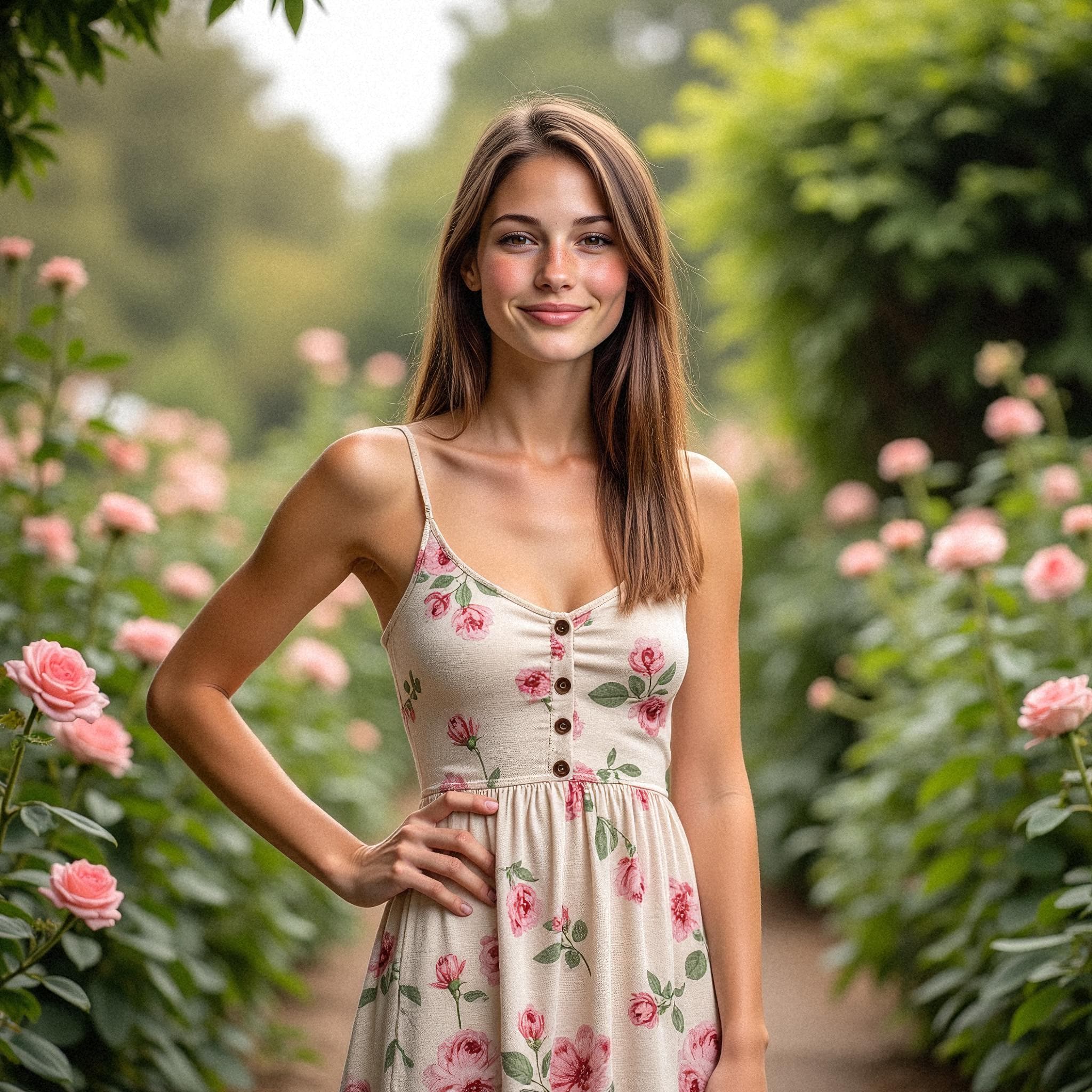
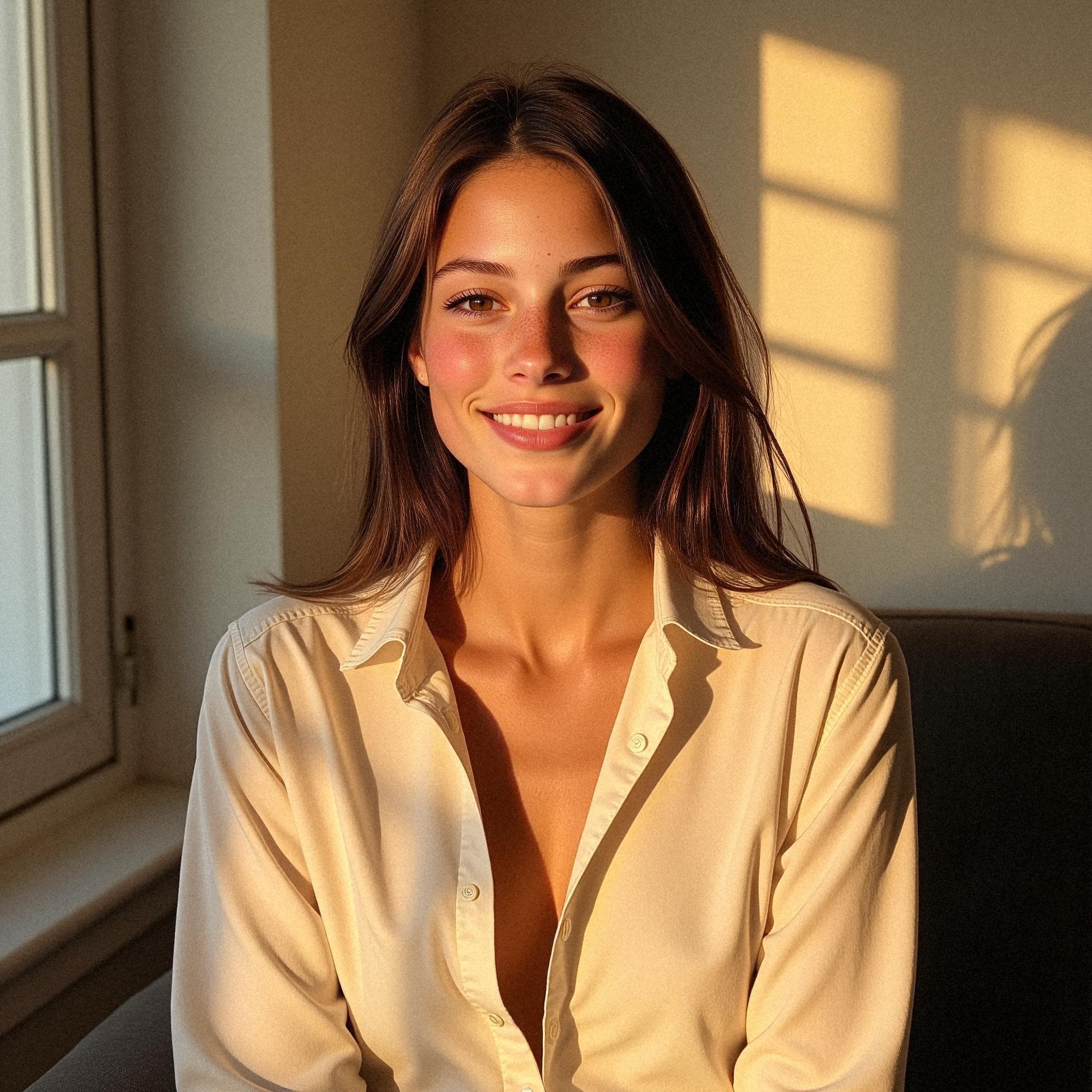
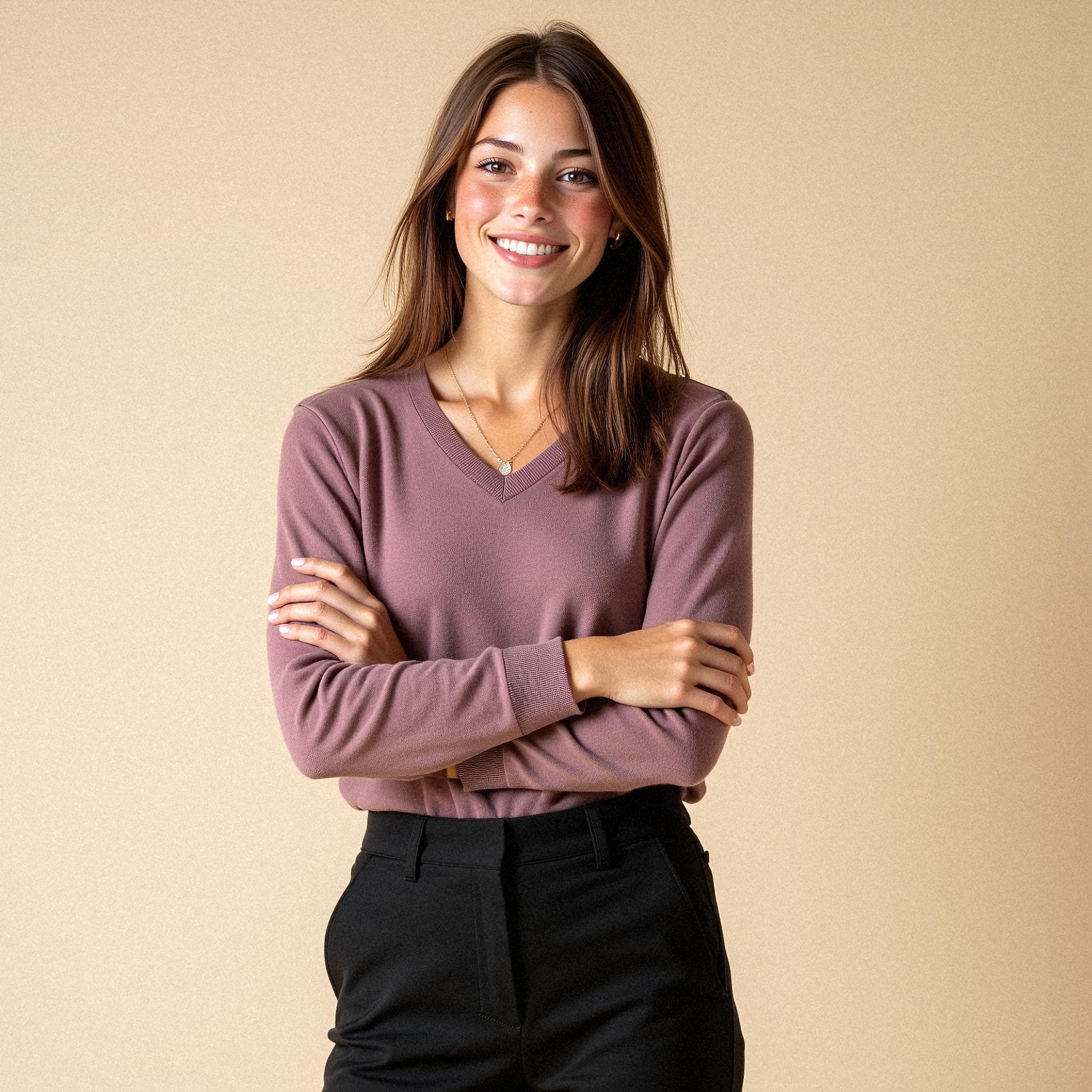
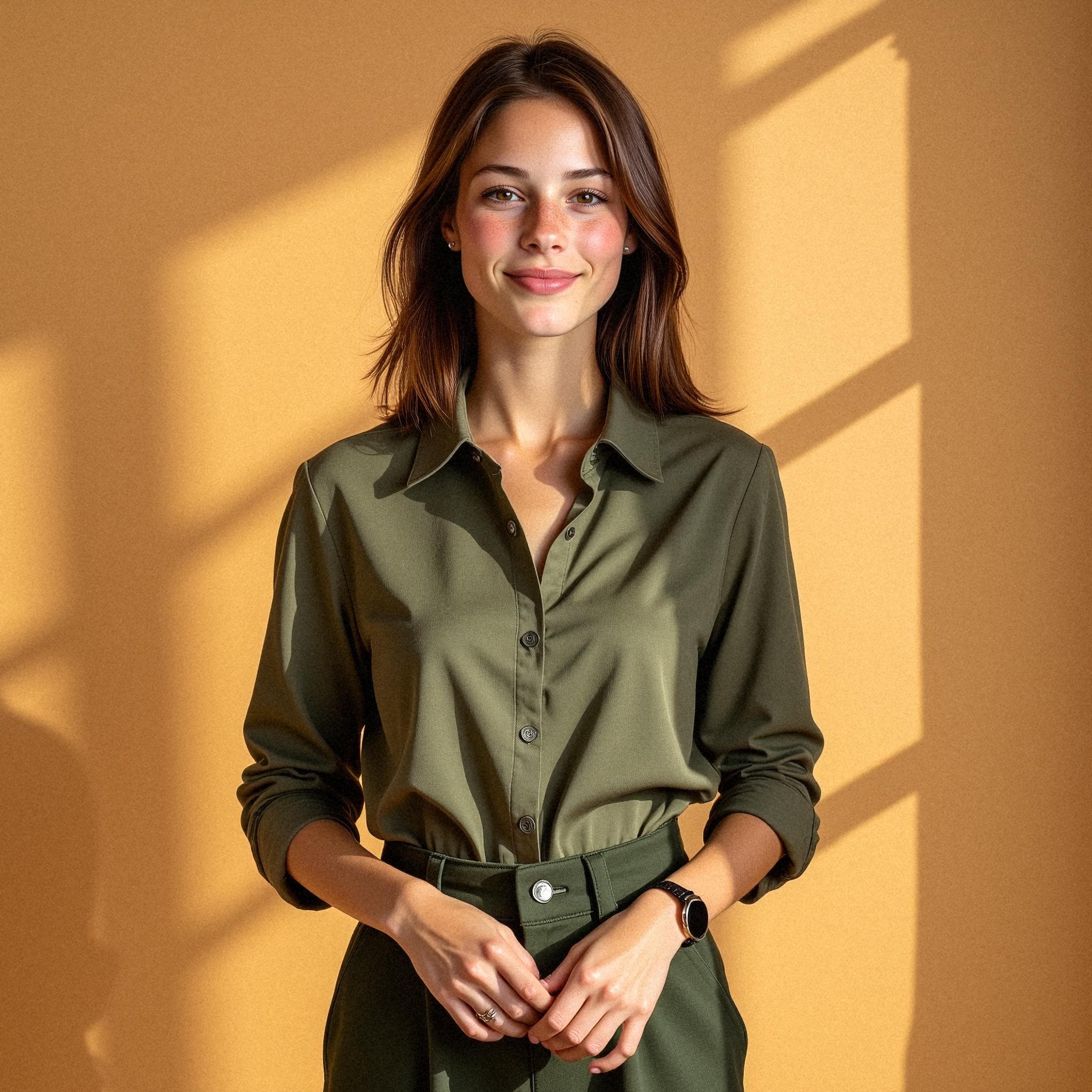
Create studio-grade portraits for LinkedIn, resumes, founder bios, sales profiles, and team pages without booking a photographer. Starkie helps you generate natural-looking AI headshots that keep your identity while elevating your professional brand.
Designed for realistic skin texture, facial features, and natural lighting
Multiple style directions for LinkedIn, resumes, websites, and speaking profiles
Built to help you convert profile visits into interviews, calls, and client trust
Recruiters, clients, and buyers make split-second decisions from your profile image. This landing page is designed for professionals searching for realistic AI headshots that look human, trustworthy, and ready for real business use.
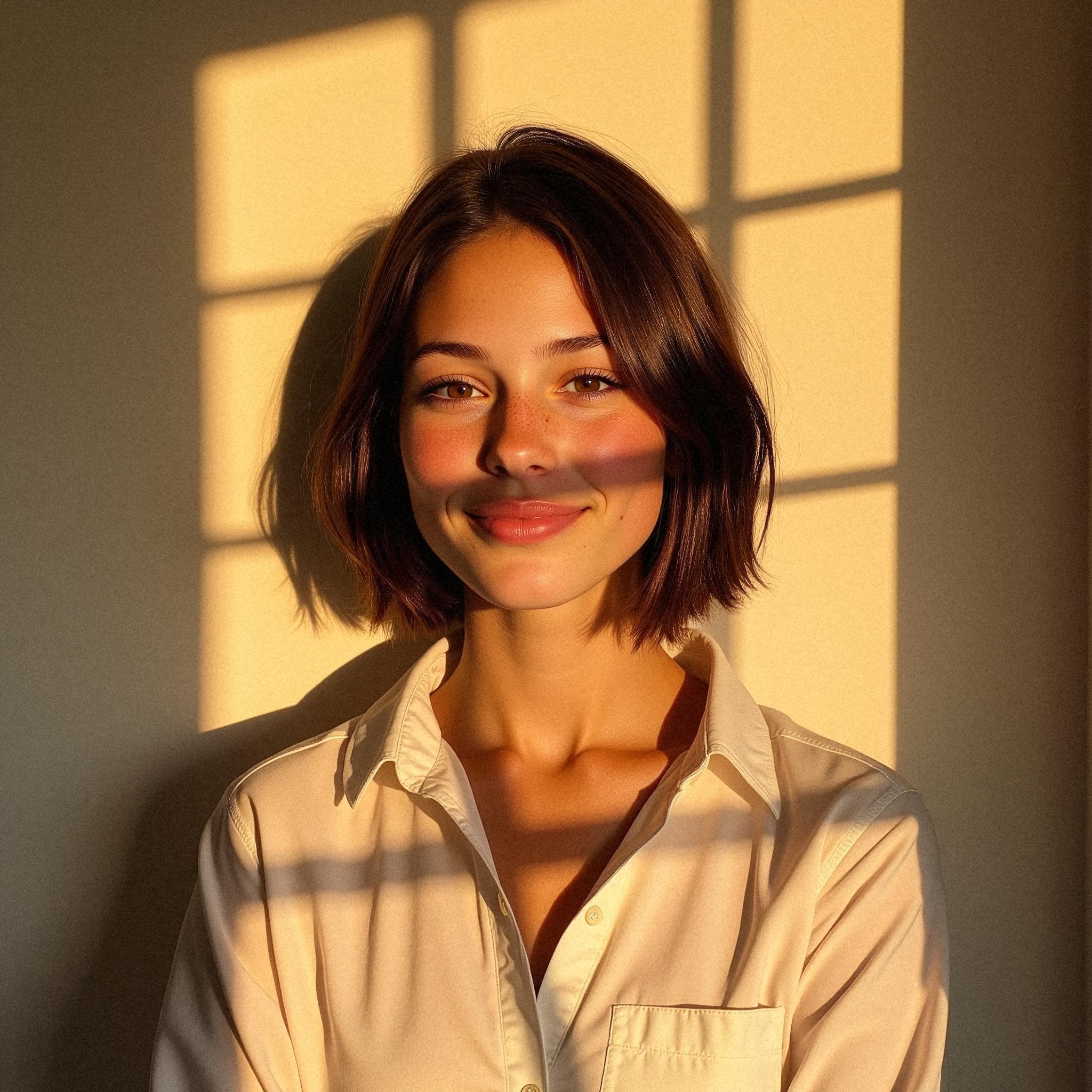
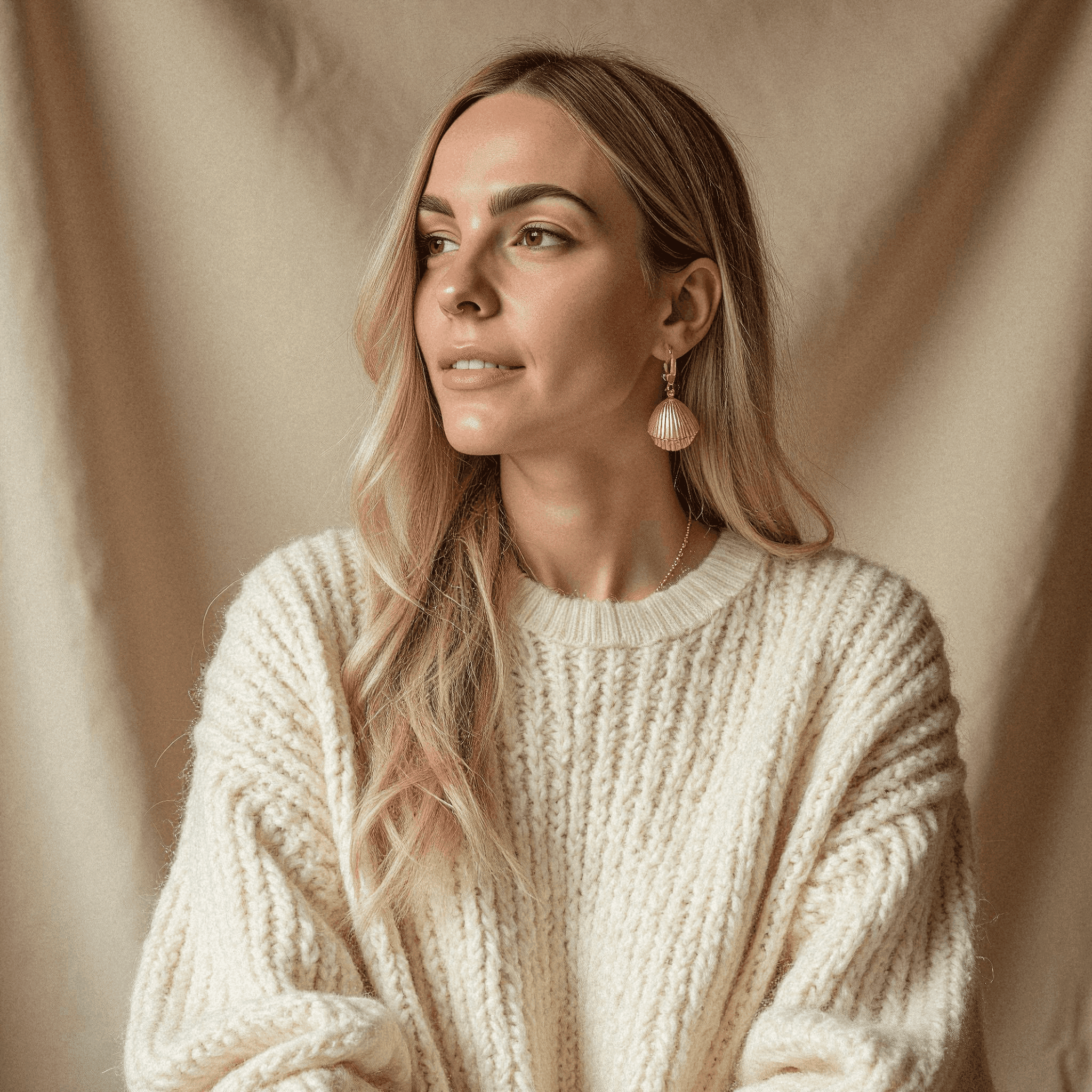
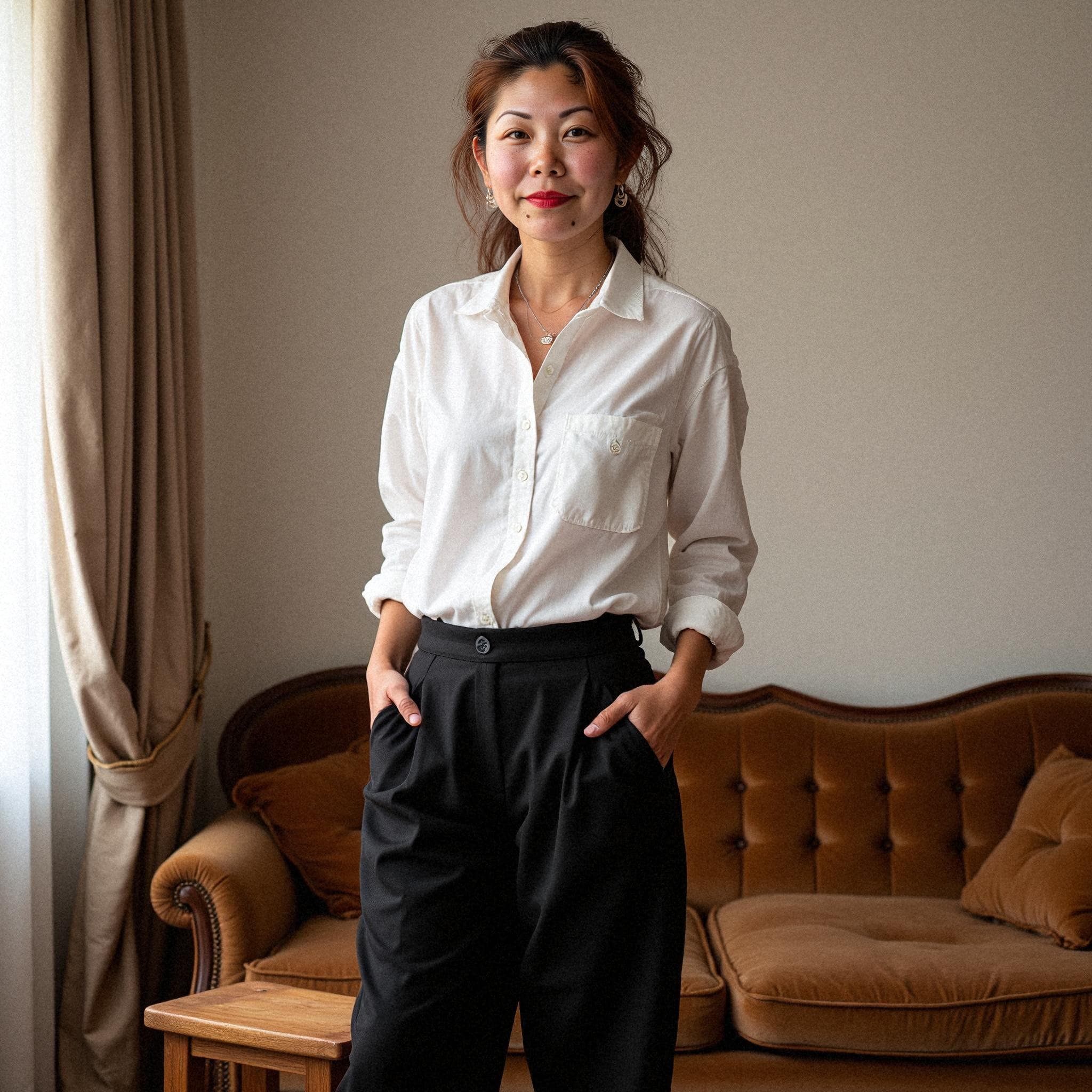
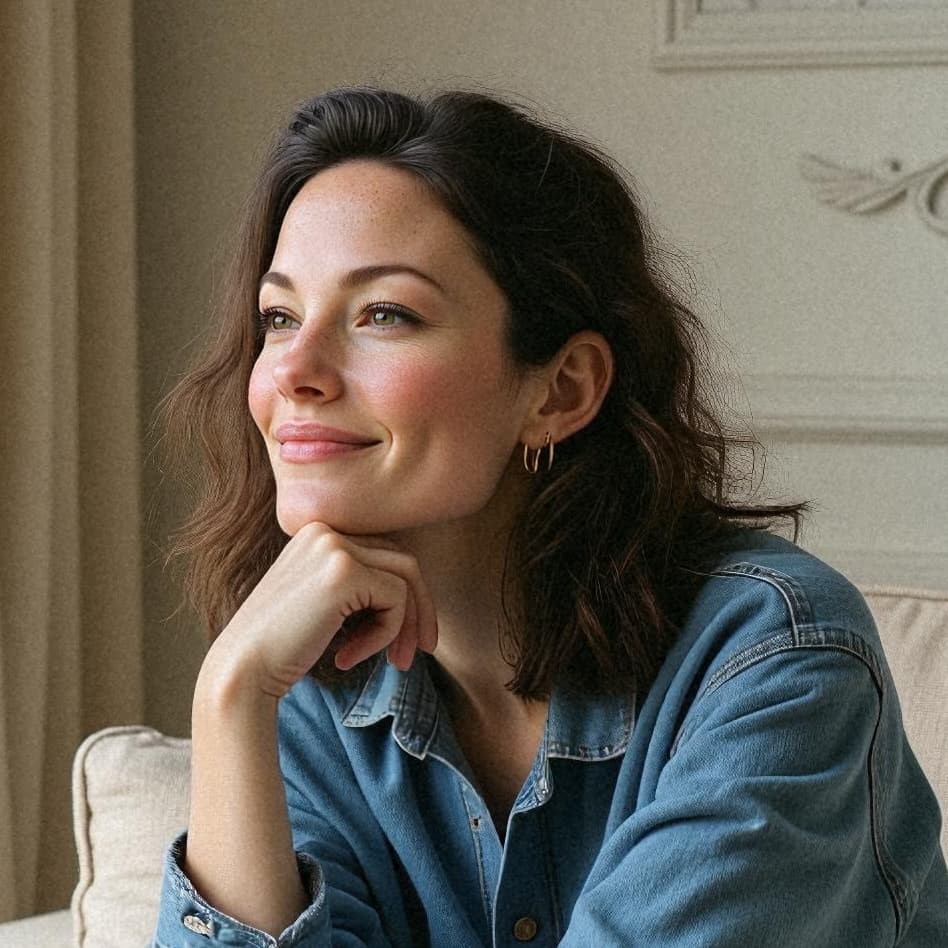
Want to compare options first? View pricing and packages.
Whether you are applying for jobs, building a startup, or scaling a team, Starkie helps you publish better profile photos faster.
Upgrade your LinkedIn and CV image quickly when applying for high-trust roles.
Build a credible personal brand for your website, pitch decks, and social presence.
Keep consistent visual quality across your team page without booking multiple shoots.
Create professional images for onboarding, PR bios, and internal directories at speed.
If your goal is to publish realistic professional headshots quickly, AI workflows can remove scheduling friction while preserving quality.
| Decision factor | Starkie AI headshots | Traditional session |
|---|---|---|
| Time to usable headshots | Fast turnaround after upload | Scheduling + shoot + edit cycle |
| Style variety | Multiple looks from one session | Limited by single shoot setup |
| Cost profile | Lower cost than repeated photo sessions | Higher per-shoot costs |
| Remote team scalability | Works for distributed teams | Hard to coordinate across locations |
Step 1
Share a varied set of clear selfies so the AI can learn your facial features, expressions, and natural look.
Step 2
Your personal model creates studio-grade portraits with clean lighting, natural skin texture, and business-ready composition.
Step 3
Pick your best shots for LinkedIn, company pages, resumes, speaking profiles, and personal branding campaigns.
No scheduling delays. Start now and get profile-ready options quickly.
Your image generation flow is built for professional use with data handling controls.
Use the same workflow to keep visual consistency across your company profiles.
Starkie focuses on natural lighting, realistic skin detail, and balanced facial proportions so your portraits look like authentic professional photos instead of obviously generated images.
Yes. The generated headshots are designed for professional contexts like LinkedIn, resumes, founder bios, speaker pages, and internal company directories.
Most users receive usable options quickly after upload, then choose from multiple styles and crop formats to match each platform.
Yes. You keep ownership and can use your AI headshots for personal branding, business websites, and marketing workflows.
Starkie follows privacy-first handling with clear controls around data usage and retention, so your training photos are not exposed publicly.
Yes. You can use your AI headshots for business websites, team pages, founder profiles, and professional marketing material.
Most people generate multiple styles to test which image performs best on LinkedIn, their website bio, and outbound sales profiles.
Upload clear, well-lit selfies with varied angles and expressions. Avoid heavy filters and group photos to improve model accuracy.
Join Starkie to create business-ready headshots for LinkedIn, resumes, portfolios, and team pages without waiting for a studio shoot.