Comparisons
Comparing us with HeadshotPro, without inventing facts
An honest comparison: what Starkie Teams does for a whole team, and why we send you to HeadshotPro’s own site for anything about HeadshotPro.
From $39 per person, volume discounts from 5 people.

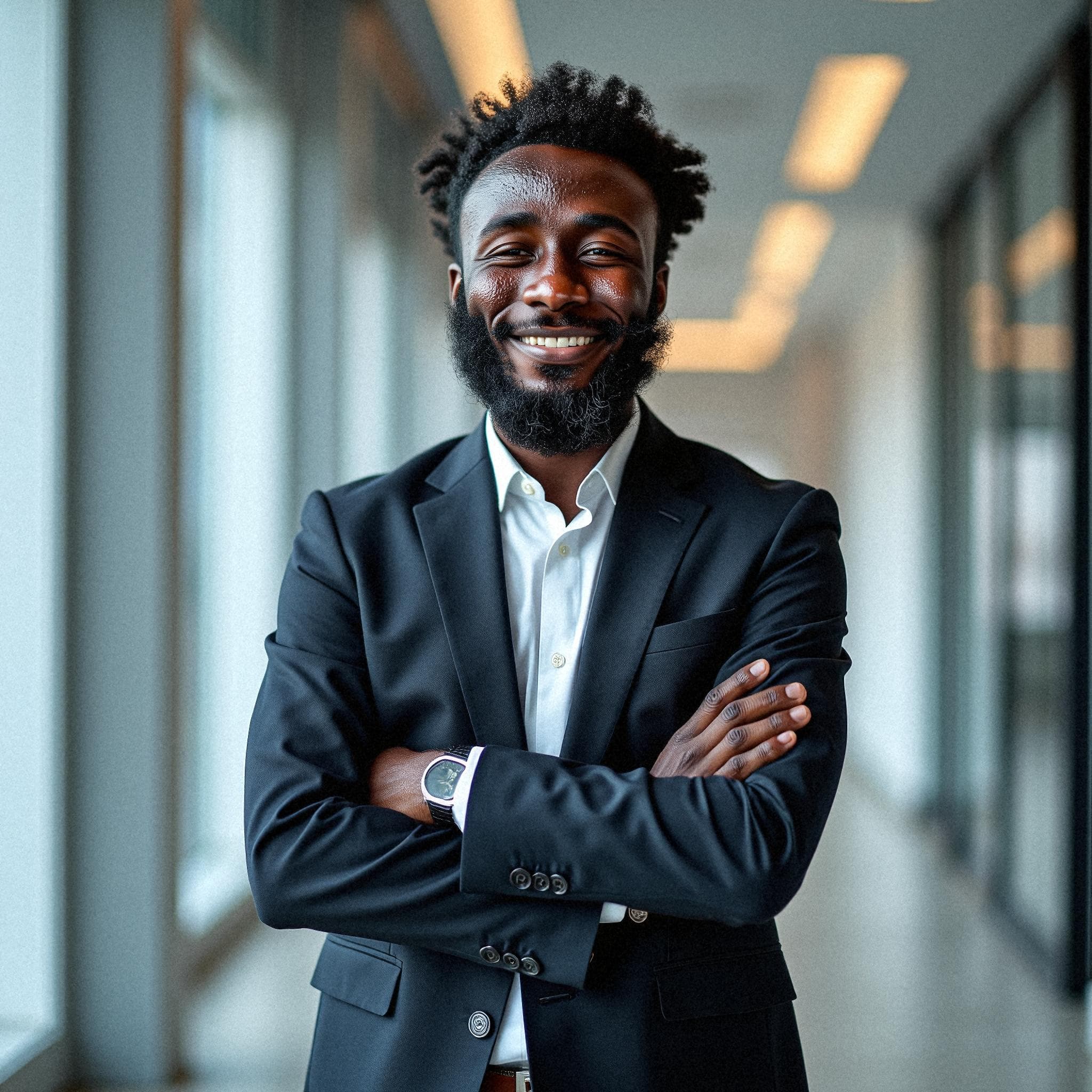


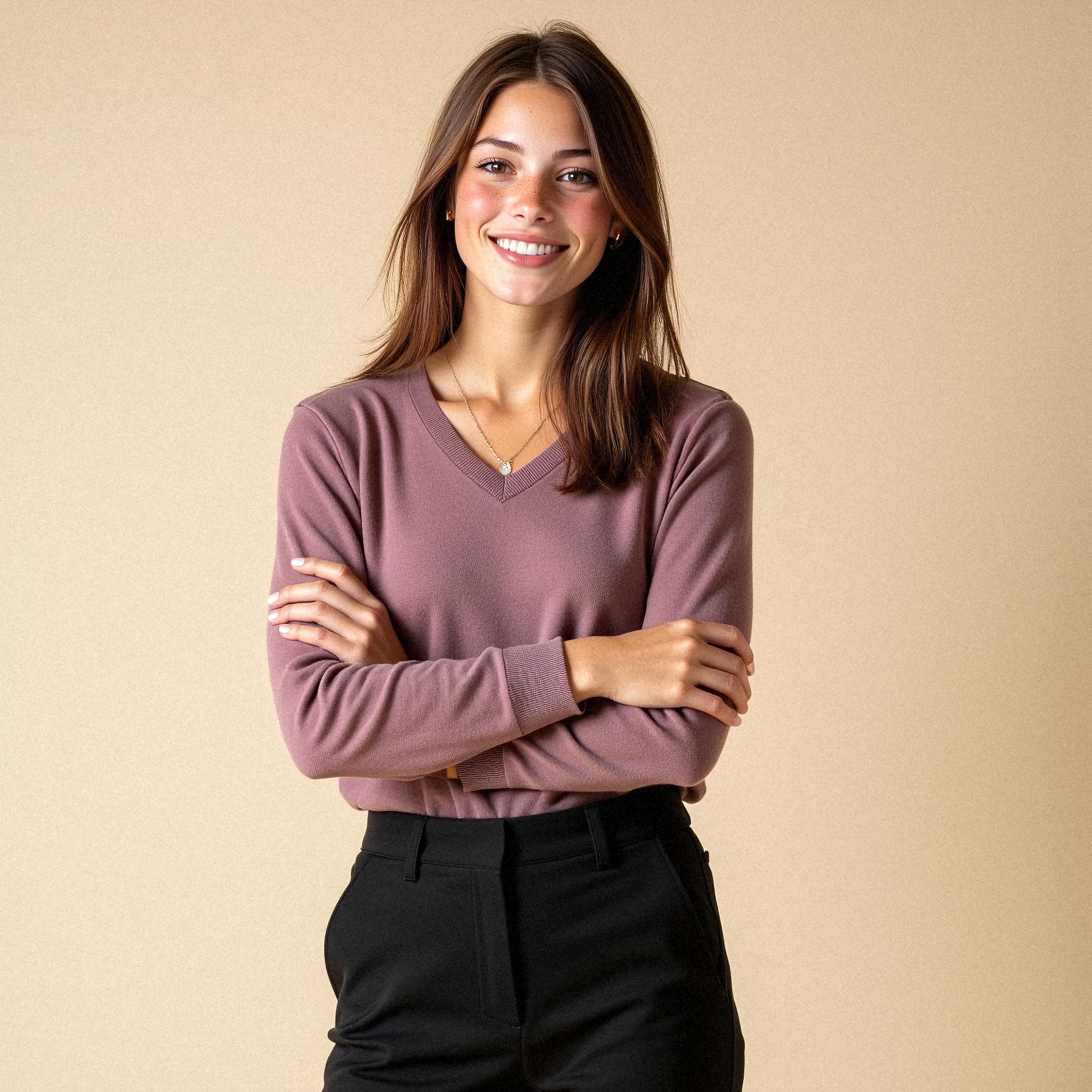

- Ten photos per person: five outfits, two takes of each
- About an hour from selfies to download
- Nobody on the team needs an account
HeadshotPro comes up regularly when companies compare options alongside Starkie Teams, and, on its own site, it presents plans for teams as well as for individuals. As of September 2026 we have not independently verified its current features or prices, so this page does not restate them: for those, its own site is the only source worth trusting. What we can set out precisely is how a rollout works here, so that a buyer comparing two shortlists knows exactly what one side of the comparison contains.
Comparing
What to check before you choose.
The questions a team buyer should put to any headshot tool, and how Starkie Teams answers them. For the other tool, check their current site.
| What to check before you choose. | Starkie Teams | The other tool |
|---|---|---|
| One-time credits, no subscription | Yes | See their site |
| Ten photos per person: five outfits, two takes of each | Yes | See their site |
| One style enforced across the whole team | Yes | See their site |
| Teammates need no account | Yes | See their site |
| Admin approval before photos go out | Yes | See their site |
| Consent text versioned and logged per person | Yes | See their site |
| API and signed webhooks | Yes | See their site |
| Published in English and Italian | Yes | See their site |
What this page claims and what it does not
Comparison pages usually age badly because they freeze a competitor’s pricing table into someone else’s marketing copy, and six months later both are wrong. The approach here is narrower and more durable. Everything stated about Starkie Teams is a description of behaviour that exists in the product today and can be checked in a trial.
Everything about another vendor is left to that vendor, including what their plans cost, how many photographs they return, how long they take and what they do with uploaded images. Where we do not know something, we say so rather than filling the gap.
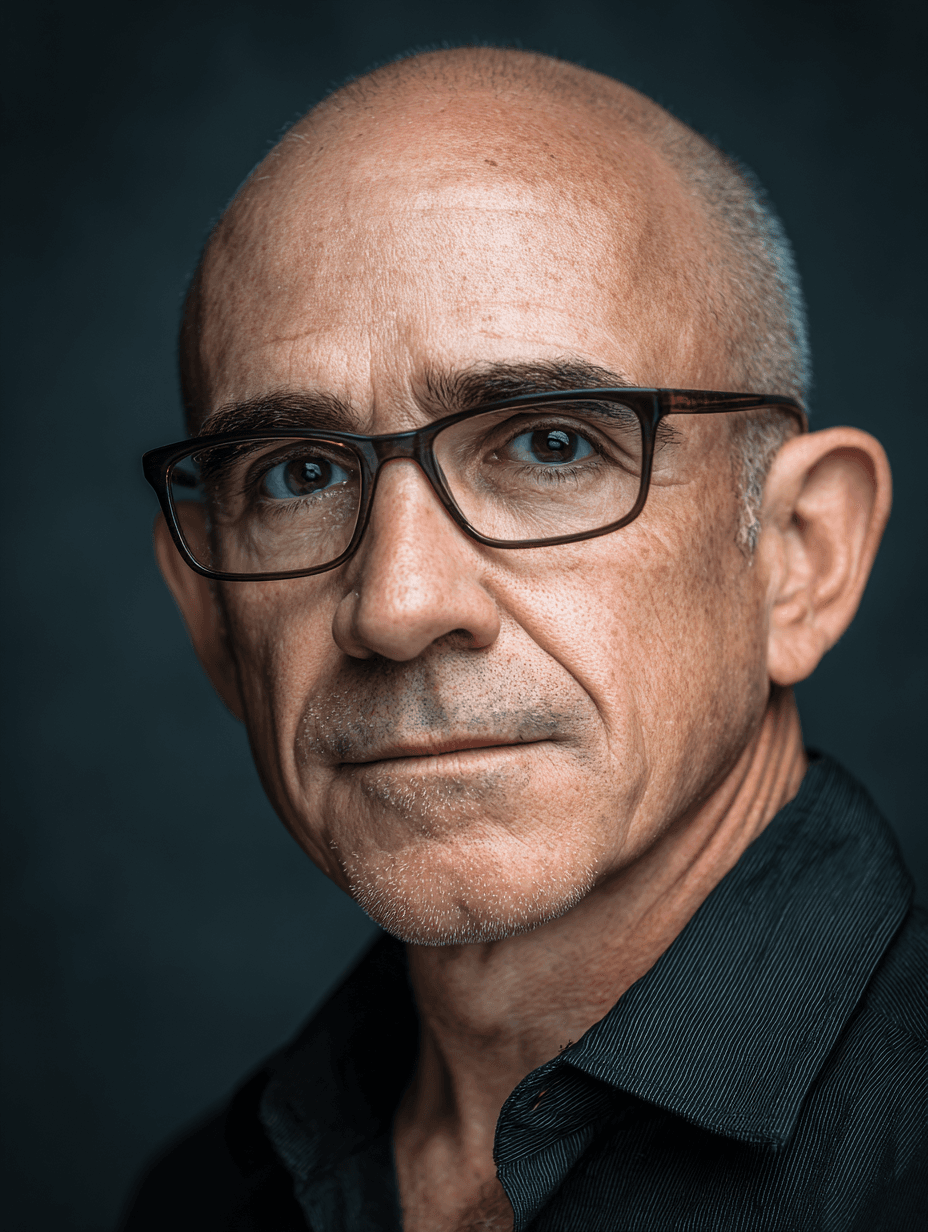
The result
Everyone, in the same light.
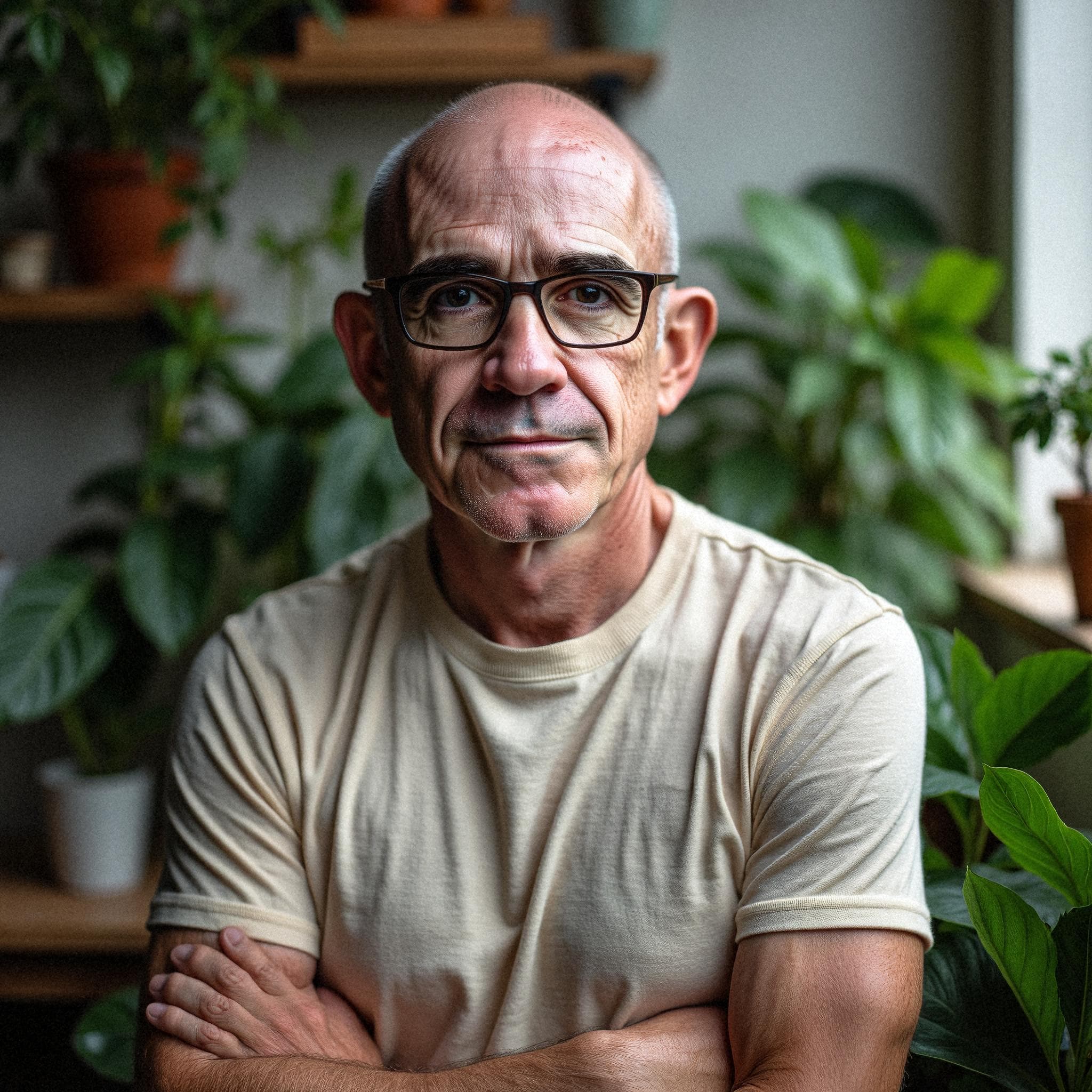
Choose a backdrop and an outfit once. Every person who joins is generated inside that style, so the team page finally looks like one team rather than a collage of whoever had a photo.





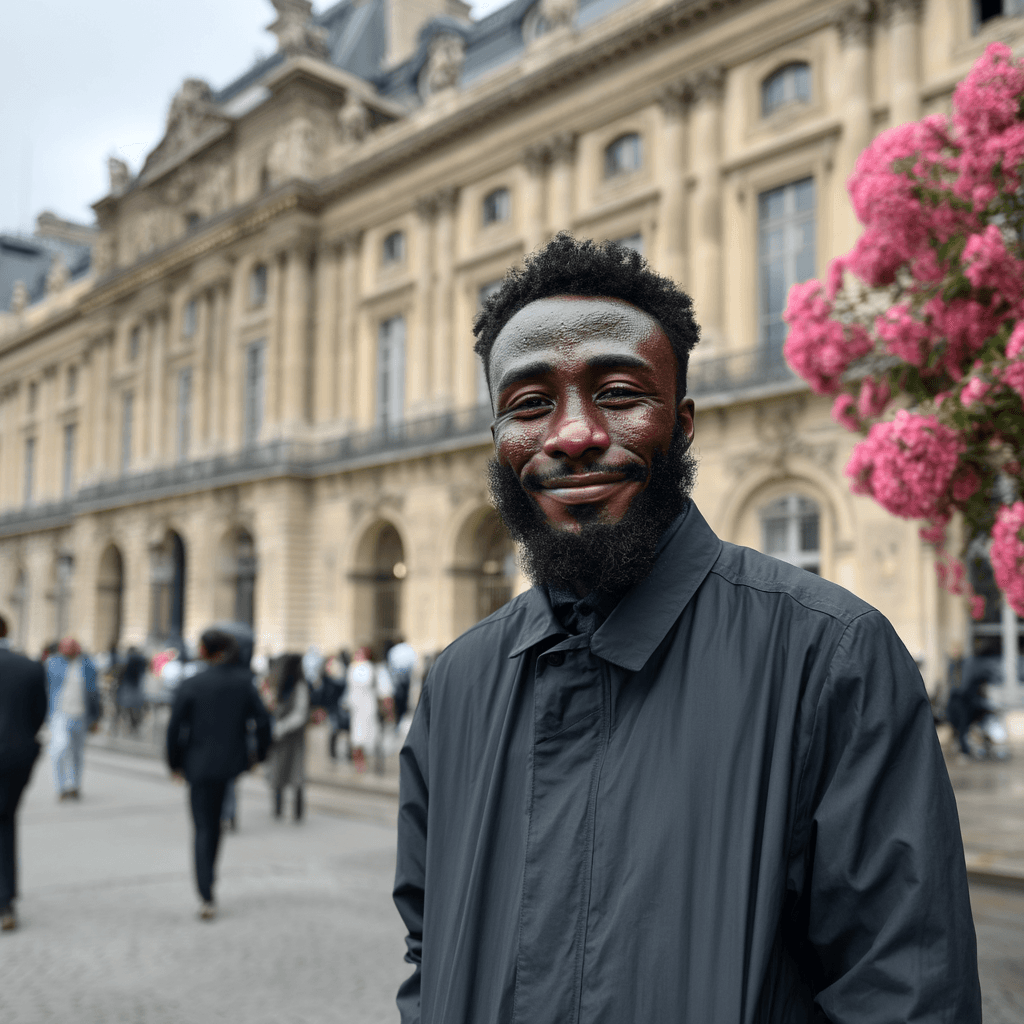
Sample headshots generated by Starkie from phone selfies.
What a rollout to thirty people looks like here
An admin creates the organisation and picks one set of backdrops and outfits that everybody will share. People are invited by email, or with one open invitation link that accepts only company addresses, and each of them consents and uploads selfies from a phone without ever creating an account.
Forty images per person come back, usually inside an hour or so. Automatic reminder emails chase whoever has not uploaded, and an admin can prompt one named colleague or every outstanding one. The whole organisation downloads as a single archive, sorted into folders by name, with a manifest.
Backdrops
- Studio white
- Studio greySelected
- Studio black
- Modern office
- Glass office
- City street
- Library
- Navy gradient
Outfits
- Dark suit
- Light suit
- Blazer, no tieSelected
- Fine knit
- Casual shirt
- White coat
What the organiser sees
The whole run, from one screen.
Invites, consent, approval, downloads and the branded profile pictures, each a step in the same place.
- Invite peoplePaste emails or upload a CSVOpen linkCopy linkstarkie.ai/teams/join/x7q…Only @acme.com addresses24 invited
- DownloadsWhole team, one archive24 people · 960 files
- One folder per person
- Approved people only
- ReviewSophia8 headshotsAwaiting approval

 ApproveRequest a retakeReasonThe tie: could we try the open collar?
 - Branded profile pictureACMECompany frame1024 · 512
Re-rendered when the template changes
- Before you uploadConsent text v3
Your selfies are used to generate your headshots and deleted at the end of the retention period.
I agreeAccepted · logged - Webhookmember.photos_readyDelivered
X-Starkie-Signature: t=1700000000,v1=5257a8… · Signed{ "type": "member.photos_ready", "organizationId": "org_…", "data": { "memberId": "cle…" } }
The part buyers usually forget to compare
Feature grids concentrate on the photographs and skip the awkward middle: what happens when somebody hates their set, and who decides what gets published. Here an organisation can require approval, which holds every finished set for an admin to review and keeps the delivery email back until they release it.
Rejecting attaches a note and grants a free retake, spending the retry rather than a second credit. With approval on, the group download and gallery list contain approved people only. Those are the mechanics we would want a rival to be asked about too.
The difference
A shoot day, or an afternoon.
Booking a photographer
- Find a date the whole team can make
- Book a room and a photographer
- Chase the people who were travelling
- Wait for retouched files
- Start again for every new hire
With Starkie Teams
- Invite by email, CSV or one link
- Everyone uploads selfies from a phone
- Remote colleagues take part on the same terms
- Ten photos per person in about an hour
- New hires get the same style, whenever they join
Pricing
One credit per person. Discounts stack as you buy.
Ten photos of every person in about an hour: five outfits on their backdrop, two takes of each. Approve them, download one archive, done.
- First 4 creditsList price$39.00 each
- 5+ credits20% off$31.20 each
- 25+ credits30% off$27.30 each
- 100+ credits40% off$23.40 each
- 250+ credits50% off$19.50 each
Estimate your price
- Price per person
- $31.20
- Volume discount
- 20%
- Subtotal
You're in the 20% band. 15 more people reaches 30%.
Prices in US dollars. One credit per teammate.
Trust
Read it before you buy.
The documents a procurement or IT team asks for, published rather than sent on request.
- Data Processing AgreementRoles, sub-processing, retention and deletion, in writing.
- Sub-processorsEvery third party that touches a photo, and why.
- SecurityHow photos are stored, who can open them, and for how long.
- Privacy notice for teamsWhat each teammate is told before they upload a selfie.
- GDPRRights, requests, and how to exercise them.
Frequently asked questions
Why does this page not compare prices?
Because we would be quoting somebody else’s pricing from memory. Ours is stated plainly: $39 per person, reduced by 20% once an account has bought five credits, then by 30% from twenty-five credits, by 40% from one hundred and by 50% from two hundred and fifty. For HeadshotPro’s current pricing, see their site.
Do employees need accounts with you?
No. A person receives a private link, accepts the consent text there, uploads and later opens their gallery at the same address. There is no password and nothing to install. Only the owners and admins who run the organisation sign in at all.
Can we try it before committing the whole company?
Credits are bought by the account and spent one person at a time, with no minimum group, so inviting three volunteers first is a normal way to start. The style chosen at that point is the same one later colleagues are generated from, so the trial is not thrown away.
What should we ask any AI headshot vendor before buying for a team?
Four things, in our view: how each employee consents and how that consent is recorded, what happens to uploads afterwards, whether anyone can review a set before it reaches the person, and how the finished files come out in bulk. Our roundup page expands that into a checklist you can put to us as well.
Give the whole team the same headshot, without the shoot day.
Free to set up: you only pay when you buy credits. There is no subscription, and you don't need a card to start.