The webcam effect nobody saw coming
Dermatologists have a name for what happened to their waiting rooms in 2021: "Zoom dysmorphia." It describes a specific kind of self-consciousness that sets in after weeks of staring at your own face in a small rectangle on a video call. In the American Academy of Facial Plastic and Reconstructive Surgery's 2021 annual survey, 83 percent of member surgeons said video conferencing was changing what patients asked for, and 16 percent reported an entirely new request that hadn't existed the year before: procedures aimed specifically at looking better on a webcam.
It's less a story about vanity than about what happens when a piece of consumer software puts a live, filtered mirror in front of your face for eight hours a day and quietly resets your idea of what you normally look like.
What "Zoom dysmorphia" actually measures
Researchers have since put numbers behind the term. A 2025 study in the Journal of Clinical and Aesthetic Dermatology surveyed 505 US adults about their video call habits and found that 88.6 percent used video conferencing more than three days a week, and 68.1 percent had "touch-up my appearance" style filters switched on more than half the time. More than half, 55.9 percent, said video calls had influenced their desire for a cosmetic procedure, and 69.2 percent believed a procedure would boost their self-esteem.
The detail that stands out is who these effects hit hardest. People who reported watching their own video tile more than they watched the speaker were roughly five times more likely to use a beautifying filter, according to the study's odds ratio of 5.034. Self-scrutiny, not vanity, is the trigger. The AAFPRS survey adds a second, more concrete data point: 56 percent of its member surgeons said patients were requesting eyelid procedures specifically to look less tired on camera. As one surgeon in the release put it, real-time video can't be airbrushed the way a photo can, so every flaw stays on permanent display.
That's less true than it used to be. Zoom and Microsoft Teams both quietly built airbrushing into the call itself, and how they do it matters for what comes next.
How your webcam learned to lie a little
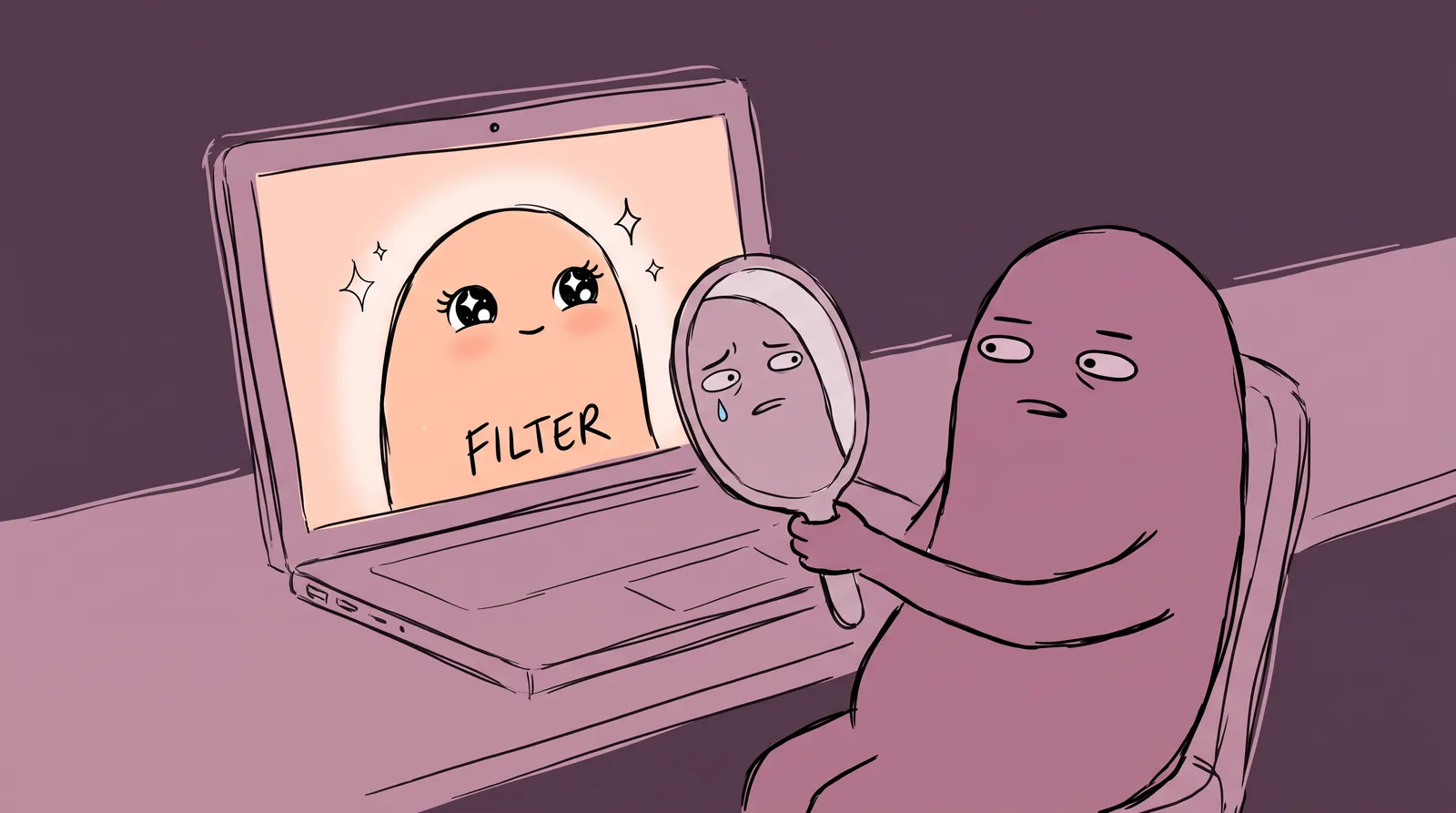
Zoom's "Touch Up My Appearance" setting, and Microsoft Teams' "Soft focus" filter, work the same way basic beauty filters have worked since the earliest Snapchat lenses. A model finds your face in each video frame, maps a mesh of landmark points onto it in real time, then applies a soft-focus blur and skin smoothing within that outline. Google's own MediaPipe Face Landmarker is a public example of the underlying approach: it estimates 478 3D points across a face from each frame, run continuously for the length of the call. Zoom's version, documented since 2020, even ships a slider so you can dial the smoothing up or down, and Zoom remembers the setting for your next meeting.

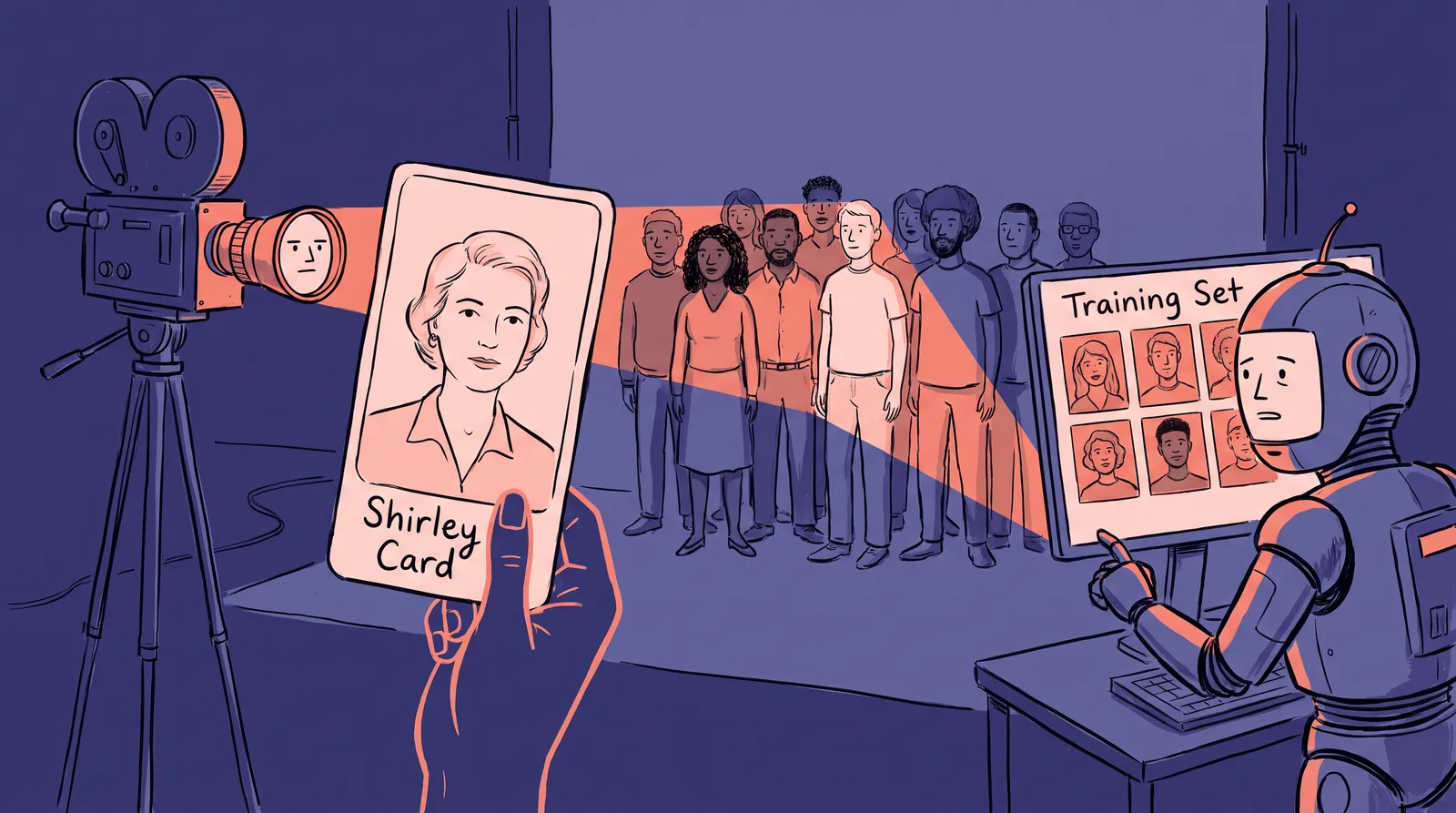
That's a fundamentally different process from the AI headshot generators built on diffusion models, which synthesize an entire image from scratch based on training photos of you rather than reshaping a live feed frame by frame. A live filter is closer to a very fast retouching pass than to actual portrait generation. It can soften your skin and brighten your eyes, but it can't change your lighting, your framing, or the fact that you've been on your fourth call of the day and it shows. It also can't give you a second option. You get one live, warped version of your face, applied automatically, and you stare at it for the length of every meeting on your calendar.
The mirror that never blinks
Staring is the part researchers think actually causes the damage. Stanford professor Jeremy Bailenson, who directs the university's Virtual Human Interaction Lab, proposed in a 2021 theoretical paper that video calls create "mirror anxiety," because people are seeing real-time reflections of their own face at a frequency and duration that has no precedent in the history of media.
A 2023 follow-up study from the same lab, covering 9,787 participants, tested that theory directly and found mirror anxiety predicted Zoom fatigue independent of how many meetings someone actually attended. The effect was significantly stronger for women. In other words, the exhaustion and self-scrutiny weren't coming from the workload of video calls. They were coming from the act of watching yourself on a loop, filtered or not, for hours at a stretch.
The fix that both Zoom and Microsoft Teams eventually shipped is almost embarrassingly simple: a "hide self view" toggle that keeps your camera on for everyone else while removing your own tile from your own screen. Microsoft added it to Teams in 2022 after it became, according to TechRadar's coverage, one of the platform's most requested features. If the anxiety comes from watching yourself, the cheapest treatment is to stop watching yourself, not to change what you see.
When your "camera face" stops matching your actual face
Spend enough hours looking at a softened, brightened version of your own face on video calls, and comparatively little time looking at your unfiltered reflection, and your brain quietly recalibrates around the filtered version. It starts to feel like the baseline. A real photo, an ID photo, a candid shot a colleague takes at a conference, then reads as somehow off, even though it's the more accurate one.
This is the same gap that shows up when people try to spot AI-generated headshots next to real photos: the tell usually isn't that the AI image looks bad, it's that it looks suspiciously smooth and evenly lit in a way a real, unedited photo rarely does. A live beauty filter pushes your own self-image in exactly that direction, just gradually and without you choosing a single generated image to compare it against. You're the control group and the treatment group in the same face.

It also creates an odd asymmetry with anything that requires a static, honest photo: a passport, a badge, a driver's license renewal. Those images can't be softened in real time, so they get compared unfavorably against a memory of your own face that's been quietly filtered for months. That gap is a plausible reason the dermatology survey found so many people wanting to close it permanently with a procedure, rather than just turning a filter off.
The difference between an incidental photo and an intentional one
A video call filter and a professional headshot solve different problems, and it helps to treat them differently. The filter is incidental: it's on by default, it's the same for every meeting regardless of what the meeting is for, and it disappears the moment the call ends, leaving nothing behind but a slightly warped memory of what you looked like.
A professional headshot, whether shot by a photographer or generated by a tool like Starkie AI from a handful of real reference photos, is the opposite: a single, deliberate image you pick for a specific purpose, like a LinkedIn profile or a company bio page. The uncanny valley problems that show up in bad AI portraits, over-smoothed "wax figure" skin and unnaturally perfect symmetry, are the same visual signals that make a live beauty filter look fake under scrutiny. Good tools in either category avoid them by giving you multiple distinct options to choose from and compare, rather than locking you into one algorithmically softened version of your face for every context, professional or otherwise.
That distinction also matters for how much people trust a photo in the first place. Someone who has spent years hearing about filtered video calls is primed to wonder whether any given professional photo is airbrushed, generated, or simply a very good picture taken on a good day. Photos that read as intentional and consistent across a candidate's LinkedIn, company site, and email signature tend to earn more trust than a single flattering shot that looks nothing like the person on their next video call, especially given how fast that trust judgment happens: research on what recruiters and hiring managers notice in a profile photo puts the window at about 100 milliseconds, long before anyone reads a resume.
What actually helps
A few habits, backed by the research above, do more for this than any procedure. Turn off self-view rather than the filter: both Zoom and Teams let you hide your own tile while staying visible to others, and Stanford's researchers point to this as the single most effective fix for mirror anxiety, since the fatigue tracks with watching yourself rather than with being seen. If you use the touch-up slider, treat it as a light retouching tool rather than a mirror, and dial it down instead of maxing it out. Try to keep your "meeting face" separate from your "profile photo" in your head, rather than letting the version of yourself you see for hours a week set your expectations for a single photo meant to represent you once, on a resume or a professional profile.
That last point is where having real options helps. A photographer's contact sheet gives you several frames to choose from. A decent AI headshot generator does the same, producing a handful of distinct finished looks instead of one algorithmically softened default, so you can pick a photo you actually recognize rather than settling for whatever your camera happened to smooth over that day. The webcam isn't lying to you in any of this. It's showing you a version of your face that was never meant to be looked at for eight hours a day, then letting that version quietly become the one you compare everything else to.