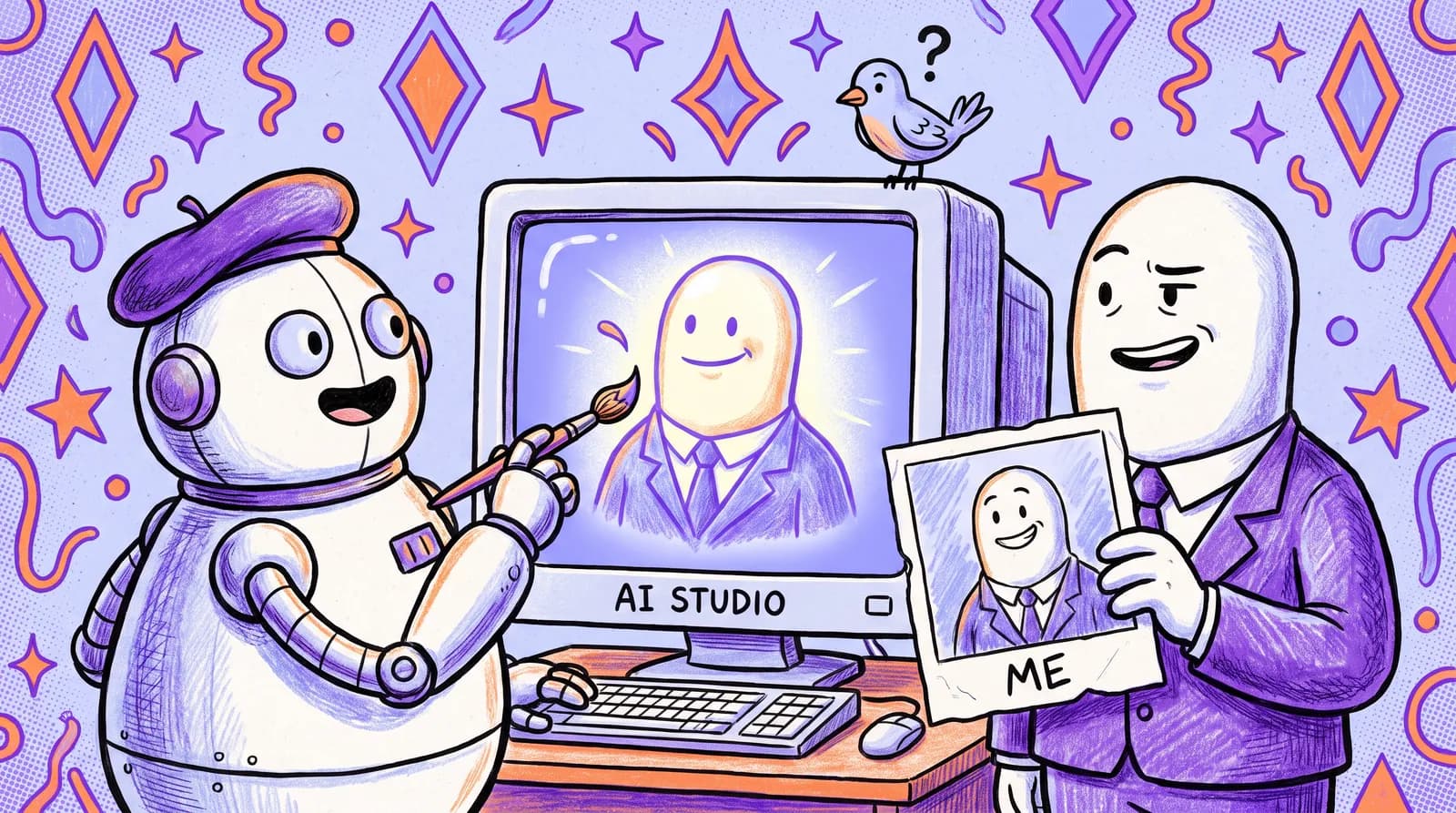
Recruiters spend an average of just 7 seconds scanning your LinkedIn profile before deciding whether to click deeper or move on. And the very first thing their eyes land on isn't your headline or your job title. It's your photo.
Think of every LinkedIn profile visit as a "hiring manager's scroll," a top-to-bottom visual and informational journey your profile must survive to earn a callback. Each element is a micro-decision point: Does this person look credible? Is this headline relevant to what I'm searching for? Does the About section make me want to learn more, or do I bounce?
In 2026, LinkedIn has crossed 1 billion members. Yet fewer than 40% of profiles achieve "All-Star" status. That means the majority of professionals are invisible by design, buried under incomplete sections, generic headlines, and photos from 2019.
What follows is a full-profile audit, covering every element from your banner image down to your skills endorsements, in the order a recruiter's eyes actually travel. No amount of keyword optimization saves a first impression that reads as unserious.
Why LinkedIn is your most valuable career asset in 2026 (and why most profiles waste it)
LinkedIn isn't just a social network anymore. It's your de facto digital resume. Roughly 89% of B2B recruiters now rely on the platform as their single primary tool for sourcing and talent acquisition. Up to 95% of recruiters use LinkedIn at some stage of their hiring process. If you're job hunting and your profile is incomplete, you're playing a game with 90% of the board missing.
Think of it as profile gravity. A well-optimized profile attracts inbound recruiter messages passively, pulling opportunities toward you while you sleep. A weak one forces you to apply cold into a void alongside hundreds of applicants doing the same.
The difference is dramatic. A complete LinkedIn profile generates 40 times more opportunities than an incomplete one. Inbound candidates, those found through optimized profiles, are considered higher quality by 72% of recruiters compared to candidates sourced elsewhere.
Picture two professionals with identical resumes. Same experience, same skills, same education. One has a polished headshot, a keyword-rich headline, quantified achievements in their experience section, and an engaging About section. The other has a cropped group photo, a default headline reading "Marketing Manager at Acme Corp," and an About section that starts with "Results-driven professional with 10+ years of experience."
The first person gets three recruiter messages a week. The second hears silence. Same resume. Wildly different outcomes.
The audit below runs in scroll order: photo, headline, banner, About section, experience bullets, skills, Featured section, engagement habits. Before any keyword work, though, there's the element that decides whether a recruiter slows down at all.
The visual filter: Why your profile photo is the gatekeeper to everything else
Humans form trait judgments from a face in roughly 100 milliseconds. That's faster than you can blink. Perceived trustworthiness, competence, and approachability are all decided before a single word of your headline is read.
The numbers back this up. Profiles with professional photos receive up to 21 times more profile views than those without a photo. A quality headshot also generates 9 times more connection requests and 36 times more messages. Your photo isn't decoration. It's a conversion tool.
What are hiring managers actually filtering for? Not attractiveness. They're scanning for signals of professionalism, approachability, and culture fit. A low-quality, casual, or outdated photo actively undermines those signals, regardless of your credentials. A blurry phone selfie or a cropped vacation photo tells a recruiter, "This person doesn't take their professional presence seriously."
A high-performing LinkedIn headshot has a neutral or softly blurred background, with no cluttered rooms and no beach sunsets behind you. Attire appropriate to your target industry. Direct eye contact with the camera. Even lighting, without harsh shadows across the face. Your face filling 60 to 70% of the frame. And a genuine, warm expression rather than a held one.
In 2026, the trend has shifted away from rigid executive portraits. Warmer, authentic expressions generate more connection requests than posed, formal ones. Your photo should feel approachable, not like a passport picture.

The barrier is friction. Getting a good headshot traditionally means booking a photographer, spending $200 to $500 or more, and waiting days for the edited files, which is why most people settle for a phone selfie or a conference photo from three years ago.
Starkie AI removes that step. Upload a few casual photos and get studio-quality, industry-appropriate headshots in minutes, with no photographer to book and no wardrobe to plan.
With visual credibility handled, a recruiter's eyes move to your headline, where most profiles make their second mistake.
Your headline is a billboard, not a job title
The default LinkedIn headline is just your current job title and company name. "Marketing Manager at Acme Corp." "Senior Software Engineer at TechCo." This is the weakest possible use of 220 characters that LinkedIn's algorithm indexes heavily for search rankings.
Your headline is one of the strongest relevance signals LinkedIn uses when ranking profiles in recruiter searches. A keyword-rich, value-driven headline dramatically increases the chance of appearing when recruiters search for candidates. A generic one buries you.
The formula: role or target title, then the specific value you deliver, then a proof point or niche. In practice:
| Before (Default) | After (Optimized) | |
|---|---|---|
| Marketing | Marketing Manager at Acme Corp | Marketing Manager | Helping B2B SaaS brands grow organic traffic 3x | Content Strategy & SEO |
| Tech | Senior Product Manager | Senior Product Manager | B2B SaaS | Led team to scale MQLs by 200% |
| Sales | Sales Director at Globex | Sales Leader | Helping B2B founders build $1M pipelines | 300+ placements |
Notice the pattern. Each optimized headline includes searchable keywords a recruiter would type, a concrete value proposition, and a proof point that creates credibility. You're telling the recruiter what you do, why you're good at it, and giving them a reason to click.
Tailor it to your goal. If you're actively job hunting, lead with the target role title, the one you want rather than the one you have, plus the keywords recruiters actually search. If you're a passive candidate, emphasize your current value and expertise area, which signals strength rather than urgency. If you're a consultant or freelancer, lead with the outcome you deliver, then your niche.

The 'about' section: Writing the hook that makes them want to call you
Your About section is not a formal bio. It's a narrative sales page. It should speak directly to what a hiring manager needs to know, written in first person with energy and specificity.
The constraint that matters: LinkedIn collapses the About section after the first 200 to 300 characters on both desktop and mobile. Everything after that hides behind a "see more" button. If your opening lines don't create immediate curiosity, nobody clicks. Nobody reads.
Structure it as hook, value, proof, call to action. The hook is your first two or three lines, and its only job is making someone click "see more." Then your core professional value proposition, then two or three quantified accomplishments, then a clear next step: an email address, an "open to opportunities" line, a booking link.
Hooks that work:
- "Most B2B companies are boring. They sound like robots wrote their websites. I fix that."
- "I've helped 47 startups go from pre-revenue to profitability, and I've noticed they all make the same three mistakes..."
- "Everyone thinks SEO is about keywords. It's not. It's about intent. Let me explain..."
Now compare that to the typical opener: "I am a results-driven professional with over 10 years of experience in project management and cross-functional collaboration." That line tells a recruiter absolutely nothing they can't already see in your job titles. It's filler, and it wastes your most valuable real estate.
Four mistakes cost people here. Writing in third person ("Sarah is a seasoned marketing executive...") underperforms first person on both engagement and connection request acceptance. Opening with a generic self-description instead of a hook wastes the only lines most people read. Burying your strongest accomplishments below the fold means nobody sees them. And leaving out role-specific keywords entirely costs you searchability.
Weave keywords naturally throughout the section. If you're targeting product management roles, terms like "product roadmap," "stakeholder alignment," "user research," and "agile" should appear organically within your narrative, not stuffed into a keyword block at the bottom.
Banner image, experience bullets, and skills: The profile elements people ignore
Your banner image is prime real estate. The default blue LinkedIn banner wastes roughly 25% of visible screen space. An effective banner reinforces your professional brand. Designers can showcase work samples. Sales leaders can display a credibility-building tagline. Job seekers can use a clean branded design highlighting their specialty.
Experience bullets should lead with results rather than responsibilities. Most people write job descriptions instead: "Managed social media accounts." "Responsible for client communications." "Oversaw team of 5."
Flip the script. Every bullet should answer: "What did you do, and why should anyone care?"
- Before: Managed social media accounts.
- After: Grew organic LinkedIn following 340% in 9 months by implementing a data-driven content calendar, generating 12 inbound leads per quarter.
For recent roles, aim for 4 to 6 detailed, quantified bullets. Older roles can be brief, just 2 bullets.
Skills and endorsements matter more than most people assume. Your top three pinned skills appear above the fold and carry disproportionate weight. Pin the skills most relevant to your target role. Remove generic entries like "Microsoft Word" that signal you can't prioritize. Profiles with verified skill badges through LinkedIn assessments rank 30% higher in recruiter searches for that specific skill.
The "Open to Work" feature deserves a note. The green photo banner signals active job seeking publicly. The private "Recruiters only" option signals availability without alerting your current employer. Either option increases recruiter InMail volume by about 40%. Choose based on your situation, but activate one.
Don't skip the Featured section. Pin a top-performing post, a case study, a portfolio link, or a media mention. This gives recruiters evidence of your work before they even scroll to your experience.
The engagement multiplier: How posting and commenting turns your profile into a magnet
You don't need to become a LinkedIn influencer. But you do need to show signs of life.
LinkedIn's algorithm now factors activity into profile visibility, even in passive recruiter searches. Active profiles appear first. In 2026, LinkedIn uses a "Depth Score" that measures meaningful interaction, prioritizing thoughtful back-and-forth comments over simple likes.
A sustainable minimum looks like this. Post once or twice a week with a genuine professional insight, a lesson learned or an industry observation; consistency matters more than volume, and irregular posting hurts more than low volume does. Comment five or more times a week on posts from target companies, hiring managers or industry leaders, since a thoughtful comment reaches the author, the author's network, your network and new connections all at once. And follow five to ten target companies and engage with their content, which makes you a familiar name before you ever submit an application.
When your profile shows recent activity, your posts have engagement, and your comments demonstrate expertise, it creates a social proof effect. Your credentials feel more current and credible to a recruiter who lands on your page.

Your full LinkedIn audit checklist: Run this on your profile today
The complete checklist, ordered by priority.
Quick wins (do these today)
Fix the profile photo first: high resolution, face filling 60% of the frame, approachable expression, taken within the last year. It's the highest-leverage change available, and Starkie AI handles it in minutes.
Then activate Open to Work, either the recruiter-only signal or the public banner, for roughly a 40% boost in InMail volume.
Then pin your three most role-relevant, recruiter-searched skills to the top and delete the generic filler.
This week
Rewrite the headline using the role, value and proof-point formula, and use all 220 characters. Rewrite the first 300 characters of your About section as a hook, switch to first person, and end with a clear next step. Add two or three quantified achievement bullets to your most recent role, leading with results. And replace the default banner with something branded.
Ongoing
Request three or more detailed recommendations from colleagues or managers, which remains an underrated trust signal in 2026. Add at least three items to your Featured section: case studies, testimonials, portfolio links, top posts. And settle into a weekly rhythm of one or two posts and five or more strategic comments.
Score yourself: Profile strength self-assessment
Rate yourself 1 to 10 in each category:
| Dimension | Score (1-10) |
|---|---|
| Visual Credibility (photo, banner) | |
| Discoverability (headline keywords, skills) | |
| Narrative Clarity (About section, experience bullets) | |
| Social Proof (recommendations, Featured section, endorsements) | |
| Engagement Activity (posting, commenting, connections) |
A total below 30 means significant room for improvement. Above 40 and you're in strong shape.
People who make even three or four of these changes in a week typically see measurable movement in profile views and recruiter outreach within 30 days.
Make the scroll work for you
Every element of your LinkedIn profile is a micro-decision that either earns the recruiter's continued attention or loses it. The scroll is fast and unforgiving. Photo, headline, banner, About section, experience, skills, activity. Each one either pulls the recruiter deeper or gives them a reason to move on.
None of this is about gaming an algorithm. It's about presenting the most compelling accurate version of yourself in the format the 2026 hiring market actually uses. Over three million professionals are hired through LinkedIn annually, so the opportunities exist; the profile has to be ready for them.
Pick the highest-impact change from this audit and make it before you close the tab. Rewrite the headline, restructure the About section, or finally deal with the headshot.
If it's the photo, and for most people it should be, Starkie AI makes it the easiest item on the list to finish.