You spent three hours on that proposal. You tailored every paragraph to the client's brief, nailed the tone, priced it competitively, and hit send with quiet confidence. Then... nothing. No reply. No rejection. Just silence.
The work was strong. The rate was fair. So what went wrong?
The client probably never read your proposal. They decided about you before they opened it, during a phase you didn't know existed. Call it the silent audit.
The silent audit: How clients actually decide who to contact
The silent audit is the 30 to 60 seconds a potential client spends scanning your profile before they read a single word you've written. It happens on Upwork search results pages, LinkedIn profile visits, Fiverr gig browsing, and Toptal shortlists. And it happens fast.
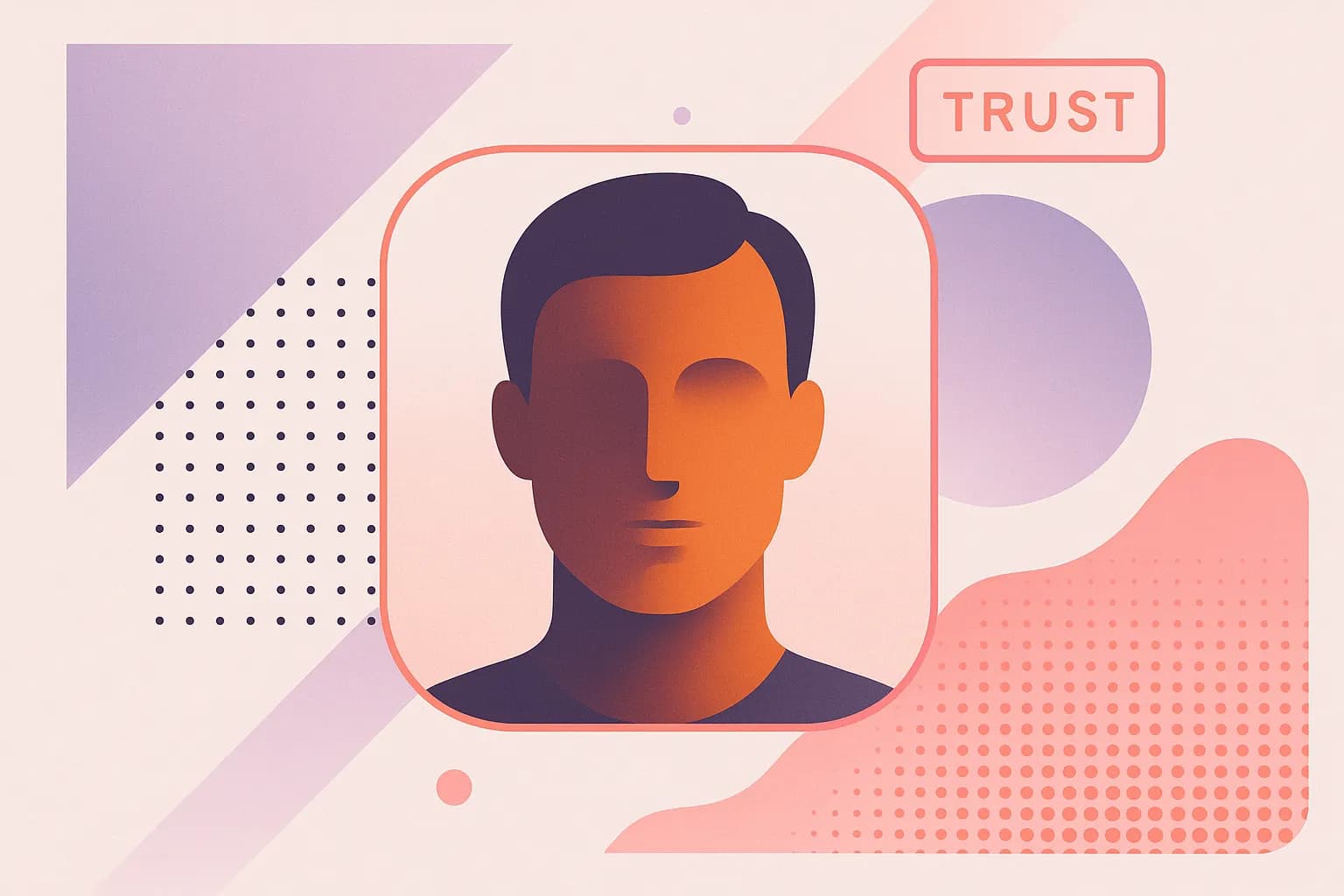
How fast? Research on face perception suggests humans form trust judgments from faces in as little as 100 milliseconds. Nalini Ambady's foundational work on "thin-slicing" showed that people make remarkably consistent assessments of competence, warmth, and trustworthiness from brief visual exposures. On a freelancing platform, your profile photo is the thin slice.
Picture this: a startup founder opens Upwork on her phone during a coffee break. She's looking for a UX designer. The search results load, and her eyes move in a predictable pattern: photo, name, tagline, hourly rate, portfolio thumbnail. She scrolls. In under five seconds, she's already ruled out half the results. Missing photo? Skip. Blurry selfie? Skip. Outdated headshot from 2016? Skip.
She's not being shallow. She's being efficient. Over 70% of B2B search activity now originates on mobile devices, which means clients are auditing you while commuting, sitting in meetings, or waiting for lunch. They're looking for reasons to rule people out, not reasons to rule them in.
This creates an asymmetry every freelancer needs to understand: a great photo won't win you a project on its own, but a bad or missing one will quietly disqualify you. Visual polish is a defensive necessity before it's an offensive advantage.
With the stakes clear, here is every visual touchpoint a client encounters and what each one needs to accomplish.
Your profile photo: The single most audited asset you own
Your profile photo carries disproportionate weight for one simple reason: it's the only element that follows you everywhere. It appears on Upwork, LinkedIn, Fiverr, your email inbox, Slack DMs, Zoom waiting rooms, and proposal headers. Every time a client encounters it, it either reinforces trust or erodes it. That makes it a compounding signal, for better or worse.
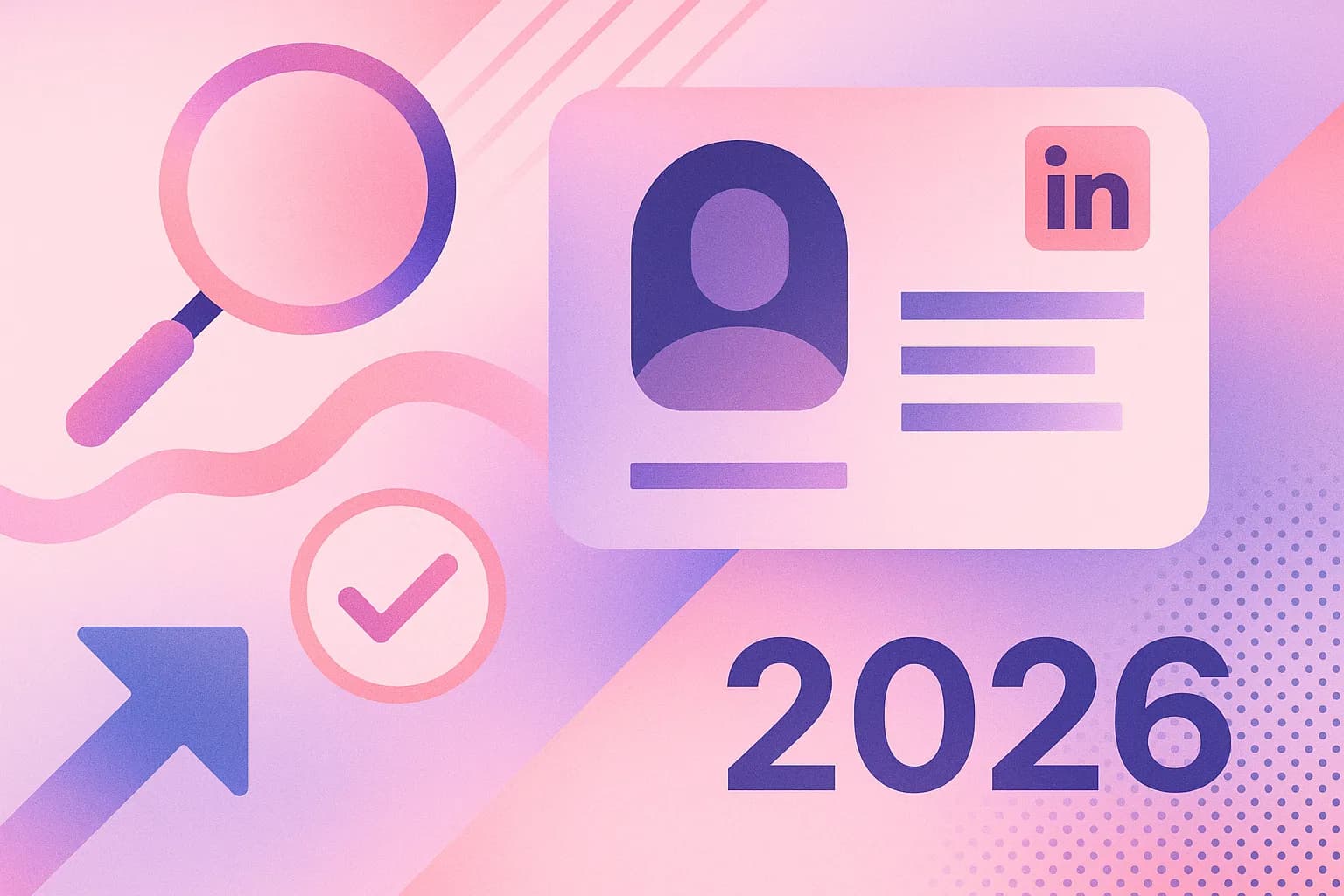
LinkedIn's own data has consistently shown that profiles with a professional-looking headshot are over 25 times more likely to be viewed than those without one. That's not a marginal difference. That's the difference between being discovered and being invisible.
So what does a high-trust freelancer headshot actually look like? Here's the anatomy:
Your face should fill 60 to 70% of the frame, close enough to read your expression without feeling intrusive. Keep the background clean or softly blurred, because a cluttered one forces the viewer's brain to filter noise. A simple backdrop, whether a gentle bokeh or a soft gradient, keeps cognitive load low and attention on you. Make direct eye contact, which signals confidence and openness. Use a natural, slight smile. Research from Princeton's face perception studies confirms that approachable expressions are consistently rated as more trustworthy and competent than stern or neutral ones. And keep the lighting soft and even. Harsh shadows from direct sunlight or overhead fluorescents can make features look intimidating, which reduces perceived warmth.
Now contrast that with the most common freelancer photo mistakes: casual selfies with bathroom mirrors visible, group photos cropped so awkwardly you can see someone else's shoulder, decade-old photos that no longer resemble you, heavily filtered Instagram-style shots, or no photo at all.
One more thing worth noting: platform context matters. LinkedIn rewards a slightly more formal look. Fiverr and Upwork allow warmer, more personable styles. Toptal and enterprise consulting platforms skew toward polished corporate headshots. A single photo may not serve all contexts equally, which is why having a few variations is valuable.

Beyond the headshot: Banners, portfolio covers, and visual consistency
Your headshot tells clients who you are. Everything else tells them what you do and whether you're serious about it.
This is where "visual coherence" comes in. When a client sees the same photo, color palette, and typographic style across your LinkedIn banner, personal site, Notion portfolio, and Upwork profile, it subconsciously signals that you are established, intentional, and professional. Marketing data suggests that consistent brand presentation across platforms can increase revenue by up to 20 to 30%. For freelancers, this translates directly into perceived legitimacy.
Your LinkedIn banner is billboard space
Your LinkedIn banner sits directly behind your headshot. It's prime real estate that most freelancers leave completely blank, defaulting to a generic grey gradient. That's a missed opportunity.
The ideal LinkedIn banner (currently 1584 x 396 pixels) includes a clear service statement like "Helping B2B Tech Startups Scale Content Strategy," clean typography, and optionally a subtle visual motif or client logos. Keep it simple. One critical detail: on mobile, your circular profile photo overlaps the bottom center of the banner, so place all important text away from that zone.
Upwork and Fiverr thumbnails
These are often completely neglected. A gig thumbnail that embeds your headshot alongside a clean value proposition dramatically outperforms text-only thumbnails in click-through rate. Your face adds humanity. The text adds relevance. Together, they stop the scroll.
Portfolio cover slides
Whether you use Notion, Behance, or a personal website, the first page of your portfolio is another micro-audited touchpoint. It should echo the same photo, name treatment, and color palette as everything else.
Here's a practical starting point: pick two brand colors, one font pairing, and one hero photo. Then propagate them across every platform. Tools like Canva make this achievable in under an hour once your core assets exist.
Two freelancers, one brief, very different outcomes
Let's make this concrete. Meet Jordan and Alex, two mid-level freelance copywriters. Both have four years of experience, similar rates, and strong portfolios. In July 2026, both apply to the same content strategy brief posted on LinkedIn by a Series B SaaS company.
Jordan's profile audit:
The hiring manager clicks through to Jordan's LinkedIn. The first thing she sees is a clean, well-lit headshot with a softly blurred background. Behind it, a branded banner reads "Content Strategy & B2B SaaS Copywriting" with two recognizable client logos. She clicks the portfolio link in the bio and lands on a Notion page that uses the same header photo and color scheme. She spends 90 seconds reading through case studies, then sends an InMail asking for a discovery call.
Alex's profile audit:
Alex's LinkedIn profile loads with a casual outdoor photo from 2021, slightly overexposed. There's no banner, just the default grey. The tagline reads "Content Writer." The hiring manager clicks through to a Behance portfolio with a stock image cover that doesn't match anything else. Alex's Gmail avatar is a grey silhouette. The hiring manager glances, feels something vaguely off, and moves on. Alex never knows they were considered and rejected.

Here's the key insight: Jordan didn't win on skill. The client couldn't assess skill yet. Jordan won on perceived legitimacy. The visual signals said "this person takes their work seriously" before a single word was read. Alex may have been equally talented, but the silent audit never gave them a chance to prove it.
How AI headshot generators solve the freelancer's photography problem
If you've read this far and realized your own profile photo isn't passing the audit, you're probably thinking about booking a photographer. And then you check prices.
Professional headshot sessions in 2026 typically run $150 to $500 or more for a single session, delivering only a handful of final images. For a freelancer between clients or just getting started, that's a significant expense. Add in scheduling, travel, and the awkwardness of posing in a studio, and it's easy to see why so many freelancers settle for a mediocre selfie.
AI headshot generators have emerged as the bridge between "selfie-tier" and "studio-tier." Here's how they work: you upload 10 to 20 casual photos of yourself, taken from various angles. The AI trains a model on your specific facial geometry using techniques like LoRA (Low-Rank Adaptation), then generates polished headshots in a range of professional styles, backgrounds, and crops.
Tools like Starkie AI make this process straightforward. You upload your photos, choose your styles, and receive dozens of platform-ready headshots, often within minutes. The cost is typically under $30 to $50 for a full session producing 50 or more images. Compare that to $300 for three retouched studio photos.
Is an AI headshot "real"?
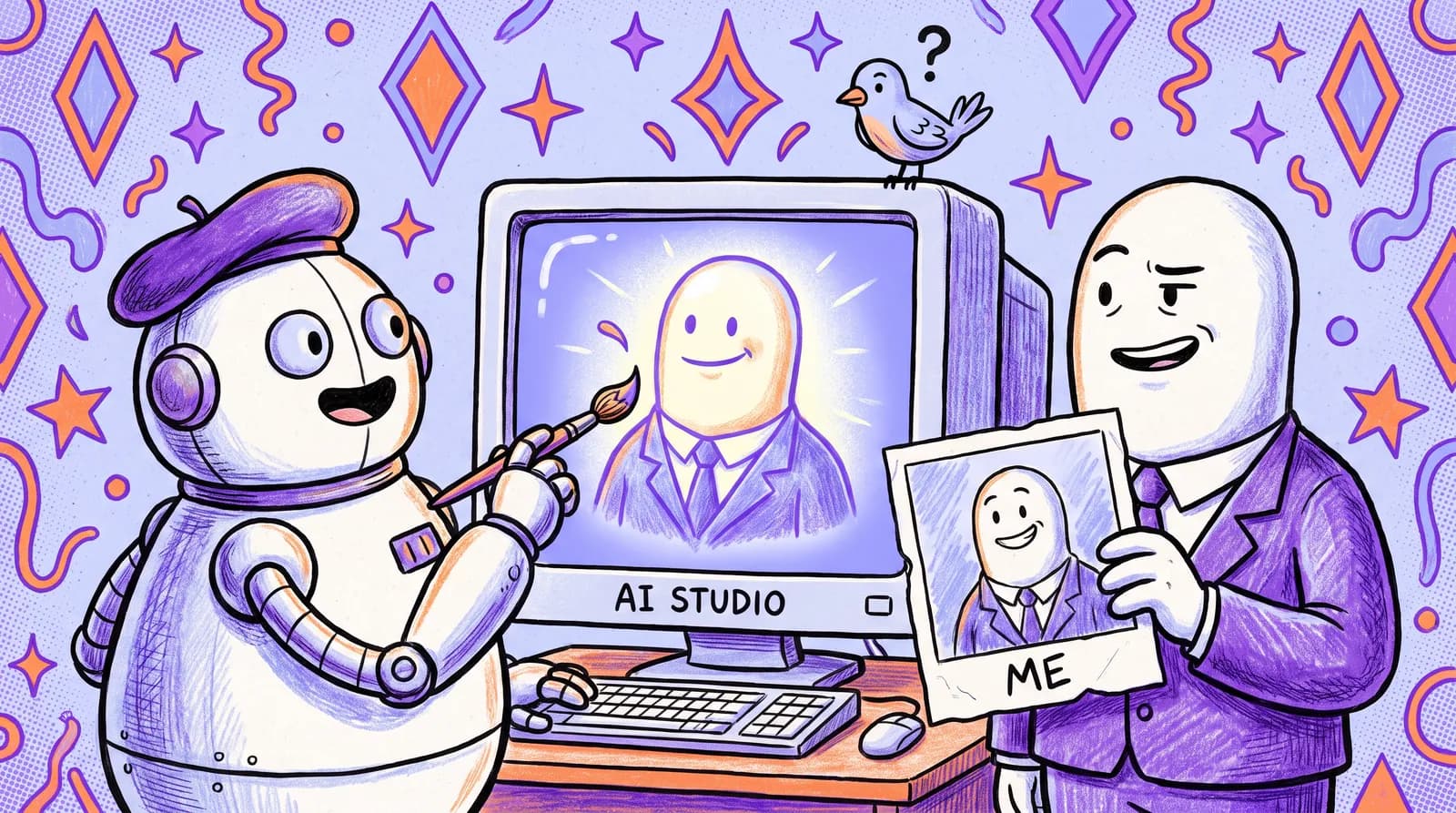
This is the question that comes up every time. Here's how to think about it: a headshot's job is to represent your best professional self. That's exactly what good lighting, a skilled photographer, and a tidy studio do. AI does the same thing, minus the scheduling and the price tag. It's not deception. It's presentation.
By mid-2026, AI-generated headshots have moved well past the uncanny valley. Natural skin texture, consistent facial features across outputs, and realistic lighting are now standard. The "plastic AI look" that plagued earlier tools in 2023 and 2024 is largely a solved problem.
The practical workflow looks like this: upload casual photos, generate your headshots, then export in sizes suitable for LinkedIn (400 x 400), Upwork, Fiverr, email avatars, and portfolio cover photos. You can go from zero professional headshots to a full cross-platform suite in under an hour.
The pre-conversation audit checklist: 10 things to fix this week
Everything above was the "why." This is the "do it now." Run through these ten items this week. Most of them take minutes.
Assess your current profile photo against the high-trust criteria. Does it project both confidence and approachability? Ask two people you trust for honest feedback. Fix it fast: If you hesitate for more than three seconds, it's time for a new photo.
2. Check that your face fills 60 to 70% of the frame with a clean background. Your face should be the clear, low-cognitive-load focus of the image. Fix it fast: Crop your existing photo tighter and test it at thumbnail size. If your expression isn't readable at 50 x 50 pixels, it won't work.
Update your LinkedIn banner with a clear service statement. Make sure text is placed outside the mobile profile photo overlap zone. Fix it fast: Open Canva, search "LinkedIn banner," and customize a template with your service description in under 15 minutes.
4. Verify your photo is consistent across LinkedIn, Upwork/Fiverr, your personal site, and email avatar. Visual consistency signals that you're an established professional, not a hobbyist. Fix it fast: Open all your profiles in separate tabs and compare them side by side.
5. Create or refresh your portfolio cover slide to match your brand palette. Your Notion, Behance, or personal site cover should echo the same colors and photo as your other platforms. Fix it fast: Use your LinkedIn banner design as the starting template for your portfolio header.
Check your email avatar. Does it show your face, or is it a grey silhouette? Clients notice this more than you think. Fix it fast: Upload your headshot to Gmail settings under Google Account, then Personal Info, then Photo.
Review your Upwork or Fiverr gig thumbnails for photo integration. A thumbnail with your face and a clear value proposition outperforms text-only designs. Fix it fast: Create a simple Canva graphic that combines your headshot with your gig's core promise.
Pick two brand colors and one font pairing, and lock them in. Use them consistently on every banner, cover slide, and portfolio page. Fix it fast: Choose one dark and one accent color from your headshot's background or wardrobe. Pair a clean sans-serif header font with a readable body font.
9. Generate or update your headshot if your current one fails the audit. If your photo is outdated, poorly lit, or casual, replace it. Fix it fast: Use Starkie AI to generate a full set of professional headshots from your existing casual photos, no studio needed.
10. Do a "client-eye view" by searching your own name and profiles on mobile. Open your phone. Google your name. Visit your LinkedIn, Upwork, and portfolio as if you were a hiring manager seeing them for the first time. What's your gut reaction? Fix it fast: Screenshot everything. Circle what feels off. Fix the visual gaps first, since those are what the silent audit catches.

Here's the encouraging part: with an AI headshot tool and Canva, you can complete eight of these ten items in a single focused afternoon. That's a dramatic improvement in perceived professionalism for a few hours of effort.
The client who never got to your proposal
Let's go back to that freelancer from the opening. Three hours on a perfect proposal. No response. The proposal wasn't the problem. The problem was that the client never got to the proposal. They made their decision in the silent audit, in under a minute, based entirely on visual signals the freelancer had never thought to optimize.
In freelancing, the competition isn't just about who has the strongest skills or the most competitive price. It's about who looks most ready to do the work before they ever say a word. Every platform you're on is a window a potential client can glance through at any time. What they see in those 30 to 60 seconds either opens a door or closes it silently.
Working through that checklist is the highest-return hour you'll spend this week. For the profile photo, the most audited asset you own, Starkie AI takes casual selfies to a full set of platform-ready headshots today.
The next client who audits your profile should find someone who looks ready to do the work.