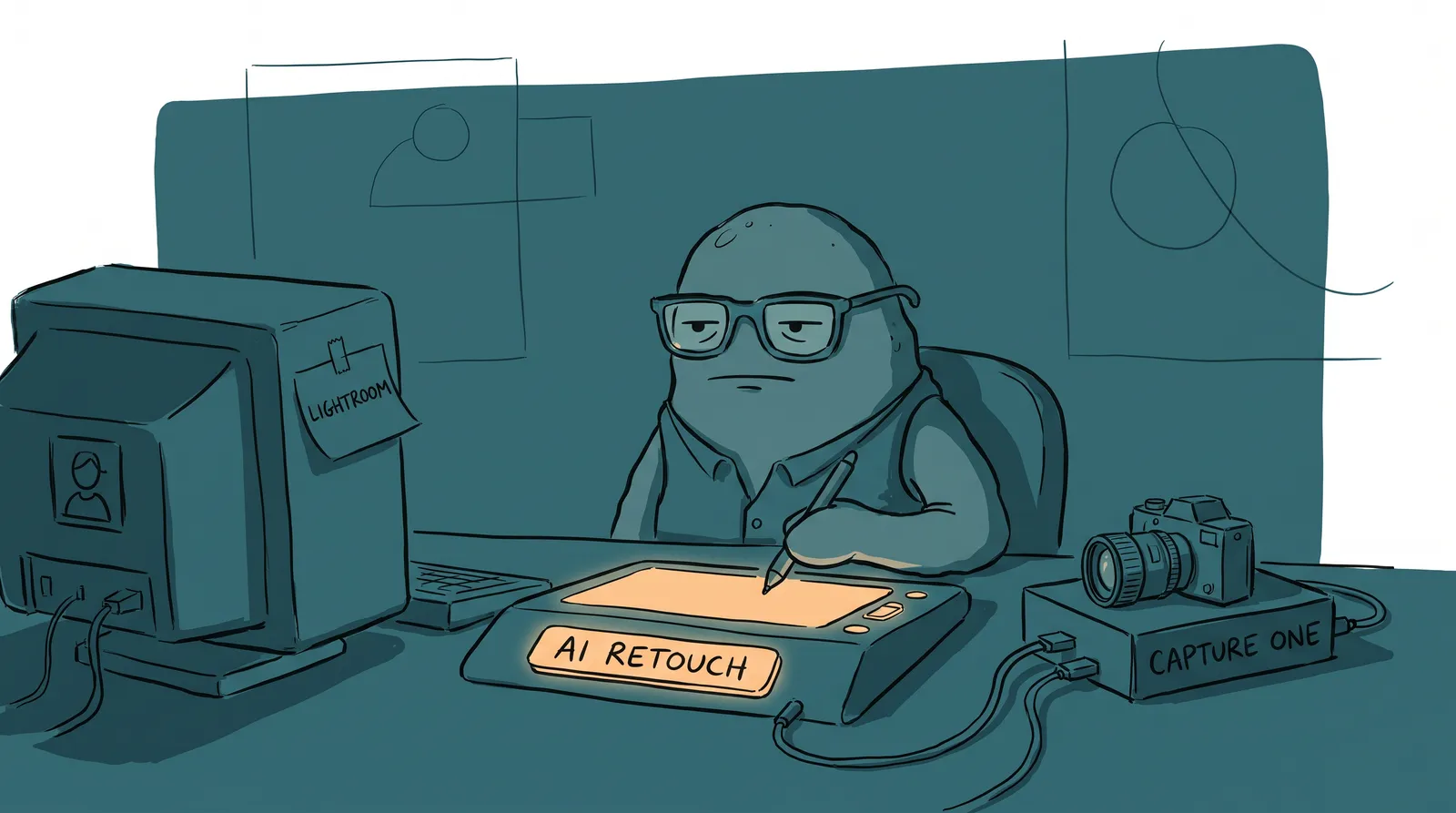
A headshot photographer named Matt Marcheski put a number on the part of the job nobody photographs: editing. A client with good skin and even lighting costs him about 5 minutes a photo. A client with problem skin can balloon that to 30 minutes. A beauty shot or a tight close-up can eat up to 2 hours. Multiply that by a full session and the math gets ugly fast. Shooting is the fun part. Editing is where the business lives or dies.
That is why the software choice behind the scenes matters more than most photographers admit. Lightroom, Capture One, and a wave of AI retouching tools all promise to get you from card to client faster. They are not interchangeable, though. Here is what each one actually does well, what it costs you in 2026, and where AI headshot generators fit into your stack.
Why your editing software is a business decision, not a preference
Editing time now shows up in a photographer's bottom line as clearly as camera gear or studio rent. Photographers used to pick software the way people pick a favorite radio station: habit, a friend's recommendation, whatever the tutorial they watched first used. That habit is fading because editing time is now measurable, and the numbers are big enough to affect what a studio can charge and how many clients it can take on.
Aftershoot's Snapshot 2025 report, built from aggregated data across almost 188,000 active photographers, found that its users saved an estimated 89 million hours collectively in 2025 through AI culling and editing, about 473 hours per photographer on average. That is close to 12 working weeks per photographer, reclaimed from post-production and put back into shooting, marketing, or simply going home on time.
Numbers like that turn the editing app from a preference into a capacity decision. A studio that cuts its per-session editing time in half can either take twice the clients or work half the hours. Either way, the software is now part of how you price a headshot package, not just the toolkit.

Lightroom Classic: the default that's hard to leave
Lightroom Classic is still where most photographers start, and for a practical reason: Adobe bundles it. The Photography Plan runs $19.99 a month and includes Lightroom, Lightroom Classic, Photoshop, and 1TB of cloud storage. For a photographer who also needs Photoshop for composite work or heavy retouching, that bundle is hard to beat on price alone.
The catalog system is the other reason it sticks. Once years of headshot sessions are organized into Lightroom collections, smart previews, and keyword tags, the cost of leaving is not the monthly fee. It is rebuilding that structure somewhere else. Most of the AI tools built for photographers, including the retouching plugins below, are designed to sit inside a Lightroom catalog rather than replace it, which keeps the switching cost low even as the editing itself gets automated.
Where Lightroom is weaker is speed on large batches and color accuracy straight out of the camera. That gap is exactly what pulls some studio and headshot photographers toward Capture One instead.
Capture One: the choice when color is the product
Capture One built its reputation on tethered shooting and color science, and headshot work is one of the few genres where both matter enormously. Shooting tethered to a laptop lets a photographer and client review skin tone and lighting on a real monitor between frames, catching a color cast or a bad expression before the session ends instead of in the edit bay three days later.
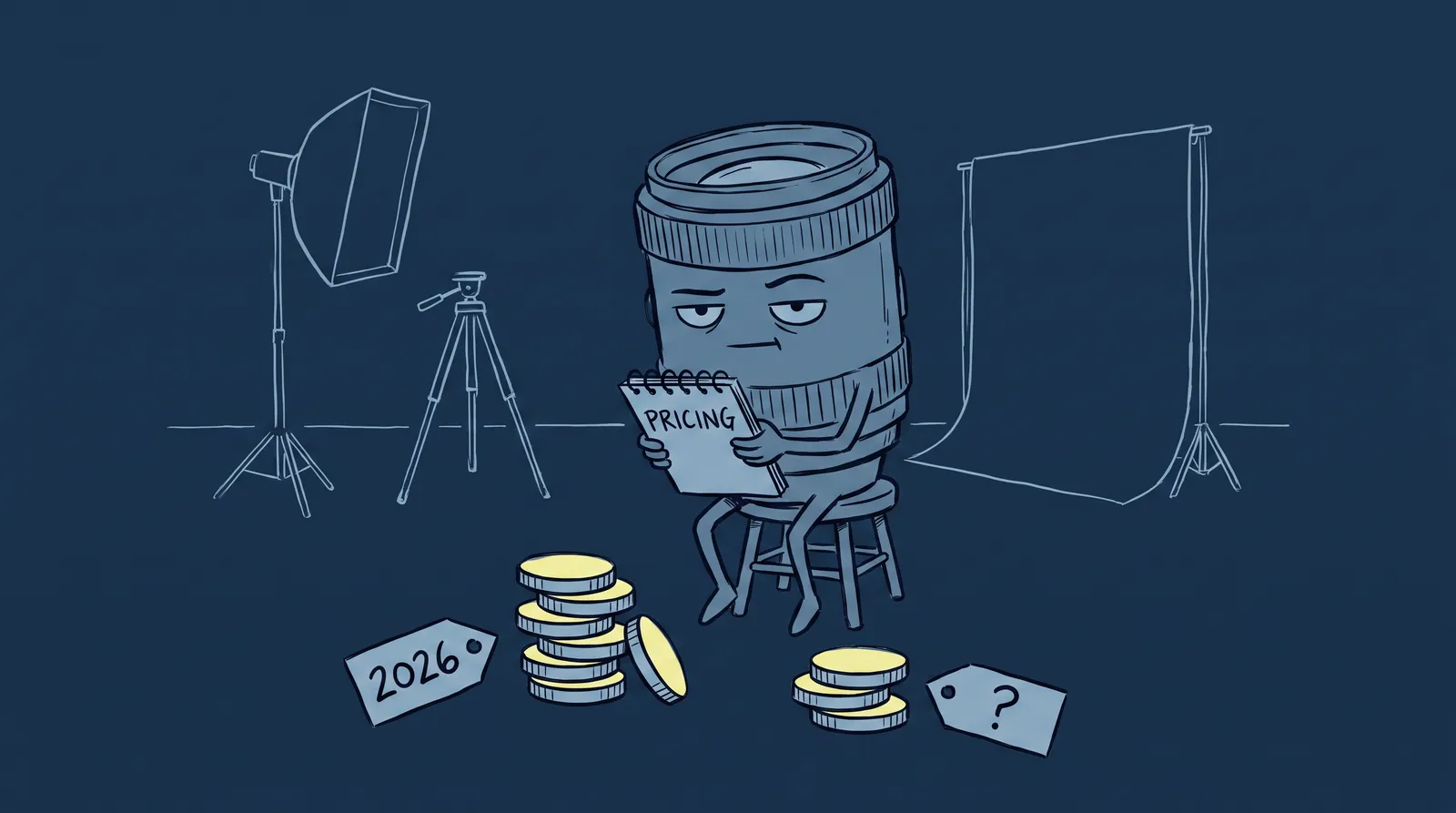
That reputation now comes at a rising price. Capture One raised its subscription tiers by 6% effective July 6, 2026. It is the second year in a row it has made the same increase. Pay annually and Pro now runs around $18 a month, All-in-One around $24.75, and Studio around $48.50. Skip the annual commitment and the monthly rates climb higher still. A perpetual license is still available if you would rather own the software outright and pay for upgrades every 18 to 24 months.
If you run a headshot studio doing high volume, that annual cost is easy to justify against the time you save on tethered color matching. Shoot a handful of sessions a month, and it is a harder sell next to Lightroom's bundle.
AI retouching plugins: same software, less manual work
Neither Lightroom nor Capture One retouches skin on its own, which is where a category of plugins built specifically for portrait work comes in. Retouch4me sells eight separate tools, including Heal, Dodge and Burn, Portrait Volumes, Skin Tone and Mask, Eye Vessels and Eye Brilliance, White Teeth, Fabric, and Clean Backdrop, each running over $100 and installable as a plugin inside an existing Lightroom or Capture One workflow, according to a review from Shotkit. Reviewers consistently point to the same strength: the results look retouched rather than replaced, keeping skin texture intact instead of the smoothed, plastic look that gives AI editing a bad name.
That restraint matters for headshots specifically. A LinkedIn photo or a corporate portrait has to survive scrutiny from a hiring manager or a client who has met the subject in person. Overprocessed skin is the fastest way to make a professional headshot look fake, and it is the same failure mode that makes some AI-generated headshots feel uncanny. A plugin that automates the repetitive parts of retouching while leaving the photographer in control of how far to push it solves the time problem without introducing that risk, which is the same balance a good skin retouching workflow has always required.

All-in-one AI platforms: what Aftershoot and Evoto actually automate
Plugins speed up retouching. A newer category of platform goes further and automates culling too, the unglamorous work of sorting a memory card of 500 near-identical frames down to the 40 worth editing.
Aftershoot's Selects tool is the clearest example of what that automation looks like at scale. Most shoots get fully culled in 20 to 30 minutes, against 3 to 5 hours of manual culling for the same set. The tool scores every frame on sharpness, exposure, blinks, duplicates, and facial expression, more than 30 factors in total. Most photographers see a 90%-plus match rate with their own manual selections by the third or fourth shoot, as the AI learns their preferences. Evoto has pushed in the same direction. Its Desktop 6.2 update introduced a culling engine that processes 5,000 photos in under 10 minutes, announced at Imaging USA 2026.
Imagen AI takes a different angle on the same problem. Instead of a flat subscription, it charges per photo, starting around $0.05 a photo with a $7 monthly minimum on its pay-as-you-go tier and dropping toward $0.04 a photo at high volume, according to pricing details compiled by FilterPixel. Its main pitch is a trained editing profile: upload a handful of previously edited galleries, typically three to five, and it learns your color and tone preferences well enough to apply them automatically to new sessions.
None of these platforms are trying to replace Lightroom or Capture One outright. They sit in front of or alongside them, doing the sorting and first-pass editing so your time goes to the frames and clients that actually need a human eye, freeing you up for the parts of running a freelance headshot business that software cannot do for you.
Where AI headshot generators fit into the stack
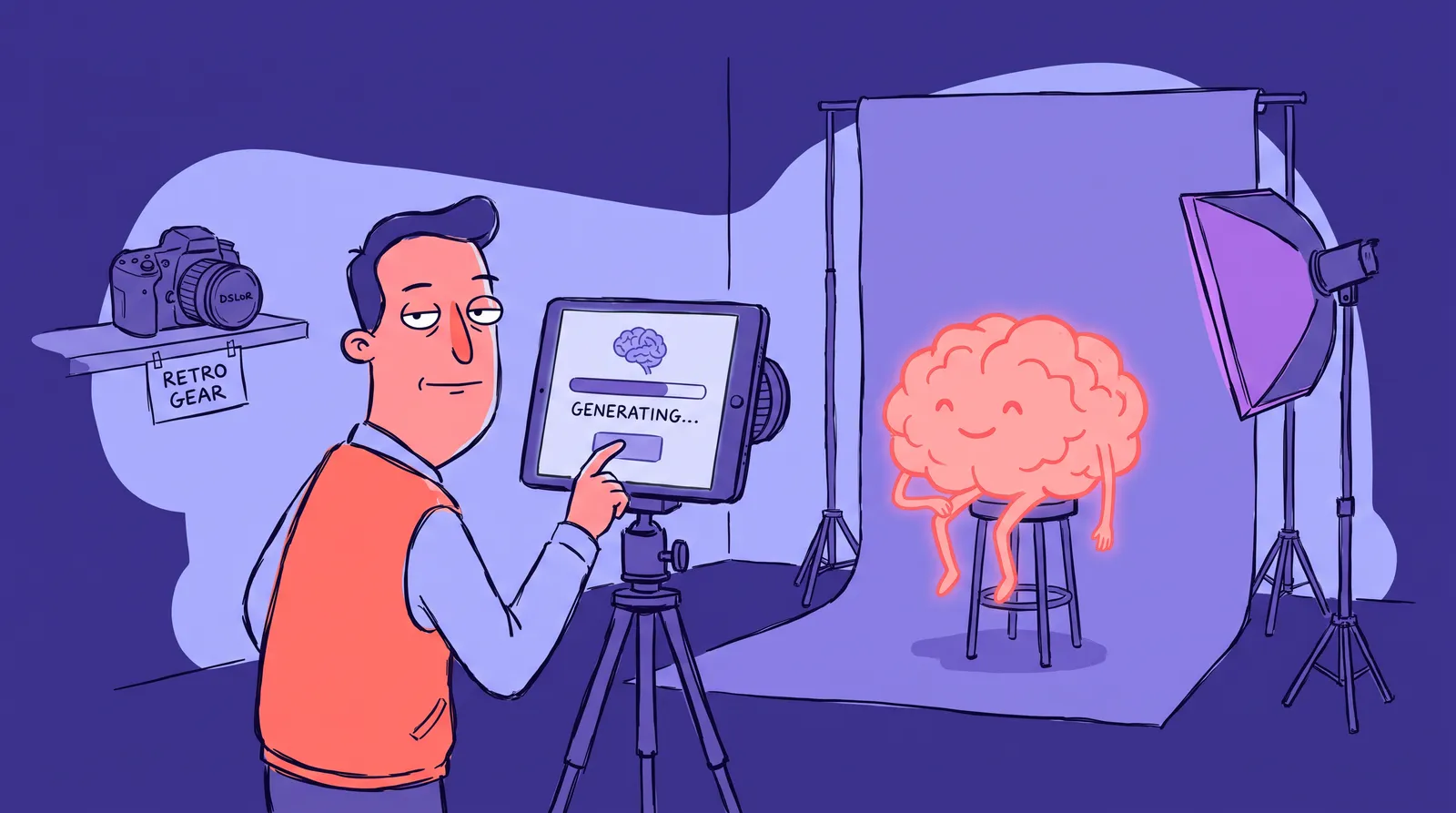
There is a separate category worth naming honestly: tools like Starkie AI that generate a headshot from uploaded selfies instead of a photo shoot. That is not a competitor to Lightroom, Capture One, or any retouching plugin. It solves a different problem: the client who cannot get into a studio, needs a photo by tomorrow, or only wants one image for a single LinkedIn update rather than a full session.
Photographers running headshot businesses increasingly use AI headshot tools to upsell clients rather than treat them as a threat. They package an AI-generated option for clients on a tight budget or timeline, and keep the studio session for anyone who wants tethered shooting, real lighting control, and a photographer in the room. The editing stack above is what makes the studio side of that offer profitable enough to keep running alongside it.
So which one should you actually use?
Start with your volume and what you are already invested in. If you shoot a handful of sessions a month and already live in the Adobe ecosystem for Photoshop work, you have little reason to add a second full editing app. Lightroom's bundle covers it, and a Retouch4me plugin or two closes the retouching gap.
If you run high-volume headshot days, especially tethered ones where clients want to see results live, you will get more out of Capture One's color handling, even with the 2026 price increase factored in. Layer an AI culling tool like Aftershoot or Evoto on top once your volume climbs past what manual sorting can keep up with. That is where the 20-to-30-minute culling numbers start to matter more than the software's monthly fee.
None of these choices are permanent. The editing stack that makes sense at 5 sessions a month looks different at 50. The right move is usually not picking one tool forever. It is picking the one that matches the volume you have right now, and staying ready to add a plugin or a platform when the math on your own editing hours stops making sense.