Picture this: a client sits down for their reveal session. Before you even pull up the first image, they reach for their phone. "Can you make my skin look like that?" they ask, showing you an AI-generated headshot with impossibly smooth, poreless skin. You smile, nod, and feel that familiar knot in your stomach.
If you're a portrait photographer in 2026, you've lived this moment. Maybe more than once.
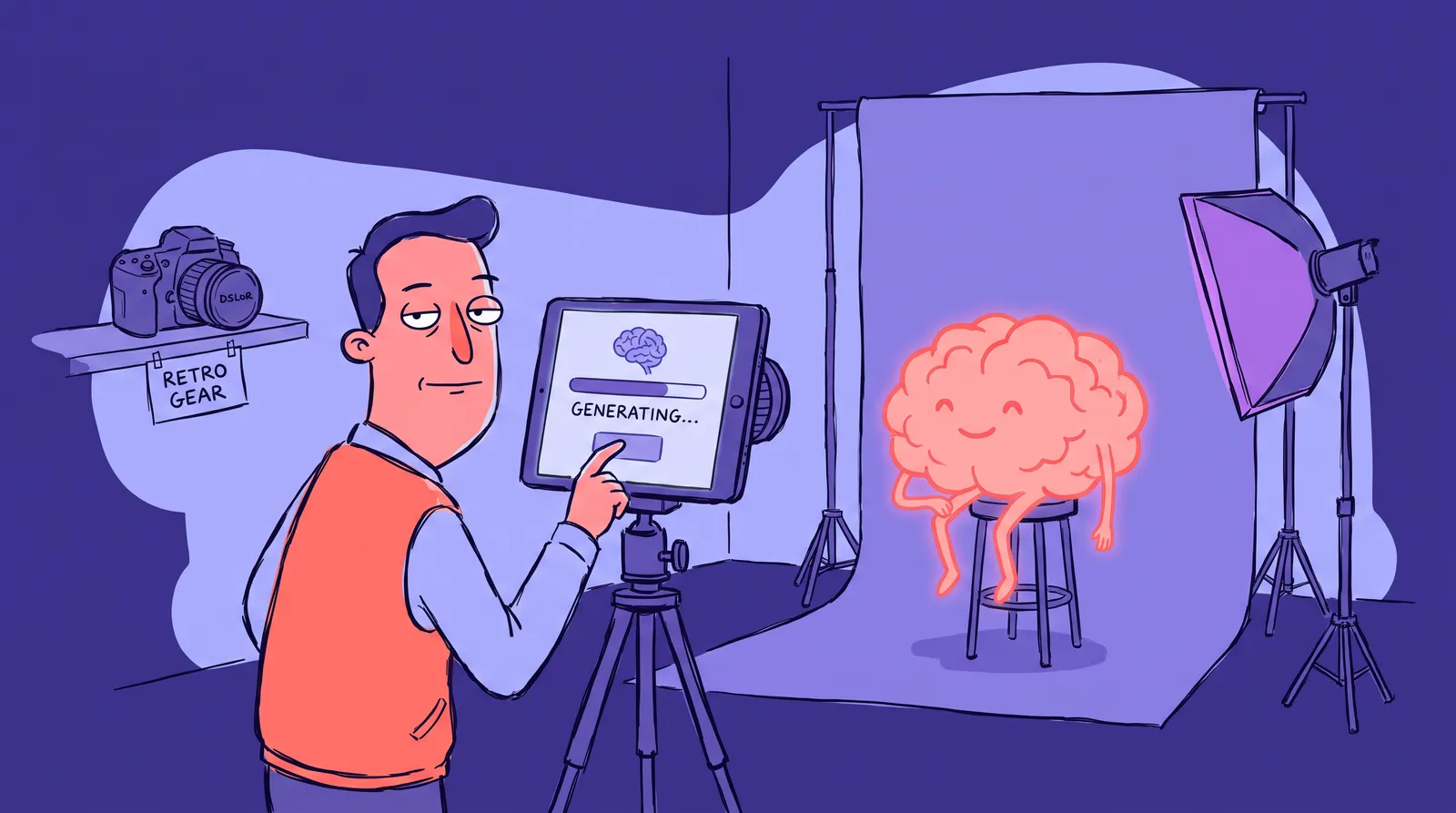
The retouching conversation has fundamentally shifted. Not because Photoshop released a new filter, but because your clients' expectations changed first. AI headshot generators like Starkie AI can produce flawless results in seconds, and that's recalibrated what "normal" looks like for the average person sitting in your studio chair.
So where does that leave you?
What follows is an opinionated framework for retouching skin now that the line between polished and fake has gotten this blurry: the techniques, the ethics, and a way of deciding how far to go, so clients love the work and still recognize themselves in it.
The retouching landscape has shifted, and your clients know it
Let's state the obvious: AI-generated headshots are everywhere. Tools like Starkie AI, Aragon AI, HeadshotPro, Secta Labs, and BetterPic have given everyday clients a new visual baseline. They've seen what "perfect" skin looks like. They expect it, or at least want to talk about it.
A 2025 survey from Professional Photographers of America found that 68% of photographers reported clients referencing AI-generated images when discussing retouching expectations. That number probably feels low if you shoot corporate headshots.
This isn't inherently bad. It's simply a new reality.
AI tools have democratized access to polished headshots. LinkedIn profiles with professional photos still receive up to 21x more views and 9x more connection requests. The demand for great-looking portraits hasn't shrunk; the supply of "good enough" alternatives has expanded. Photographers who ignore this shift risk losing relevance.
But here's the key distinction: AI tools optimize for visual appeal at scale. A skilled photographer-retoucher optimizes for the individual. Both have value. They can coexist.
What we need isn't another Photoshop tutorial. We need a clear philosophy and a repeatable framework. Let's build one.
Frequency separation vs. dodge-and-burn: Choosing the right tool for the right job
Mechanics before philosophy. Two retouching techniques dominate professional skin work, and understanding when to use each one matters more than mastering either in isolation.
Frequency separation (FS): Fast, effective, dangerous
Frequency separation splits an image into two layers: one for texture (pores, fine lines, hair) and one for color and tone (blotchiness, shadows, uneven makeup). You smooth the color layer without touching the texture layer. It's fast. It's effective. And it's dangerously easy to overdo.
Professional consensus puts a solid FS edit at around 20 minutes. The problem? Push it too hard and you get that smeared, plastic look that screams "retouched." With cameras now shooting 100MP+ beauty portraits as standard in 2026, aggressive FS can visibly destroy the image's native pixel structure, especially in large prints.
Reach for frequency separation on commercial jobs with tight deadlines, correcting minor color blotchiness, or fixing uneven makeup application. It's best for efficiency when the skin is already in good shape.
Dodge-and-burn (D&B): Slow, surgical, unmatched
Dodge-and-burn is the manual approach. You lighten and darken small areas of skin using curves adjustment layers, evening out tone while preserving 100% of the natural texture. It's the gold standard for editorial and high-end portraiture. Top retouchers now favor "Micro Dodge & Burn," working at the pixel level in 16-bit workflows to maintain flawless micro-texture retention.
The tradeoff? A thorough D&B session can take over 90 minutes on the same image that FS would handle in 20 minutes.
Reach for dodge and burn on headshots, beauty work, or any image where the viewer will scrutinize the skin up close. The extra 15 to 30 minutes per image (for a targeted pass, not a full session) is worth it for the natural result.
The hybrid approach most photographers actually use
Here's what real working photographers do: a quick frequency separation pass to handle major color issues, followed by targeted dodge-and-burn for refinement. It's practical, efficient, and produces excellent results.
One non-negotiable habit: zoom to 100% and ask yourself, "Does this still look like skin?" If the answer is anything less than an immediate yes, pull back.

The difference between the two approaches is visible even in a web-sized image. Heavy frequency separation flattens the skin into smooth gradients. Careful dodge-and-burn keeps the texture alive while evening out distracting tonal shifts. Your eye knows the difference, even if your client can't articulate why.
The blemish decision framework: What to remove, what to keep, and why it matters
This is where retouching gets personal. Every mark on a face tells a story, and your job is to know which stories belong in the final image.
The golden rule: Remove temporary, keep permanent
A pimple that appeared the morning of the shoot? Remove it. A mole the client has had for 30 years? That stays unless they specifically ask otherwise.
The two-week test
Here's a simple filter: if it won't be there in two weeks, it's fair game for removal without asking. This includes:
- Active breakouts and acne
- Razor bumps
- Cold sores
- Bruises
- Temporary redness or scabs
- Under-eye circles from poor sleep the night before
- Stray hairs crossing the lips or eyebrows
Features that require a conversation first
These are identity markers, not flaws:
- Scars
- Birthmarks
- Moles
- Freckle patterns
- Smile lines and crow's feet
- Skin texture changes from age
Never touch these without explicit client consent. As retouching educator Lindsay Adler has emphasized, the first rule of retouching is that you shouldn't see the retouch. If over-perfect skin is the first thing a viewer notices, it's a distraction from the image's actual purpose.
The under-eye dilemma
Most experienced photographers lighten dark circles by 50 to 70% rather than eliminating them completely. Full removal creates that uncanny valley effect where a face looks strangely hollow. The shadows under your eyes give your face dimension. Remove them entirely and you look like a video game character, not a human.
When clients ask for more
Some clients will ask you to remove permanent features, reshape their jaw, or slim their nose. Have a response ready. Here's language that works: "I want to make sure this still looks like you when you walk into a meeting. Let's find the sweet spot together."
You're not lecturing. You're guiding. There's a difference.
One important note: retouching standards vary by subject. For teens and children, minimal smoothing is the rule. Beyond basic blemish removal, skin softening on minors should be avoided entirely.
The same headshot at five levels of retouching
Let's make this concrete. Picture a typical corporate headshot scenario: a professional woman in her 40s, shot with soft natural window light against a charcoal background, for use on LinkedIn and her company's website.
Here's what that single image looks like processed at five distinct levels.
At level one, straight out of camera, good lighting does 80% of the work. But you can see minor blemishes, some redness across the cheeks, and uneven skin tone from end-of-day fatigue. Skin texture is raw and 100% present. This is your starting point, not your deliverable.
At level two, minimal cleanup, temporary blemishes are removed. White balance corrected. Basic skin tone evening applied. Stray hairs reduced. This is the floor for professional work. Many AI-powered plugins like Retouch4me or Aftershoot can achieve this level with a single click, making it an excellent starting point for batch edits.
Level three is the sweet spot: dodge-and-burn to even skin tone. Subtle under-eye lightening (50 to 70% reduction, not elimination). Minor frequency separation for residual color blotchiness. The subject is clearly recognizable and looks like her best self on her best day. This is where most professional portrait photographers should land.
At level four, heavy polish, pores are visibly softened. All lines reduced. Skin has a luminous "glow" that borders on artificial. Common in beauty and fashion editorial, but inappropriate for most headshot and portrait work. This is roughly where many AI headshot generators land by default, and it's why some clients show you those images as a reference point.
Level five is over-processed: plastic skin, no visible texture. Facial features subtly reshaped. The subject's coworkers would do a double-take in the hallway. This erodes trust and credibility, the exact opposite of what a professional headshot should accomplish. And here's a critical 2026 reality: over-smoothed headshots clash dramatically with how you look on high-resolution Zoom and Teams calls, creating a trust gap before a meeting even starts.

Study that progression. Most disagreements between photographers and clients come down to a one-level difference. Your client might want Level 4. You know Level 3 serves them better. The framework we'll cover in the final section gives you a shared language to navigate that conversation.
How AI retouching tools changed the conversation (and what photographers should learn from them)
AI-powered retouching plugins, including Retouch4me, Evoto AI, Luminar Neo's Skin AI, and Aftershoot, have made Level 3 to 4 retouching accessible to anyone in seconds. This is both a competitive pressure and a genuine gift to your workflow.
What AI retouching does well
- Consistent results across large batches. For event photography or high-volume portrait work, AI handles foundational cleanup (blemishes, stray hairs, shine reduction) with reliable quality.
- Speed. Work that used to take hours finishes in seconds.
- A solid baseline. AI sets a starting point you can refine with human judgment, rather than building from scratch every time.
What AI retouching still gets wrong in 2026
- It treats all skin the same. A 25-year-old and a 65-year-old get similar smoothing unless you intervene.
- It often over-smooths mature skin, erasing the texture that gives a face character and warmth.
- It can erase culturally significant features, like distinctive freckle patterns, without understanding their importance.
- It struggles with mixed lighting situations, sometimes "correcting" natural shadows that are actually flattering.
The photographer's real advantage
AI headshot generators like Starkie AI represent the logical endpoint of automated portrait processing: a fully streamlined pipeline from upload to polished headshot. For clients who need a quick, professional result without scheduling a photoshoot, this is a legitimate and valuable option. You can see examples of AI-generated headshots to understand the quality level these tools now achieve.
Your advantage as a photographer isn't speed. It's judgment. You can see that the shadow under a cheekbone is flattering, not a flaw. You know whether your client's brand calls for approachable warmth or buttoned-up authority, and you adjust your retouching accordingly. AI is a tool. Taste is a skill that takes years to develop.
Position yourself away from AI on speed and price. Compete on personalization, artistic vision, and the collaborative experience of a real photoshoot. Recommend AI headshot tools like Starkie AI for clients who need volume or speed. Reserve your personal touch for clients who need something custom.
The "would they recognize themselves?" Decision framework
Here's the single most useful question you can ask before delivering a final image: If this person walked into a room, would people who've seen only this photo recognize them immediately?
If the answer is anything other than "absolutely," you've gone too far.
Three practical checkpoints cover it.
The mirror test
Does this portrait look like the version the subject sees in their bathroom mirror on a good day? Not their best day ever. Not prom night with a professional makeup artist. Just a regular Tuesday when they got enough sleep and the lighting in the bathroom was kind.
The colleague test
Would their coworkers say "great photo" or "that doesn't look like you"? The second response is a failure, full stop. No amount of technical skill justifies a portrait that creates a disconnect when someone meets the subject in person.
The five-year test
Will this image still represent them accurately in five years, or does it look tied to a specific retouching trend? Think about how heavy vintage filters from the early 2010s look now. The "AI perfect-skin" aesthetic of 2026 will age the same way. Classic, natural retouching is timeless.
Putting it into practice
Before you deliver, try this: zoom out to a full-frame view and squint. If the skin looks like a smooth gradient rather than living tissue, pull back. Toggle your retouching layer on and off. The difference should be noticeable but not dramatic.

A note on generational and cultural differences
Younger clients influenced by social media may initially want heavier retouching. Your job isn't to lecture them about authenticity or natural beauty. It's to show them options and guide them. Deliver a "natural polish" version and a "heavier edit" version and let them choose. Most will pick the natural version once they see themselves in both.
The line is yours to draw
Let's come back to that opening scenario: your client, their phone, the AI-generated headshot with perfect skin.
The answer isn't to dismiss what AI can do. Tools like Starkie AI produce genuinely impressive, professional results that serve a real need. The answer is to understand your unique value as a photographer-retoucher. You see the person, not just the pixels.
The photographers who do well in 2026 won't be the ones fighting AI or trying to out-smooth it. They'll be the ones with a clear retouching philosophy they can explain to a client, delivering images that look polished and real.
Use the decision framework, master the tools, and keep asking the one question that matters: would they recognize themselves? Everything on one side of that line is your work. Everything past it is fiction.
For clients who need fast, polished AI headshots, Starkie AI does that job. The conversation around retouching will keep moving, but the principle won't: the best portrait still looks like a real person on a good day.