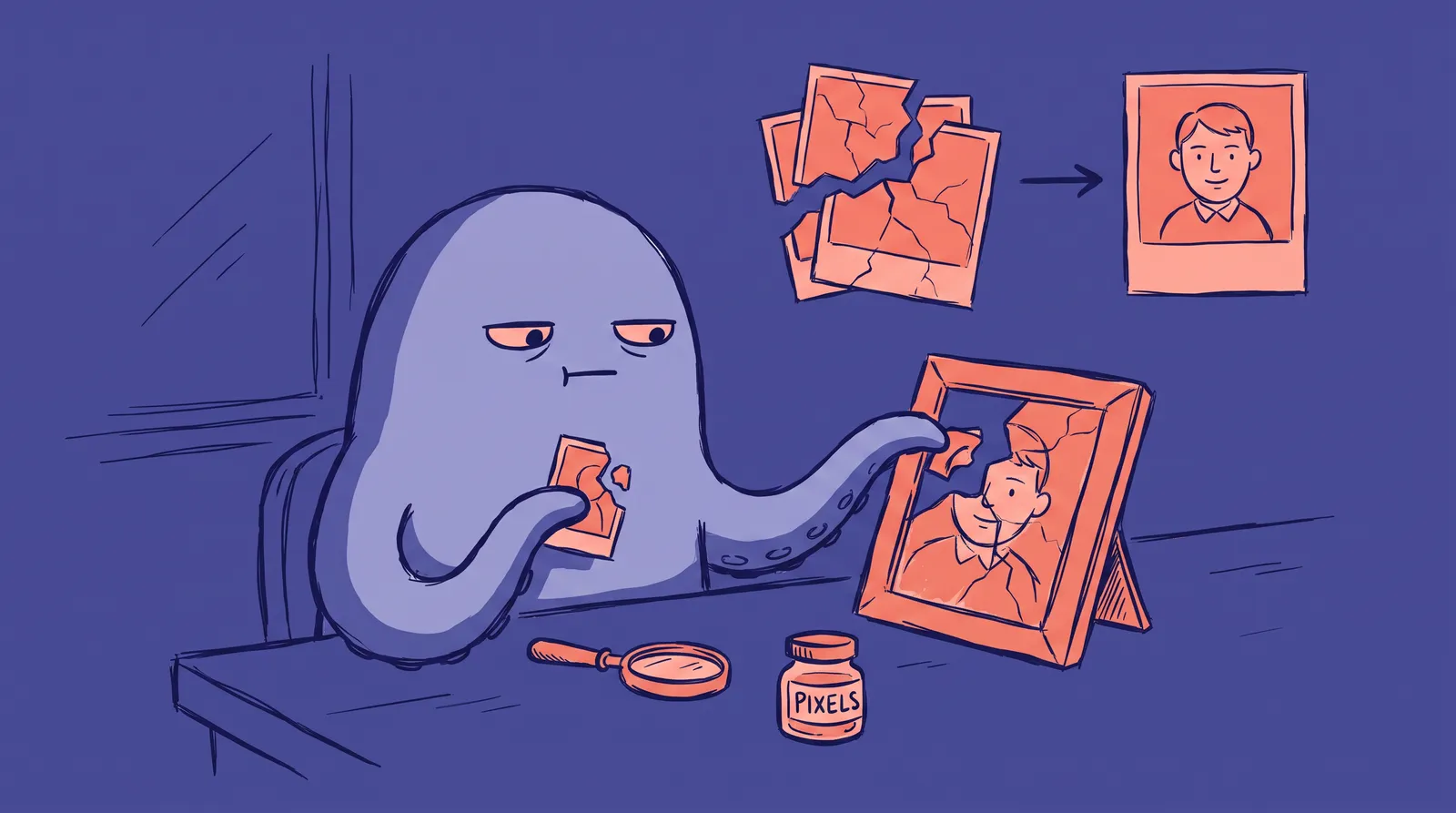
You've been at it for 45 minutes. Same subject, same model, twentieth prompt. Every single output looks like a wax figure caught in a funhouse mirror. One eye sits slightly higher than the other. The teeth belong in a horror film. The skin has the texture of polished plastic, and the eyes stare back with the warmth of a mannequin.
The frustrating part is that generating a convincing human face is statistically the hardest thing you can ask an AI image model to do, and it's the first thing almost everyone tries.
Why are faces so punishing? Blame evolution. Your brain has a dedicated region for reading faces, and it fires within a fraction of a second. That same instinct that helped your ancestors spot a liar across a campfire now flags a 0.5mm pupil misalignment in a generated portrait before you can explain what feels "off."
Your model probably isn't broken. Your prompt is. What follows covers prompt architecture, model-specific tactics, the failure modes that come up most, and a template library you can copy directly.
Why AI still struggles with faces in 2026 (and why that's not the whole story)
Start with your brain, because it's the real reason this feels so hard.
You have a patch of tissue in your inferior temporal cortex called the fusiform face area (FFA), first identified in landmark research by Kanwisher and colleagues in the Journal of Neuroscience back in 1997. This region does one job obsessively: it recognizes faces. EEG studies show your brain produces a distinct electrical response, the N170 component, within roughly 170 milliseconds of seeing a face. Faster than conscious thought.
It also processes faces holistically, all at once, not feature by feature. So when an AI face is "almost real," tiny errors trigger something worse than mild disappointment. Research published on the neural correlates of the uncanny valley effect connects that eerie feeling of dread to FFA adaptation and amygdala activity. A mismatched catchlight or completely poreless skin bypasses your logical brain and hits the alarm directly.
The technical side
Modern diffusion models learn from billions of image-text pairs. Human faces are the single most variable subject in those datasets. Infinite combinations of skeletal geometry, lighting angles, ethnicities, ages, and expressions create an enormous search space.
Here's what goes wrong. When you type something vague like "a realistic woman," the model calculates the central statistical tendency across thousands of facial configurations. It averages them. Averaging produces exactly what you'd expect: unnaturally smooth skin, perfectly symmetrical eyes, centered pupils, and that airbrushed "AI look" with no pore depth or subsurface scattering.

The 2026 reality
Models have improved dramatically. Midjourney v7, Stable Diffusion 3.5, and DALL-E 4 render faces that would have looked impossible a few years ago. But as models improve, expectations climb faster. The gap between "close" and "convincing" feels more frustrating now, not less, because you're chasing a higher bar.
The rest of this guide treats face generation as a debugging problem. We're not fixing your model. We're fixing your prompts.
The anatomy of a face-focused prompt: a layered framework
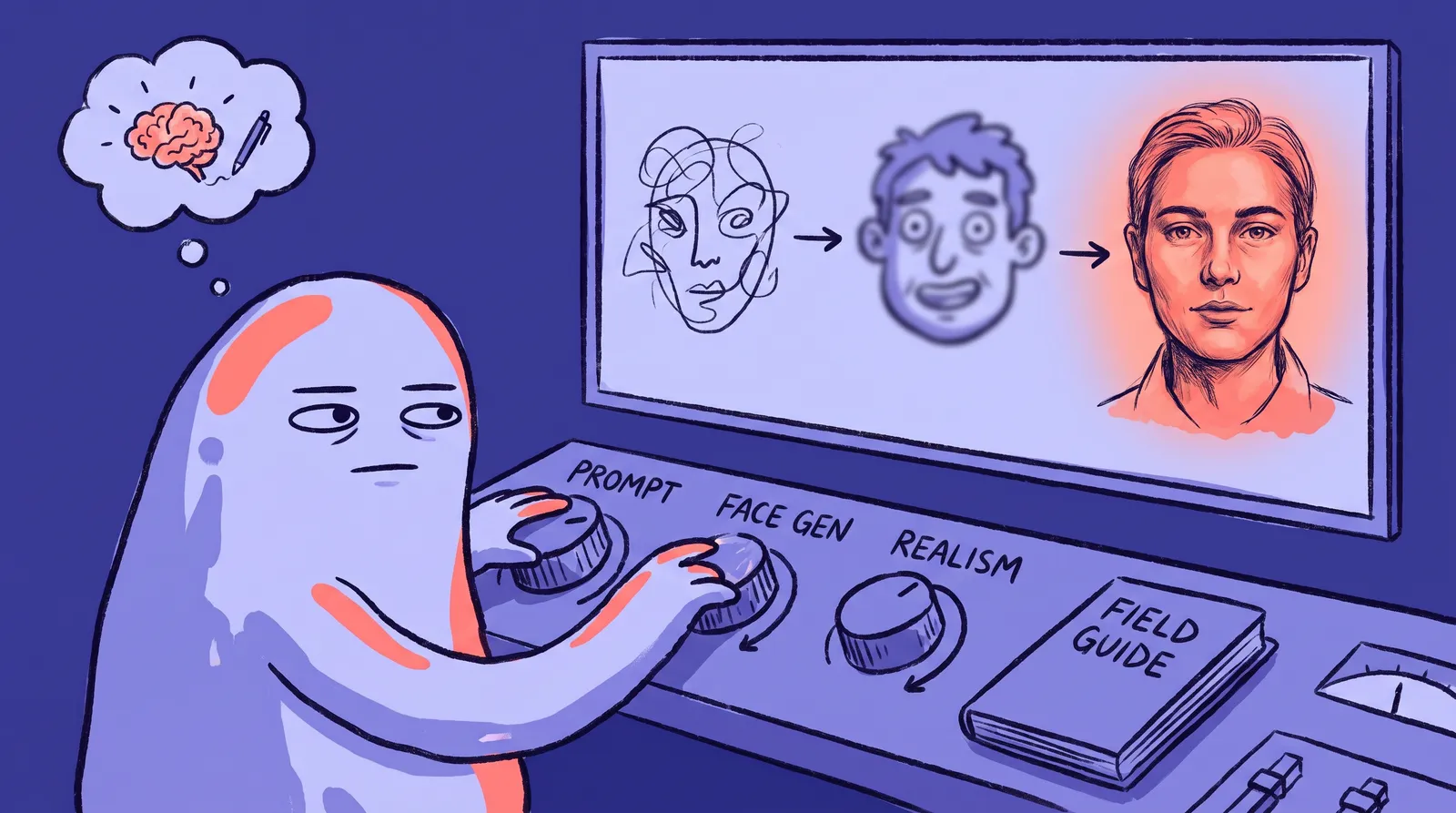
Random prompting produces random results. Structured prompting produces control. To keep things memorable, use the SLICE framework: Subject, Lighting, Image style, Camera, Environment. Each layer adds a dimension of control and shrinks the model's guesswork.
S is for subject (and this is where most people quit too early)
"Woman in her 30s" leaves the door wide open, so the model defaults to a beautified stock-photo median. Instead, collapse the search space with specifics:
- Bone structure: "strong defined jawline," "high cheekbones," "defined nasal bridge." These constrain the underlying 3D geometry.
- Skin micro-textures: "visible pores under directional light," "subtle freckles," "natural peach fuzz." These force high-frequency detail into the skin layer.
- Micro-expressions: "slight asymmetric smile," "eyes crinkling at the corners." These break artificial symmetry and add life.
L is for lighting
Lighting builds the three-dimensional volume that separates a real face from a flat render. A few terms worth learning: Rembrandt lighting (that dramatic triangle of light on the cheek), golden hour rim light, softbox diffusion. And never skip catch lights, the tiny reflections in the eyes. Specifying catch lights alone can rescue an otherwise dead-eyed portrait, because they signal life to your brain.
I is for image style
Pair a photorealistic style anchor with a targeted negative list. Positive side: "editorial photography," "shot on Sony A7R V," "documentary portrait style." Negative side (for models that support it): "cartoon, anime, plastic skin, oversmoothed, airbrushed, uncanny valley, asymmetrical eyes, extra fingers." Think of it as a dual filter. One pulls toward realism. The other pushes away from the usual failure zones.
C is for camera and lens
Photographic terms trigger the model's real-world photography training. "Shot on 85mm f/1.8 lens," "shallow depth of field," "sharp focus on pupils," "subtle optical bokeh." These nudge output away from digital illustration and toward something that looks like it came out of a camera.
E is for environment
Environment anchors the portrait in a believable physical space. A blurred glass-and-oak office background reads differently from a clinical corridor or a warm loft. Specific environments also influence the lighting logic the model applies, so a well-chosen setting does double duty.
The most common face generation failure modes (and exactly how to fix them)
Here are the four most common ways faces fall apart.

Failure 1: The uncanny valley (plastic skin, glassy eyes)
The cause is that the model defaults to idealized beauty data, made worse by a high guidance scale forcing strict adherence to those medians.
The fix is texture language: "visible pores," "natural skin imperfections," "subtle laugh lines," and "realistic iris depth." Then dial the CFG or guidance scale down. On FLUX.1 and SD 3.5 workflows, dropping from 7.0-9.0 to around 3.5-4.5 gives the model room for natural surface variance.
Failure 2: Asymmetrical features
This is the number one complaint in AI portraits.
The cause is that diffusion models build faces from patch-based latent representations rather than a unified 3D skeleton, so the left and right sides don't always agree.
The fix is an automated face-fixing pass. Tools like ADetailer by Bing-su (or FaceDetailer in ComfyUI's Impact Pack) use a YOLOv8 detector to find the face, crop it, re-inpaint at high resolution with low denoising around 0.3-0.4, then blend it back in. Once you land a near-symmetrical result, lock the seed and tweak only minor variables.
Failure 3: Melting hair and ears
Hair and ears near the frame edge love to distort into abstract art.
The fix is to frame tighter. Specify "head and shoulders, centered composition," and add "well-defined ears, natural hairline" to your positive prompt. Keeping these features away from the frame's edge helps enormously.
Failure 4: Wrong age
Prompt "middle-aged professional" and you might get anything from 25 to 65 depending on the model.
The fix is precise ranges like "early 40s" plus cultural age cues: "slight silver at temples, faint forehead lines." Different models read age descriptors differently, so specificity wins.
Step by step: building one professional headshot prompt from scratch
The goal here is a LinkedIn-ready headshot for a woman in her mid-30s, corporate context, warm and approachable rather than stiff. The prompt builds one SLICE layer at a time.
Step 1: Bare prompt
headshot of a woman in her 30s
This gives you the airbrushed stock-photo median. Predictable and lifeless.
Step 2: Add the Subject layer
headshot of a 35-year-old Hispanic female corporate director, strong defined jawline, high cheekbones, visible skin pores, natural skin texture, subtle laugh lines, eyes crinkling with a warm approachable smile
Step 3: Add Lighting
...illuminated by soft natural daylight from a large window on the left with a warm soft fill light
Step 4: Add Image Style
...editorial corporate portrait, documentary portrait style, shot on Sony A7R V
Step 5: Add Camera and lens
...shot on 85mm f/1.8 prime lens, shallow depth of field, sharp crisp focus on pupils, subtle optical bokeh
Step 6: Add Environment for the master prompt
editorial corporate portrait, headshot of a 35-year-old Hispanic female corporate director, strong defined jawline, high cheekbones, visible skin pores, natural skin texture, subtle laugh lines, eyes crinkling with a warm approachable smile, illuminated by soft natural daylight from a large window on the left with a warm soft fill light, documentary portrait style, shot on 85mm f/1.8 prime lens, shallow depth of field, sharp crisp focus on pupils, subtle optical bokeh, modern blurred glass and oak office background
Step 7: Negative prompt and settings
Negative: plastic skin, airbrushed, CGI render, 3D model, doll-like, glassy eyes, cross-eyed, heavy makeup filter, oversaturated, symmetrical render, distorted iris, blurred pupils, double chin
Settings: Steps 35 | Guidance 3.5 | Sampler DPM++ 2M Karras or Euler | Resolution 896x1152
Two settings that make or break realism
Seed locking is the first. Once you get a face geometry you like, lock the seed number and change only lighting or style. This is how professionals keep a consistent identity across multiple images without reaching for ControlNet or IP-Adapter every time.
CFG scale tuning is the second. Higher CFG, 8 to 12, forces strict prompt adherence but tends to introduce artifacts on faces. Lower CFG (5-7) allows natural photographic randomness. For most 2026 models, a sweet spot of 6.5-7.5 balances the two. Rectified-flow models like FLUX prefer even lower guidance, around 3.5.
Each layer removed a category of guesswork, and the final prompt reads like a photographer's shot brief. That's the point.
Model-specific tactics: what works in 2026's leading generators
Every platform has its own personality. Here's how to speak each one's language.
Midjourney v7
Midjourney loves cinematic references and photographer name-drops. Try "portrait photography by Martin Schoeller" for hyper-detailed close-ups with visible pores, or "portrait by Peter Lindbergh" for natural, unretouched lighting. The --style raw flag disables Midjourney's internal beautification filter for more documentary-feeling skin. The character reference feature (--cref in v6, Omni Reference in v7) keeps identity consistent across generations. Setting --cw 0 copies only the face so you can swap clothes and backgrounds freely. Check the Midjourney documentation for current flag syntax.
FLUX.1 and Stable Diffusion 3.5 workflows
This is the power-user route. FLUX.1, built by Black Forest Labs on a 12-billion-parameter rectified flow transformer, has dramatically improved native face coherence. FLUX.1 dev and the Krea variant were tuned specifically to eliminate the plastic "AI look," often without needing a face-restoration node at all.
Stable Diffusion 3.5 Large, Stability AI's flagship open-weights model, pairs with a full control stack: ControlNet for exact head position, IP-Adapter FaceID for zero-shot identity transfer via InsightFace encoding, and ADetailer for automated face fixing. Maximum control, more technical setup.
DALL-E 4
DALL-E 4, through ChatGPT and the API, follows nuanced natural-language descriptions better than most. Its weakness: it doesn't handle negative prompts natively. The workaround is to describe what you want in extreme detail, skip the negative list entirely, and front-load positive descriptors instead. It's excellent for quick ideation, less so for final production.
The single highest-return technique
Across every platform in 2026, reference images beat text alone. Uploading a face reference and prompting only for lighting or style changes consistently outperforms text-only prompting for facial realism.
One honest limitation: reproducing a specific real person's likeness reliably remains difficult and ethically loaded. These techniques shine for original AI personas. For a professional portrait tied to your actual face, a done-for-you tool trained on your own photos will save you hours.
The prompt template library: 8 portraits you can generate right now
Copy, paste, adjust. Each template calls out the variable that changes between use cases.

Template 1: Corporate LinkedIn Headshot
Editorial executive headshot of a 38-year-old Southeast Asian male finance director, soft defined jawline, light stubble, visible skin pores, subtle crinkling around eyes, warm confident expression, soft natural daylight from large studio window, shot on 85mm f/1.8 lens, sharp focus on eyes, shallow depth of field, blurred neutral grey corporate background, raw documentary photography --style raw --ar 4:5
Best on Midjourney v7 with --style raw, or FLUX.1 dev at guidance 3.5, steps 30.
Template 2: Creative Professional / Startup Founder
Environmental portrait of a 32-year-old Black female creative director with short natural curls, strong cheekbones, natural skin texture with subtle freckles, relaxed approachable smile, warm ambient indoor loft studio light, golden hour glow through windows, shot on 50mm f/1.4 lens, natural skin imperfections, subtle bokeh, architectural loft studio background with muted warm tones
Negative (SD 3.5): plastic skin, smooth airbrushed skin, CGI, 3D render, cartoon, oversaturated, glassy doll eyes, artificial ring light.
Template 3: South Asian Woman, 40s, Medical Professional
Professional portrait of a 44-year-old South Asian female physician, warm brown skin with natural texture and visible pores, defined cheekbones, faint smile lines, kind confident expression, wearing a white coat, soft even clinical daylight, shot on 85mm f/1.8 lens, sharp focus on eyes, softly blurred hospital corridor background, documentary photography
The differentiator: specific ethnicity and profession cues stated precisely and respectfully.
Template 4: Artistic / Editorial Portrait
Vogue style editorial fashion portrait of a 24-year-old East Asian female model, sharp angular jawline, glass-like skin with natural pore visibility, subtle peach fuzz, neutral high-fashion expression, dramatic hard studio lighting with dark shadows creating Rembrandt lighting, shot on 90mm macro prime lens, crisp focus on iris details, minimal retouching
Same framework, shifted toward stylized-but-still-photoreal through dramatic lighting.
Templates 5 through 8, the quick set:
- Actor headshot: neutral expression, even soft light, "commercial casting headshot," tight head-and-shoulders crop. Key variable: neutrality and clean framing.
- Real estate agent: confident open smile, bright airy lighting, "approachable trustworthy expression," blurred modern home interior. Key variable: warmth and brightness.
- Academic / professor: early 50s, "slight silver at temples," bookshelf background bokeh, soft window light. Key variable: age cues and setting.
- Casual tech worker: early 30s, relaxed, "natural window light," open workspace background, 35mm lens for a candid feel. Key variable: casual framing and wider lens.
It's engineering, not a lottery
Realistic AI faces aren't a matter of luck. They're an engineering problem with a learnable solution. You now know why faces fail (your fusiform face area is a merciless critic), how to structure prompts that give models the right constraints (SLICE, seed locking, guidance tuning), and which tools to reach for depending on your workflow.
There's an honest ceiling here. Even with every technique above, generating a photorealistic portrait of your own face, the kind you'd put on a professional profile, still takes real skill, fine-tuning setups, or hours of iteration. That's a lot of CFG scales and negative prompt lists just to look like yourself.
Starkie AI handles the prompt architecture, the lighting, the lens choices and the face fixing automatically. You upload a few photos and it does the rest.
Either way, whether you keep sharpening your prompting or hand it off, you now understand AI face generation better than almost anyone who has used these tools.
If you want the headshot without the prompting, try Starkie AI.