Recruiters spend an average of 7.4 seconds scanning your LinkedIn profile before deciding whether to engage. Seven seconds. That's less time than it takes to read this paragraph.
Yet most professionals haven't touched their profiles in over a year. They update their resumes, rehearse interview answers, and tailor cover letters, but LinkedIn? It sits there collecting dust, silently repelling the very recruiters they're trying to attract.
After coaching hundreds of job seekers, we distilled the highest-impact LinkedIn changes into a 30-minute audit, then watched three people run it. Priya is a mid-career marketing manager who'd been ghosted by recruiters for months. James is a software engineer trying to pivot into product management. Danielle is a recent MBA grad competing against 500-plus applicants per role.
All three landed interview requests within five to seven days. None of them changed their experience or qualifications, only how those qualifications were presented.
The complete checklist follows, with their before-and-after results and a downloadable PDF.
Why most LinkedIn profiles repel recruiters (and what the data says)
The numbers paint a stark picture. Over 90% of recruiters use LinkedIn as their primary sourcing tool. Profiles with optimized headlines receive up to 40% more profile views. And profiles with professional photos get 21x more views and 9x more connection requests than those without.
Meanwhile, "All-Star" profiles (LinkedIn's term for 100% complete) are 40x more likely to receive opportunities than incomplete ones.
So why do so many profiles underperform? Call it the passive candidate paradox: most people only touch their profile when they're actively job hunting, which means optimizing under pressure and cutting corners. The result looks like it was thrown together in a panic, because it was.
The competition isn't getting easier, either. According to LinkedIn's own research from January 2026, nearly 80% of people feel unprepared to find a job this year, and applicants per open role in the US have doubled since spring 2022. Two-thirds of recruiters say finding quality talent is harder now than it was in 2025.
The 30-minute audit is a structured pass through the six highest-leverage profile elements, ordered by where recruiter attention actually goes. It takes half an hour, not a full day.
Meet Priya, James, and Danielle: Three profiles, three problems
Priya, a marketing manager with eight years of experience, had a generic headline that read "Marketing Professional | MBA." Her About section was a wall of text. Her profile photo was a cropped group shot from a friend's wedding. She'd applied to 60+ roles over three months with zero recruiter outreach.
James, a software engineer pivoting to product management, had a strong experience section, but his headline and skills still screamed "engineer." Recruiters searching for PM candidates never found him. He was invisible to the exact roles he wanted.
Danielle, a recent MBA and career changer, had a polished resume, but her LinkedIn was an afterthought. No Featured section, no custom URL, and a stock-looking selfie as her profile photo. She was competing against 500+ applicants for every role and getting lost in the crowd.
None of them had bad profiles. They had unaudited ones, where a weak photo here and a vague headline there compounded into invisibility.

The 30-minute LinkedIn audit checklist (section by section)
Here's the framework all three used. Set a timer.
Minute 0-5: Profile photo & banner
Your photo is the first trust signal recruiters encounter. According to Capturely's 2026 research, recruiters spend 19% of their total profile-viewing time on the photo alone during initial screening. And they form trait judgments about trustworthiness and competence in just 100 milliseconds.
A high-quality, well-lit headshot with a neutral or branded background dramatically outperforms selfies, cropped group shots, or outdated photos. For optimal mobile visibility, your face should fill roughly 60-70% of the frame, since most recruiters first see you as a tiny circle on their phone. And here's a telling stat: 28% of recruiters will reject cropped group photos outright.
The common barrier? Professional photoshoots cost $150 to $450+ in major cities and take weeks to schedule. The national median sits around $250, usually for just 1 to 3 edited images.
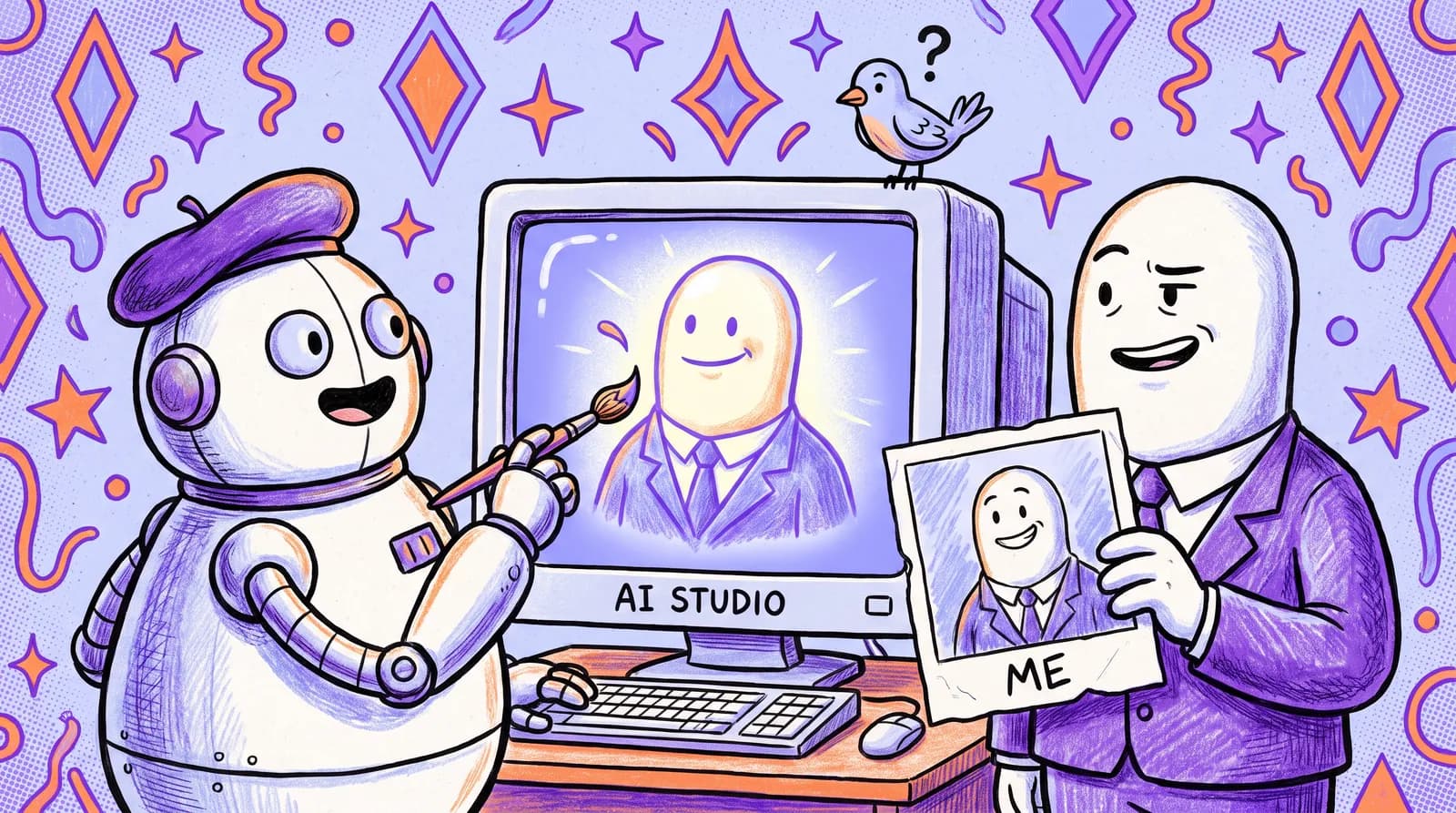
That's why AI headshot generators have exploded in popularity. Professional adoption grew from 8% in 2021 to 58% in 2025, and among job seekers specifically, 68% have used or are open to using them. Tools like Starkie AI let you upload a few casual selfies, choose your style and background, and receive polished, studio-grade headshots in minutes for a fraction of the cost.
Priya swapped her cropped group photo for an AI-generated headshot and saw her profile views triple in the first week.
For the banner, use a simple branded graphic or an industry-relevant image with a value-proposition overlay. It's billboard space.
Minute 5-12: Headline formula
Your headline is indexed at 5x the weight of other fields by LinkedIn's search algorithm. This is the single most important text on your profile for discoverability.
Use a role, value and proof formula: target title, then the key value you deliver, then your industry or credential.
James went from "Software Engineer at TechCo" to "Product Manager | Ex-Engineer Who Ships 0→1 Products | Fintech & SaaS." The old headline told recruiters what James was. The new one tells them what he does, and for whom.
A word of caution: there's a difference between strategic keyword placement and keyword stuffing. Recruiters search specific terms like job titles, tech stacks, and industries. Generic phrases like "Seeking Opportunities" or "Passionate Leader" are almost never searched. Place real, searchable keywords naturally in your headline. Skip the buzzwords.
Minute 12-20: About section structure
Three paragraphs. Open with a hook: a specific career statement that leads with what makes you distinctive rather than "I'm a results-driven professional." Follow with proof, meaning two or three quantified achievements or domain highlights, because numbers stop the scroll. Close by saying what you're looking for and how to reach you, so a recruiter doesn't have to work out the next step.
Danielle went from a four-sentence bio ("MBA candidate passionate about strategy and innovation...") to a compelling narrative that positioned her career change as a strength. She opened with the specific business problem she'd solved in her capstone project, backed it with metrics, and closed with a clear statement about the roles she was targeting.
What changed was that she stopped apologizing for being a career changer and started leading with the perspective it gave her.
Minute 20-26: Experience bullets rewrite
Use the CAR method: challenge, action, result.
"Managed social media accounts" becomes "Grew organic LinkedIn following from 2K to 18K in 9 months by launching a weekly video series, generating 35% of inbound demo requests."
The first describes a task. The second tells a story with a measurable outcome, and recruiters scan for impact rather than responsibilities.
To stay within 30 minutes, focus on your top 2 to 3 roles only. These are the positions recruiters actually read. Everything below your most recent few roles gets diminishing attention.
Minute 26-30: Skills reorder + featured section
LinkedIn's algorithm uses your top three skills for search ranking. Open your skills section and reorder them to match the job descriptions you're targeting. This takes 60 seconds and can dramatically change which searches surface your profile.
For the Featured section, pin 1 to 2 items: a portfolio piece, a results-driven post, or a media mention. Danielle added a Featured case study from her MBA capstone project. A hiring manager at one of her target companies found it through LinkedIn search, read the full case study, and invited her to interview, bypassing the 500-applicant queue entirely.
The results: What happened in 7 days
The outcomes were faster than any of them expected.
Priya's profile views increased 3.2x. She received 4 recruiter InMails and 2 interview invitations within 6 days. She attributes the biggest single change to her new headshot. "I looked like someone who already had the job," she told us.
James appeared in "Product Manager" recruiter searches for the first time. Three screening calls landed in 5 days. His headline rewrite was the key that made it happen.
The hiring manager who found Danielle's Featured case study invited her to interview directly. She never applied through the job posting. She skipped the line because her profile did the selling for her.

None of them changed their actual experience or qualifications. They changed how their existing strengths were presented. The audit didn't add substance; it removed friction.
Job seekers with professional photos are 40% more likely to receive interview requests within the first month. Comprehensive profiles lead to callback rate boosts of +15.8% for entry-level roles and +13.4% for mid-level. The data backs up what Priya, James, and Danielle experienced firsthand.
The profile photo effect: Why it's the most underrated lever
The single change that consistently delivers the largest impact is your profile photo.
LinkedIn's data shows profiles with photos receive 21x more views and 9x more connection requests. Recruiters spend nearly a fifth of their screening time on the photo alone. And in a blind recruiter comparison conducted by Capturely, 76.5% of recruiters preferred AI-generated headshots over real ones because they appeared more polished and professional.
Three objections come up constantly, and none of them hold up anymore.
"I'm not photogenic" no longer matters, because AI headshot tools generate dozens of variations from casual input photos and you pick the one that looks most like you on a good day.
"I don't have time for a shoot" doesn't apply either. AI headshots take minutes, with nothing to schedule and nowhere to travel.
"Professional photos are too expensive" was true when traditional shoots ran $150 to $650. AI headshots from tools like Starkie AI typically cost $25 to $35 and deliver several edited images.

One important note: 66% of recruiters in the same Capturely survey reported concerns about AI photos that look significantly different from the real person on a video call. The goal isn't to create a fictional version of yourself. It's to present a polished, professional version that still looks like you. The best AI tools produce results that are indistinguishable from a good photoshoot, not from a different person.
Use the same headshot across LinkedIn, your resume header, email signature and portfolio site. Consistent personal branding builds recognition across every touchpoint.
If the only thing standing between you and a stronger LinkedIn presence is a professional photo, try Starkie AI free and check that box in under 10 minutes.
Download the checklist + bonus tips to stay optimized
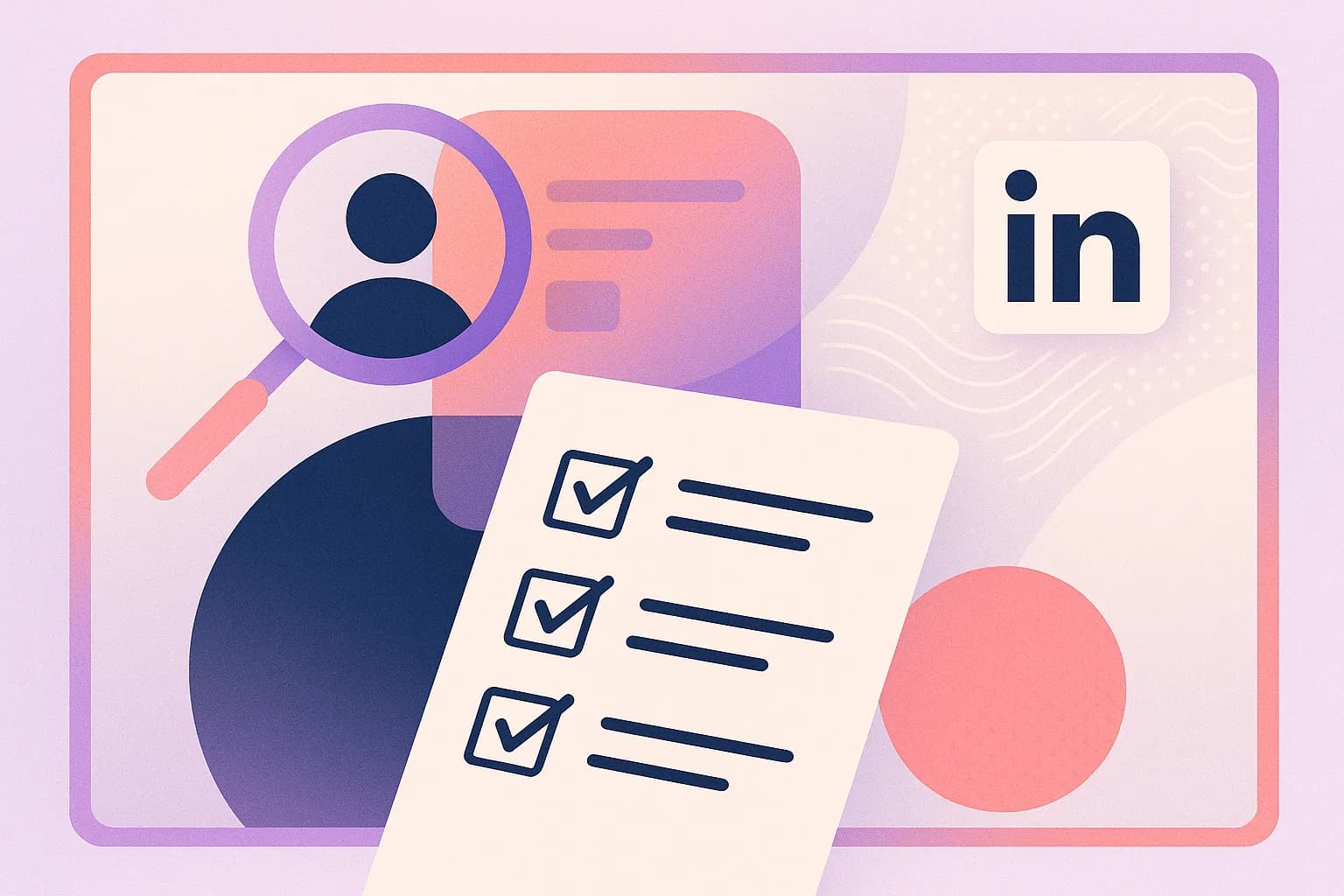
We've packaged the entire 30-minute audit into a downloadable PDF checklist with checkboxes, formulas, and example language for every section. Grab it, block 30 minutes on your calendar, and work through it step by step.
Beyond the initial audit, here are three bonus tips to keep your profile working for you:
Set a quarterly audit reminder, because your target roles and keywords change and so should the profile. Quarterly passes also catch algorithm changes while they still matter; LinkedIn's organic reach dropped 22% by September 2025 according to Taplio's research, so set-and-forget stopped working a while ago.
Post an update right after your audit. A short "I just refreshed my LinkedIn profile" post gets engagement from your network at the exact moment your profile is at its strongest, and the algorithm rewards the activity.
Request two or three fresh recommendations from colleagues or managers while you're at it. New social proof compounds everything else you just changed.
Your 7.4 seconds start now
You can't control that recruiters spend only 7.4 seconds on your profile. But you can control what those 7.4 seconds reveal.
The audit isn't about gaming an algorithm. It closes the gap between who you are professionally and what your profile says about you. Priya, James and Danielle didn't get more qualified. They got more visible.
Block 30 minutes, download the checklist, and start with the highest-impact change: a professional profile photo.
If you need the headshot first, Starkie AI can produce one in minutes.