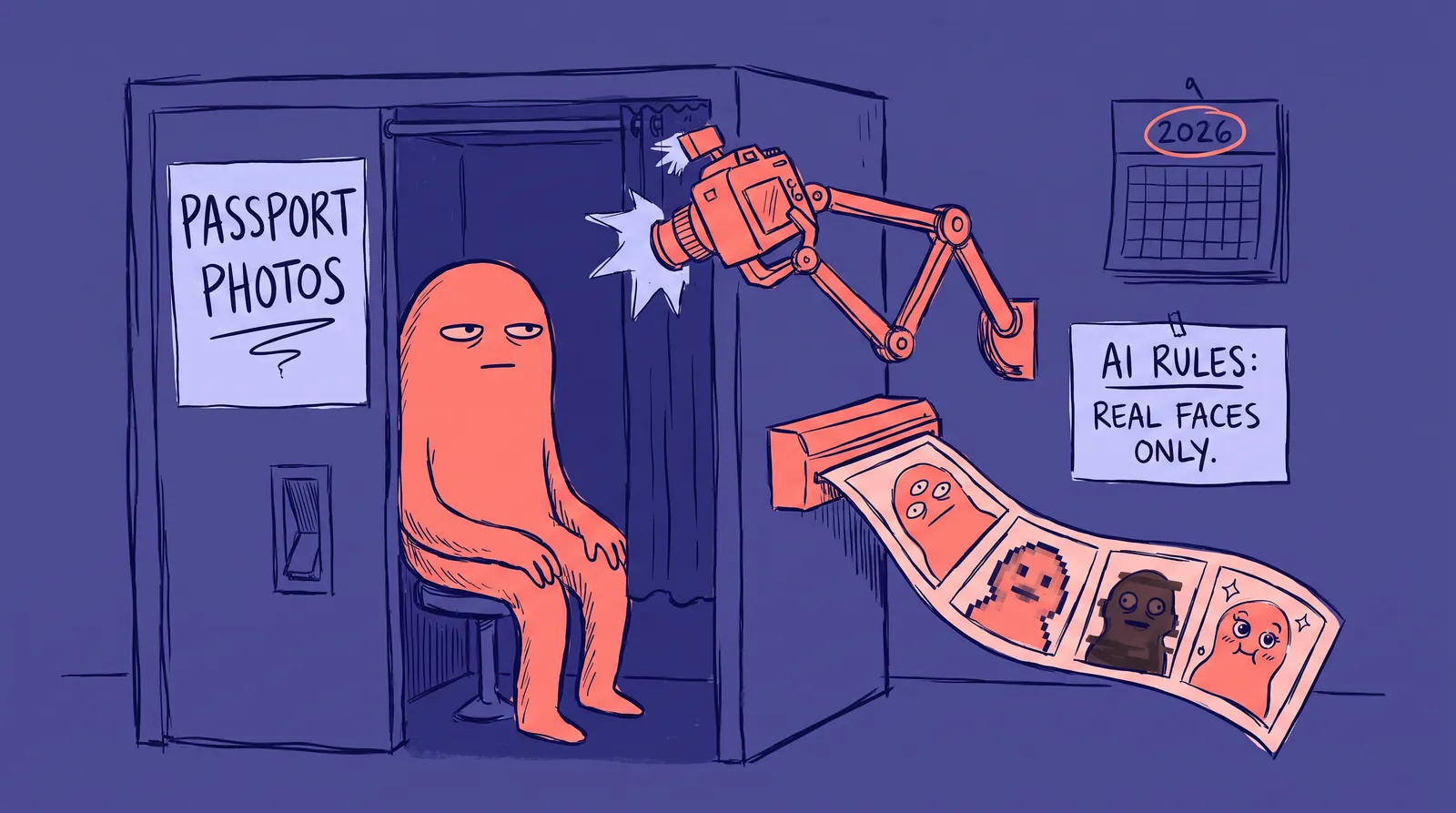
Renew your US passport online and there is a decent chance the system rejects your photo before a human ever looks at it. Not because you used a filter on purpose. Because your phone's camera did.
That is the strange spot passport and visa photography sits in right now. Everywhere else, AI-touched images are the default. Your LinkedIn photo, your dating app pictures, even the "portrait mode" shot your phone takes automatically, all of it runs through some kind of software smoothing, blurring, or enhancement. But the moment you need a photo for a government document, all of that becomes a liability instead of a feature.
It is a strange kind of whiplash. You spend years getting used to cameras that quietly improve your face without asking, then one form requires the exact opposite: a photo that proves, algorithmically, that no software touched it at all.
The rule you probably didn't know you were breaking
Passport photo rules have always banned edited images. What changed is how explicitly agencies now call out AI by name.
The UK's HM Passport Office requires photos that are, in its own wording, "unaltered by computer software." According to its official guidance on gov.uk, a photo gets rejected for reasons that go well beyond obvious editing: wrong dimensions, poor contrast, visible shadows, red-eye, hair covering the eyes, or glare on glasses. The same page notes that photos taken at a professional booth or shop are more likely to be approved than ones taken on your own device, mostly because a booth cannot apply the automatic processing a phone does.
The US State Department's requirements go further and name the technology directly, warning applicants not to change a photo using computer software, phone apps, filters, or artificial intelligence. According to reporting from VisaVerge, the list of banned edits is long: AI generation or editing tools, skin smoothing, blemish removal, eye color changes, red-eye correction, background cleanup, filters, beauty modes, heavy file compression, and even the color correction and sharpening your phone camera applies automatically. A compliant photo has to be unedited, taken within the last six months, shot against a plain white or off-white background, and show a neutral expression with even lighting.
That last part is the trap. Most people assume "no editing" means "I didn't open Photoshop." Your phone disagrees.
Your phone's default settings are the problem
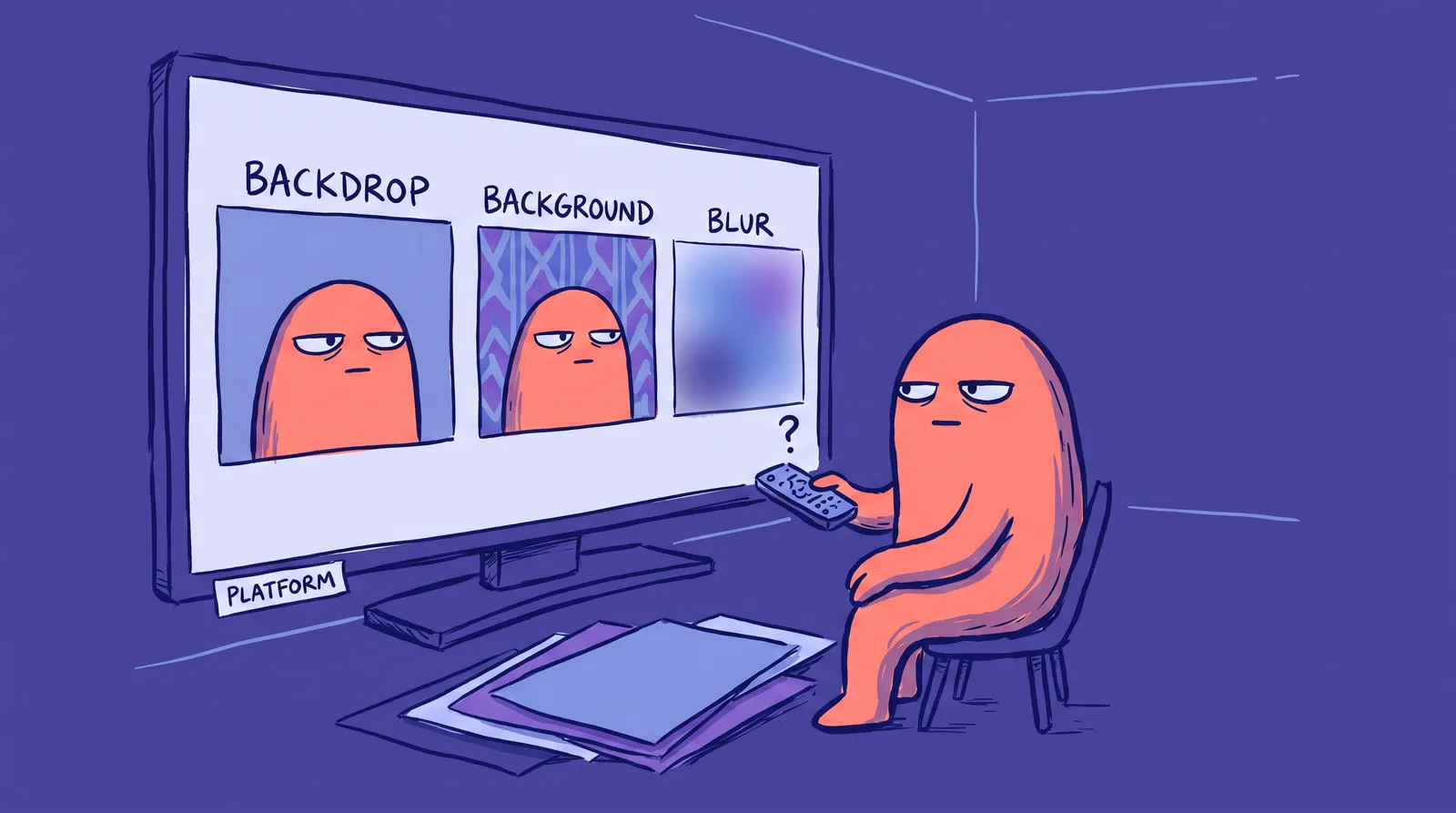
Modern smartphones do not wait for permission to touch your face. Portrait mode blurs the background and can subtly reshape edges around your head. Beauty modes soften skin by default, sometimes without a visible toggle. HDR blends multiple exposures into one image, which can smooth out texture the same way a filter would.
Reporting from The Travel found that the State Department's Online Passport Renewal system has been flagging a high volume of otherwise normal submissions because its AI-detection screening reads standard phone processing as manipulation. Automatic HDR, portrait blur, default skin smoothing, and even background replacement features built into newer phones can all trip the same alarm meant to catch someone deliberately faking a photo. The same reporting notes that more than 300,000 passport applications a year already needed extra review over photo issues before this screening even existed, so the margin for error was thin to begin with.
There is no official fix yet beyond avoiding the problem. Turn off portrait mode and any "beauty" or smart photo setting. Shoot with the rear camera, not the front one, since front cameras apply more automatic processing by default. Do not touch the image afterward, not even to brighten it or crop out a shadow.
A rejected photo does not end your application, but it does slow it down. You get asked to resubmit, which means another photo, another wait, and in the middle of an already backed-up review queue, that is not a small delay.

What the checker is actually scoring
None of this is arbitrary. Passport and visa photos worldwide are built around a shared international standard, ICAO Document 9303, the specification behind machine-readable and biometric passports. It defines precise geometry: your chin to the crown of your head should fill 70 to 80 percent of the photo's height, your face has to sit centered within about 5 percent of the frame, and your head cannot tilt more than 5 degrees on any axis. Both eyes need to be open, clearly visible, and looking straight at the camera, with sight lines parallel to the lens.
That algorithm is the real reason AI-altered photos get treated with suspicion rather than mild annoyance. According to the National Institute of Standards and Technology's morph detection guidelines, published in August 2025 and covered by Biometric Update, the underlying fear is face morphing: digitally blending two people's photos into a single image that both can then use to pass as the same identity at a passport office or border crossing. NIST's guidance distinguishes between single-image detection, where an official only has the submitted photo to evaluate, and differential detection, where they can compare it against a genuine reference photo taken later at a border. Passport applications fall into that first, harder category, since there is nothing yet to compare the photo against.
An AI-generated or heavily AI-edited face does not look like fraud to a human reviewer. It can look exactly like it to the software built to catch it. That is why the system errs toward rejecting anything that reads as synthetic, real explanation or not.
The strictness makes more sense once you see how widely this one standard travels. According to Facia's identity verification knowledge base, more than 150 states now issue passports that meet ICAO standards, which is what allows automated border control gates to work the same way from country to country. A photo that fails the geometry or the alteration check risks more than a rejection at one passport office. It can fail the same automated check at every border built to the same specification.

What AI tools are actually safe to use
There is a real distinction between AI that changes what your photo shows and AI that just checks or formats it. Cropping to the required 2x2 inch or 35x45mm size, correcting a background to plain white, and verifying head position against the ICAO measurements do not touch your face and generally stay compliant. That is a different category from a tool that generates, retouches, or reshapes your features.
A background swap is a good example of the line. Starkie's own free background remover works this way. It replaces whatever is behind you with a plain backdrop without altering your face, which is exactly the kind of processing passport agencies treat as acceptable. Compare that to a full AI headshot generator, the kind of tool that produces polished, stylized portraits for a LinkedIn profile. Those tools do a great job of creating a professional-looking image built from your likeness, but that is precisely what makes them wrong for an ID photo. A passport needs your actual, unaltered face today, not the most flattering version an algorithm can construct.
If you are choosing between the two categories of tool, ask what the output is for. A headshot for your resume or a professional profile can lean on styling and enhancement, and it is worth choosing the right source photo if you are generating one for LinkedIn or a company bio page. A passport, visa, or any biometric ID photo cannot lean on any of that. The two jobs look similar on the surface, a face against a plain background, but they solve opposite problems: one wants you to look your best, the other needs proof of exactly how you look.
A photo that will actually pass
Between the ICAO geometry, the phone-processing traps, and the explicit AI bans, here is what a compliant photo needs:
- A plain white or light gray background with no shadows, patterns, or objects behind you
- Even, diffused lighting on your face, with no shadows or glare, especially on glasses
- A neutral expression, mouth closed, both eyes open and looking directly at the camera
- Head and shoulders framed so your face fills roughly 70 to 80 percent of the vertical frame
- No portrait mode, beauty mode, HDR, or filters of any kind, taken on the rear camera
- A photo taken within the last six months, uploaded or printed without any further editing
If you keep getting rejected after following all of that, gov.uk's own advice is worth repeating: a professional photo booth or pharmacy kiosk is more likely to produce an acceptable result than another attempt on your own phone, because the equipment is not quietly applying processing you cannot see or turn off.
The one place "real" still wins
Everywhere else, the line between a real photo and an AI-shaped one keeps getting blurrier, and most platforms have stopped caring which side of it you are on. Passports and visas are the exception, and for a fairly good reason. The photo is not there to make you look good. It exists so a machine and a human can independently confirm you are who you say you are, which is a very different job from telling a genuine photo from an AI-generated one for a LinkedIn profile or a dating app, where the stakes are social rather than legal.
That makes the passport photo one of the last places online where "unedited" is a hard requirement rather than a style choice, checked by software built specifically to catch the kind of editing that has become invisible everywhere else. Save the AI-polished version of yourself for your LinkedIn profile or your company bio. For your passport, the plain, slightly awkward, completely unfiltered photo is the one that actually works, and it is worth taking the extra ten minutes to get it right the first time rather than restarting the whole process after a rejection notice.