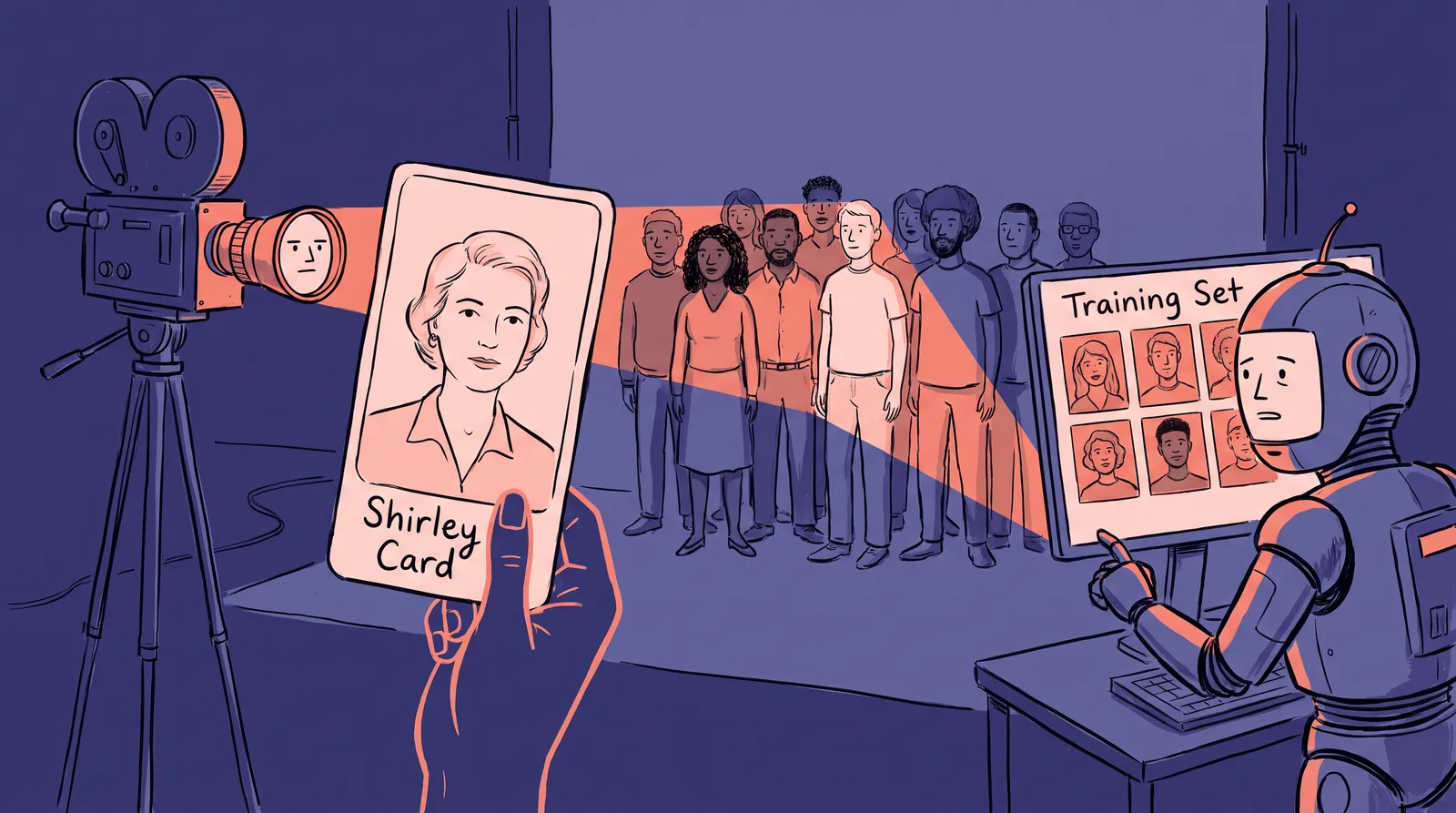
Did cameras really treat skin tones differently?
Yes. For decades, mainstream colour film and photo printing were tuned to light skin, and that history still shapes how photos are judged today.
The tool at the centre of it was the Shirley card. In 1954, the federal government moved to break up Kodak's monopoly, and Kodak responded with the S5 printer for independent labs. NPR's account of the cards says each kit shipped with a colour print of Shirley Page, a Kodak studio model. Labs printed to match her. "Whenever we printed anything, we had to pull Shirley in," one lab worker said.
Lorna Roth, a media professor at Concordia University who has studied the cards, told NPR that "the people who were producing the cards had a particular image of beauty, captured in the Shirley card." In the 1950s, she said, camera buyers were mostly white, so Kodak "didn't see the need" to broaden the range.
The fix came slowly. According to the same report, Jim Lyon began using Black models in Kodak's testing in the 1970s, and multiracial reference cards followed. By then, a generation of prints had already been calibrated to one face.

What does that have to do with AI headshots?
The mechanism repeats. A system is tuned on a narrow sample, and everyone outside the sample pays for it.
Replace the lab and the printer with a dataset and a neural network. If most of the faces a model learned from are lighter-skinned, the model's idea of a normal face drifts the same way. It is not malice. It is arithmetic.
Computer vision researchers measured this early. In the Gender Shades study, Joy Buolamwini and Timnit Gebru found that two common face benchmarks were 79.6% and 86.2% lighter-skinned subjects. They then tested three commercial gender classification systems on a new, balanced dataset. Darker-skinned women had error rates of up to 34.7%. The maximum error rate for lighter-skinned men was 0.8%.
That study looked at classification, not portrait generation. But it showed the pattern clearly: whoever is missing from the training data gets the worst results.
Do image generators show the same skew?
They can. Bloomberg's 2023 investigation is the most cited example, so here is exactly what it did and did not test.
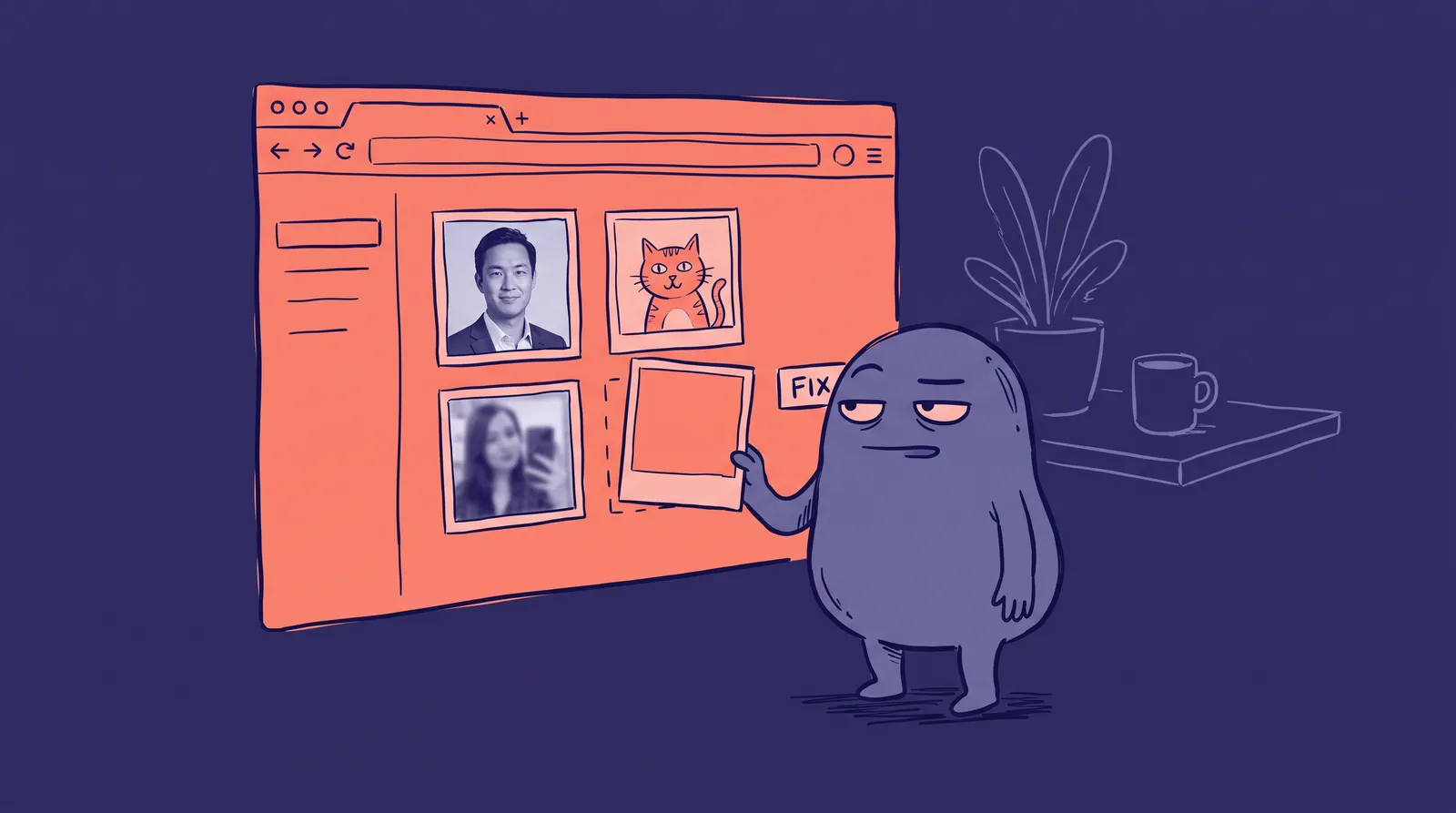
Bloomberg generated 5,100 images of people with Stable Diffusion. That was 300 images for each of 14 jobs, seven typically high-paying and seven low-paying in the US, plus three crime-related categories. Every high-paying job's image set was dominated by lighter skin tones. Darker skin tones appeared more often for prompts like "fast-food worker" and "social worker."
Gender skewed too. For every image of a perceived woman, the model produced almost three times as many of perceived men. Women made up about 3% of "judge" images, against roughly 34% of US judges.
Two caveats matter. This was one model, tested in 2023. And Bloomberg measured skin tone, not race, so the two should not be treated as the same thing. Still, the finding is a useful warning. A generator that has never seen enough of a face will fill the gap with its average.
Why does my AI headshot look lighter than I do?
Because a general model is guessing, and your photos may be nudging it the wrong way.
A text-to-image prompt like "professional headshot of a manager" asks the model for its average. A personalised model works differently: it fine-tunes on your photos so that your face becomes the target. If you want the mechanics, how one selfie becomes 50 headshots walks through it without the maths.
Your input still matters. Three things commonly shift skin tone in the output:
- Warm or coloured light. A selfie under a yellow lamp or beside a red wall carries a cast the model may treat as your colouring.
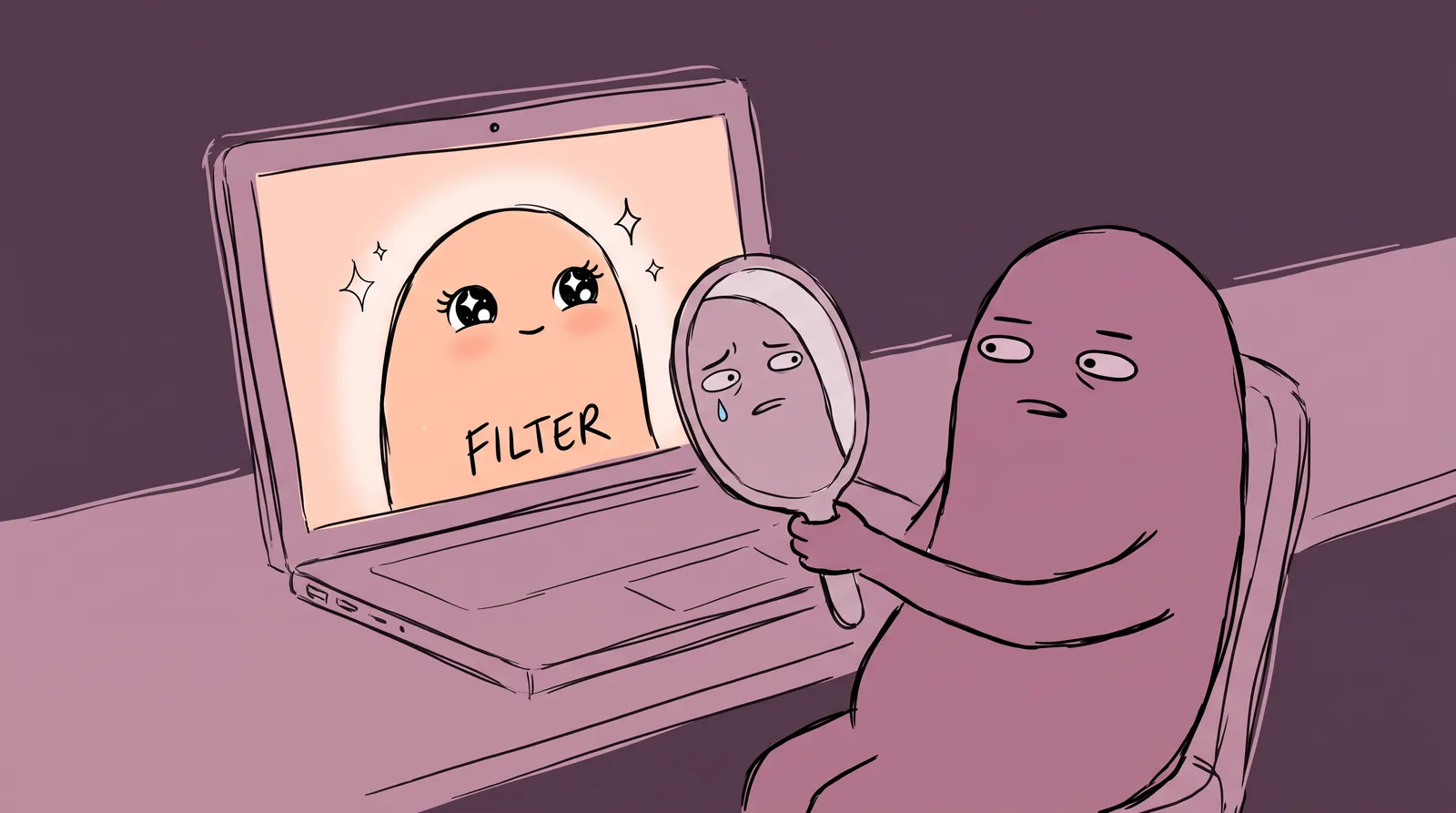
- Heavy phone processing. Beauty modes and aggressive HDR smooth and lighten skin before the AI ever sees it.
- One lighting setup. If every photo has the same shadow pattern, the model cannot separate your face from the light.
The fix is dull and effective. Use daylight from a window, face the light, turn off beauty filters, and vary your angles and clothing. Our guide on choosing the right photo to upload covers the checklist.
Have cameras actually improved?
Somewhat. The industry has started to measure the problem, which is the necessary first step.
Google launched Real Tone with the Pixel 6. Android Central's explainer says Google worked with outside photographers to tune auto white balance, auto exposure and stray light handling, refined face detection for darker skin in difficult lighting, and widened the datasets used to train the camera models.
Then, on May 11, 2022, Google released the Monk Skin Tone Scale, a 10-shade scale built with Harvard sociologist Dr. Ellis Monk. Google found that US participants felt it represented their skin tones better than the existing tech industry standard, especially for darker skin. Google uses it to evaluate face detection models, to power a skin tone filter in Google Images, and to test its Real Tone filters in Google Photos.
Google says this is ongoing work, not a solved problem. A scale does not fix a dataset. But it gives teams something concrete to measure their models against, which Kodak's labs never had.
How do you check your own result?
Compare it to a plain photo, in daylight, on a screen at normal brightness. Do not trust your first impression of a flattering image.

Here is a quick check you can run in two minutes:
- Take an unfiltered photo of your face next to a window, with no flash.
- Open your AI headshot on the same screen, at the same brightness.
- Compare the skin only. Ignore background, suit and hair.
- Ask a friend who knows you well which one looks more like you.
If the AI version is lighter, warmer or smoother than you, the likeness is off. Do not edit it by eye. Go back to the inputs: fix the light in your source photos, upload more variety, and regenerate. If the result keeps drifting, the uncanny valley problem explains what else can make a portrait feel wrong.
Authenticity is also a trust question. A headshot that quietly lightens your skin is not a neutral retouch. And as detection tools keep misjudging real photos, the safest headshot is one that looks like you in person.
What should you take from the Shirley card?
Calibration is a choice, and someone makes it. Kodak calibrated to a single face and called it standard. AI tools can repeat that if nobody checks.
When you pick a headshot tool, look for one that trains on your own photos rather than relying on a general default, and test it against an unfiltered photo of yourself. Starkie AI's AI headshot generator works that way: it learns from your selfies, so your face is the target. The check above still applies to any tool, ours included.
The lesson from 1954 holds. A system is only as fair as the faces it was tuned on, so look at the result and make it earn your trust.