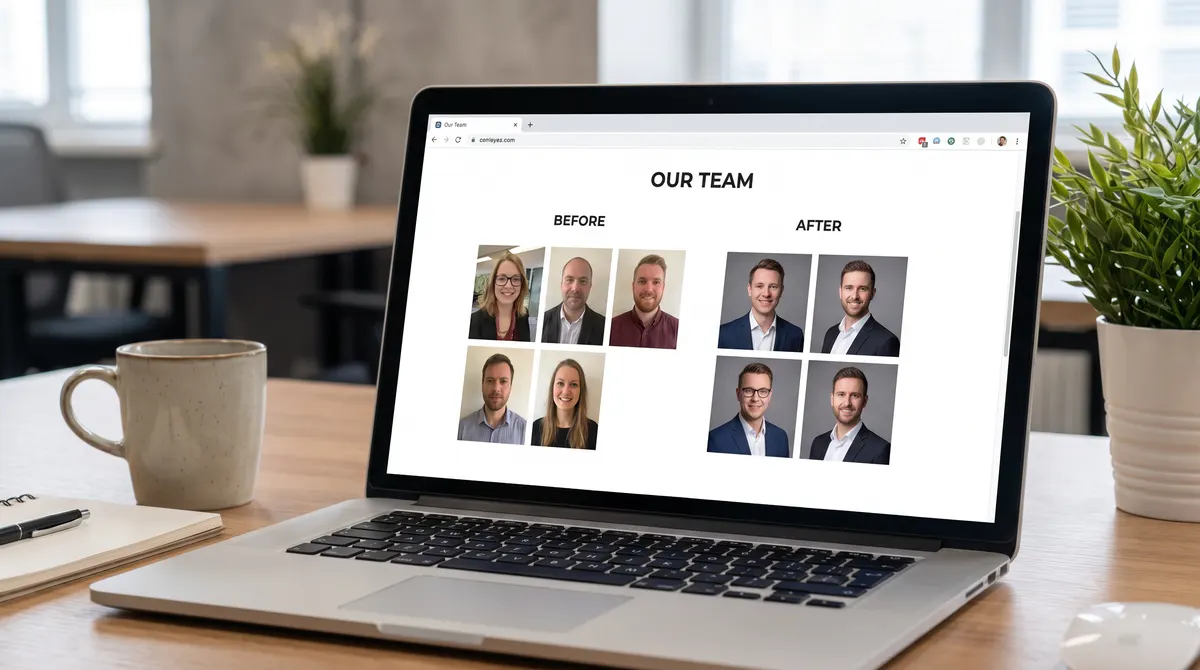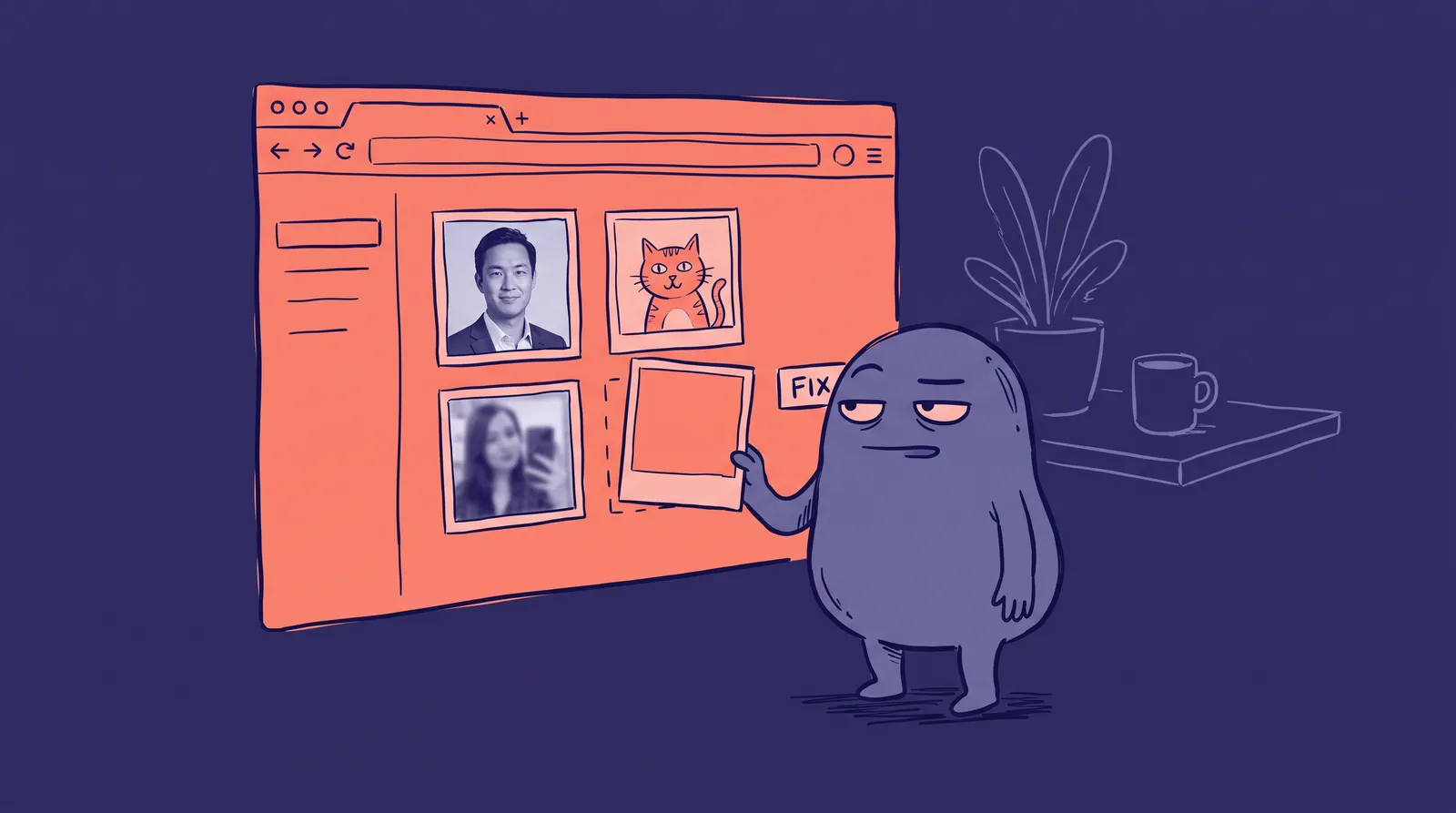
Open the "About" page of almost any company that has grown past ten people and you will see the same thing. A founder in a studio portrait from 2019. A designer cropped out of a wedding photo. Someone in a car. Three people in front of a grey wall, two in front of a bookshelf, one in front of a window that blows out half their face.
Each photo is fine on its own. Together they look like a team that has never met.
This article covers why that matters, what the research says about how fast visitors judge it, and how to fix a team page without booking a photographer for every new hire.
Do mismatched team photos actually hurt a company's credibility?
They plausibly do, though nobody has published a clean study that isolates "mismatched backgrounds" as the variable. What the research does show is that visitors form judgments about faces almost instantly and pay close attention to team photos, so a page full of inconsistent ones gets read for signals whether you intend it or not.
Start with speed. In a 2006 paper in Psychological Science, Princeton researchers Janine Willis and Alexander Todorov showed people unfamiliar faces for 100 milliseconds, 500 milliseconds or a full second and asked them to rate traits such as trustworthiness and competence. Ratings after 100 milliseconds correlated highly with ratings from people who had no time limit. Trustworthiness showed the strongest link. More time mostly made people more confident, and slightly more negative, rather than changing their minds.
That study used faces on a plain background, not team pages. It does not say a visitor decides whether to hire you in a tenth of a second. It says the first read of each face lands fast and tends to stick.
Then there is attention. The Stanford Persuasive Technology Lab ran three years of research with more than 4,500 participants and turned it into ten web credibility guidelines. Two are relevant here: "Show that there's a real organization behind your site" and "Show that honest and trustworthy people stand behind your site." A team page is where a company answers both. If the answer looks accidental, it answers them badly.
Do visitors really look at team photos?
Yes. Eye-tracking research from Nielsen Norman Group found that people scrutinise photos of real employees and skip decorative filler. Their own study of the FreshBooks website is the clearest example.
On FreshBooks' About page, the researchers watched where users looked. According to Nielsen Norman Group, one user spent 10 percent more time viewing the portrait photos than reading the biographies, even though the biographies took up 316 percent more space on the page. The people in the photos were real employees, and visitors treated them as information.
The same article found the opposite for stock photography. A Yale School of Management page showing what looked like students was, in the researchers' words, filler. Users ignored it. The article dates from 2010, so treat the exact figures as a snapshot rather than a current average. The pattern is the useful part: a real face is content, and content gets examined.
Look at what that means for your page. If visitors spend their time on the faces, every difference between those faces is on show. A different crop, a different light direction, a different distance from the camera. Visitors may not name the problem. They will still register that some of these people look like they were photographed by the company and some do not.
Why do team photos drift apart in the first place?
They drift because photos are collected at different times, by different people, for different reasons. Nobody decides to make the page inconsistent. It happens one hire at a time.
Pages usually get that way like this:
- The first five people were photographed together, at a kitchen table or a single shoot.
- Hire six to twelve send in whatever they have. Some use a LinkedIn photo, some a phone selfie.
- Someone leaves, and the replacement's photo goes in without matching anything.
- A rebrand changes the page colours, and the old photos now clash with the new background.
- Remote staff live in other cities, so a single photographer day is not an option.
The last point is the one that breaks the usual fix. A photographer visit works well for an office of twelve in one building. It stops working when half the team is remote, when people join every month, or when a new hire starts on Monday and the page should be updated by Friday. We cover the cost side in our breakdown of what a professional headshot costs, and the short version is that per-person pricing and scheduling both scale badly with a distributed team.
What does "consistent" actually mean on a team page?
Consistent means a viewer cannot tell which photo was taken first. You do not need identical photos. You need a short list of things that stay fixed, and a longer list of things that may vary.
Fix these:
- Framing. Same crop, same amount of headroom, shoulders visible or not, for everyone.
- Background. One colour, or a small set of colours. Plain beats clever. We go through the trade-offs in our guide to choosing a headshot background.
- Light direction. Soft light from the same side. Hard shadows on one face and flat light on the next is the most obvious mismatch.
- Colour treatment. Warm against cool skin tones, heavy contrast against flat, black and white against colour.
- Output size and shape. Square, round or portrait, but one of them.
Let these vary: expression, clothing, hairstyle, glasses, pose angle. Those are what make a team look like people rather than a catalogue. A page where everyone has the same smile at the same angle reads as stiff in the other direction.
How do you fix it without reshooting everyone?
You have three realistic options, and which one fits depends on how many people you have and how fast you change.
Reshoot on a fixed day. For a team under about fifteen people in one place, this is still the most reliable. Book a photographer, set one backdrop and one light, and photograph everyone in an afternoon. Put the setup in writing, because you will need to match it later. Your new hires will not fit in that afternoon, so plan a catch-up day twice a year.
Set a photo brief and let people submit their own. This is cheap and goes wrong more often than not. A brief works for the fixed list above, but people cannot control light or lens distance from their desks. You can enforce framing and background with a crop and a background tool, such as a free background remover, and still end up with faces lit from five different directions.
Generate the photos from selfies. AI headshot generators such as Starkie AI take a set of selfies and produce studio-style portraits. If everyone is generated in the same style, the backdrop and lighting match wherever the person lives. The trade-off is real: you must check each result looks like the person, and your team needs to be comfortable with the technique. We cover that question in our look at whether AI headshots help or hurt professional trust. Be open about it on the page if staff ask.

If you do this, ask each person to approve their own photo. A headshot on a company page is also an image of a person who may leave and want it gone. Agree up front who removes it, and how fast.
What should you do about the rest of your visual identity?
Treat the team page as the first of several places where the same face shows up. The same portraits appear on LinkedIn, conference programmes, press pages, email signatures and proposals. A fixed standard for the team page then becomes a standard for everywhere, and our guide to building a cohesive visual brand across platforms walks through the checklist.
A practical way to hold the line:
- Keep one master file per person, at a high resolution, with the crop and colour treatment already applied.
- Name the shoot or the generation style, so a new hire can be matched to it later.
- Review the page when someone joins or leaves, not once a year.
- Store the written brief where the person who updates the website can find it.
A team page is a small page that gets looked at. The faces are the content, and the research suggests visitors read them quickly and closely. Spend the effort to make them look like one team.