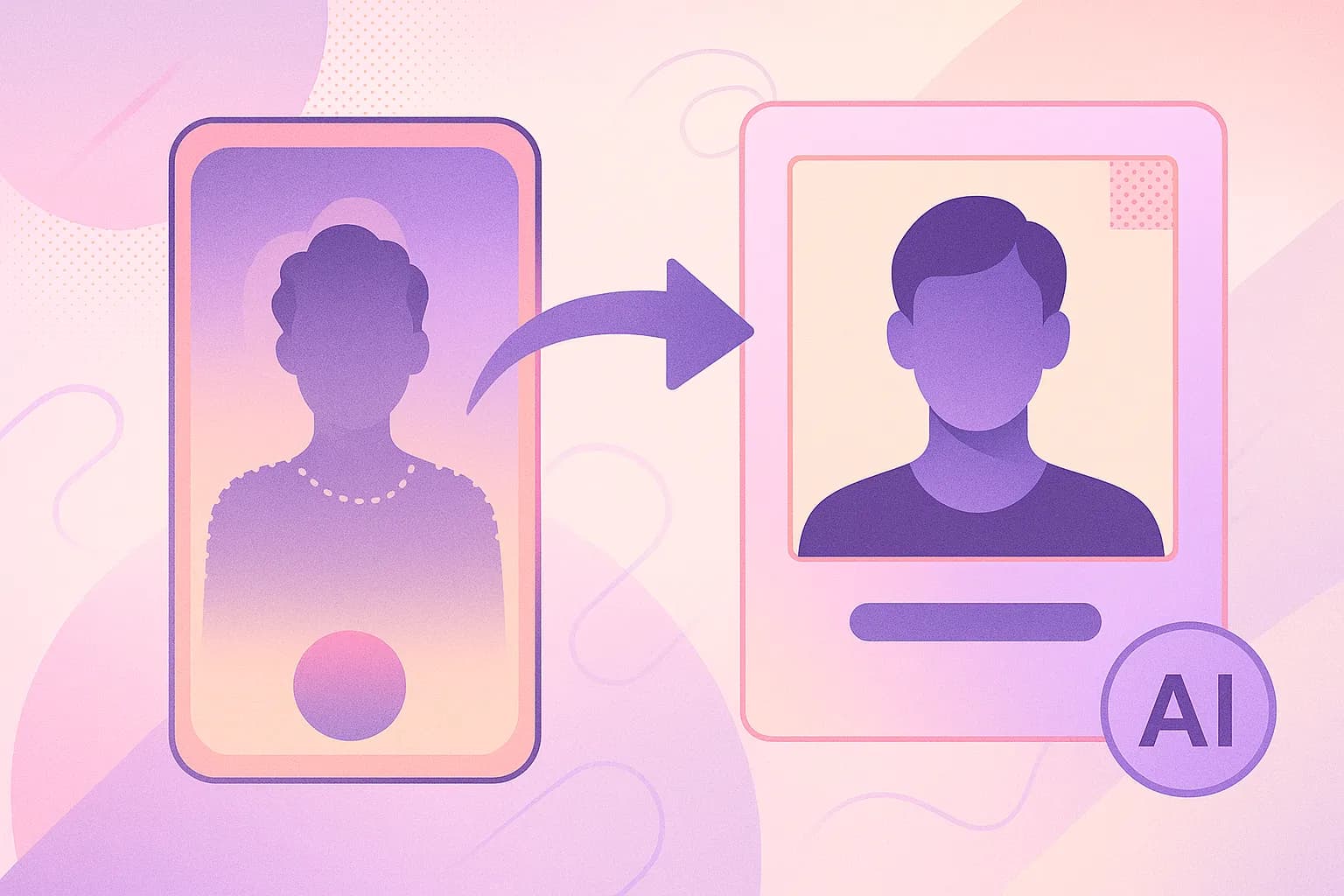
You finally decided to try an AI headshot generator. You uploaded your favorite selfie, the one with 200+ likes on Instagram, and the result looked like a wax figure of someone who vaguely resembles you. Maybe a cousin you've never met. What went wrong?
The output is only as good as the input, which is the part most AI headshot tools skip over.
Based on internal testing at Starkie AI, the biggest factor in whether your headshot comes out professional or uncanny is the photo you upload, not the model and not the style preset.
What follows is why certain photos fail, what's happening technically in each case, and a checklist you can run before your next upload.
The "garbage in, garbage out" problem: Why your upload matters more than the AI
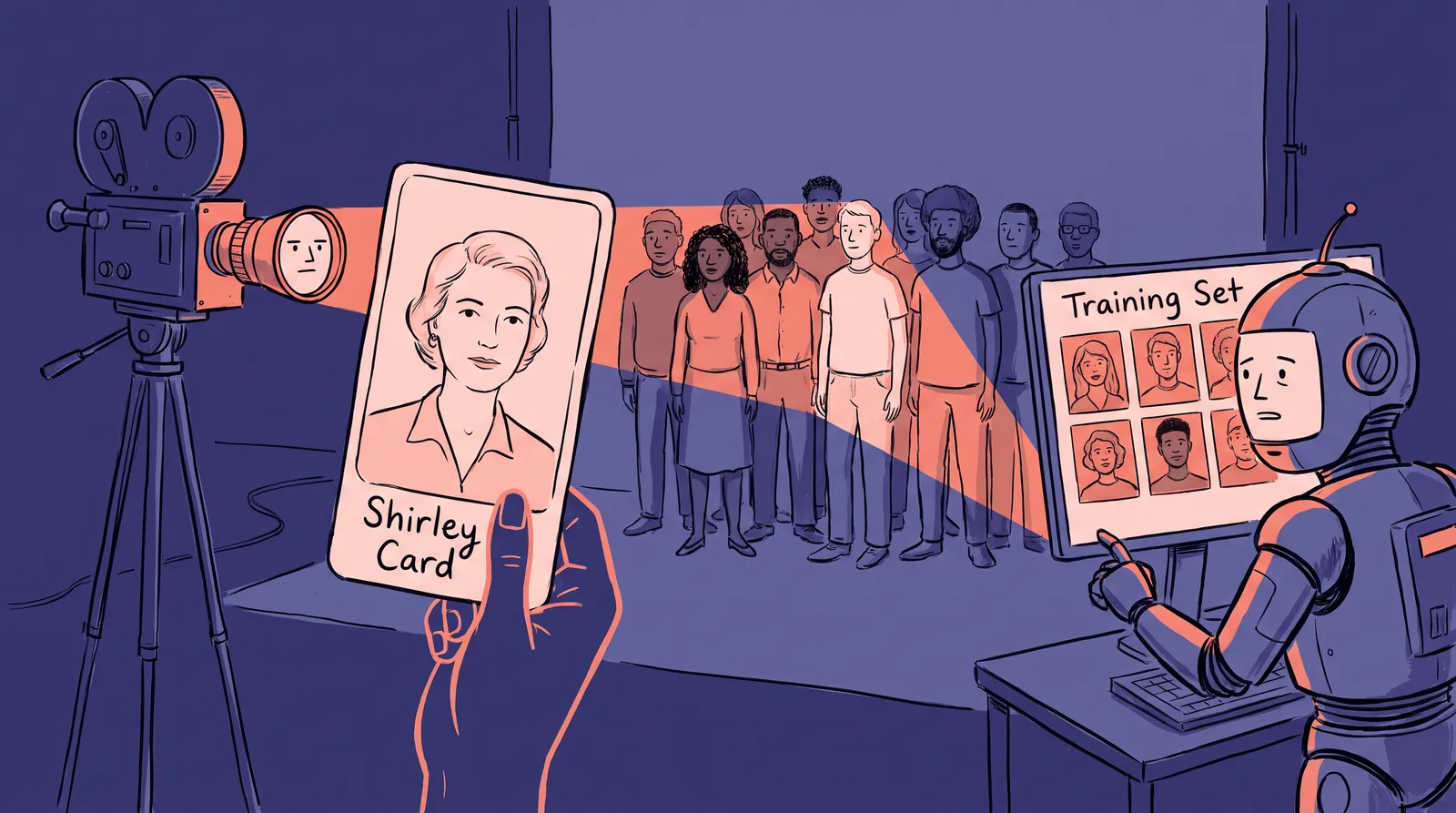
AI headshot generators don't just slap a filter on your photo. They use your upload to build a custom, temporary computational model of your face. They analyze your bone structure, skin texture, lighting patterns, and facial landmarks. Then they use that model as a guide to generate an entirely new professional image from scratch, one that maintains your likeness.
If the input is blurry, filtered, or poorly lit, the AI lacks the data it needs. It starts guessing. And guessing is where things get weird.
Think of it this way: asking an AI to build a professional headshot from a low-resolution, filtered selfie is like asking a master sculptor to carve your portrait from a handful of wet sand. The structural detail simply isn't there.
This explains the frustration cycle so many people experience. You upload a bad photo. You get a strange result. You blame the tool. You try a different AI tool. You get the same strange result. The photo was the problem all along.
The AI headshot market has grown rapidly, valued at over $450 million in 2026. Platforms like HeadshotPro (which has generated over 17.9 million headshots) and Aragon AI (with roughly 2 million users) are processing enormous volumes. Yet the fundamental rule hasn't changed: garbage in, garbage out.
And the stakes are real. According to research from PhotoPacks.ai, 89% of recruiters say the quality of a profile photo matters more than whether it was taken by a human or generated by AI. Your upload quality directly affects your professional image.
The six most common upload mistakes are below, along with why each one breaks AI processing.
The six upload mistakes that ruin your AI headshots
Mistake #1: Harsh overhead or side lighting
Overhead lighting, like fluorescent office lights or direct noon sun, creates deep shadows under your eyes, nose, and chin. To you, the photo might look "moody" or "dramatic." To the AI, those shadows look like facial features.
You end up with darkened eye sockets, the raccoon-eye effect, along with distorted nose shapes and a jawline that melts into your neck. The model needs an even tonal map of your face, and harsh directional lighting destroys it.
Stand facing a window during daylight instead. Natural, diffused light wraps evenly around your face and gives the model the most to work with. Avoid standing directly under a ceiling light, and avoid a single desk lamp pointed at one side of your face.
Mistake #2: Extreme angles and tilted poses
That classic selfie taken from above, the "MySpace angle," might slim your jawline for Instagram. But it gives the AI an incomplete picture of your face.
AI models reconstruct a three-dimensional understanding of your features. When one side of your face is hidden or compressed by an extreme angle, the model has to infer the missing structure. This inference leads to asymmetry, warped jawlines, disappearing ears, or cheeks that look subtly melted.
Hold the camera at eye level and face it straight on, or turn no more than 15 degrees. Shooting from above, from below or in full profile all cause the same problem.
Mistake #3: Group photo crops
Cropping yourself out of a group photo seems logical. But these images create multiple problems at once.
The face area is low-resolution because the original camera was capturing five or six people. Another person's shoulder or hair often intrudes at the edges. And the crop itself introduces JPEG compression artifacts right where the AI needs the cleanest data.
Use a photo where you're the only subject and your face fills most of the frame, rather than cropping a small face out of a wide-angle group shot.

Mistake #4: Heavy filters and beauty mode
Instagram filters, Snapchat smoothing, and your phone's beauty mode strip away exactly what the AI needs most: subtle texture and micro-detail. Pores, fine lines, natural skin variation, the slight color differences across your cheeks and forehead. All of that data tells the AI what makes your face unique.
Without it, you get an over-smoothed, plastic-looking headshot that doesn't look like a real person. It looks like a video game character from 2015.
Upload something unedited straight from your camera roll. Anything run through FaceTune, a heavy VSCO preset or beauty mode has already lost the detail that matters.
Mistake #5: Sunglasses, hats, and obstructions
The AI needs to see your full face. Period.
Sunglasses force the model to fabricate your eyes entirely. The results are often mismatched eye color, incorrect gaze direction, or that unsettling "dead eyes" look that screams artificial. Hats obscure your hairline and forehead, leading to unnatural hair generation that doesn't match your actual hair.
Take off sunglasses, hats, chin-covering scarves and forehead-covering headbands. The model cannot see through them and will invent whatever it can't see.
Mistake #6: Low resolution and heavy compression
Photos below 500×500 pixels or heavily compressed JPEGs (think screenshots of screenshots, or images downloaded from WhatsApp) lack the pixel-level detail the AI relies on. You'll get soft, blurry outputs, or faces with strange artifacts where the model tried to upscale data that wasn't there.
Upload the original file at full resolution, ideally 1024x1024 pixels or larger, rather than a thumbnail, a messaging-app copy or a screenshot of a photo.
The anatomy of a perfect upload: A side-by-side breakdown
Consider two uploads from the same person.
The first is taken at a dimly lit bar, from a slight upward angle, cropped out of a group shot, with an Instagram warm-tone filter on it. After cropping, the face is roughly 300x300 pixels and shows visible JPEG compression blocks.
The second is the same person facing a window in soft natural light, camera at eye level, alone in the frame, no filter, at the original 2400x1800 resolution.

The outputs are not close. The first produces shadowy eye sockets, a slightly asymmetric jaw, waxy uniform skin and hair that fades into a vague blur at the edges. It looks almost like you but not quite, which is somehow worse than looking nothing like you at all.
The second captures the person's actual skin tone, the natural slight asymmetry of their face, their real hair texture and a lifelike expression. It looks like them on a good day, at a good angle, in a studio.
Here's what's happening technically. AI headshot generators use facial landmark detection to map 68+ key points on your face. When input quality drops, the confidence scores for those landmark positions plummet. The model can't pinpoint where your jawline actually falls, or the precise shape of your upper lip, or the exact distance between your eyes. So it falls back on generic averages. That's why bad uploads produce headshots that look like "a person" instead of looking like you.
Starkie AI is built to handle a range of input quality, but even the best AI benefits enormously from a clean starting image. Think of it as giving the AI the best possible canvas.
The quick science: How AI headshot generators actually process your face
The process runs in three stages, and none of it requires a computer science degree to follow.
First the model maps 68 or more landmark points on your face: the corners of your eyes, the bridge and tip of your nose, the contours of your lips, your jawline. Everything downstream is anchored to those points.
Then it reads pixel intensity patterns to estimate your 3D facial structure, skin tone and texture. Even front-facing light gives it the most to work with. Harsh directional light sends contradictory signals and confuses its depth estimate.
Finally that data feeds a GAN or a diffusion model, which builds a mathematical description of you and uses it to guide a new portrait. Our article on how diffusion models generate AI faces walks through that part visually.
Bad data at any stage degrades everything after it.
Modern AI models in 2026 are significantly better at handling imperfect inputs than those from even two years ago. New models generate images at 4K resolution natively, with sharper detail and improved facial feature mapping that preserves freckles, dimples, asymmetries, and other unique characteristics. But the physics of information theory still applies: you can't extract detail that was never in the source image.
This is why we're transparent about how the technology works at Starkie AI. We'd rather help you upload a great photo than sell you on magic.
Smartphone camera settings that actually matter
Your phone has more camera power than you probably realize, and several of its default settings work against you. Adjust these before you shoot.
Use the rear camera, not the selfie camera. The rear lens has a larger sensor, higher resolution (often 48MP+ vs. 12MP on the front), and superior dynamic range. More importantly, selfie cameras use wide-angle lenses that create barrel distortion when held at arm's length, making your nose and forehead look disproportionately large. Prop your phone on a shelf, stack of books, or cheap tripod, set a 10-second timer, and step back.
Turn off beauty filters, HDR and portrait mode. Beauty filters identify your facial features and superimpose digitally altered layers that change your face shape and skin texture. As research published on arXiv confirms, modern AI analysis relies on accurate, unaltered visual data, and filters degrade that reliability. Portrait mode's artificial bokeh and HDR's tone mapping both introduce processing artifacts that confuse AI models. You want the cleanest, most "honest" image your camera can produce.
Shoot at the highest resolution available and avoid compressing the photo before upload. Sending it through WhatsApp, for example, strips resolution dramatically. JPEG or HEIC straight from your camera roll is ideal. PNG works too.
Use the 2x telephoto lens if you have one. Most modern phones with multiple lenses offer a 2x zoom (~50mm equivalent). This focal length produces the most flattering, distortion-free facial proportions. According to DPReview, sticking to the main sensor's native focal length, or the dedicated telephoto, avoids the digital cropping degradation that ultrawide lenses introduce. Avoid the ultrawide lens at all costs.
Turn the flash off. On-camera flash creates harsh, flat lighting with red-eye and blown-out highlights that AI struggles to reinterpret naturally.
What to wear (and what to avoid) for AI-optimized photos
Your clothing choices affect the output more than you'd expect. The AI reads your outfit as contextual data, and the wrong textures or colors can introduce visual noise.
Solid, muted colors work best. Navy blue ranks top for conveying trust, stability and competence, according to JDMeyersJR, with charcoal gray, forest green, deep red and burgundy close behind. They read as professional and give the model clean, high-contrast data against your skin.
Here's a stat worth knowing: Princeton researchers found that people form trustworthiness judgments from clothing and appearance in just 100 milliseconds. Darker clothing scored significantly higher on trust than lighter clothing across all hues tested.
Necklines matter too. A collared shirt, tailored blazer, or simple crew or V-neck provides a clean transition from neck to clothing that AI handles well. V-necks tend to lengthen the neck visually, while crew necks offer a grounded look. Avoid complex ruffles or turtlenecks that merge with your chin.
Skip accessories that block your face. Large earrings, scarves near the chin, hats, and sunglasses all obscure facial data the AI needs. Simple stud earrings and minimal necklaces are fine.
Patterns cause their own problem. Loud prints, stripes, plaid and tight grids can trigger the moiré effect, a distortion that shows up as wavy, shimmering patterns on screen. Neon colors cast unflattering light onto your skin.

As for hair and glasses: style your hair exactly how you want it in the final headshot, because AI uses your actual hair as a strong reference. Pull hair away from your face so your jawline and ears are visible. If you wear glasses, keep them on, but tilt your head slightly to eliminate lens glare. Glare creates blind spots the AI has to fill in by guessing. For more on this topic, read our guide on how to fix the glasses problem with AI headshot generators.
Your pre-upload checklist: Screenshot this before your next headshot
Before your next upload, run through this list. Every item you check off increases the quality of your output.
- Face is clearly visible with no obstructions (no sunglasses, hats, or masks)
- Lighting is even and front-facing (natural window light is ideal)
- Camera is at eye level, face is straight-on or turned no more than 15°
- You are the only person in the photo
- No filters, beauty mode, or heavy editing applied
- Resolution is at least 1024×1024 pixels (original file, not a screenshot)
- Background is simple and uncluttered
- Expression is neutral or has a natural, slight smile
- Photo was taken within the last 1-2 years (so the output matches your current appearance)

If nothing in your camera roll meets all of these, taking a photo that does is a 60-second job. Stand facing a window, hold your phone at eye level at arm's length, turn off beauty mode, take three to five shots with a relaxed expression, and upload the sharpest one.
Starkie AI gives you upload guidance inside the tool as well, but running the checklist first saves you a round trip.
What if you've already uploaded a bad photo? It's not too late
If you found this article after getting disappointing results, take a breath. You're in good company, and the fix is almost certainly simpler than you think.
You probably don't need a different tool. You need a different photo.
According to analysis across the AI headshot space, input quality accounts for roughly 80% of the final output quality. The platform, the model architecture, the style settings: those matter, but they're secondary. A great source photo on a mediocre platform will still outperform a terrible source photo on the best platform available.
Here's your next step: take 60 seconds to snap a fresh photo using the checklist above. Then upload it to Starkie AI. The platform supports multiple uploads and quick re-generation, so you can experiment with different source photos until you find your best match. You can also browse our style packs to see the range of professional looks available once you have a great source photo.
This matters more than you might think. A professional headshot shapes how people perceive you on LinkedIn, in job applications, on freelance profiles, and across your personal brand. Getting it right is worth the two minutes it takes to find or snap a better source photo.
The right photo changes everything
That Instagram selfie with 200 likes failed as an AI upload because it was built for social media rather than for facial reconstruction. The things that make a photo perform on Instagram, the dramatic angle and the moody filter and the beauty smoothing, are the same things that strip out the data the model needs.
Take the two minutes to find or shoot a better source photo, then generate your headshot at Starkie AI.