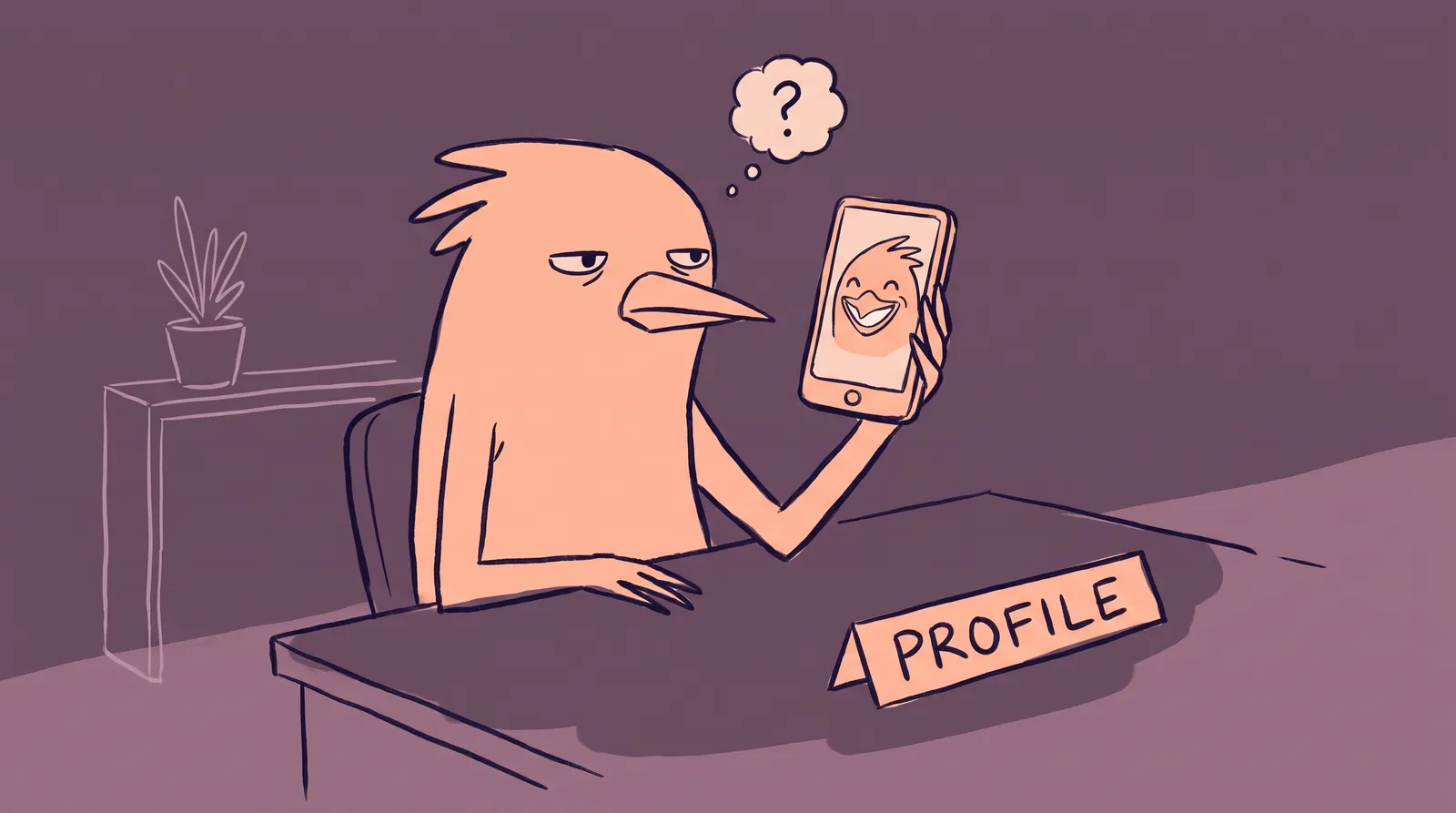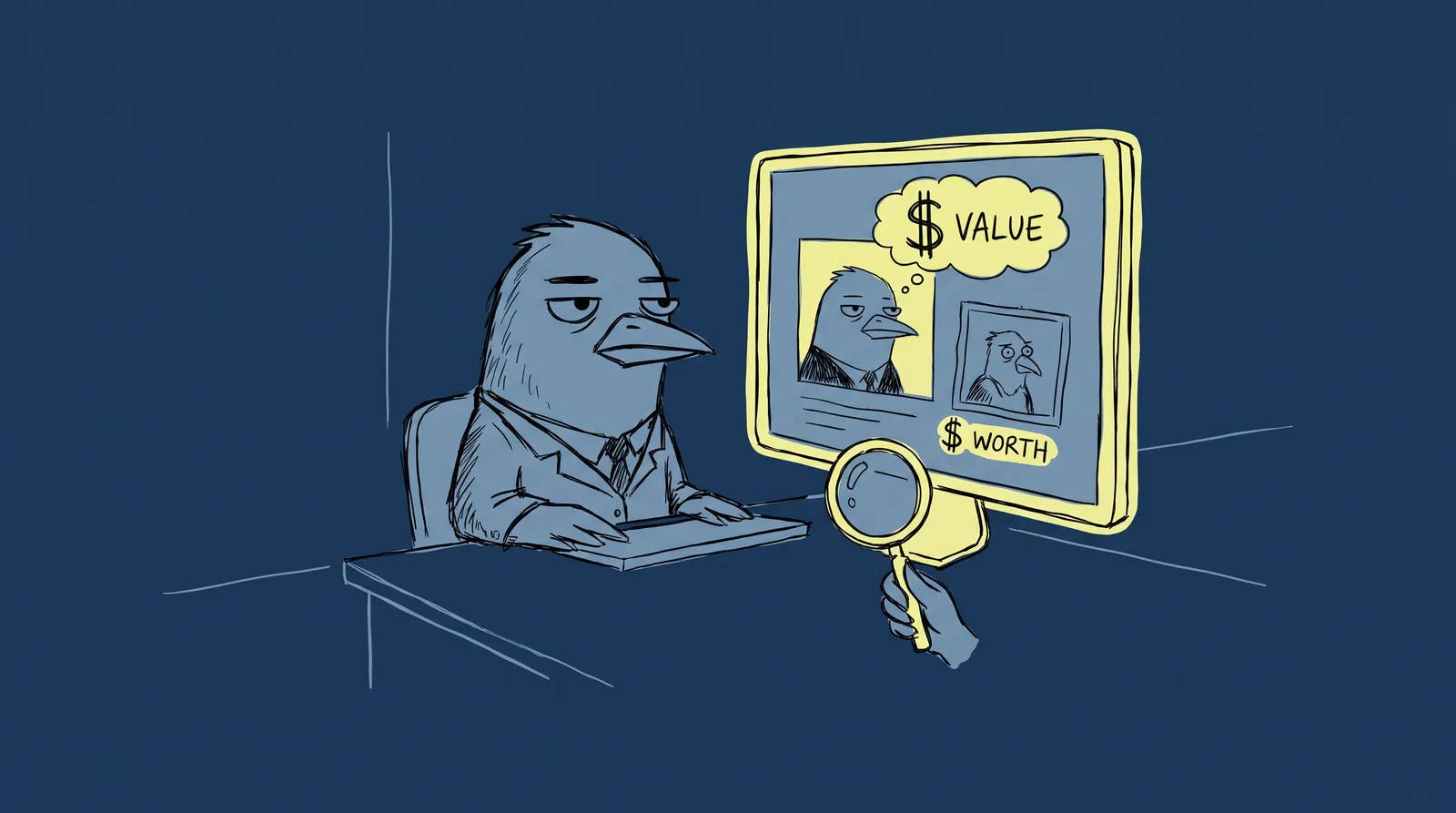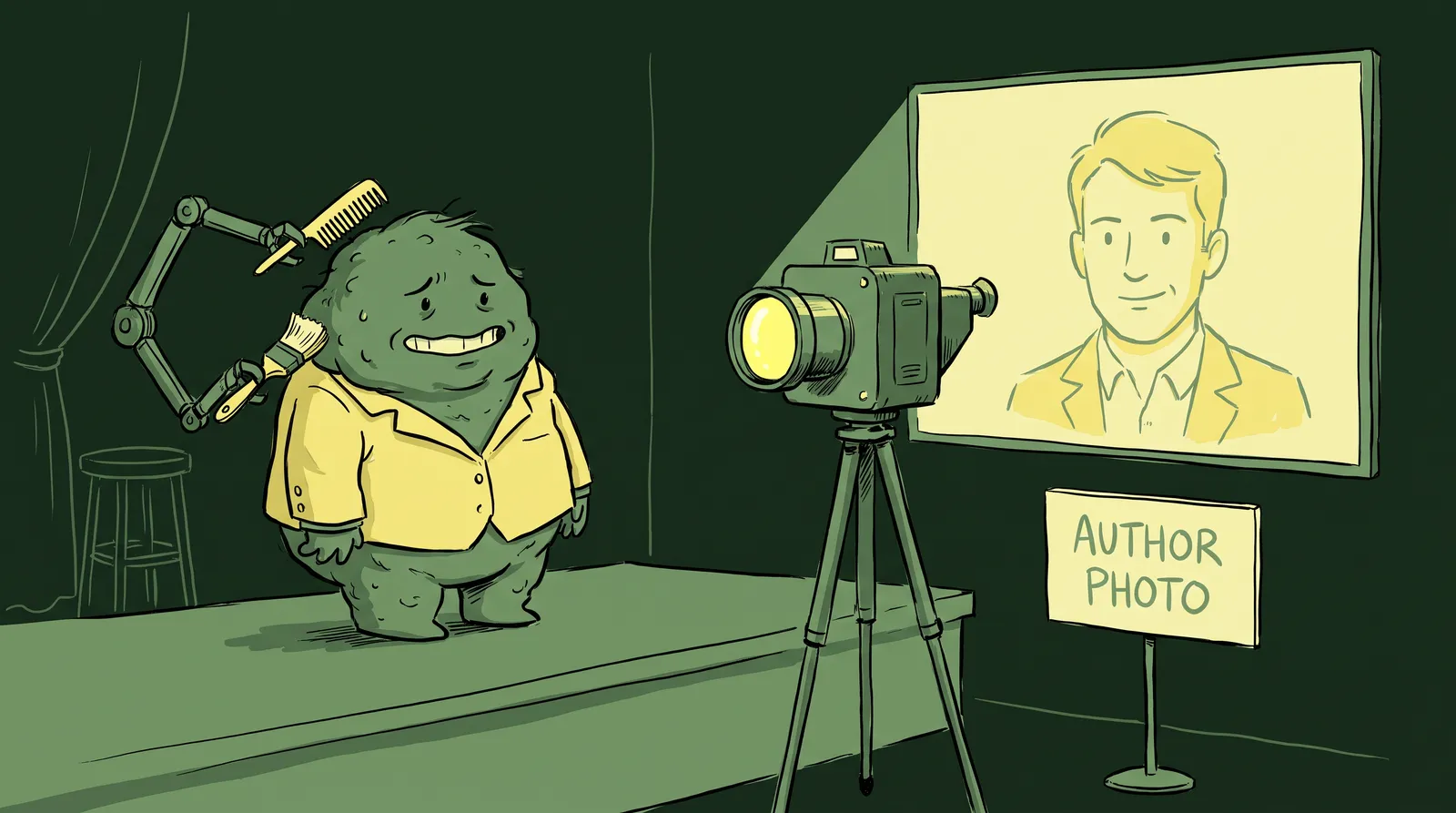
Maya had a call with her dream client scheduled for Tuesday morning. She prepped her pitch deck, rehearsed her talking points, and showed up five minutes early. What she didn't know: the client had already formed an opinion about her. Not from a referral. Not from her portfolio. From a LinkedIn photo taken at a backyard BBQ in 2021, a blurry Zoom avatar that looked like it was cropped from a group shot, and a three-line bio describing a role she left two jobs ago.
The call went fine. The contract went to someone else.
Working remotely in 2026 means your digital presence is your first impression, and it lands days or weeks before you speak a word. Research from Princeton University found that people form judgments about competence, trustworthiness and likeability from a photo in 100 milliseconds. That is all the time your LinkedIn headshot gets.
What follows is how to make that split-second impression represent who you are now rather than who you were three years ago.
Why your digital first impression hits harder than ever in 2026
The office hallway introduction is largely extinct. According to Gallup's research on remote work trends, roughly 75% to 80% of workers in remote-capable roles now work in hybrid or fully remote arrangements. In the technology sector alone, 67% of employees work primarily from home. The casual "hey, nice to meet you in the break room" moment? It's been replaced by a profile scan before the first Slack message or Zoom call.
And that scan is thorough. The "pre-meeting Google" is now near-universal behavior. Clients, recruiters, hiring managers, and collaborators routinely research you across three to five platforms before any live interaction. They check your LinkedIn. They glance at your Zoom avatar. They peek at your GitHub or personal site. All of this happens before you even know you're being evaluated.
This hits remote workers hardest. Without body language, an office, or small talk to build rapport, the visual and written cues on your profiles carry disproportionate weight. Your headshot, bio and banner image stand in for trust signals that used to happen on their own, in person.
The cost of a weak digital presence is invisible but real. You rarely get feedback when a cold pitch goes cold or a recruiter moves on. Nobody sends a rejection email that says, "Your profile photo looked like 2019 and your bio didn't inspire confidence." It just... doesn't happen for you.
Call it digital presence debt: the gap between who you are professionally today and what your profiles say about you. The rest of this is about closing it.

The cross-platform presence audit: Know where you stand before you fix anything
Before you change anything, see what everyone else sees. The platforms worth auditing are LinkedIn, which carries the highest stakes; your Zoom or video call avatar, which appears every time you're on mute; your Slack or Teams profile, which is your daily face to colleagues; GitHub if you're technical; your company directory entry, which is easy to forget and always visible; and your personal site or portfolio, where the most motivated people end up.
Then run the stranger test. Open each profile as if you've never met yourself. What three words would a stranger use? "Outdated, generic, unclear," or "sharp, credible, approachable"? Be honest about it.
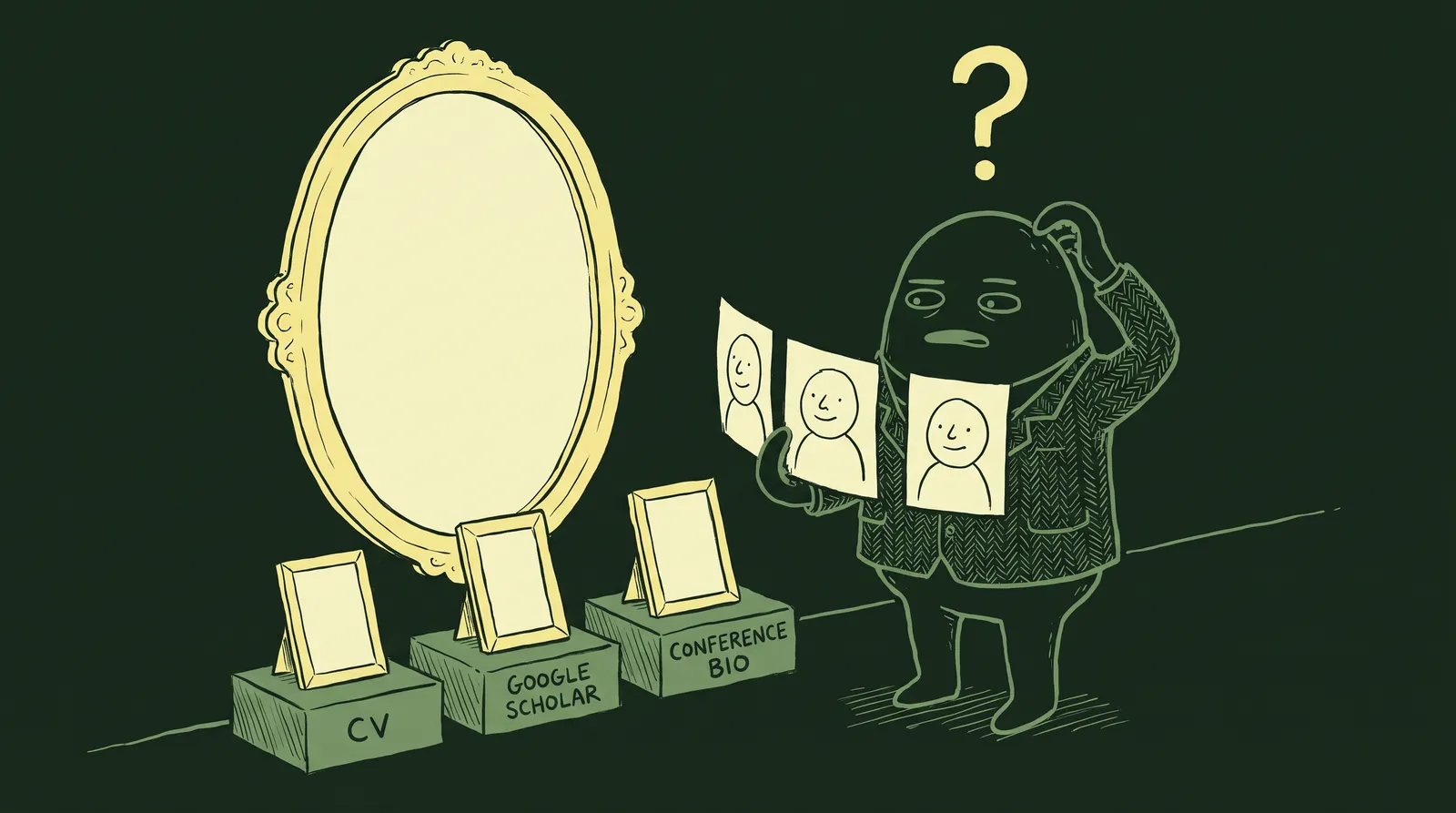
Next, run a quick visual consistency check. Are you using the same headshot (or at least a stylistically similar one) across platforms? Is your name formatted the same way everywhere? Does your bio voice match across contexts, or does your LinkedIn sound like a corporate press release while your Slack bio says "coffee enthusiast" and nothing else?
Finally, check when things were last updated. Look at when your LinkedIn photo was taken. Check your bio's most recent job title. Look at your portfolio's featured projects. Many remote professionals discover their digital presence is two to four years out of date.
The goal of this audit isn't to overhaul everything at once. It's to identify the one or two platforms where you get the most traffic or where first impressions matter most. For most people, that's LinkedIn and Zoom. Start there.
Visual consistency: The invisible signal that builds (or breaks) trust
Think of your "visual consistency score" as a mental model for how coherent and intentional your image appears across platforms. High consistency signals professionalism and self-awareness. Low consistency signals you're not paying attention.
It works on three layers. The first is photo quality and style: whether you're using the same headshot, or at least photos from the same era and tone. A polished LinkedIn headshot next to a pixelated Slack selfie sends mixed signals.
The second is color and background. A bright teal LinkedIn banner, a dark moody portfolio header and a plain white Zoom background feel disjointed even when each one works on its own.
The third is framing and expression, which is really the question of whether you look like the same person everywhere. If LinkedIn shows a suit-and-tie portrait and GitHub has a cropped vacation photo, people wonder which version of you they'll be working with.
Let me illustrate with Marcus, a freelance UX designer. Marcus had a sharp LinkedIn headshot from a studio session. Great. But his Slack profile used a cropped group photo where half of someone else's shoulder was visible. His GitHub avatar was so dark you could barely make out his face. And his portfolio site? No photo at all.
Each inconsistency chipped away at his credibility. A potential client who found him on LinkedIn, then checked his portfolio, then saw his GitHub would encounter what felt like three different professionals. After Marcus replaced all four profile photos with a single consistent headshot, his visual consistency score went from scattered to seamless. He later told a colleague that inbound inquiries on his portfolio increased within weeks.

The right headshot tone depends on your field and audience. A software engineer and a creative director may both want polished photos, but the background, styling, and energy that signals "trustworthy expert" differs. A developer might lean toward a clean, neutral background. A creative director might incorporate more color and personality.
Pick one hero headshot as your anchor image and use it everywhere. If you want a second, more relaxed variant for Slack or X, keep it professional and stop at two. Past that, consistency starts eroding again.
Writing a bio that does what your photo can't
A great photo creates curiosity and trust. A great bio closes the deal. The two must work together. A polished headshot paired with a generic or stale bio is like wearing a tailored suit and then handing someone a crumpled sticky note as your business card.
A bio has three jobs. It has to signal your expertise and niche in the first sentence, which means leading with your core professional identity or your biggest win. As HubSpot's guide to professional bios puts it, you want a snapshot of expertise rather than a list of degrees.
It has to communicate your personality and how you work, which matters more for remote workers than anyone else. Nobody gets to read your vibe in person, so the bio does that job, and it does it through specific human details rather than adjectives.
And it has to give the reader a reason to reach out. Contact you, read your work, book a call. Don't leave someone holding a good impression with nowhere to put it.
Your bio should flex across platforms. On LinkedIn, write in first person, weave in keywords, and tell a brief narrative. On GitHub, lead with technical accomplishments and collaboration style. On your portfolio, go story-first and client-outcome focused. On Slack or Teams, keep it brief, human, and findable.
Common mistakes remote workers make: writing in third person on LinkedIn (it reads like a Wikipedia entry), leading with job title instead of value, forgetting to update after a role change, and stripping out all personality in the name of sounding "professional."
A workable starting formula is "I help [specific audience] achieve [specific outcome] through [your method or skill]." Write one version, adapt it per platform, then add a line about what working with you actually feels like. That last line is the part most bios are missing.
Refreshing your presence without a full photoshoot or a big budget
Let's address the real barrier. Most remote workers know their headshot is outdated. They just don't act on it because a professional photoshoot feels expensive, time-consuming, and logistically complicated, especially when your "office" is also your living room.
There are options at every price point.
The smartphone route is more viable than ever. Any modern smartphone released in the last few years can produce a credible headshot with the right technique. Position yourself near a window for soft, indirect natural light. Use a neutral background. Prop the phone at eye level about two feet away (selfies create subtle distortion that reads as unprofessional even when viewers can't pinpoint why). Enable HDR mode for better detail. A ring light, which costs $20 to $50, smooths harsh shadows and makes every Zoom call look better, too.
AI headshot generation has become a mainstream option in 2026. Tools like Starkie AI take a handful of casual photos and return professional-quality headshots in minutes, without a studio booking or a scheduled session. It closes the gap between knowing you need a better photo and actually having one.
When evaluating an AI headshot tool, look for photo realism, variety of styles (corporate, creative, casual-professional), accurate representation of skin tone and facial features, and the ability to preview multiple options before downloading. A great AI headshot looks natural and intentional. A mediocre one hits the uncanny valley.

For free, you can shoot yourself on a phone in natural window light and run it through a free-tier AI tool. For $10 to $30, an AI headshot tool like Starkie AI gets you polished results across several styles. Between $30 and $150, you can pair AI headshots for your daily platforms with a short brand photography session for the hero images on your portfolio.
The platforms that matter most in 2026, and what each one demands
LinkedIn remains the highest-stakes platform for professional first impressions. With over 900 million users, it's where recruiters, clients, and collaborators find you first. Profiles with professional photos receive 14 times more views and up to 36 times more messages. The 2026 standard: a high-resolution (1000x1000 pixels or higher), shoulders-up headshot where your face fills 60% to 70% of the frame. Remember, LinkedIn crops everything into small circles, so if your face is too small, it becomes an unrecognizable blur.
Your Zoom avatar is your async face. Your avatar appears every time your camera is off, which happens more often than you might think. Defaulting to your initials is an anonymous miss. Treat this image with the same care you give LinkedIn. Use a clear, professional photo that lets participants put a face to your name even when you're off-camera. Keep files under 2MB in PNG or JPG format.
Slack and Microsoft Teams matter for internal credibility. Team members form impressions of remote colleagues based on profile photos within the first few days of onboarding. A professional, approachable photo signals that you're engaged and take your presence seriously. This is where a slightly warmer, more relaxed variant of your anchor headshot can work well.
GitHub and other developer platforms get checked by hiring managers and CTOs before interviews. A professional headshot here is rare, which means having one is an instant differentiator. If you're a developer, this is low-hanging fruit.
Your portfolio or personal site is the highest-intent destination. Someone visiting your portfolio has already decided they're interested. Your photo here should feel more personal and story-driven than a strict corporate headshot. Consider that secondary variant, one that shows personality while remaining polished.
Quick-reference cheat sheet: Optimal specs for all 7 platforms in 2026
Bookmark this table. You'll come back to it.

| Platform | Recommended Size | Crop Shape | Key Display Context | Pro Tip |
|---|---|---|---|---|
| 400x400px+ | Circle | Search, feed, comments | Keep backgrounds simple. Face should fill 60% of the frame. | |
| Slack | 512x512px | Rounded square (displays at 36-72px) | Threads, DMs, channels | High contrast and a tight face crop are essential at small sizes. |
| Zoom | 400x400px+ | Circle on dark overlay | Pre-meeting lobby, gallery view | Test how your photo looks on a black background before uploading. |
| GitHub | 460x460px | Rounded square | Commits, PRs, profile | Don't neglect this. 67% of recruiters judge profiles partly by photo. |
| Google Workspace | 250x250px+ | Circle | Gmail, Docs, Meet, Calendar | Your most-seen photo daily if you work in a Google-powered company. |
| Twitter/X | 400x400px | Circle | Feed, replies, profile page | Your photo appears beside every post. It should reinforce your brand even in casual contexts. |
| Personal Website | 800x800px+ (source) | Flexible | Hero section, about page | Use the highest resolution here. Make sure it visually matches your circular-cropped versions elsewhere. |
Mastering the video call: Lighting, framing, and background
Your headshot gets people to the meeting. Your video call setup determines how they experience you once they're there, and lighting is the biggest single upgrade available.
Lighting: The one change that changes everything
Good lighting is the difference between looking like a polished professional and looking like you're broadcasting from a bunker.
Ring lights are the simplest option, giving you even front-facing illumination. Decent 10-inch models run $25 to $35 in 2026, usually with adjustable color temperature. Key lights such as the Elgato Key Light Mini or Logitech Litra Glow give you richer depth and a more cinematic look, starting around $45 to $65.
Natural light is free and genuinely good, as long as you face the window. Never sit with a window behind you: the camera exposes for the brightest source and turns you into a silhouette. A colleague of mine calls it the hostage video look.
The golden rule: light should always come from in front of you, ideally at eye level or slightly above, angled at roughly 45 degrees for natural depth.
Framing: The newsreader standard
Think of every news anchor you've ever watched. Their eyes sit on the upper third of the frame. Their head, shoulders, and upper chest are visible. There's about two to four inches of headroom above them. This is the "newsreader standard," and it works because it mimics the experience of sitting across a table from someone.
To achieve this: raise your camera to eye level. Stack books under your laptop if you need to. A $20 laptop stand also does the job. Looking down at a laptop camera on a low desk creates an unflattering angle and signals disengagement.
Background: The safe middle ground
A curated real background is the gold standard if your space allows it: a bookshelf, a couple of plants, a clean wall with one piece of art on it.
Blur is the safe middle, and roughly 70% of remote workers now use it. It keeps focus on you without revealing your living situation.
Virtual backgrounds are fine for casual internal calls. The distracting ones, tropical beaches and outer space, undercut you on client calls. The 2026 version is a subtle branded background with a blurred office texture.

The 5-point "before you join" checklist
Before every video call: lighting on and front-facing with no backlight, camera at eye level, background clean whether real, blurred or virtual, audio tested (people subconsciously associate clear audio with professionalism, so a decent external mic earns its keep), and grooming that matches your profile photo. That last one sounds like a joke and isn't.
Back to Maya
Let's return to Maya. This time, picture her with an updated AI-generated headshot that looks sharp and current. The same photo (or a close variant) across LinkedIn, Zoom, and Slack. A bio that captures who she is in 2026, not 2021. A portfolio with recent work front and center.
The client who previously scrolled past? This time, they book a call. Not because Maya became a different professional. Because her digital presence finally caught up with her actual expertise.
When most professional relationships start and stay online, your digital presence stops being a vanity project and becomes a working asset.
Start with the audit, fix the highest-traffic platforms first, and if the headshot is what's blocking you, a tool like Starkie AI removes that today. Closing the gap between what you're worth professionally and how you read online doesn't take a studio, a big budget or a rebrand.