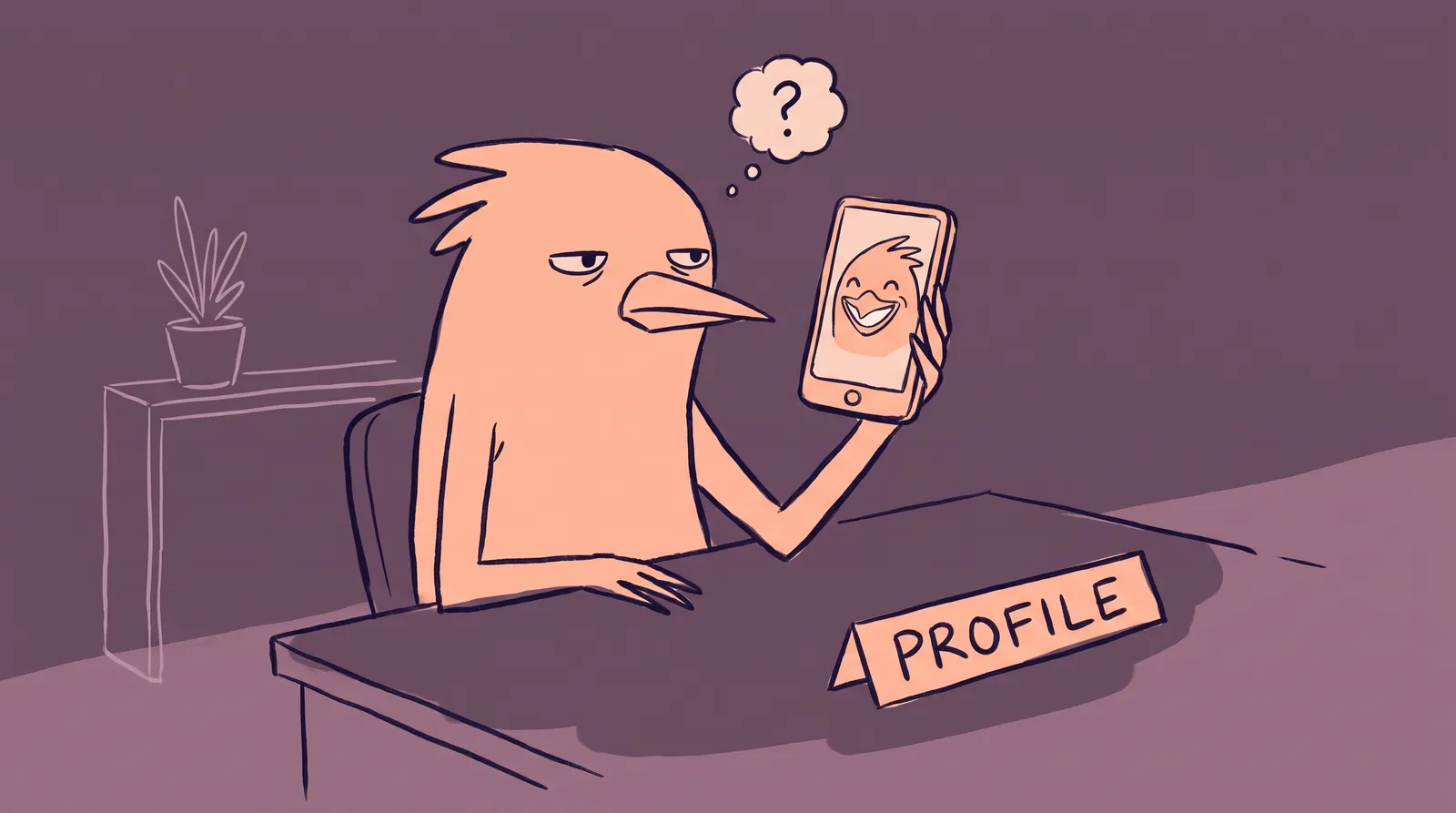
You've rewritten your LinkedIn headline four times this week. You've drafted two posts. You even updated your experience section. But your profile photo? It's still that cropped group photo from a friend's wedding in 2019, and you know it's quietly undermining everything else you're doing.
The numbers back up that gut feeling. LinkedIn profiles with professional photos receive 14x more profile views and 36x more messages than those without. And here's the elephant in the room: millions of talented professionals avoid investing in their LinkedIn presence because the biggest barrier isn't strategy. It's the camera.
If that's you, you're not alone, and you're not being dramatic. Studies suggest that 30 to 40 percent of people experience significant discomfort being photographed. Camera shyness is real, common, and absolutely nothing to be ashamed of.
What follows is a playbook for building real LinkedIn authority that works with camera aversion rather than against it: a content strategy, a profile optimization plan, a 30-day calendar, and a way to handle the visual side without stepping in front of a lens.
Why camera-shy professionals are leaving LinkedIn influence on the table
Let's name the pattern. There's a disconnect between your professional expertise and your online presence, caused almost entirely by avoidance of visual content. We'll call it the "camera-shy gap."
This gap shows up in predictable ways: incomplete profiles, generic stock-style avatars, outdated photos, or no photo at all. And LinkedIn's algorithm notices. Profiles without photos get treated as inactive, potentially bot-driven, or simply not serious. They get buried in search results.
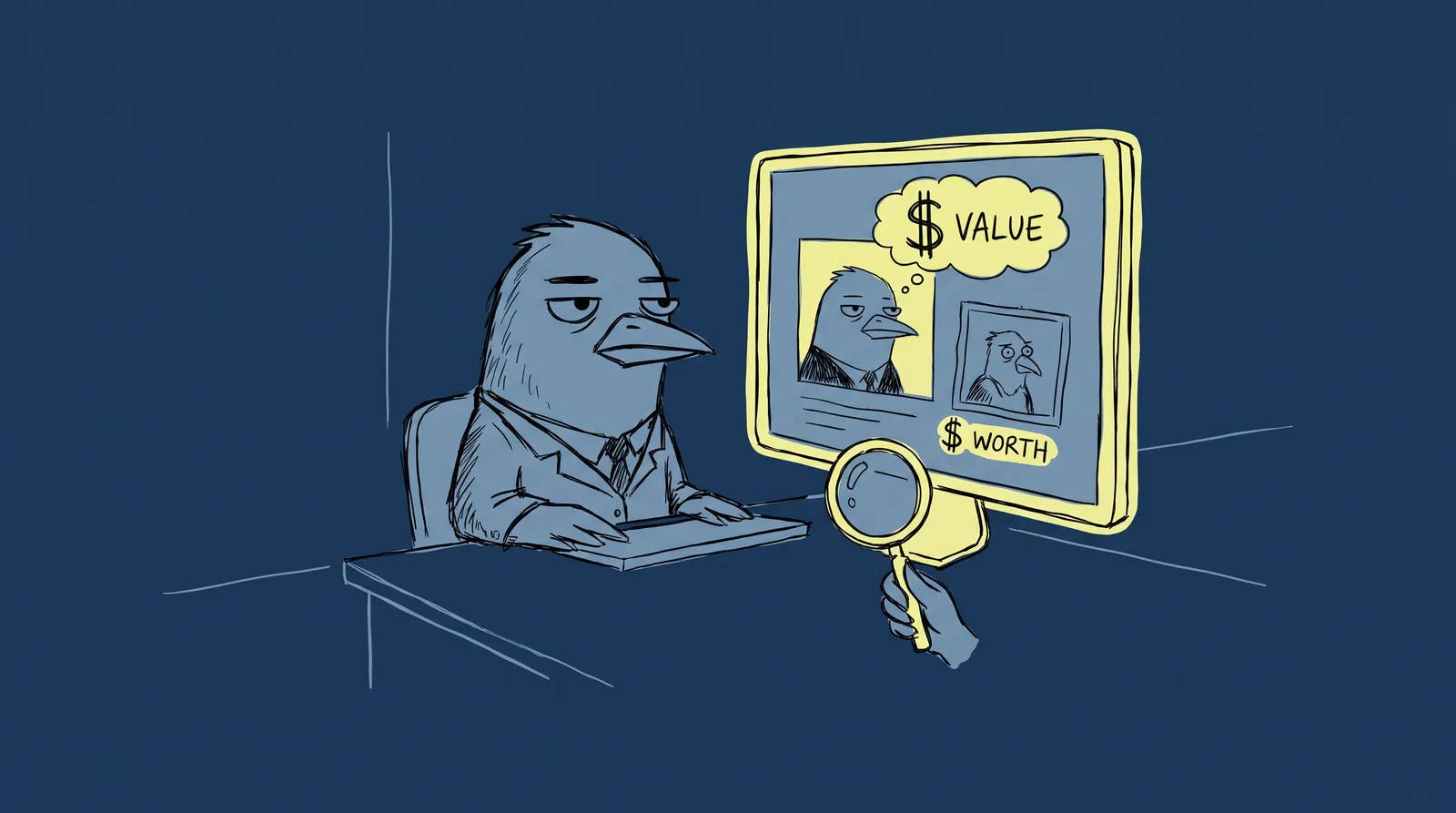
Human psychology is equally unforgiving. Research shows that people form first impressions, including judgments about trustworthiness, competence, and likability, within approximately 100 milliseconds of seeing a face. That's one-tenth of a second. Your profile photo isn't decoration. It's your handshake.
Camera-shy professionals typically fall into one of three coping strategies, and each one costs them:
- Using an outdated or low-quality photo. That cropped wedding shot or grainy 2017 selfie signals low investment. Seventy-one percent of recruiters have rejected a qualified candidate based on their LinkedIn profile photo alone.
- Using no photo at all. This triggers an immediate trust deficit. Many people assume a blank profile is spam or a fake account.
- Avoiding LinkedIn entirely. This is the most expensive option. You forfeit an entire channel of professional visibility, networking, and opportunity.
Here's the reframe: the barrier isn't vanity or laziness. It's a real psychological discomfort. And the good news? In 2025, the visual component is the easiest part to solve, so you can focus your energy on what actually matters: your ideas.
Start where you're strongest: Building authority through words, not video
LinkedIn's most powerful personal branding lever is still written content. Thought leadership posts, long-form articles, and insightful comments consistently outperform selfie-style video for driving meaningful professional connections. The current algorithm (2024 and 2025) actually rewards a "library" approach, where you build a cohesive system of niche insights, rather than chasing viral one-off videos.
Here are three strategies that require zero camera time.
Strategy 1: The "signature post" framework
Pick one topic you can speak on with genuine authority. Commit to posting about it two to three times per week using a repeatable format: hot take, plus personal experience, plus actionable takeaway.
For example, a B2B marketing manager might write: "Most SaaS companies waste their homepage headline on what they do instead of what the customer gets. I rewrote three client homepages last quarter using outcome-first messaging and saw demo requests jump 40%. Here's the one-sentence test I run on every headline before it goes live..."
Keep text posts between 900 and 1,500 characters to hit the algorithm's sweet spot for readability and reach. Use tools like ChatGPT or Claude as brainstorm partners to iterate on your format, but write in your voice. AI helps you think faster. It shouldn't replace your perspective.
Strategy 2: Strategic commenting as a growth engine
Leaving five to ten thoughtful comments per day on posts from industry leaders in your niche can build visibility faster than posting alone. The algorithm now rewards meaningful, value-added discussion, and an insightful comment often earns more visibility than a generic post.
Follow the "Add, don't echo" rule: every comment should contribute a new insight, a relevant data point, or a respectful counterpoint. "Great post!" does nothing for you. "This resonates. I found the opposite was true in enterprise sales because..." builds your reputation one interaction at a time.
Strategy 3: Content curation with a point of view
Share industry articles and reports, but always add two to three sentences of original analysis. Position yourself as a critical thinker, not a resharer. Something like: "This McKinsey report argues that AI will eliminate 30% of marketing roles by 2027. I think the number is closer to 10%, and here's why the distinction matters for hiring managers..."
None of these strategies require a single photo or video of you. Many of LinkedIn's most influential creators built their following primarily through text-based content.

The profile that does the heavy lifting: Headline, banner, and about section
Your profile works 24/7, even when you're not posting. Here's how to make every section count without relying on personal photos beyond a single headshot.
Headline: Your 24/7 billboard
Move beyond "Job Title at Company." You have 220 characters, and this field appears in every search result, connection request, and comment you make. Use the formula: I help [audience] achieve [outcome] through [method].
Example: "I help B2B SaaS companies shorten their sales cycle through conversion-focused messaging | Content Strategist"
This headline works harder than "Content Strategist at Acme Corp" because it answers two questions instantly: what do you do well, and who benefits?
Banner image: No face required
Your banner is the first and largest visual element a visitor sees. It can establish authority within two seconds, and it absolutely does not need your face. Use Canva to create a branded banner featuring your tagline, key credentials, a content theme, or a notable client result. Pick two to three brand colors and keep them consistent. A clean banner with "Helping 200+ startups clarify their message" communicates more than a stock photo of a skyline ever could.
About section: Your origin story
Structure it in three parts:
- The problem you solve or the perspective you bring. Lead with your "why." What drives your work?
- The journey that gave you this expertise. Be specific. Mention numbers, industries, and turning points.
- A clear call-to-action. Tell the reader exactly what to do next: follow you for weekly insights, message you about consulting, or visit your website.
Write it in first person. Be conversational. This section builds warmth and trust without needing a video introduction.
Featured section: Your greatest hits
Pin your best posts, a portfolio link, a newsletter signup, or a lead magnet. This section acts as proof of expertise for every profile visitor, and it requires no visual content of you. Think of it as your storefront window.

Solving the headshot problem: How AI removes the biggest barrier
Let's address the paradox. Even with brilliant written content and a perfectly optimized profile, LinkedIn still requires one visual element you can't skip: a professional headshot. Without one, your profile reads as spam or inactive, no matter how strong your content is.
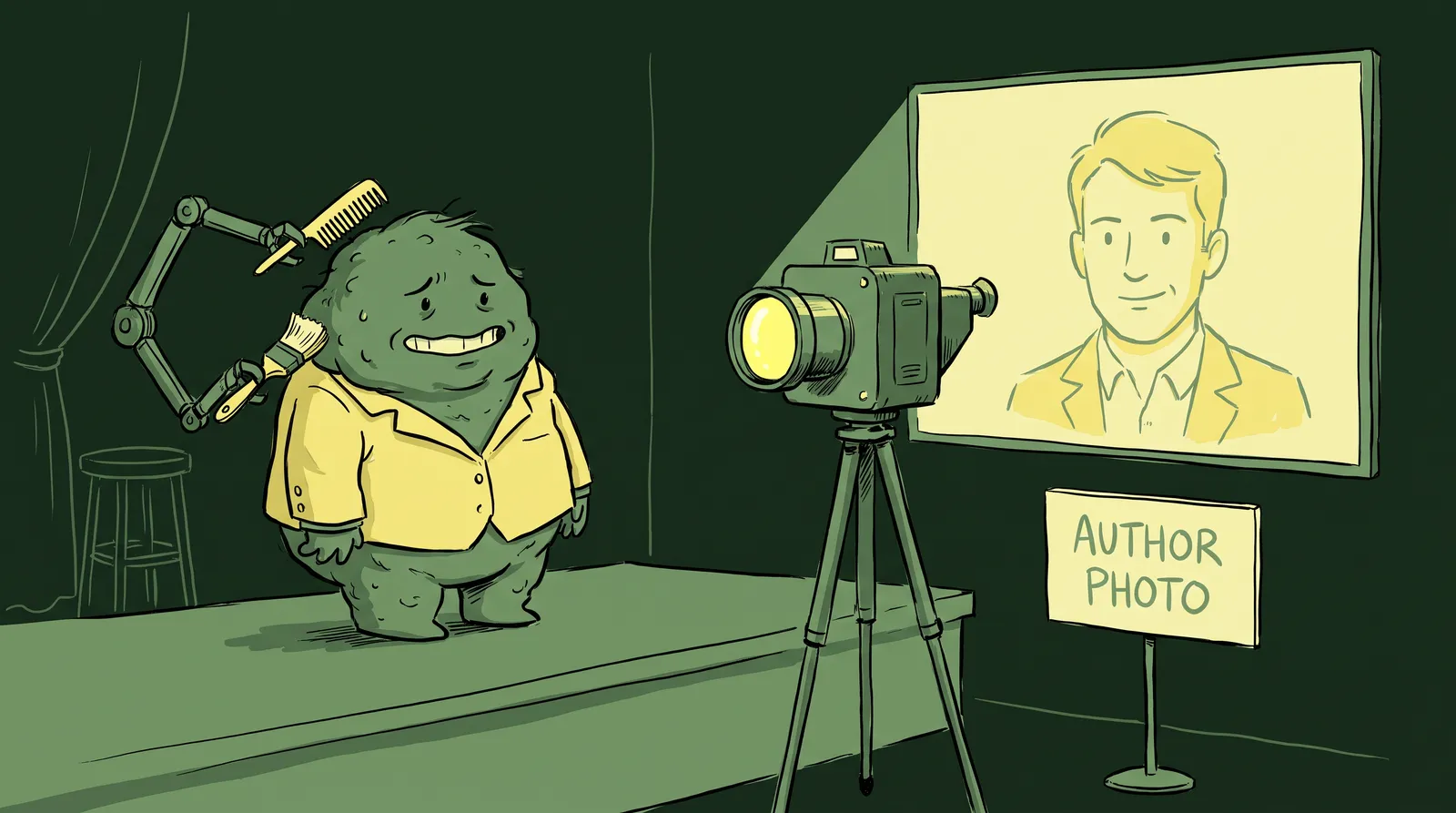
This used to mean booking a photographer, showing up to a studio, sitting under harsh lighting, and awkwardly posing for 45 minutes. For someone who's camera-shy, that experience ranges from unpleasant to genuinely anxiety-inducing.
That's where AI headshot generators come in. Tools like Starkie AI let you upload a handful of casual selfies taken on your phone, in your own home, with no makeup artist or photographer needed. The AI analyzes your features and generates studio-quality professional headshots in multiple styles, backgrounds, and outfits.
Here's what that solves for camera-shy professionals specifically:
- No scheduling a photographer or commuting to a studio.
- No awkward posing sessions with a stranger directing you to "look natural."
- No pressure to look "perfect" on a specific day.
- Complete privacy. You control the entire process and only share the results you love.
And the quality holds up. An interesting study found that 76.5% of recruiters actually preferred AI-generated headshots over others because the lighting and composition were technically superior to real, non-professional photos. Most recruiters and hiring managers simply want to see a clear, professional, approachable face. The method of capture is irrelevant.
Cost matters too. Traditional professional photography runs $150 to $500 per session. AI generators typically cost roughly eight to nine times less, in the $29 to $49 range per person.
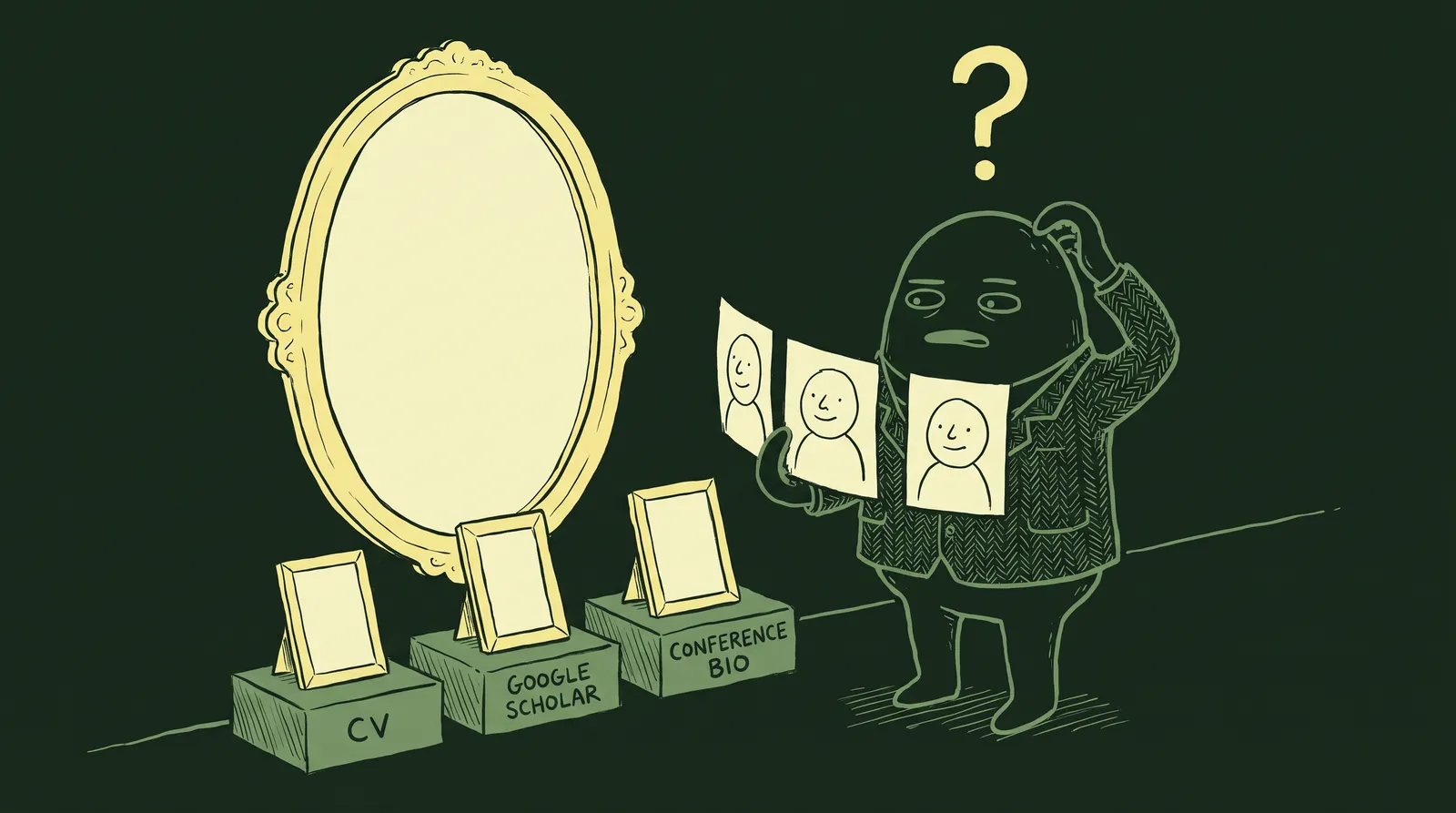
A practical tip: use your AI headshot consistently across LinkedIn, your email signature, Slack profile, and conference bios. Consistency builds visual recognition. Refresh your headshot annually or whenever you want to signal a career shift.

The camera-shy content calendar: Your first 30 days on LinkedIn
Here's your week-by-week plan. The entire thing requires zero video, zero live appearances, and zero traditional photo shoots. Just one set of AI headshots generated in about 15 minutes and a commitment to sharing your expertise in writing.
Week 1: Foundation
- Update your headshot using an AI-generated photo from Starkie AI. You can browse different headshot style packs to find the right look for your industry.
- Rewrite your headline using the value proposition formula.
- Create a branded banner image in Canva.
- Rewrite your About section using the three-part structure.
- Comment thoughtfully on five posts per day in your niche.
Week 2: First posts
- Publish two text-only posts using the Signature Post framework.
- Reshare one industry article with your original commentary.
- Continue daily commenting.
- The goal here is momentum, not perfection.
Week 3: Expand and engage
- Publish three posts. Try one carousel or document post (these are visual but don't require your face).
- Respond to every comment on your posts.
- Connect with 10 new people who engaged with your content.
- Post midweek (Tuesday through Thursday) between 10:00 AM and noon for the highest engagement windows.
Week 4: Evaluate and iterate
- Review your LinkedIn analytics: which posts earned the most impressions, comments, and profile views?
- Double down on what resonated.
- Set a sustainable ongoing cadence of two to three posts per week plus daily commenting.
The optimal posting frequency for most personal brands is two to three times per week. More frequent posting can actually dilute your reach. Consistency beats volume.
Beyond the basics: Scaling your brand without ever going "on camera"
Once you've built your foundation, here's how to grow without ever pressing record on a camera.
Carousel posts: The engagement king
Document and PDF carousel posts are LinkedIn's highest-engagement format in 2024 and 2025. According to experiments confirmed by Buffer, carousels generate 278% more engagement than video posts and a staggering 596% more than text-only content. The sweet spot is a five-slide format with a specific, educational, process-driven structure.
And here's the key: they're entirely text-and-graphic based. A "5 Lessons I Learned About Pricing Strategy" carousel made with branded Canva templates contains zero personal photos and outperforms video.
LinkedIn newsletters
LinkedIn's native newsletter feature lets you build a subscriber base directly on the platform. It's essentially blogging on LinkedIn. Well-structured native articles can see up to a 35% improvement in engagement compared to standard posts, and the only visual requirement is a simple cover image.
Audio events: A middle ground
If you're comfortable with voice but not video, LinkedIn Audio Events (similar to Clubhouse-style rooms) let you share expertise without showing your face. It's a low-pressure way to gradually expand your comfort zone.
The "ghost visual" strategy
When you need imagery for posts, reach for branded quote graphics, data visualizations, screenshots of your work (with permission), or abstract images that reinforce your message. Your face is not required in your content feed. Your ideas are the content.
Some professionals eventually want to try video as they build confidence, and that's great. But it is absolutely not a prerequisite for a thriving LinkedIn personal brand in 2025.
Your camera doesn't define your credibility
The biggest myth in LinkedIn personal branding is that you need to be comfortable on camera to succeed. The truth is that authority is built through ideas, consistency, and genuine engagement, not through ring lights and video scripts.
The one visual element that does matter, your profile headshot, no longer requires you to set foot in a photography studio. With AI headshot tools like Starkie AI, you can get a polished, professional photo in minutes from the comfort of your couch and spend the rest of your energy on what actually builds your brand: sharing what you know.
Try Starkie AI to get the headshot off your list in 15 minutes, then go back to the part you're actually good at.