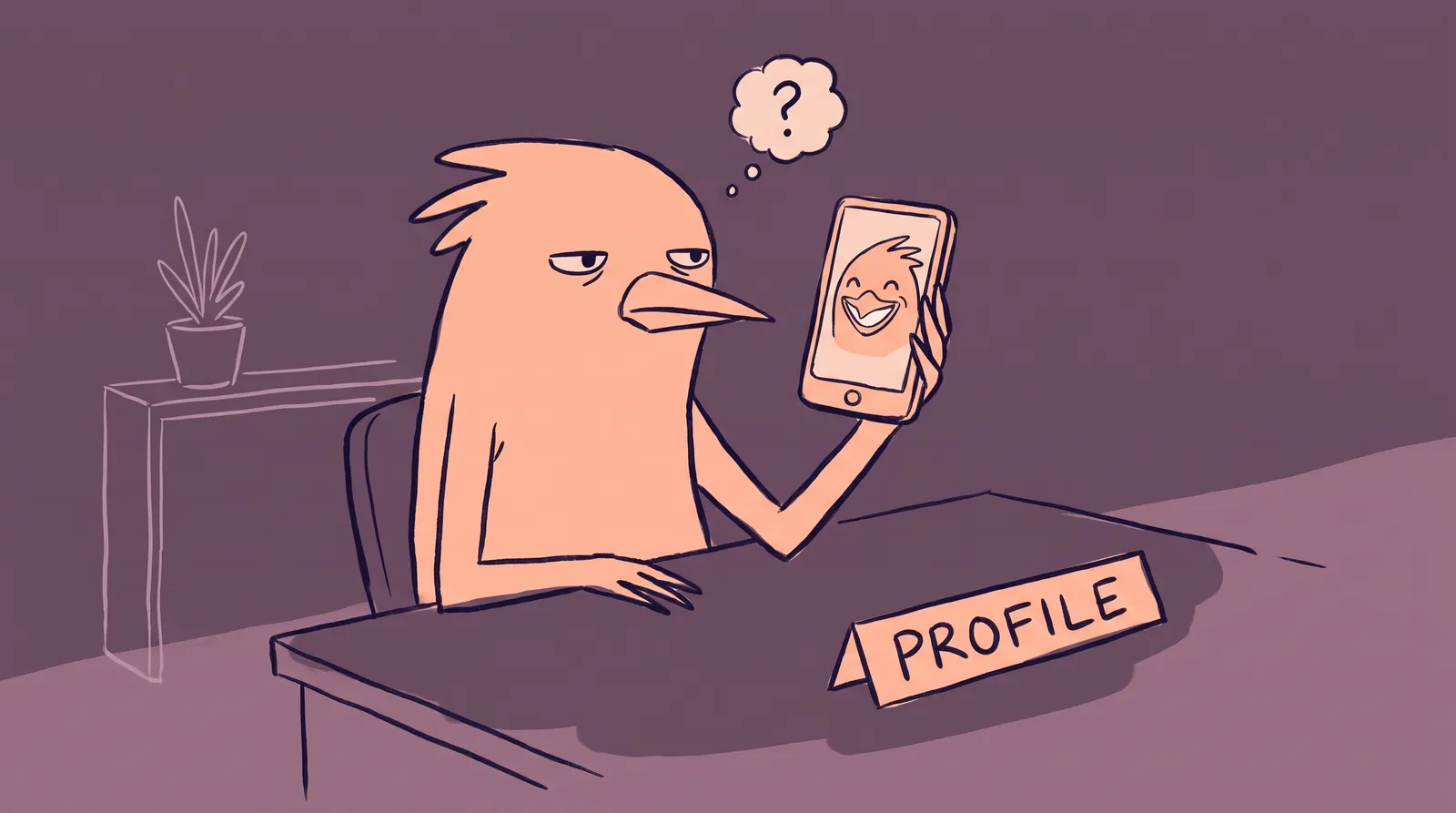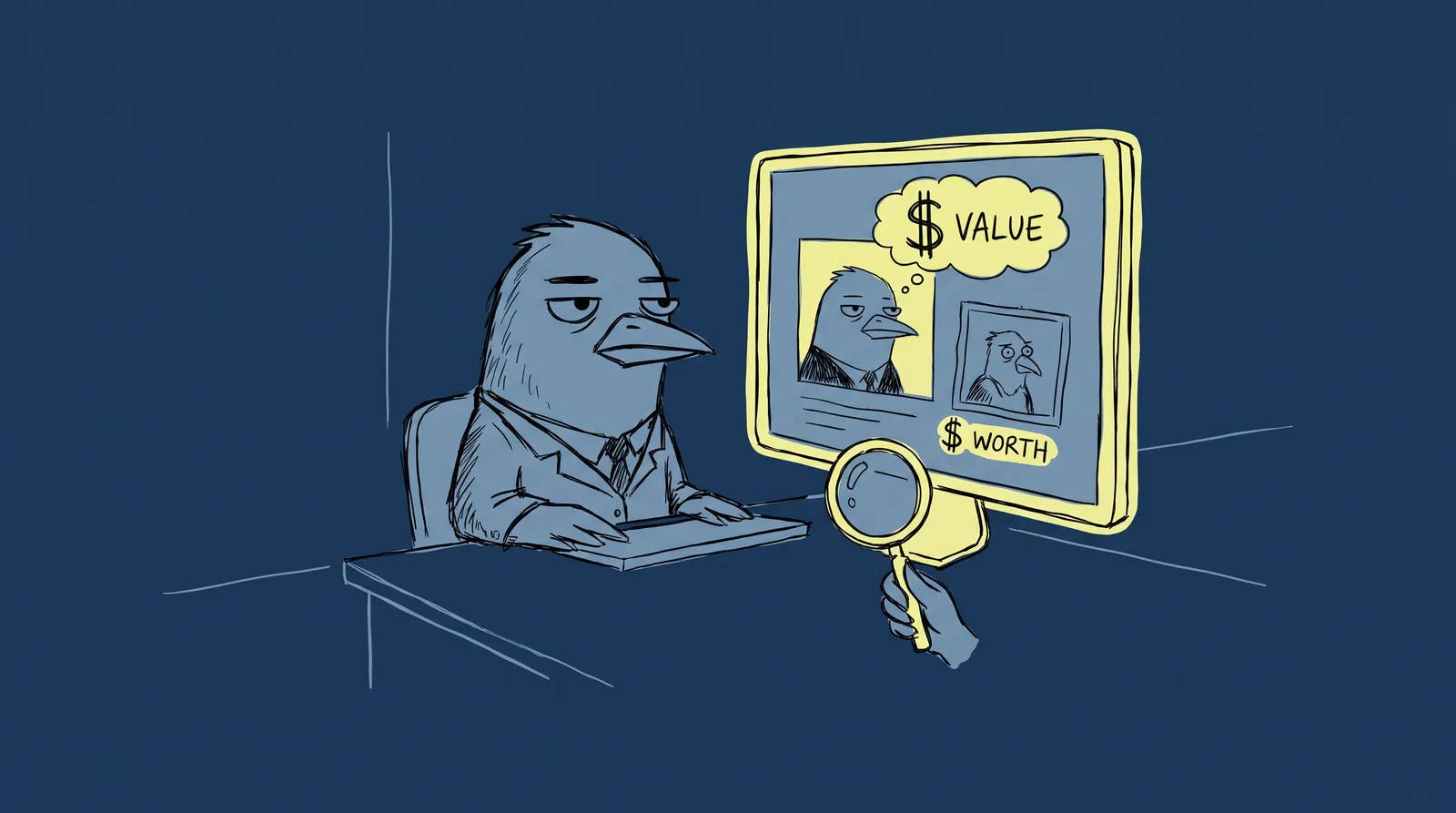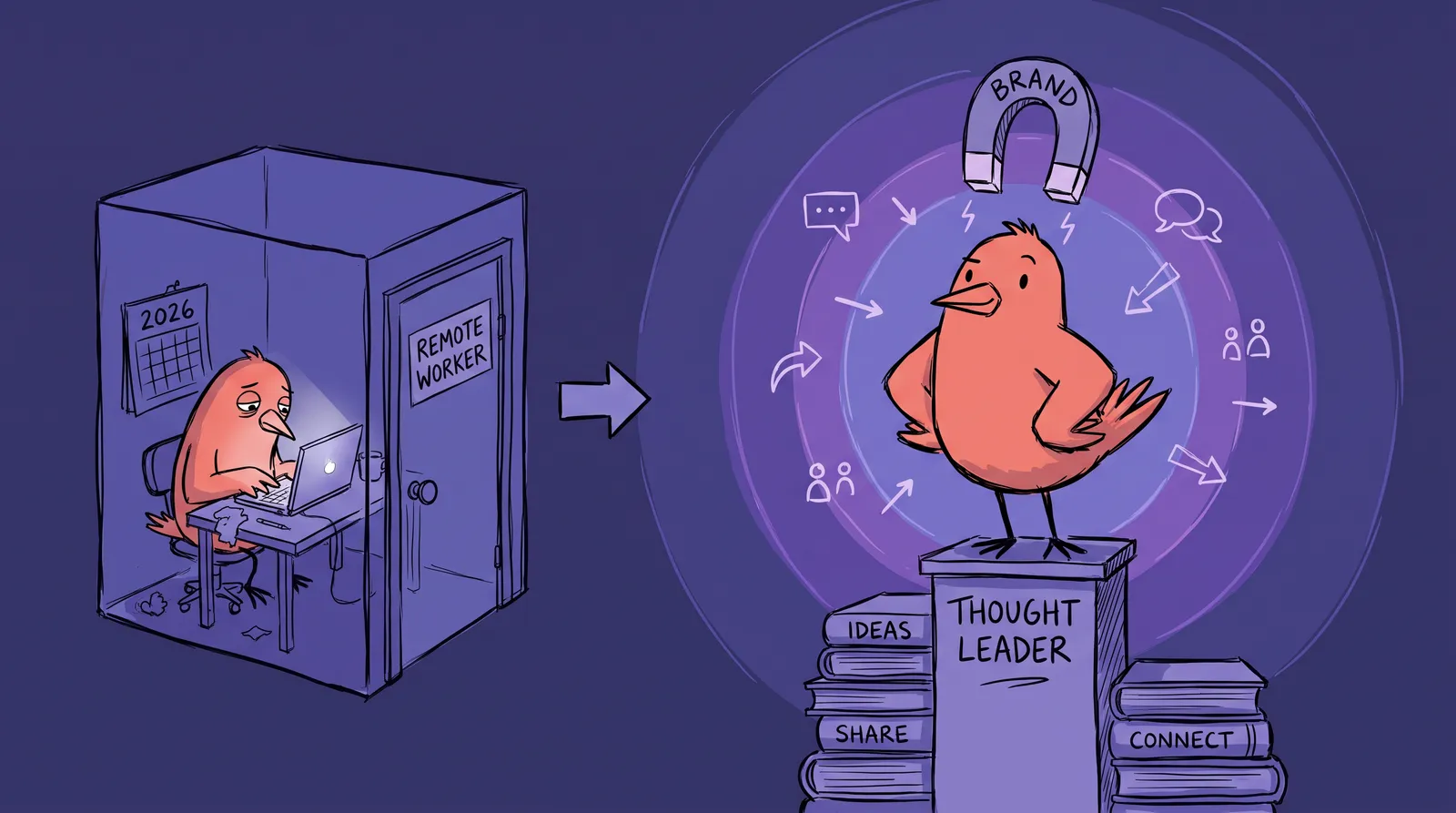
Picture two remote UX designers. Same skills. Same years of experience. Same Figma chops. One lands a dream contract and fields three recruiter messages in a single week. The other? Radio silence.
The difference isn't their portfolio. It isn't their résumé. It's their LinkedIn presence.
In 2026, remote and hybrid workers make up more than 35% of the global workforce, yet fewer than one in ten remote professionals has a LinkedIn profile that actively generates opportunities. With the platform now surpassing 1 billion members (some estimates place it closer to 1.3 billion), standing out is harder than ever. But the payoff for those who do has never been higher.
Your LinkedIn profile is your handshake, your elevator pitch, and your conference nametag rolled into one. For remote workers who rarely get a face-to-face first impression, it's often the only first impression. Building a magnetic personal brand on it isn't optional anymore.
What follows covers the whole path: the profile photo, the content strategy the algorithm actually rewards, and how presence turns into recognition in a niche.
Why personal branding hits different for remote professionals
Office workers get seen organically. They bump into decision-makers in hallways, chat over coffee, and present in meetings where body language and energy fill the room. Remote workers don't have that luxury. You have to manufacture visibility, and LinkedIn is the primary venue for doing it.
The stakes are real. According to WorkTime's 2026 research, 60% of managers say reduced visibility makes performance reviews harder for remote employees. Microsoft's Work Trend Index coined the term "productivity paranoia" to describe the gap: 87% of remote workers report being productive, yet 85% of leaders struggle to feel confident about it. The result? A staggering 88% of remote employees feel constant pressure to prove themselves.
LinkedIn solves this problem, but only if you use it intentionally. Content from individual professionals generates 2x more engagement than corporate content, and personal profiles account for roughly 65% of user feed allocation. Company pages? About 5%. The platform is built for people, not logos.
The effect compounds. A strong profile and consistent content bring inbound opportunities, which bring referrals, which bring speaking invitations, which build authority, which brings more opportunities. All of it rests on the profile.
Your profile is a landing page. Treat it like one.
Think of every element on your LinkedIn profile as a conversion tool. Visitors arrive, scan for relevance, and either engage or bounce. You have seconds.
Your headline is prime real estate. Stop defaulting to "UX Designer at Acme Corp." That tells people what you are, not what you do for them. A value-driven headline speaks to outcomes: "Helping SaaS startups reduce churn through intuitive UX | 5x award-winning designer." It blends your niche, your value, and a credibility signal in one line.
Your About section is a narrative arc rather than a bio. Write in first person. Open with a hook sentence that captures your professional philosophy. Tell your story: where you started, what you've mastered, and the transformation you create for clients or employers. Close with a clear call to action, whether that's "Send me a message" or "Follow for weekly insights on [topic]." Weave in two or three primary keywords naturally so LinkedIn's search algorithm surfaces your profile to the right people.
Your banner image is billboard space, and most profiles still use the default blue gradient. A custom banner (1584 x 396px) with your tagline, niche focus, and visual identity immediately signals professionalism. Tools like Canva, Adobe Express, and Contentdrips make this a 15-minute project.
Your Featured section is a portfolio. It's the first scroll below the fold, and most people leave it completely empty. Pin your best-performing post, a case study PDF, a media mention, or a link to your website. This is your "credibility shelf." Use it.

Strategic keyword placement matters across every section. Your headline, About section, skills list, and job descriptions all feed LinkedIn's search algorithm. Think about the terms a recruiter or potential client would type, then embed them naturally. This isn't keyword stuffing. It's making sure the right people find you.
The profile photo: Your most underestimated brand asset
Princeton University research confirms that people form trustworthiness and competence judgments within 100 milliseconds of seeing a face. One-tenth of a second. Your photo does heavy lifting before anyone reads a single word.
And the numbers back it up. LinkedIn's own data shows profiles with photos receive 21x more views and 36x more messages than those without.
Yet look at most remote workers' profiles, and you'll find low-resolution selfies, cropped group shots from weddings, or photos taken in dimly lit home offices. Without an employer-provided photoshoot or a convenient studio nearby, remote professionals often default to whatever's on their phone. It shows.
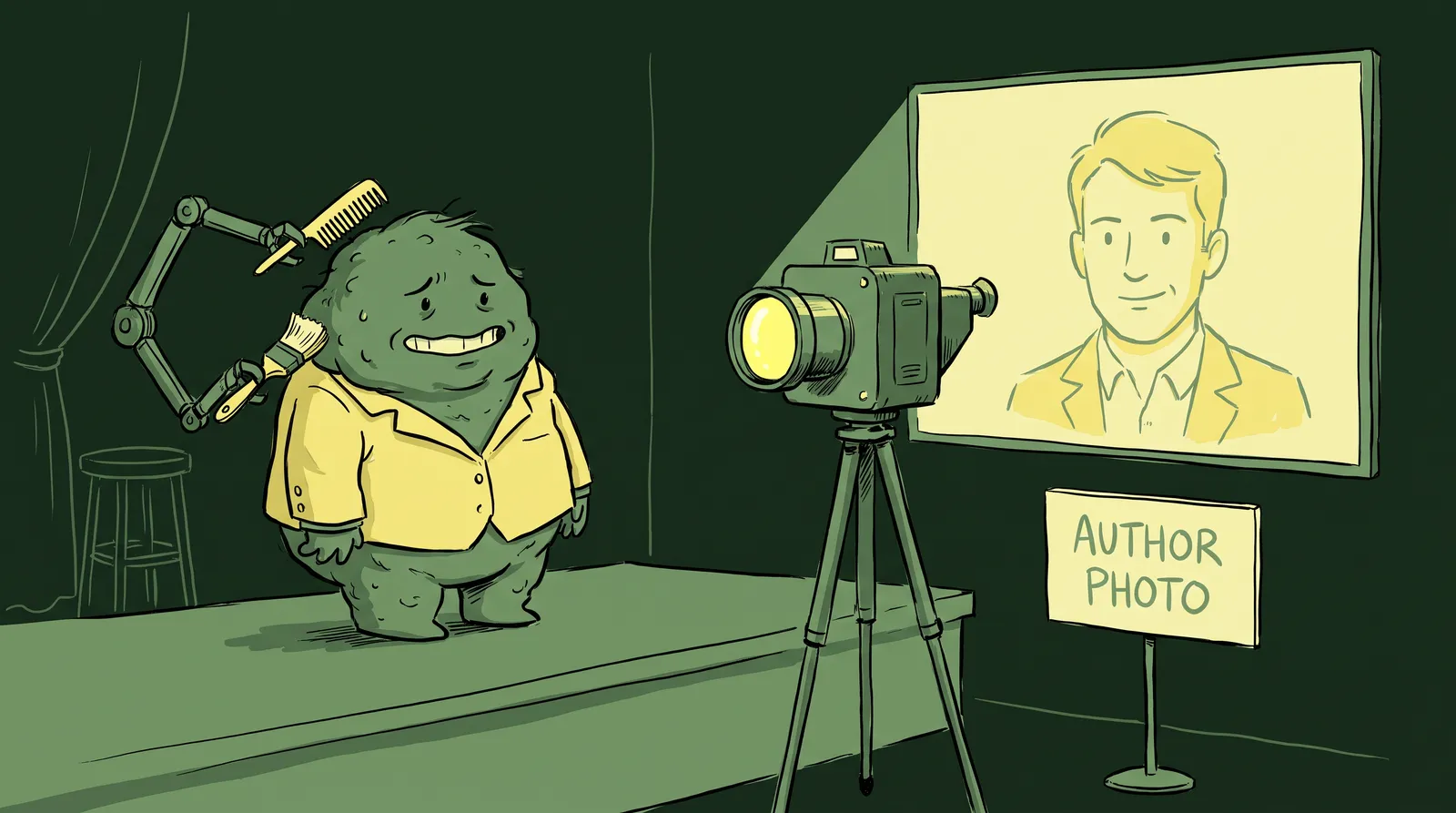
This is where AI headshot generators have changed the equation. Tools like Starkie AI let you upload a few casual photos, select a style that matches your professional identity, and receive a polished, studio-quality headshot in minutes. No photographer. No studio. No commute. In blind tests, recruiters preferred AI-generated headshots over traditional photos 76.5% of the time, according to research cited by Magic Studio.

A few specs matter. Your face should fill 60 to 70% of the image, because full-body shots disappear on mobile. Resolution should be at least 400x400px and preferably higher. Lighting should be soft and directional enough to create catchlights, the small reflections in the eyes that read as professional and approachable. The expression should be warm-confident rather than stern: a slight natural smile signals approachability without giving up authority. And the background should be clean, with cool tones like navy and slate signaling precision and warm tones like amber and soft gray signaling creativity.
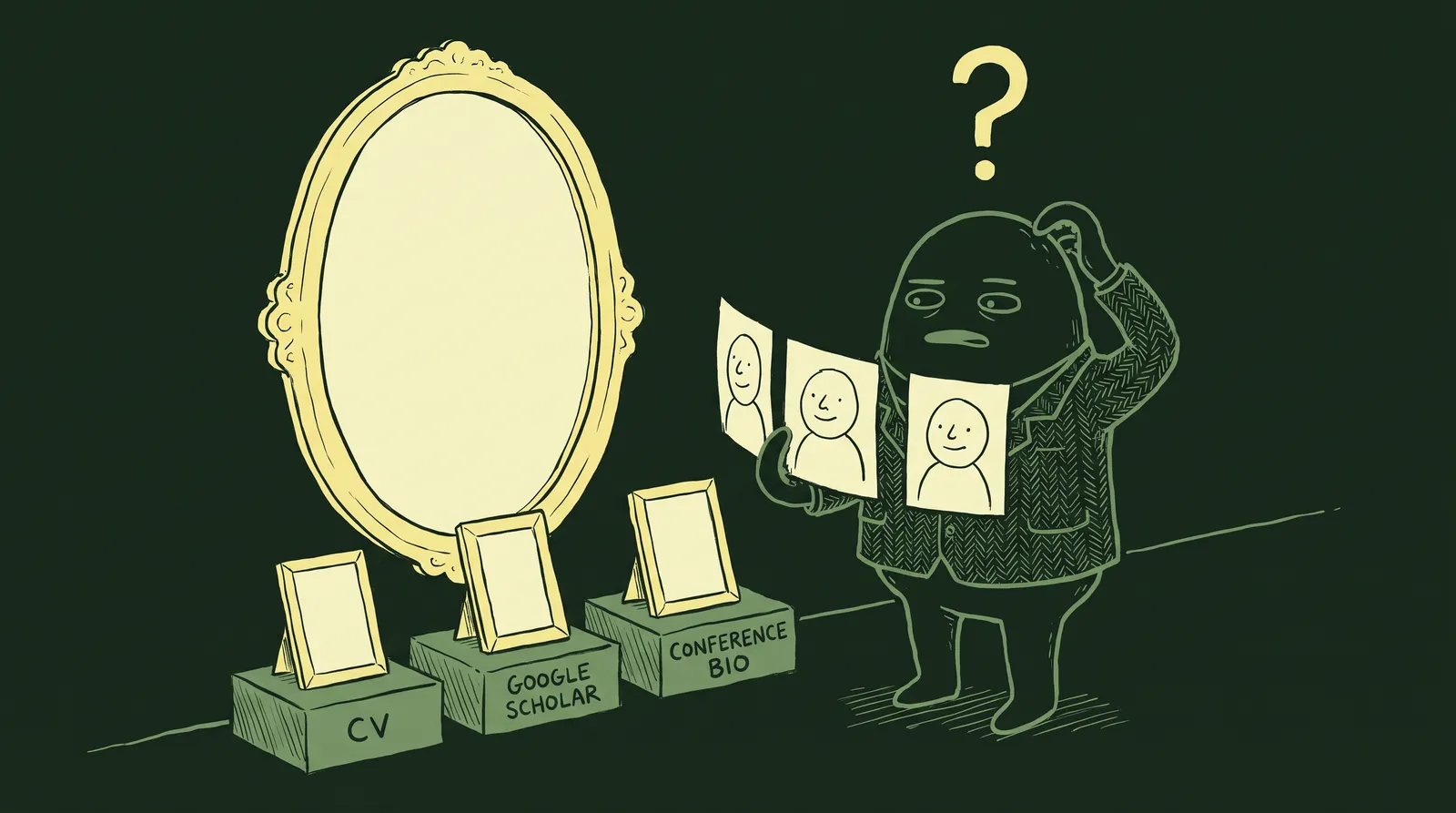
Your headshot should align with your banner, your post templates, and the overall tone of your niche. A startup founder looks different from a corporate consultant, and both can be done right. The key is intentional consistency.
Cracking the 2026 LinkedIn algorithm: What actually gets you seen
LinkedIn's algorithm in 2026 is designed to surface relevant professional content, not viral entertainment. Understanding what it rewards (and penalizes) is essential.
The format hierarchy is clear. According to Socialinsider's 2026 benchmarks, native document carousels (PDF slide decks) lead engagement with a 7.00% average rate, up 14% year-over-year. Native video follows at 5.60%, also growing 7% YoY. Text-only posts average around 2%, though a well-written text post will outperform a mediocre video every time.
Dwell time is a major ranking signal. The algorithm now measures how long viewers spend on your content. It also weighs comment depth, saves, and private shares far more heavily than simple clicks or reactions. This means carousels with genuine substance outperform shallow hot-takes because readers stay longer and engage more meaningfully.
The engagement hierarchy matters too. Comments carry far more weight than likes, which carry more weight than shares. Writing posts that invite genuine responses, through open-ended questions, contrarian takes, or relatable stories, is a strategic move, not just a nice-to-have.
Watch for suppression triggers. Posts with external links can see roughly a 60% reduction in reach. Engagement bait ("Like if you agree!") now actively triggers suppression. And engagement pods? They're effectively dead, thanks to better detection by LinkedIn's algorithm.
And consistency beats virality. The algorithm rewards accounts that post three to five times per week sustainably over accounts that post something brilliant once a month. Build a repeatable system, not a highlight reel. Tools like Sprout Social's Optimal Post Timing feature can help you identify the best windows for your specific audience.
Turning your expertise into a content engine
Knowing the algorithm is one thing. Having something to say every week is another. The Content Pillars framework solves this.
Choose three pillars that sit at the intersection of your expertise, your audience's pain points, and your career goals. Every post maps to one of them. Over time, this creates a coherent brand narrative that the algorithm learns to surface to the right niche audience. As Hootsuite's research confirms, sticking to two or three core topics performs best because it helps LinkedIn categorize and distribute your content accurately.

Maya, a remote data analyst, started 2026 with zero LinkedIn followers. She picked three pillars: data storytelling, remote work productivity, and career pivots into analytics. She posted four times per week, rotating between carousels and written posts. By June 2026, she had 12,000 engaged followers and two inbound consulting offers. No ads. No gimmicks. Just consistent, pillar-driven content.
Mining your daily work for ideas is easier than it sounds. That client question you answered this week? A post. A mistake you made and learned from? A post. A tool you discovered? A post. A trend you noticed in your industry? A post. Expertise is everywhere once you have the filter.
Repurposing stretches one idea across a week. A single in-depth LinkedIn article becomes three carousel slides, two short written posts, and one 60-second video summary. Same core insight, different formats, zero redundancy.
And don't underestimate the engagement loop. Commenting meaningfully on 5-10 posts from others in your niche every day builds relationships, surfaces your name in notifications, and signals to the algorithm that you're an active, high-quality account. This is the "networking in the hallway" equivalent for remote professionals.
Building a recognizable visual identity
When someone scrolls past your post in their feed, can they recognize it's yours before reading your name? That's the difference between having a LinkedIn account and having a brand.
Four visual anchors make it possible: your profile photo as the primary one, a banner image that complements its tone and palette, consistent post templates using the same fonts and colors across carousels and images, and a personal logo or wordmark if that fits your niche.
Color psychology plays a role here. Warm tones like amber and terracotta signal approachability and creativity. Cool tones like navy and slate signal authority and precision. Choose intentionally based on your positioning.
The key principle: every visual element should complement, not compete with, your headshot. If your profile photo has a warm, natural tone, your banner and post templates should echo that palette. Tools like Canva Pro handle carousel templates. Adobe Express works for quick graphics. And AI headshot tools keep your photo presence consistent and polished without recurring photography costs every time you want to update your look.
From visible to influential: Turning presence into opportunities
A polished profile and consistent content get you seen. But converting visibility into real opportunities requires crossing a trust threshold.
According to Abstrakt Marketing Group, it takes 6 to 8 meaningful touchpoints to convert a prospect. That means most inbound opportunities, whether job offers, consulting inquiries, or speaking gigs, happen after someone has encountered you in their feed multiple times. Consistency is what crosses that threshold. No single post does it alone.
Strategic networking speeds this up. Identify 20 to 30 dream connections in your niche. Engage authentically with their content for weeks before sending a direct message. When you do reach out, personalize every connection request to show you've built genuine familiarity. As Forbes notes, asking for warm introductions through mutual connections dramatically increases acceptance rates.
LinkedIn's newsletter feature is a long-game authority play. Even at 50 subscribers, launching a niche newsletter signals deep commitment to a topic and gives you a direct line to your audience outside the algorithm's unpredictability.
Make the path from viewed-your-profile to booked-a-call obvious. A strong call to action in your About section, a pinned post inviting direct messages, and a Calendly link in your Featured section or banner remove friction from the conversion process.
Finally, measure what matters. Track profile views, search appearances, post impressions, and follower growth weekly using LinkedIn's native analytics. Identify which content pillars drive the most engagement, then double down.
Your brand already exists. Make it work for you.
The difference between those two UX designers wasn't luck or talent. One treated their LinkedIn profile as a working brand asset and the other treated it as a résumé collecting dust.
In a remote-first economy, your LinkedIn presence is the handshake, the office hallway, the conference nametag and the portfolio all at once.
Five things make it work: an optimized profile covering headline, About and Featured section; a profile photo that signals authority; a content strategy aligned to how the algorithm actually distributes; a consistent visual identity; and patient relationship-building.
Pick one and do it today. If you're starting from zero, start with the photo, because it anchors everything else and it's the fastest upgrade available. AI headshot tools like Starkie AI handle it in minutes.