Meet Alex. Three thousand Instagram followers, consistent engagement, comments like "OMG stunning!" on every post. Six months of actively trying to book clients. Zero paid sessions.
Alex isn't a bad photographer. The portraits are sharp, the lighting is intentional, the editing is polished. But the portfolio? It's a mess. Weddings next to newborns next to street photography next to corporate headshots. Forty-plus images with three different editing styles. And the About page features a cropped selfie from a friend's birthday party.
The gap between hobbyist and hired is almost never talent. It's positioning. A photography portfolio in 2026 is a sales tool rather than a gallery, and building it like a gallery leaves clients on the table.
What follows is the full rebuild: the mistakes that cost you work, how to curate down to 12 to 15 images, which platforms matter, how to write captions that convert, and the one detail most photographers overlook.
The portfolio mistakes that are quietly costing you clients
The greatest-hits-from-every-genre trap comes first. When a potential client lands on your portfolio and sees weddings, newborns, street photography, and corporate headshots all jumbled together, you've just told them you're a generalist. Clients hiring for a specific need want a specialist. Consider two photographers with identical skill levels. One shows 40 mixed images. The other shows 15 portraits, all in a consistent style. The specialist books more work, charges higher rates, and gets referred more often. That's not a guess. It's the natural result of how clients evaluate trust.
Inconsistent editing kills trust. When warm-toned outdoor shots sit next to cool-toned studio work, clients can't visualize what they'll actually receive. In 2026, visual consistency is a brand signal. It tells a viewer: "This is what you'll get." Mixed editing tells them: "I'm still figuring it out."
Quantity over quality is the third. The instinct to show more to prove more is understandable, but wrong. A portfolio of 30 "pretty good" images is weaker than 12 exceptional ones. This is classic choice overload. When visitors face too many options, they disengage. According to DiviFlash, cluttered webpages can see conversion rates drop by as much as 95%. Your portfolio is a webpage, and the same rules apply.
And ignoring captions costs more than people think. Most photographers upload images with no explanation at all. A photo of a smiling woman is nice. A caption that reads "Sarah needed updated LinkedIn headshots after a promotion. We shot these in 45 minutes in natural light" is a micro case study that sells. We'll cover this in depth later.
And then there's the meta-mistake: a photographer with a stunning portfolio but a blurry, poorly lit selfie as their own profile photo. We'll get to that too.
The 12-15 image rule: How to curate a portfolio that signals specialization
Why 12 to 15? It's enough to show range within a niche, but few enough to maintain quality control and keep visitors engaged. Research from Aalpha confirms that consumers in 2026 spend an average of just 10 to 15 seconds browsing a portfolio. Every image needs to earn its spot.
The curation framework is simple: think in "client archetypes," not "pretty photos." Every image should speak to a specific type of client you want to attract. If you're a portrait photographer targeting professionals, every image should feel like it could belong on someone's LinkedIn, speaker bio, or personal brand page.
Structure your 12 to 15 images in three categories:
Three or four lead images do the heavy lifting: your strongest, most representative work, communicating your niche within two seconds of someone landing on the page. Six to eight supporting images show range inside that niche across different lighting setups, locations, expressions and skin tones, proving you handle variety without losing your signature. And two or three social proof images, a behind-the-scenes shot, a client mid-laugh, a before-and-after, hint at the experience rather than just the outcome.

The acid test for every image: "Would my ideal client save this to their mood board?" If a photo is technically excellent but doesn't speak to your target client, cut it. Even if it's one of your personal favorites. Especially if it's one of your personal favorites.
Where to show your work: Website vs. Instagram vs. PDF deck
Each platform serves a different purpose, and treating them the same is a wasted opportunity.
Your website is the storefront. It should contain your curated 12 to 15 images, a clear niche statement above the fold ("Portrait photography for professionals in Austin"), and a frictionless path to booking. Not a blog of every shoot from the past four years. Forbes reports that visitors form an initial impression in just 0.05 seconds. Your website needs to communicate exactly who you serve, instantly.
For building a portfolio site quickly, platforms like Squarespace, Showit, and Pixieset are popular choices among photographers. According to DiviFlash, Wix holds 31.05% of the website builder market share, with Squarespace at 18.92%. A simple portfolio site (1 to 5 pages) can realistically be built in a single weekend with DIY tools.
Instagram is a discovery and trust engine rather than a portfolio. In 2026 the algorithm prioritizes Reels almost exclusively. As Fstoppers notes, a single still image reaches only a small fraction of the audience that a vertical video will. Organic reach for static posts has continued to shrink. Use Instagram for behind-the-scenes Reels, before-and-after edits, quick tips on what to wear for a session. Post more freely here. But your bio link should always point back to the curated website. Instagram builds awareness. Your website converts it.
The PDF deck is underused and underestimated. For B2B clients (corporate headshots, team photos, brand photography), a well-designed 8 to 10 page PDF sent after an inquiry can dramatically increase close rates. Include your niche statement, 5 to 6 selected images, a client testimonial or two, your packages, and a clear call to action. It positions you as a professional, not just a creative.
Think of it this way: your website is for "convert," Instagram is for "discover," and the PDF deck is for "close."
Case study: How one portrait photographer rebuilt her portfolio and booked 5 clients in 30 days
Maya had been shooting for three years. Weddings, family sessions, headshots. Her portfolio held 45 images across all three categories, with three different editing presets visible. She posted regularly on Instagram, got decent engagement, and booked maybe one or two sessions a month at rates she wasn't happy with.
Here's what she changed.
First, she narrowed her focus to personal branding and professional headshots. She cut her portfolio to 13 images, all in a warm-neutral editing style. She rewrote her homepage headline from "Austin Photographer" to "Headshots for Professionals Who Mean Business | Austin, TX."
Then she upgraded her captions. Before: "Corporate headshots." After: "James needed a full rebrand after launching his consulting firm. We captured 3 looks in one 60-minute session, all usable across LinkedIn, his website, and press features."

She also updated her Instagram bio to match her new positioning and created three Reels showing her shooting process, each under 30 seconds.
The results: within 30 days of relaunching, Maya received 8 inquiries and booked 5 clients at rates 40% higher than her previous average. She was now perceived as a specialist, and specialists command higher fees.
The detail that surprised her most? Updating her own headshot on her About page had an outsized impact on client trust. Several clients mentioned it specifically on discovery calls. Which brings us to the section most photographers skip.
The headshot you're forgetting: Why your own photo is part of your portfolio
Here's the irony that needs to be named directly: portrait photographers routinely neglect their own headshot. A grainy selfie or a cropped group photo on your About page is a silent trust-killer. It tells potential clients you either don't prioritize quality in everyday contexts or you lack the confidence to put yourself in front of a camera.
For a portrait photographer, your own photo IS part of your portfolio. It should embody the exact style, warmth, and professionalism you promise to deliver. If it doesn't, it creates cognitive dissonance. The client sees beautiful work on your portfolio page, then clicks to your About page and finds a blurry phone photo. That disconnect erodes trust before a single word is spoken on a discovery call. As Lasting Images AZ explains, potential clients make split-second decisions about working with you based on your headshot alone.
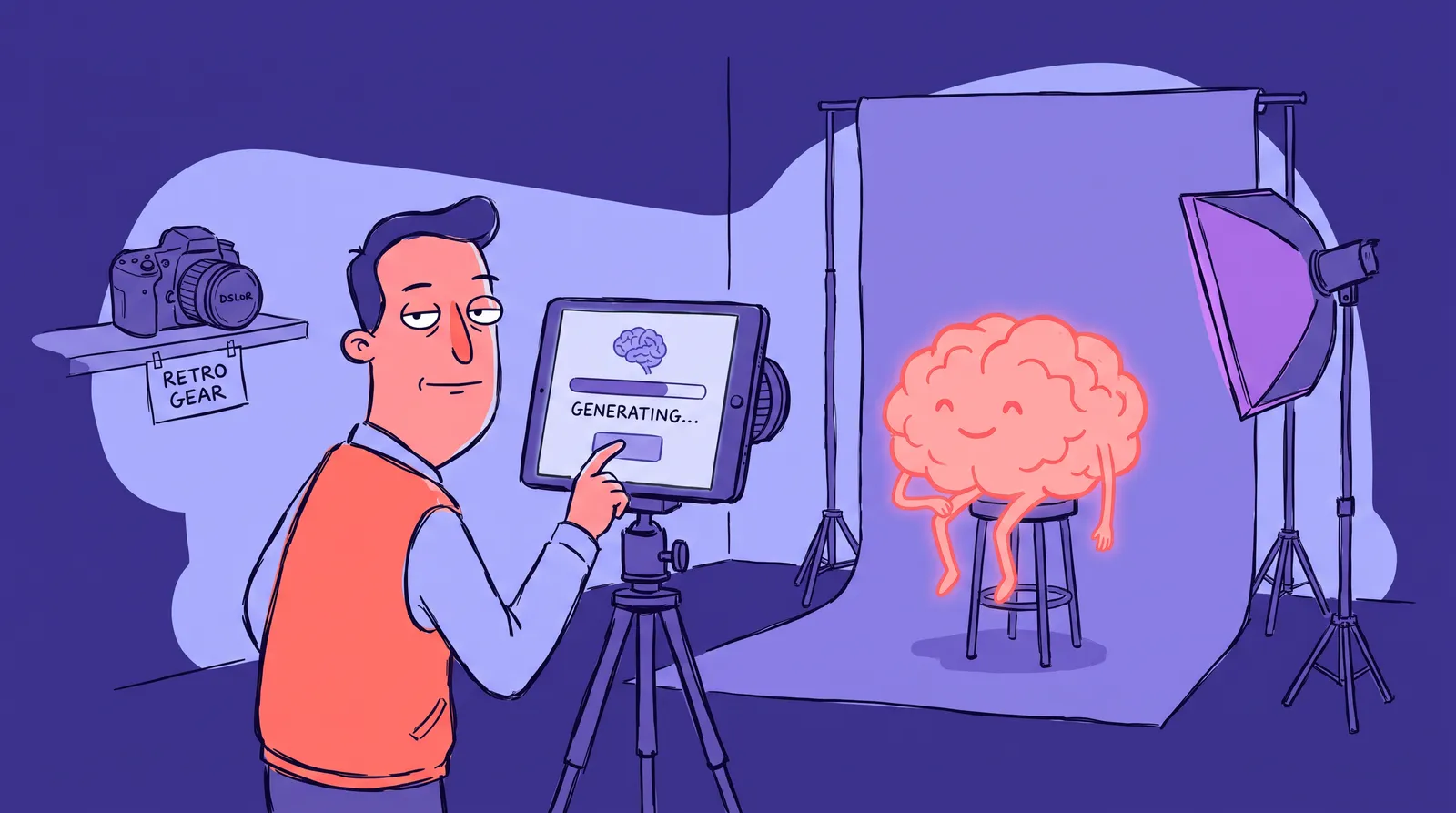
The practical challenge is real. Many photographers don't have a photographer-friend available, don't want to pay for a session, or keep putting it off indefinitely. This is where AI headshot generators offer a genuinely fast, cost-effective option. Upload a few selfies, select a style that matches your brand, and have a polished, professional headshot in minutes. No studio booking required.

If you go the AI route, keep a few things in mind: choose a style that's consistent with your own brand aesthetic, be transparent if asked, and treat it as a solution that gets your About page professional immediately. You can always schedule a "real" session when timing and budget align. The point is to stop letting a bad headshot quietly undermine your portfolio right now.
Writing captions that sell without feeling salesy: The case-study method
"Golden hour session" with a location tag. That's the caption on 90% of photographer Instagram posts. It tells a viewer nothing they couldn't already see. It wastes the most persuasive real estate on your website and social profiles.
Here's a simple formula for case-study captions:
- Who the client was and what they needed. ("Elena, a newly promoted VP at a fintech startup, needed headshots for a company-wide rebrand.")
- The specific challenge or context. ("She hadn't updated her professional photos in four years and wanted something approachable but polished.")
- How the session solved it. ("We shot in natural light at her office, keeping the background minimal and the energy relaxed.")
- One humanizing detail or outcome. ("She texted me the next day: 'My team keeps asking who took these.'")
That's 2 to 4 sentences. It's not a blog post. It's a proof point.
Three quick caption rewrites:
- Before: "Beautiful bridal portraits at sunset." After: "Priya wanted branding photos that felt editorial but approachable for her wellness coaching site. We used golden hour light and a simple white backdrop to keep the focus entirely on her."
- Before: "Corporate headshots." After: "Marcus was launching a consulting practice and needed 3 distinct looks for LinkedIn, his website, and a speaking one-sheet. Sixty minutes, one location, three polished results."
- Before: "New work! DM for bookings." After: "This session started as a single headshot for a real estate bio. By the end, we'd created a full visual identity Aisha now uses across every client touchpoint. That's the power of intentional portrait work."
On your website, these captions double as SEO. According to Photography Business Pro, keywords in captions now carry more weight than hashtags for social search. Describing your images with location, subject type, and style ("natural light professional headshots Austin TX") is low-effort SEO that compounds over time. DiviFlash reports that visitors spend an average of 6 minutes on pages with video compared to 4.3 minutes without, so consider pairing your case-study captions with short process clips where possible.
The tone should sound like you talking to a potential client over coffee. Confident, specific, warm. Not corporate jargon. Not overly casual slang. Read your captions aloud. If they sound stiff or generic, rewrite them until they don't.
Your portfolio rebuild starts this week
Alex, from the opening, has three thousand followers and zero clients. Nothing about that requires becoming a better photographer. It requires becoming a better marketer of photography.
A portfolio is a positioning tool. Every decision, how many images and which ones and where they live and how they're captioned and what your own headshot looks like, either builds or erodes client trust before anyone says a word to you.
This week: pick your 15 best portrait images, write one case-study caption for each, update your About page photo, and relaunch.
And if you want to fix your own headshot today without scheduling a session, Starkie AI produces a polished, brand-consistent photo in minutes.